Reviews, news and how-to guides
AI articles and reviews — page 21
Find a review, catch up on the news or learn how to complete a task. Browse by topic or filter the library below.
Not sure where to begin?
Answer three questions and get a focused tool shortlist for your budget and priority.
Use the AI Tool Finder →Choose a pathway
Explore by topic
Owners and lean teams
Work & Operations
Save time on research, meetings, planning, finance, administration, and repeatable operations.
Marketing and fundraising teams
Marketing & Growth
Plan campaigns, improve social publishing, email, analytics, fundraising, and measurable growth.
Writers and publishers
Content & Search
Research, write, optimize, refresh, and distribute useful content with responsible AI workflows.
Creators and communications teams
Video, Audio & Creative
Create, edit, repurpose, and distribute video, voice, podcasts, images, and presentations.
Service and community leaders
Customers & Community
Improve customer support, donor stewardship, volunteer coordination, outreach, and client communication.
Builders and decision makers
Build, Design & Govern
Choose and deploy AI safely across websites, apps, design systems, privacy, security, and governance.
Editor recommended
Start with these essential guides
Selected by the editors to help you get started.

How Small Business Owners Can Save 10+ Hours a Week With AI Automation in 2026
A practical, no-hype guide to automating the repetitive tasks that consume small business owners' most limited resource: time.
A practical, no-hype guide to automating the repetitive tasks that consume small business owners' most limited resource: time. Written for small business owners working 50+ hours a week on operations, marketing, and admin, with a decision framework, step-by-step workflow, measurable outcomes, and clear limitations.
Read guide
How Understaffed Nonprofits Can Build Capacity With AI Tools in 2026
A strategic framework for using AI to multiply a small team's output without burning out the people you have.
A strategic framework for using AI to multiply a small team's output without burning out the people you have. Written for nonprofit executive directors leading teams of fewer than five people, with a decision framework, step-by-step workflow, measurable outcomes, and clear limitations.
Read guide
How to Choose the Right AI Tool for Your Business
Stop chasing every new AI launch. A practical decision framework for evaluating AI tools based on your actual needs, budget, and risk tolerance.
A practical decision framework for evaluating AI tools: define the problem, score contenders, decide build vs. buy, and know when to cancel. No hype, just a repeatable process.
Read guide
Recently published
Latest articles
Vid2Notes Review: Turn Training Videos Into Usable Notes
Review Vid2Notes for illustrated training notes: free upload limits, annual billing, export options and a practical accuracy check before sharing.
Review Vid2Notes for illustrated training notes: free upload limits, annual billing, export options and a practical accuracy check before sharing.
Read guide
Voice AI for Canva Review: Narration Costs and Practical Limits
Review Voice AI for Canva: character allowances, in-app generation and a narration test for presentations, training videos and client campaigns.
Review Voice AI for Canva: character allowances, in-app generation and a narration test for presentations, training videos and client campaigns.
Read guide
LayerBack Review: Turn Diagram Images Into Editable Files
Review LayerBack for editable Visio, PowerPoint and draw.io diagrams, including download credits, privacy limits and a connector-checking trial.
Review LayerBack for editable Visio, PowerPoint and draw.io diagrams, including download credits, privacy limits and a connector-checking trial.
Read guide
The weekly briefing
Make better AI decisions each week.
Get tool recommendations, product and pricing news, and a practical task to try each week.
Browse reviews, news and guides

Beautiful.ai Review 2026: AI Slides, Pricing, and Team Fit
Beautiful.ai is useful when repeatable layout quality matters more than total canvas freedom—and only if the final deck survives factual and handoff review.
Beautiful.ai accelerates consistent business presentations with adaptive Smart Slides. Test the finished deck, not the first prompt.
Read guide
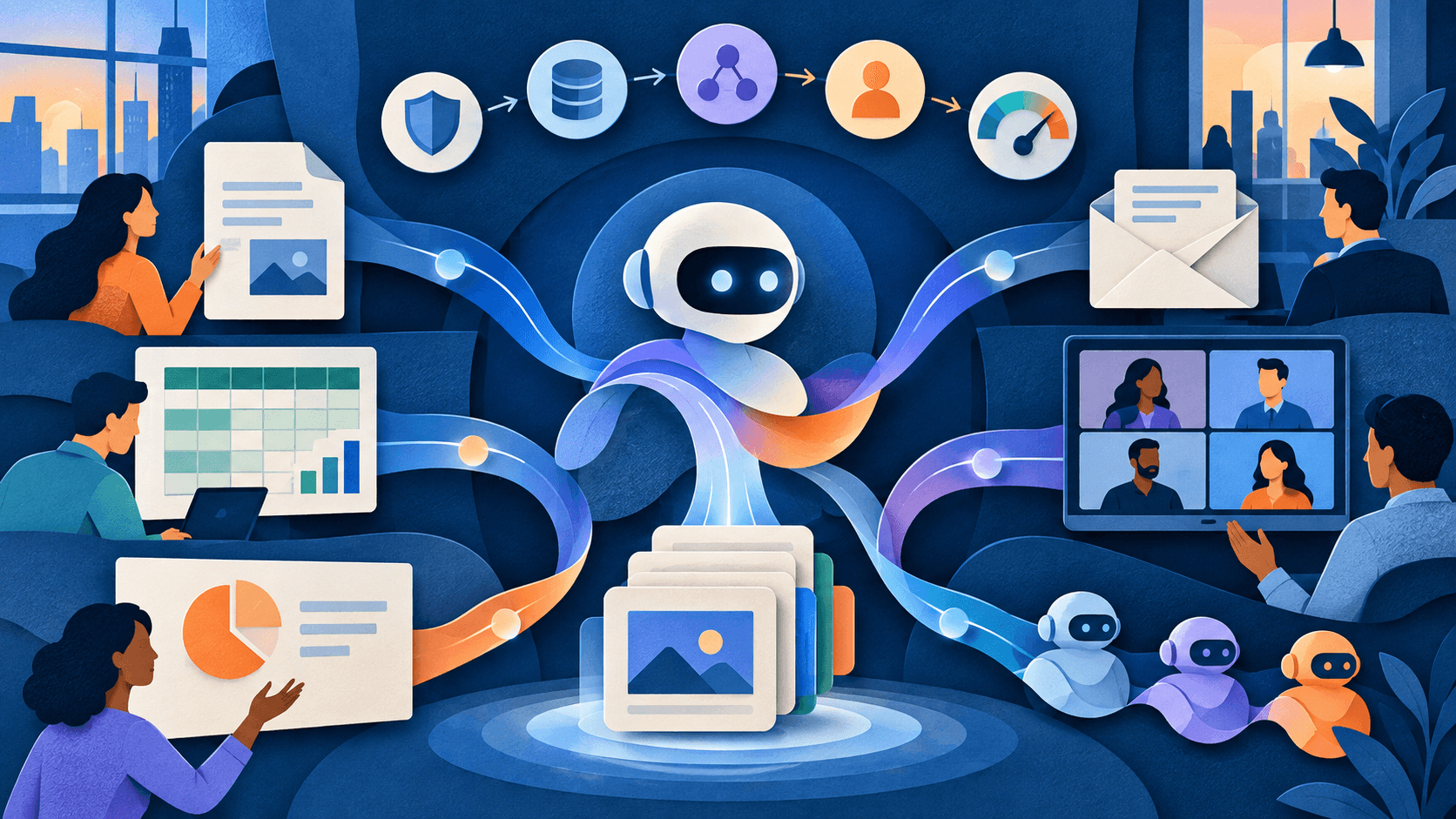
Microsoft Copilot Review 2026: Plans, Agents, and Business Fit
Copilot's advantage is Microsoft 365 context; its risk is scaling old permission, content, and process problems with a faster interface.
Microsoft Copilot can reduce switching inside Microsoft 365, but buyers must separate included chat, paid seats, metered agents, and measurable outcomes.
Read guide
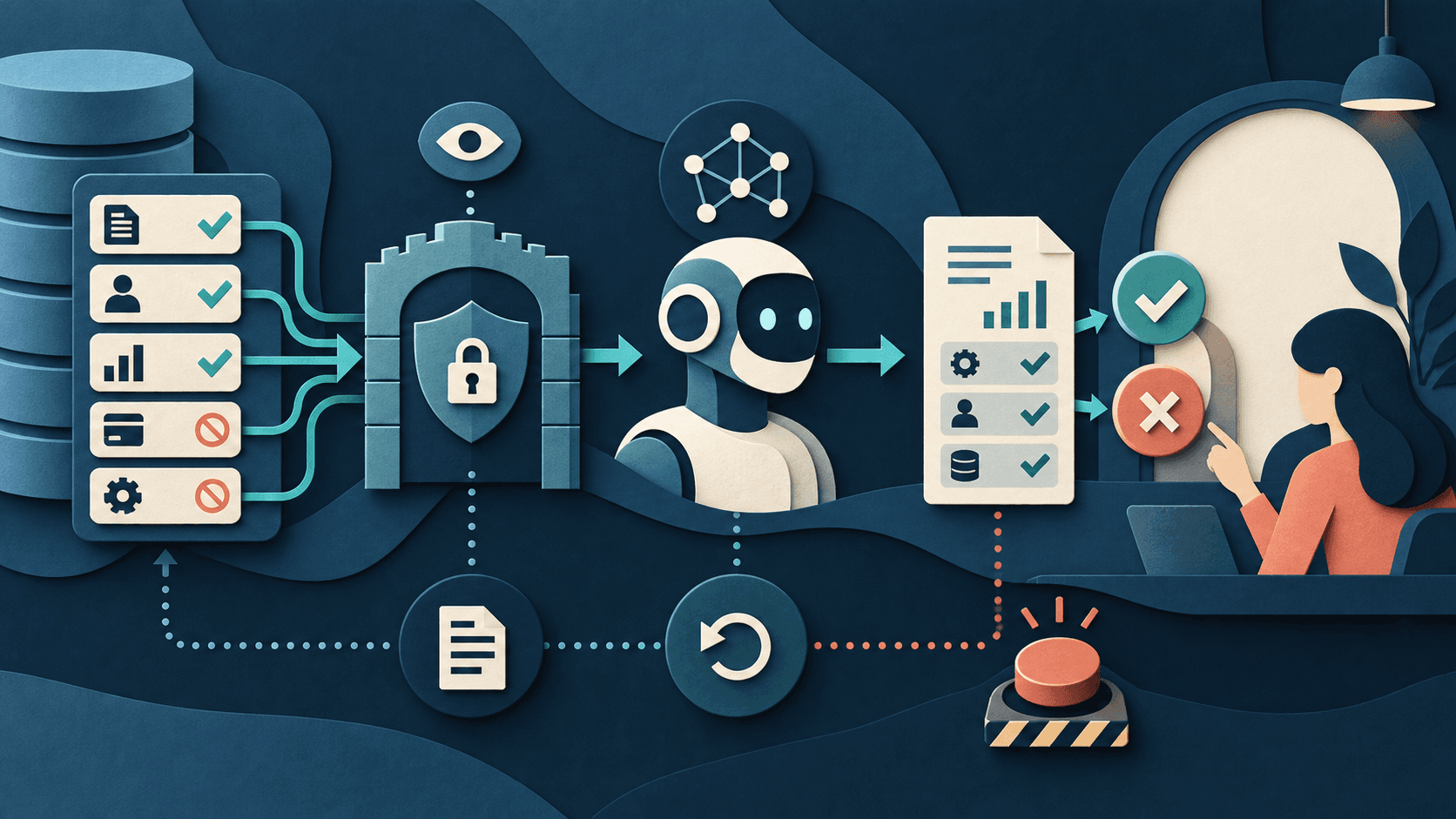
Connect AI to Business Apps With Least Privilege: A Practical Checklist
Give the workflow the smallest identity, data view, action set, duration, and budget that can prove the job.
Start AI integrations read-only, expose only required fields, separate proposed from executed actions, and graduate permissions through evidence.
Read guide

Taka AI Review 2026: Pricing, Credits, Pros & Cons
Taka can turn a brand brief into a reviewable week of channel-specific social content, but media credits, creative control, and approval quality decide its value.
A research-based Taka AI review for small teams, covering annual pricing, expiring media credits, brand learning, weekly planning, publishing controls, and fit.
Read guide

4 Low-Cost AI Models That Work Like ChatGPT or Claude
Mistral Small 4 is the strongest value starting point for general work, while Gemini, GPT, and DeepSeek earn different jobs—not blanket replacement claims.
Four inexpensive general-purpose AI models can handle much of the drafting, summarizing, extraction, and lightweight coding people use premium assistants for—if you choose by workload.
Read guide

Meta Is Bringing Muse to AI Glasses—What Changes When an Agent Can See
A hands-free agent that can act on what a wearer sees turns cameras, memory, connectors, payments, and bystander consent into one decision.
Meta says Muse is coming to AI glasses with visual context, background work, connectors, and payments. Separate the demo from the authority you grant.
Read guide
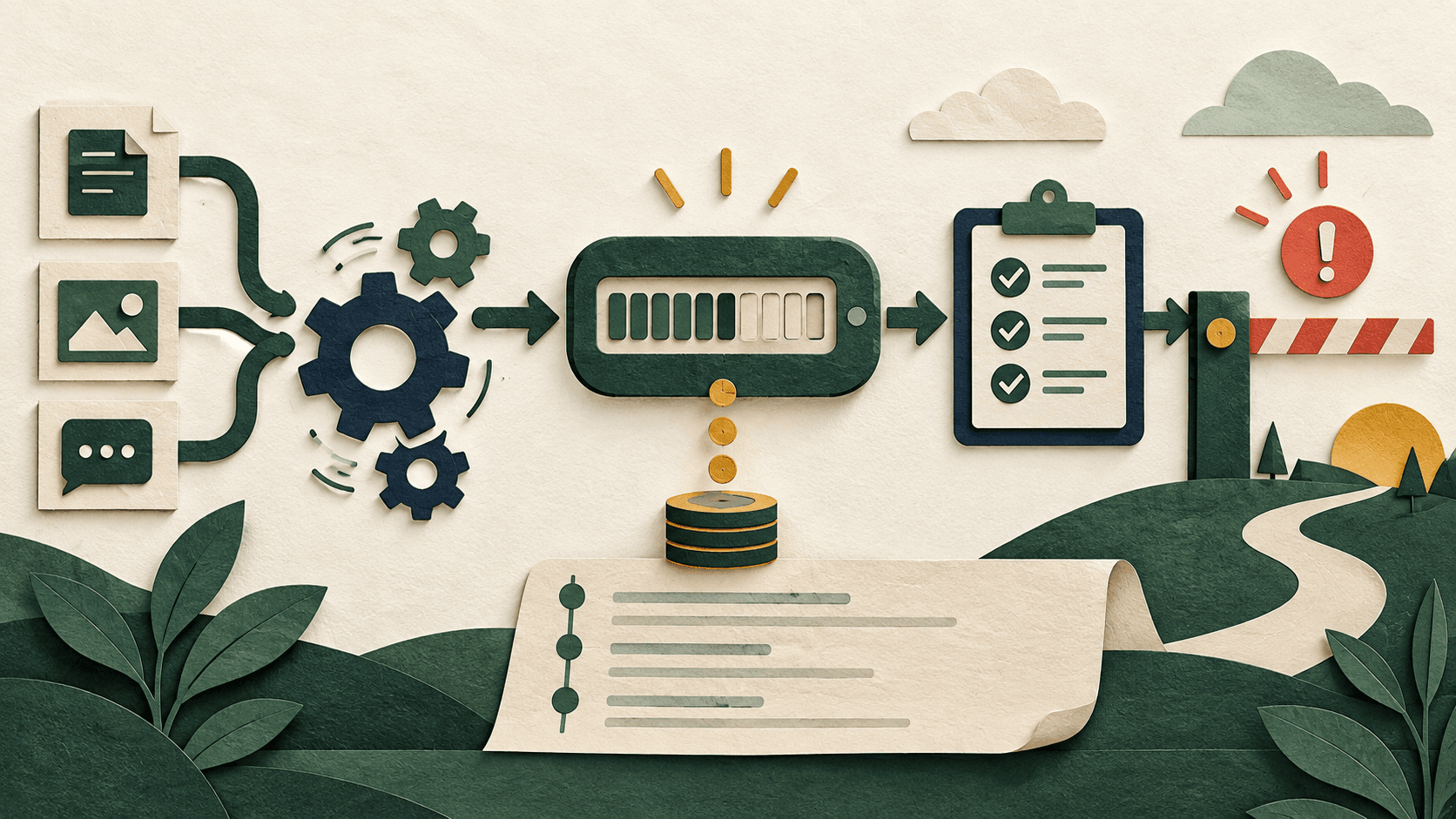
Notion Workers Start Using Credits October 15—Budget the Automation Before It Runs
The free beta is ending for deterministic background automations; inventory triggers, retries, ownership, and outcomes before metered runs begin.
Notion Workers move from free beta to credit-metered runs on October 15, 2026. Audit noisy triggers and retries before they become a bill.
Read guide
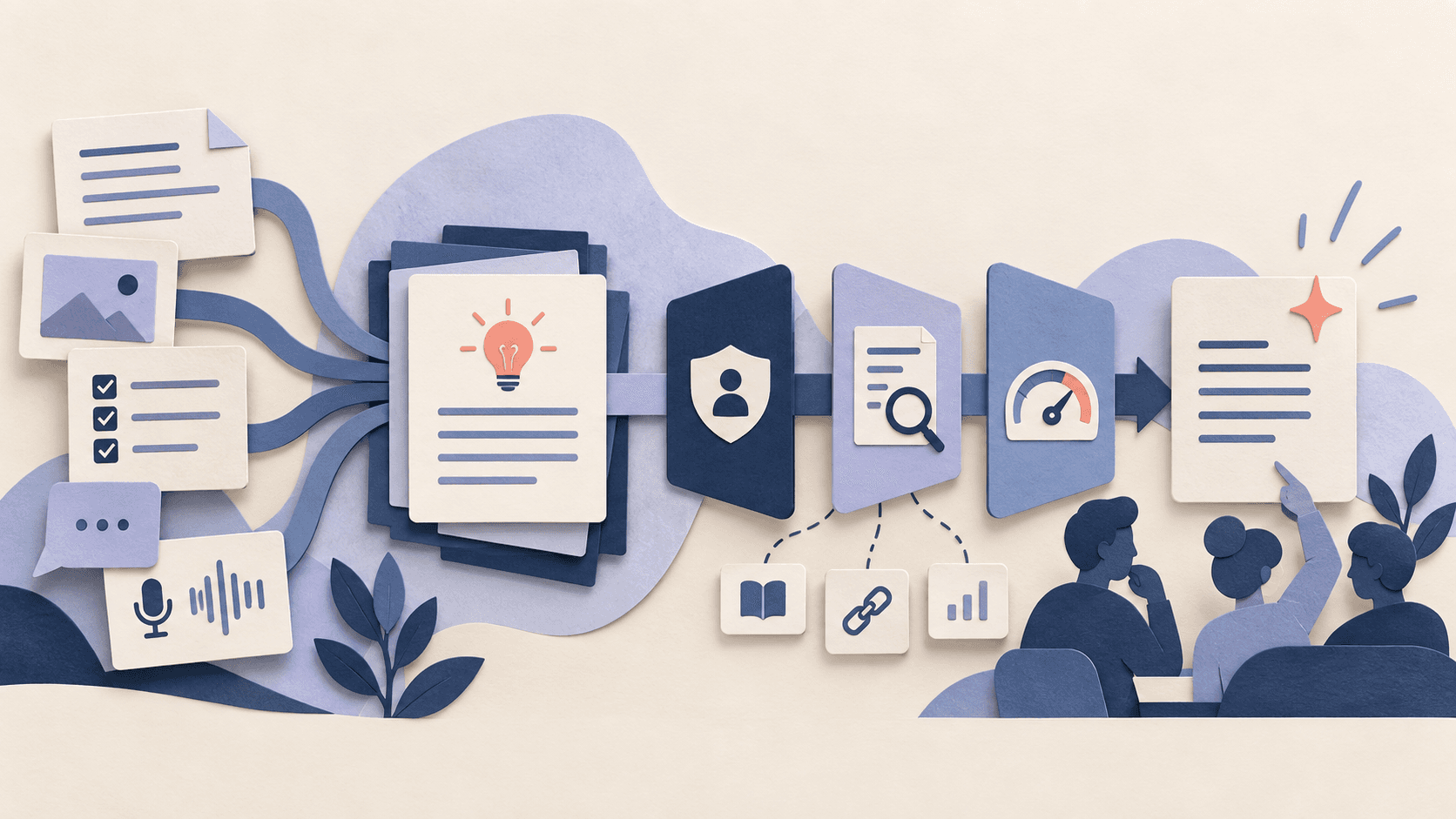
Notion AI Review 2026: Pricing, Agents, and Team Fit
The reason to buy is governed workspace context—not generic chat—and its value depends on knowledge quality, permissions, allowances, and credits.
Notion AI can consolidate search, meeting notes, research, and automation for teams already committed to Notion. Price the full plan and metered work.
Read guide
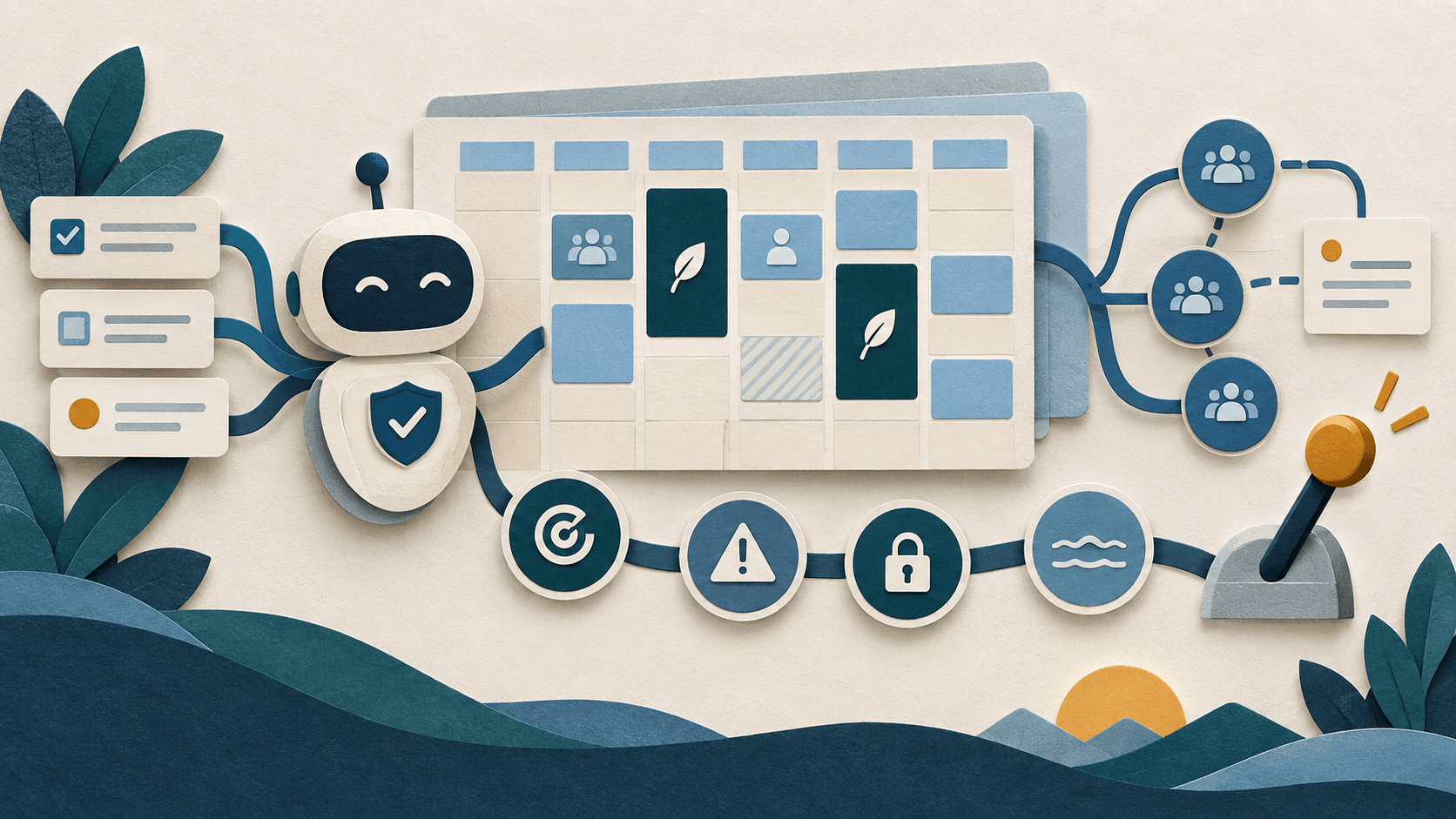
Reclaim AI Review 2026: Pricing, Calendar Automation, and Fit
Adaptive scheduling can protect important work, but a moving calendar needs shared rules, privacy review, human override, and measured results.
Reclaim AI is a serious free-to-paid option when focus time repeatedly loses to calendar changes. Measure completed work before expanding seats.
Read guide
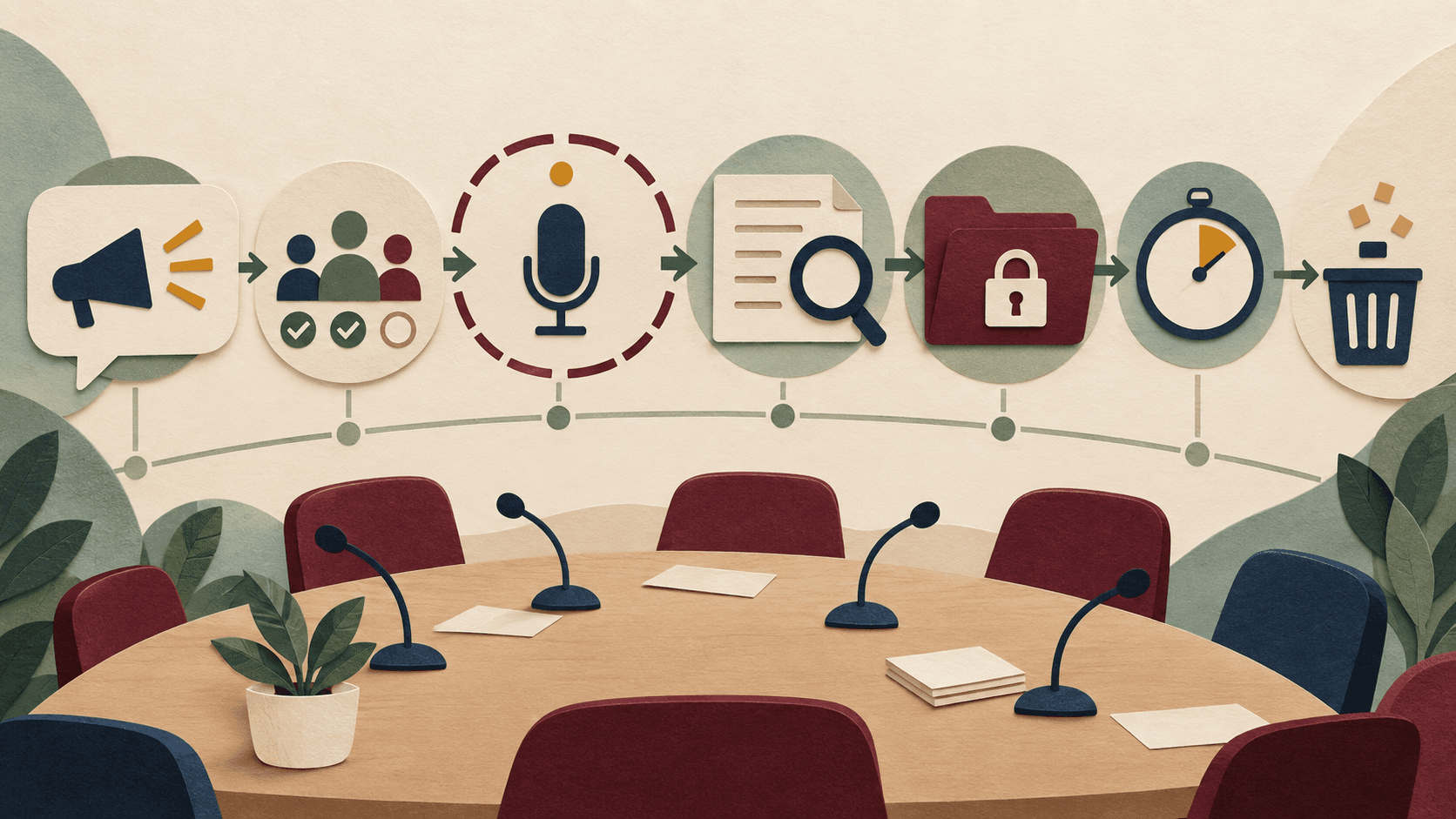
AI Meeting Notes Consent Checklist: Before, During, and After the Call
A visible bot is not meaningful consent. Set the purpose, participants, boundaries, review owner, retention, and deletion path first.
Use AI meeting notes only when participants understand the purpose, can decline, know who receives the output, and have correction and deletion routes.
Read guide
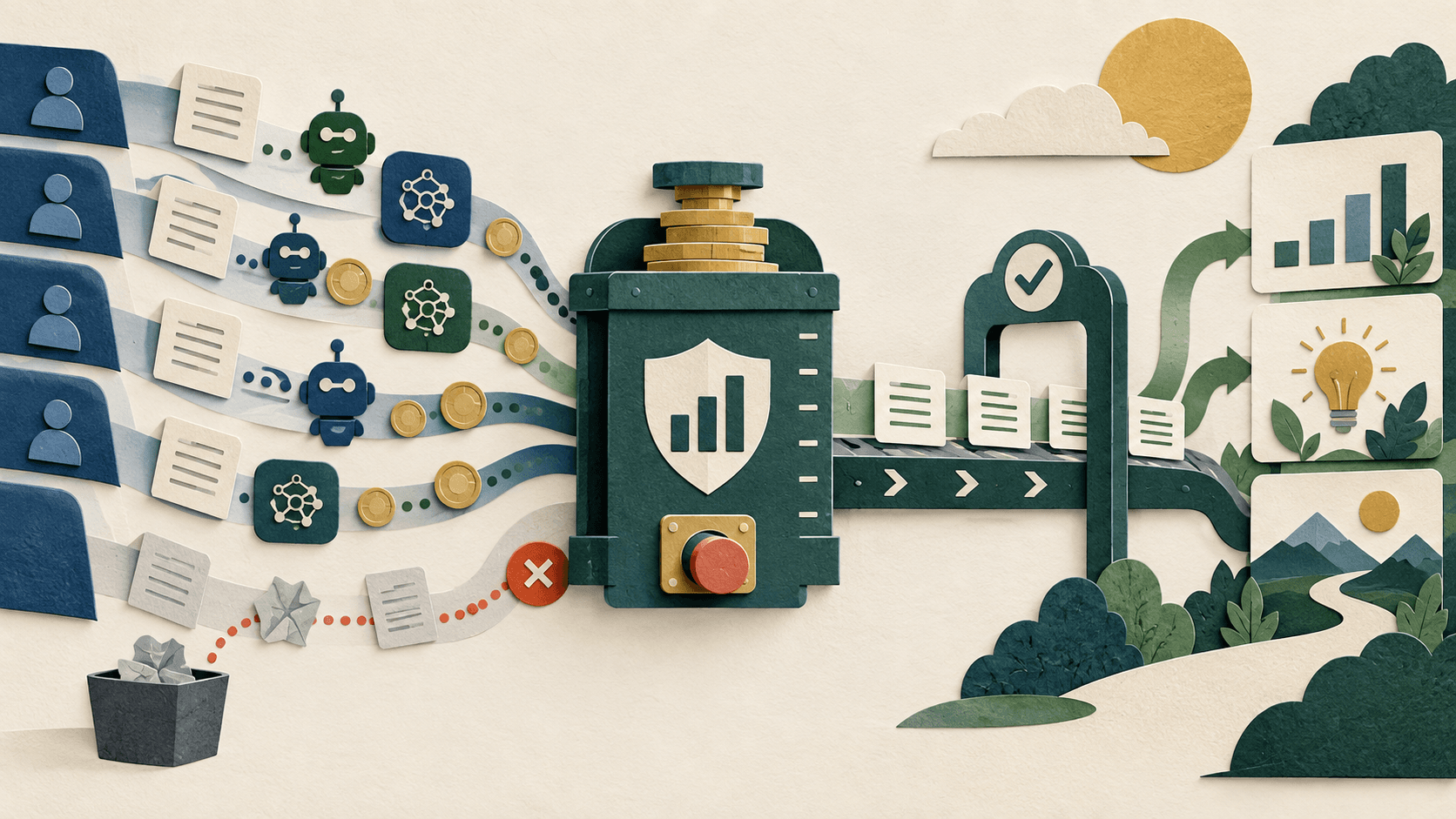
Build an AI Usage Budget for Seats, Credits, Models, and Agents
The subscription is only the visible layer. Connect every seat and metered run to owned work, human review, and a stop condition.
Forecast fixed seats and variable usage separately, include review and failure costs, and fund accepted outcomes rather than tokens or activity.
Read guide

Microsoft Rebuilds Copilot Around Home, Code, and Autopilot
The new Copilot separates quick assistance, delegated work, software building, and persistent automation—but the most consequential features are still rolling out or in preview.
Microsoft's new Copilot organizes work around Home, Code, and Autopilot. Small teams should test permissions, review gates, persistent-agent behavior, and usage costs before broad rollout.
Read guide

ChatGPT Adds Security History—Here’s What Account Owners Should Review
The new event history makes account changes easier to inspect, but it does not replace strong authentication, offboarding, workspace controls, or an incident plan.
ChatGPT's new Security History shows sign-ins, devices, MFA, passkey, and security-setting changes. Review it now and document how your team handles unfamiliar activity.
Read guide

Airtable Omni Review 2026: AI Apps, Pricing, and Fit
Omni can turn structured records into conversational apps and actions, but the real purchase is Airtable seats, data design, permissions, and governed AI capacity.
Airtable Omni is best for teams already using Airtable as an operational source of truth. Test permissions, correction time, AI credits, and maintainability before expanding seats.
Read guide

ClickUp Brain Review 2026: AI Pricing, Agents, and Fit
Brain brings assistants, models, artifacts, and agents into ClickUp's work graph; member pricing, credits, and workspace quality determine the return.
ClickUp Brain is strongest for teams whose authoritative tasks, docs, and discussions already live in ClickUp. Price the entire workspace and verify accepted time savings.
Read guide
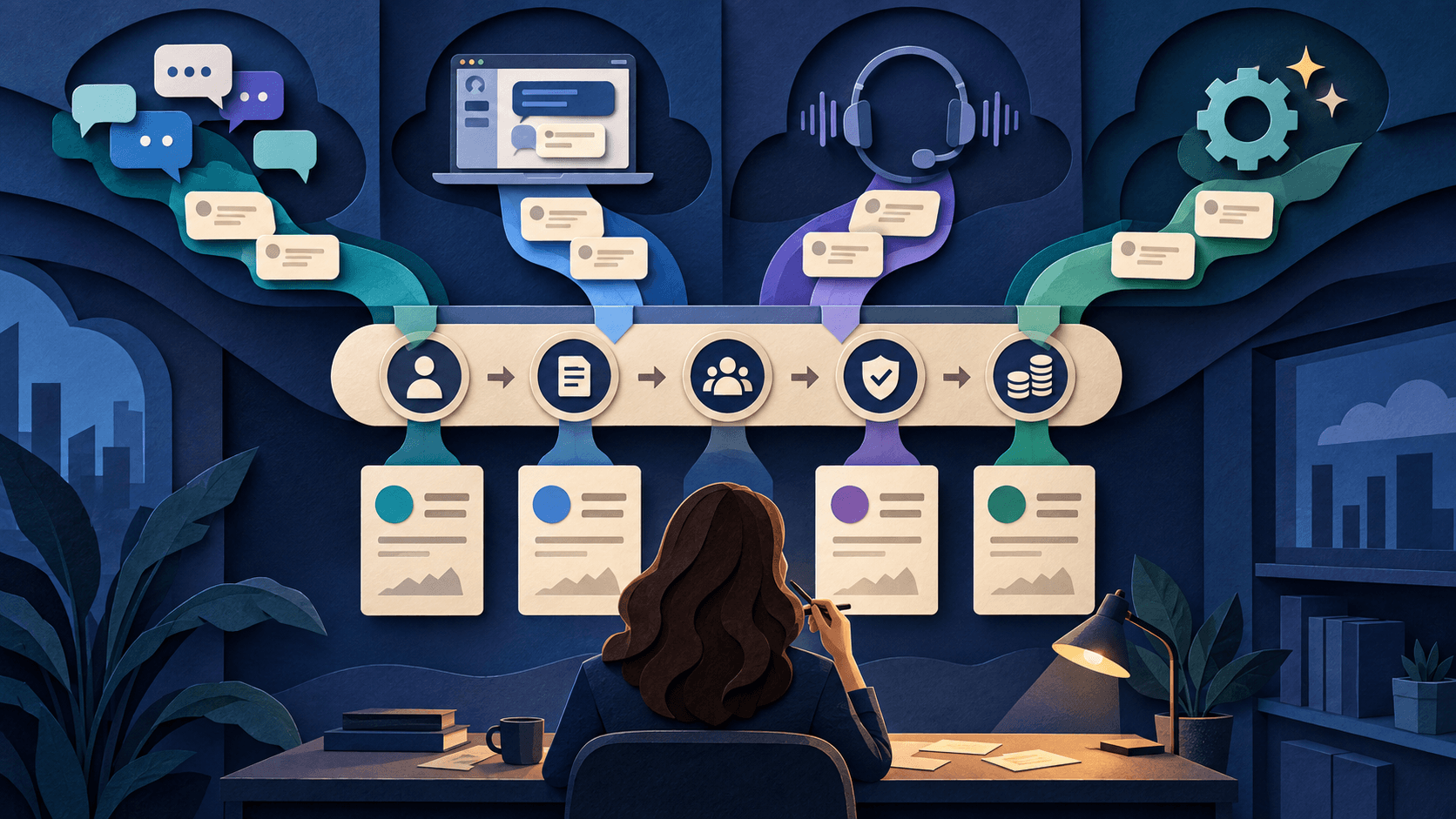
Best AI Support Agents for B2B SaaS in 2026
Choose the operating model that fits how customers ask for help, then prove durable resolution with your own cases.
Pylon is the sharpest shortlist when B2B support lives in shared Slack or Teams channels; Intercom fits messenger-centered SaaS support; Sierra fits governed autonomous service; and Cresta fits contact centers combining automation with human-agent assistance. Test finalists on the same cases and choose by durable accepted resolution, escalation quality, customer effort, and cost.
Read guide
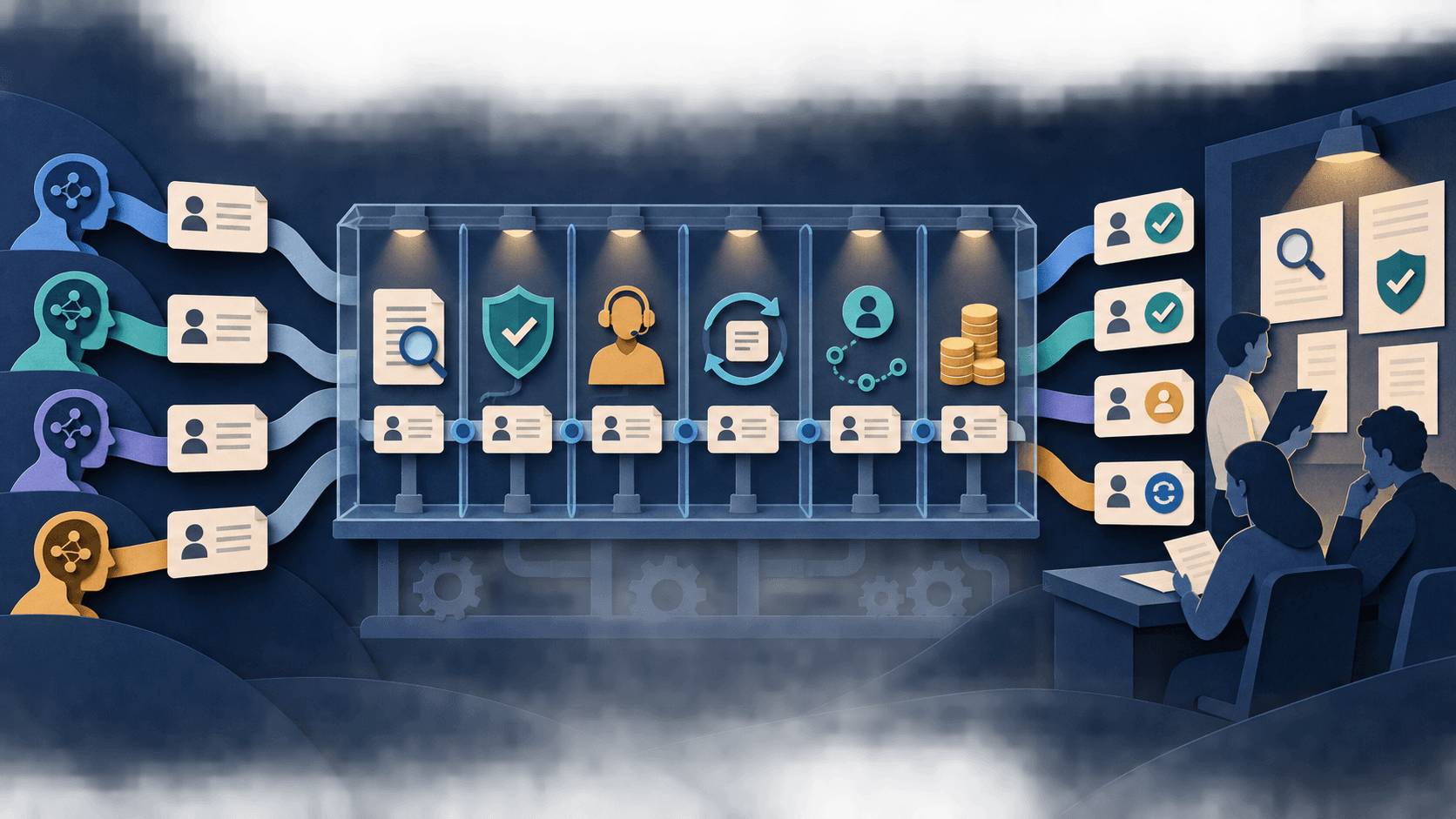
DiscoverAI AI Support Resolution Benchmark: Methodology
A preregistered protocol for future results—published before any customer-service AI receives a score.
This is DiscoverAI's public protocol for comparing AI support systems with identical cases, knowledge, permissions, and review rules. It measures durable accepted resolution, not containment or vendor-reported automation, and publishes no product ranking until collection and adjudication are complete.
Read guide

Gumloop vs. n8n: AI-Native Builder or Automation Control?
Gumloop prioritizes managed AI building; n8n offers deeper workflow and deployment control.
Choose Gumloop when a team wants a managed, AI-native visual builder with low setup burden. Choose n8n when technical ownership, broader workflow control, code, and self-hosting options matter more. Test the same workflow and compare accepted completions, failure recovery, permissions, operator time, and total cost.
Read guide