Connect AI to Business Apps With Least Privilege: A Practical Checklist
Give the workflow the smallest identity, data view, action set, duration, and budget that can prove the job.
Bottom line
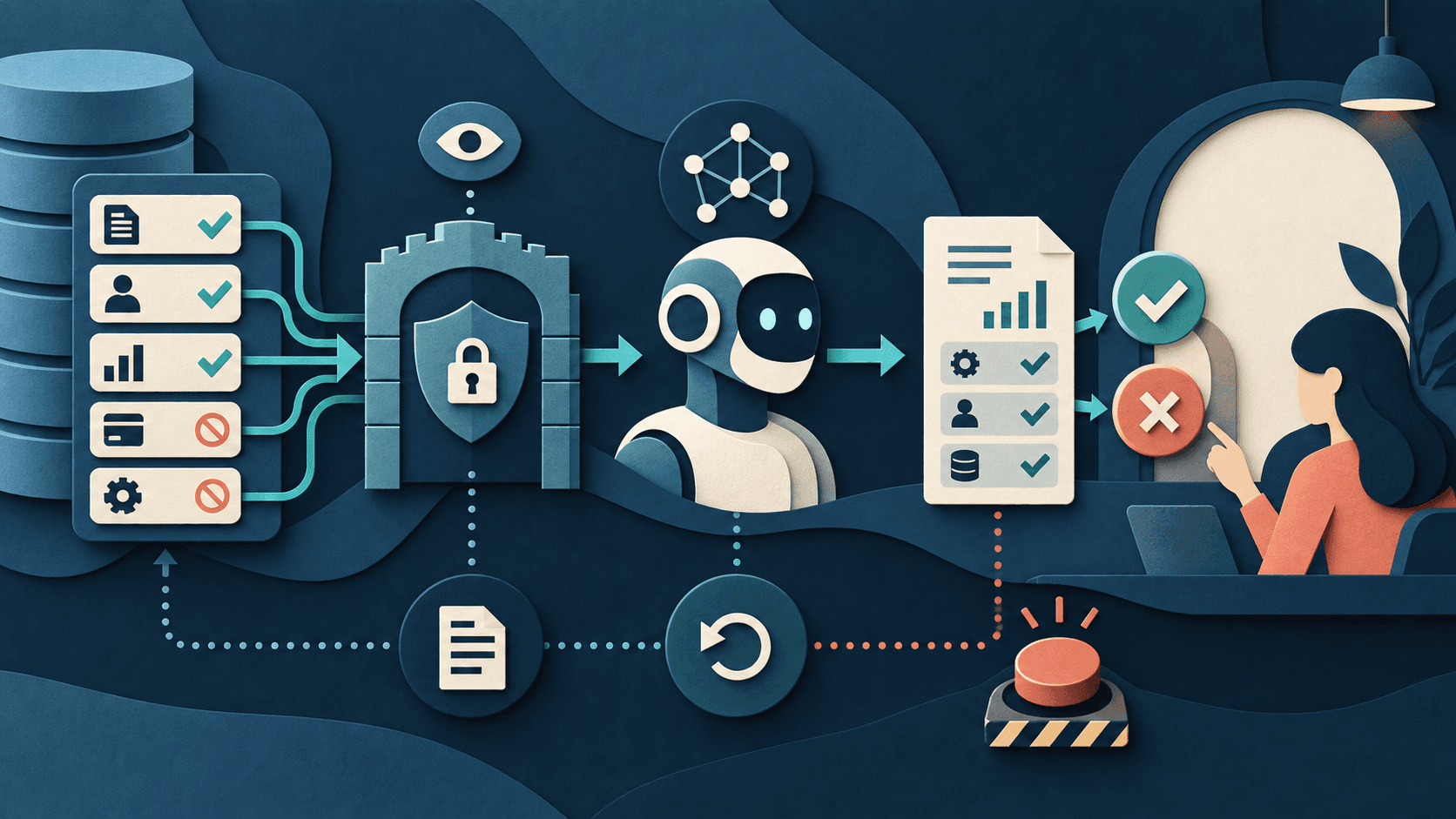
Start AI integrations read-only, expose only required fields, separate proposed from executed actions, and graduate permissions through evidence.
Editorial accountability
Who checked this guide
- Evaluation type
- Research-based verification
- Last materially checked
- Evidence
- 4 listed sources
Hands-on testing is identified explicitly. Research-based coverage uses cited product documentation and other named sources; it does not imply every paid plan was used. Read the full methodology.
Editorial basis
What this guidance is based on
- Editorial basis
- Source-led analysis
- Primary references
- 4
- Products covered
- 4
- Last checked
- 2026-09-28
Important limits
- • General technical guidance, not a substitute for security, privacy, legal, or sector-specific review.
- • Exact controls depend on the vendor, identity system, data classification, workflow, and consequence.
In this guide
Short answer
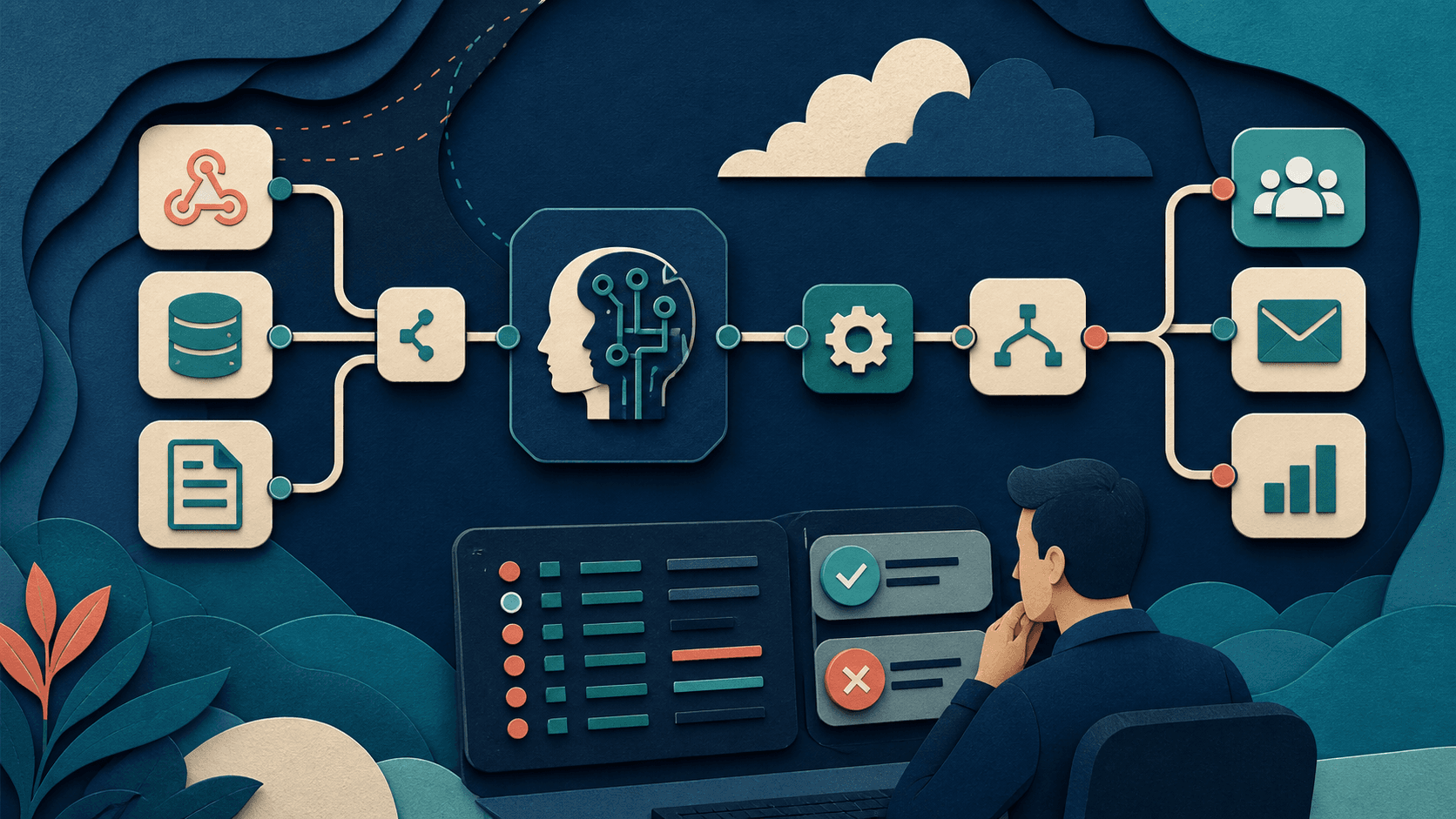
Create a dedicated integration identity—not a shared administrator account. Give it access only to the records, fields, actions, environments, and time window required for one workflow. Begin with historical data or read-only shadow mode. Make the AI propose structured actions, validate them deterministically, and require human approval before messages, money, access, deletion, or consequential record changes. Log every read, proposal, tool call, approval, write, error, and reversal.
1. Define one job
Write the trigger, allowed inputs, decision, proposed output, system action, owner, acceptance rule, and stop condition. “Help with Salesforce” is too broad; “draft a follow-up from these five approved CRM fields after a completed call” is testable.
2. Create a dedicated identity
Use a service account, managed identity, or narrowly scoped OAuth installation owned by the organization. Do not borrow an employee's token. Name an owner, expiry or review date, credential vault, rotation process, and emergency revocation path.
3. Minimize the data view
Expose only required objects and fields. Prefer a curated view or API endpoint over an entire database, inbox, drive, or CRM. Exclude secrets, credentials, health, payment, personnel, legal, safeguarding, and unrelated customer data unless explicitly required and approved. Keep production and test credentials separate.
4. Start read-only
Replay representative historical cases or run in shadow mode. The integration can read approved context and produce a proposed structured result, but it cannot write. Compare proposals with the actual accepted outcome and record false positives, omissions, unsupported claims, data exposure, abstentions, and reviewer time.
5. Put deterministic controls around AI
Validate schemas, field types, recipients, domains, amounts, dates, record IDs, allowed transitions, duplicates, rate limits, budgets, and policy rules outside the model. Treat retrieved text and tool output as untrusted input. Do not let model-generated instructions expand permissions or select a new tool dynamically without an allowlist.
6. Graduate actions by consequence
Move from read-only to draft, then reversible internal writes, and only later to approved external actions. Require explicit review for customer communication, payments, deletion, access changes, employment or eligibility decisions, legal commitments, and safety-relevant work. Keep a transaction ID and rollback or compensating action for every write.
7. Observe and revoke
Log who or what initiated the run, data sources, model and prompt version, tools, proposed and executed changes, reviewer, result, cost, latency, and errors—without copying unnecessary sensitive content into logs. Alert on unusual volume, new objects, repeated failure, retries, denied access, and budget thresholds. Test the kill switch before launch.
Promotion gate
Increase permission only when a declared sample meets accuracy, privacy, security, cost, and severe-error thresholds; every exception has an owner; rollback works; and the business outcome improves. Review permissions after workflow, vendor, model, employee, or data changes.
Bottom line
Least privilege is not only a smaller OAuth scope. It is a smaller identity, dataset, action surface, environment, duration, spend limit, and consequence boundary—backed by evidence before expansion.
Sources and verification
Product details and claims were checked against the following primary sources.
Frequently asked questions
What does least privilege mean for an AI integration?
The smallest identity, records, fields, actions, environment, duration, and spend needed to complete one approved job.
Should an AI integration use an administrator account?
No. Use a dedicated, organization-owned identity with narrow scopes, a named owner, rotation, expiry review, and emergency revocation.
When should an AI workflow get write access?
After read-only or shadow-mode evidence meets declared quality and risk thresholds and rollback, logging, approval, and stop controls have been tested.
Which AI actions should require approval?
External messages and actions affecting money, access, deletion, people, legal commitments, safety, or other hard-to-reverse outcomes.
Tools mentioned in this article
Zapier AI
A practical AI tool for productivity workflows
Zapier AI helps professionals improve productivity workflows with AI-assisted drafting, automation, analysis, or production features.
n8n
A flexible workflow-automation platform for AI agents, APIs, data, code, and human approvals
n8n offers unusually deep automation and deployment control, but workflow ownership, execution economics, credentials, failures, and self-hosting operations determine its real value.
Microsoft Copilot
Workplace AI grounded in Microsoft 365 apps, organizational data, and governed agents
Microsoft Copilot is strongest for organizations already operating in Microsoft 365, but licensing, permission hygiene, content quality, agent usage, and change management determine the return.
Notion AI
Workspace AI for search, meeting notes, research, and governed agents
Notion AI is a strong shortlist for teams whose maintained documents, projects, and knowledge already live in Notion. Business-plan cost, allowances, credits, permissions, and source quality determine its value.
Read next