Build an AI Usage Budget for Seats, Credits, Models, and Agents
The subscription is only the visible layer. Connect every seat and metered run to owned work, human review, and a stop condition.
Bottom line
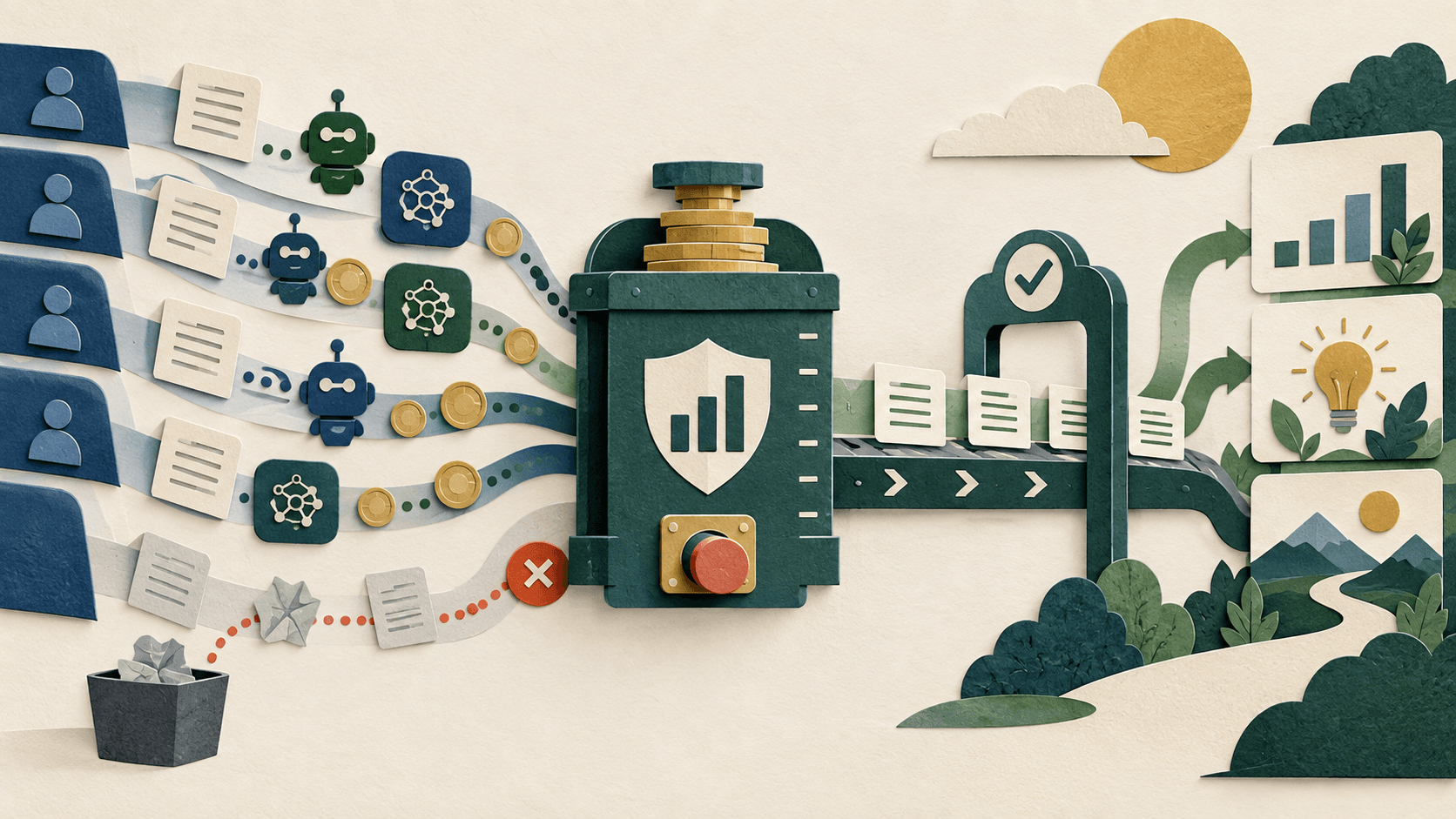
Forecast fixed seats and variable usage separately, include review and failure costs, and fund accepted outcomes rather than tokens or activity.
Editorial accountability
Who checked this guide
- Evaluation type
- Research-based verification
- Last materially checked
- Evidence
- 4 listed sources
Hands-on testing is identified explicitly. Research-based coverage uses cited product documentation and other named sources; it does not imply every paid plan was used. Read the full methodology.
Editorial basis
What this guidance is based on
- Editorial basis
- Source-led analysis
- Primary references
- 4
- Products covered
- 4
- Last checked
- 2026-09-27
Important limits
- • Actual rates, taxes, discounts, contracts, and usage require account-level verification.
- • This does not replace financial, tax, procurement, security, or legal advice.
In this guide
Short answer
Split AI spending into fixed access, variable usage, implementation, and risk. Fixed access includes seats and base plans. Variable usage includes tokens, premium models, credits, agent runs, media, storage, and connected-service compute. Implementation covers setup, migration, evaluation, and training. Risk includes review, corrections, failures, security, and exit. Cap variable spend and compare full cost with accepted outcomes—not activity.
Inventory every cost surface
Record each tool's owner, job, plan, seats, minimums, cadence, allowance, overage unit, models, agents, connectors, storage, API use, taxes, support, and renewal. Mark pricing as public, promotional, quoted, or estimated. “Free plan available” is not a zero-cost production workflow when privacy, collaboration, or volume requires paid access.
Forecast three bands
Build normal, busy, and failure scenarios. The failure case includes retries, duplicate triggers, runaway loops, backfills, large files, longer context, fallback, regeneration, and abuse. For agents, estimate steps and tool calls—not only completed tasks. Put a hard cap below the amount requiring emergency approval.
Include human and system cost
Measure setup, evaluation, workflow maintenance, source cleanup, permissions, correction, incidents, procurement, and offboarding. Add warehouse queries, automation platforms, or services triggered by AI. A $20 seat can operate an expensive chain.
Define the accepted unit
Choose an outcome: approved support resolution, published asset, reconciled record, qualified lead, completed grant draft, or specialist hour released. Define acceptance before the pilot. An attempted run, draft, or click is not an accepted outcome.
Calculate full monthly cost ÷ accepted units and compare it with the current method. Track severe errors separately.
Set controls and renew deliberately
Assign budget and workflow owners. Configure alerts, model allowlists, credit permissions, concurrency and retry limits, rate limits, and a kill switch. Review weekly during pilots and monthly afterward. Thirty days before renewal, compare promised and actual adoption, accepted units, corrections, security events, price changes, and subscriptions retired.
Bottom line
A good budget makes fixed access predictable, variable use bounded, review labor visible, and outcomes comparable. The goal is the lowest responsible cost for work the organization accepts.
Sources and verification
Product details and claims were checked against the following primary sources.
Frequently asked questions
What belongs in an AI budget?
Include plans, seats, minimums, credits, tokens, models, agents, connectors, storage, implementation, training, review, corrections, incidents, and exit.
How do I forecast agent cost?
Model normal, busy, and failure cases using steps, tool calls, retries, backfills, models, and connected-service charges.
What is the right AI ROI metric?
Use full cost per accepted outcome, supported by quality and severe-failure measures. Tokens and drafts are activity.
How often should the budget be reviewed?
Weekly during pilots, monthly after stabilization, after material changes, and at least 30 days before renewal.
Tools mentioned in this article
ChatGPT
The general-purpose AI assistant that started it all
OpenAI's flagship conversational AI model, powering everything from casual chat to complex reasoning, coding, and creative work.
Claude
Anthropic's thoughtful, safety-focused AI with exceptional long-form reasoning
Claude excels at deep analysis, long-form writing, and nuanced reasoning. Built by Anthropic with a focus on safety and helpfulness.
Notion AI
Workspace AI for search, meeting notes, research, and governed agents
Notion AI is a strong shortlist for teams whose maintained documents, projects, and knowledge already live in Notion. Business-plan cost, allowances, credits, permissions, and source quality determine its value.
ClickUp Brain
A context-aware assistant and agent layer inside ClickUp's tasks, documents, chat, and connected work
ClickUp Brain can reduce context switching for teams already committed to ClickUp, combining work search, drafting, analysis, multiple models, and agents. The buying decision depends on workspace hygiene, per-member add-ons, pooled credits, permissions, and whether its outputs save verified time.
Read next
Recommended for you
Notion AI Review 2026: What This AI-Powered Workspace Actually Delivers for Small Teams
We tested Notion AI's writing, editing, Q&A, and automation features across real small business and nonprofit workflows to give you an honest assessment of whether Notion AI is worth adding to your Notion subscription — or whether standalone AI tools are the better investment.
Notion AI promises to bring AI capabilities directly into your team's workspace — writing and editing in documents, Q&A across your knowledge base, and AI-powered automations. We spent two weeks testing Notion AI across real small business and nonprofit workflows to determine whether it's a productivity multiplier, an unnecessary add-on, or something in between.
Read guide
How to Create Employee Handbooks and HR Policies With AI for Small Businesses in 2026
The Free AI Tool Stack: 12 Tools That Cost Nothing and Actually Deliver in 2026
How Nonprofits Can Use AI for Board Development and Governance in 2026