At a glance
Should you choose Vid2Notes?
Vid2Notes is worth shortlisting when you need to turn a recorded walkthrough into instructions someone else can follow. Its appeal is the connection between the explanation and the screen. For consultants, trainers and small operations teams, the buying question is whether the resulting document needs less repair than writing it yourself.
Best for
Trainers and consultants documenting recorded walkthroughs.
Choose something else if
Free uploads stop at 30 minutes; Accuracy and confidential-data suitability require evaluation
Evidence
Verified research · rating withheld
Pricing checked
See current vendor pricing · Price not yet checked
Free access is available, with limits.
Three notes per day; 30-minute files; lower processing priority.
In this guide
Short answer
Vid2Notes is worth shortlisting when you need to turn a recorded walkthrough into instructions someone else can follow. Its appeal is the connection between the explanation and the screen. For consultants, trainers and small operations teams, the buying question is whether the resulting document needs less repair than writing it yourself.
This is a research-based review of official pages checked on November 18, 2026. We have not uploaded recordings, tested exports or measured transcription accuracy. Ratings are withheld. Product links are direct, with no affiliate destination configured.
Free buyer comparison checklist
Compare this tool before committing.
Use the buyer checklist to compare two tools on the same tasks, including quality, review time and total cost. Get the weekly top 5 AI tools, one practical workflow and one way to reduce AI spending.
What it offers
The product page describes notes that combine transcripts, screenshots, timestamps and summaries. Markdown, CSV and SRT/VTT exports support reuse outside the service. The company says visual context helps transcription; this is a vendor claim, not an accuracy finding from our tests.
The useful distinction is between a readable summary and an executable procedure. A summary can omit an exception and still sound convincing. Instructions cannot omit the condition that determines which button an employee should press. Treat generated notes as a first draft with the recording as the reference.
Free limits and subscription cost
The published terms limit free use to three notes daily, one file at a time, with a 30-minute file ceiling and lower priority. Paid use is for one person and permits files up to ten hours or 5 GB. Do not interpret that as a shared team license.
The product page lists $20 monthly or $120 billed annually. The advertised $10 monthly equivalent requires the annual payment. Try a representative short recording before making that commitment. Terms say cancellation stops renewal at the end of the paid period; it does not ordinarily refund unused subscription time.
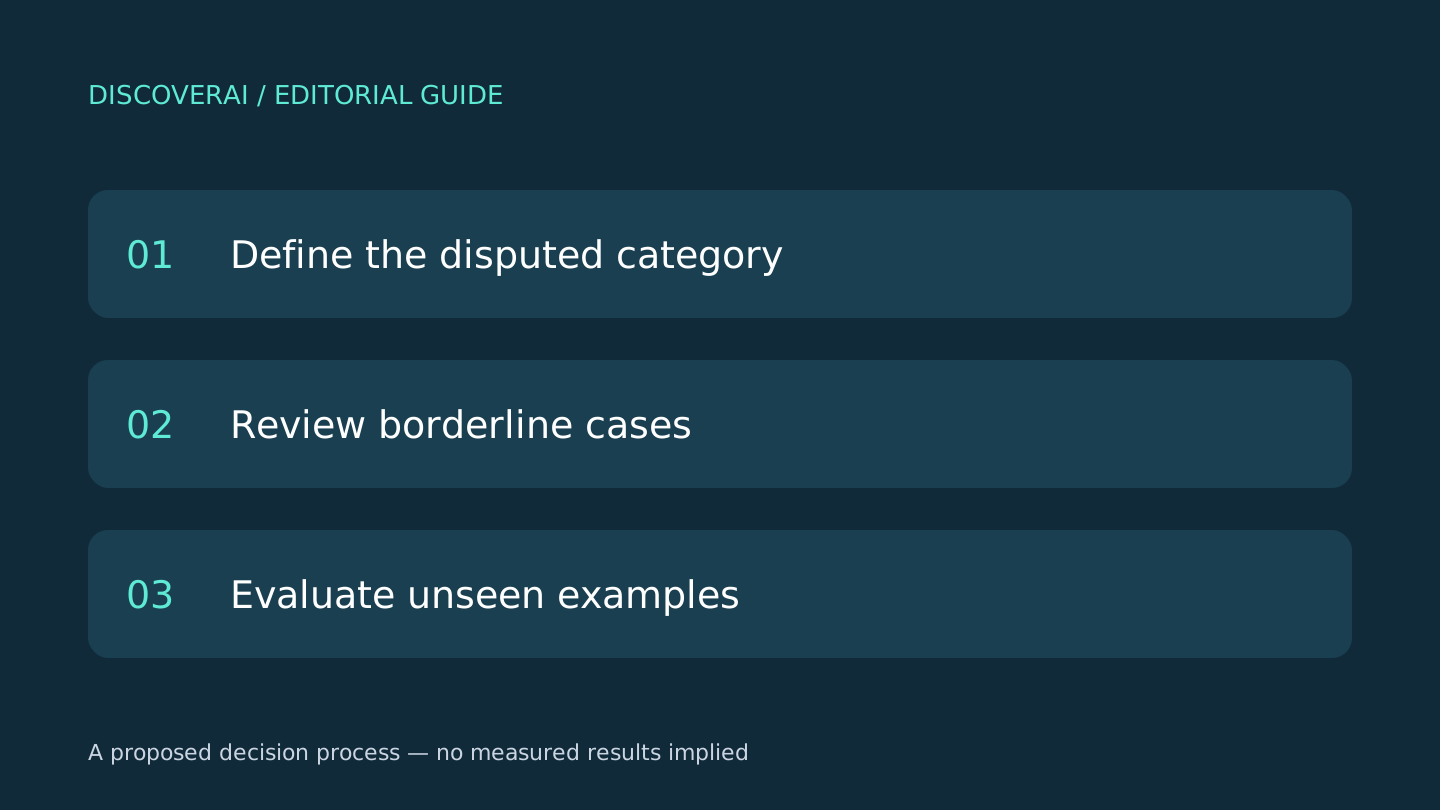
Proposed test: document a client handoff
Use a fictional ten-minute recording of a project handoff. Include five steps, one approval requirement and one deliberate correction: initially say Friday, then correct the deadline to Thursday. Show a screen containing the final date. This is an editorial test design, not a completed product benchmark.
Before uploading, write a reference checklist. The final notes should preserve all five steps in order, show where approval belongs and record Thursday as the corrected deadline. A note that presents both dates without explaining the correction needs editing. A note that invents an approver fails the test.
Next, ask a colleague who did not make the recording to follow the draft instructions. Where do they stop? Can they identify the relevant screen without watching the whole recording? Log every missing prerequisite and ambiguous instruction. This measures the value of the documentation rather than how polished the summary sounds.
Finally, export the draft to your actual documentation destination. Open it after signing out of the source service. Check whether images remain accessible, timestamps are meaningful and formatting survives. Export availability alone does not establish a portable handoff.
Privacy questions before client uploads
The privacy policy describes service-provider sharing and access, export and deletion rights. It does not give a clear uploaded-recording retention schedule or a specific model-training commitment in the checked text. Ask about these before uploading client meetings or internal screens.
For the first trial, make a disposable recording with invented names and no account credentials on screen. Agree with your organization which recordings may be processed externally. A useful tool for public training material may still be unsuitable for a confidential client engagement.
Compare against your existing process
Use your current meeting notes or manual documentation process as the baseline. If you only need decisions and action items, screenshots may add little. If you need a reusable visual procedure, check the extra work required to produce one with your existing tools. Our Exemplary AI review offers another research-based starting point for recorded-content workflows, not a head-to-head test winner.
Record source length, editing minutes, missing steps and accepted documents in the trial scorecard. For example, if one method produces a draft quickly but takes longer to repair, its generation speed is irrelevant to the handoff deadline. Use the same recording and acceptance checklist for both methods.
Verdict
Consider Vid2Notes for recurring training and walkthrough documentation. Start with the free allowance and judge an exported, corrected document. Wait before using sensitive recordings until the data-handling questions are resolved. The strongest reason to pay would be a repeatable reduction in total documentation work, not the promise of an instant summary.
Transparency
How this guide was checked
About this article
How this article was prepared
- Evaluation type
- Hands-on evaluation
- Last reviewed
- Evidence
- 3 listed sources
We label hands-on testing separately. Research-based articles draw on product documentation and other cited sources, rather than direct use of every plan. Read the full methodology.
Editorial freshness
Pricing and material product claims were checked November 18, 2026.
Review evidence
Sources and testing
- Evaluation type
- Official-source research; no hands-on testing
- Research date
- November 18, 2026
Important limits
- • No purchase, account, output-quality or support test performed.
- • Vendor documentation does not establish measured reliability or suitability.
Standardized benchmark coverage
How this review maps to the research benchmark
Citation accuracy
Not applicableThe reviewed workflow does not produce source-grounded research answers, so a citation score would be misleading.
Read protocol v2026.10-v1 →Thematic analysis
Not applicableThe reviewed workflow is not qualitative evidence analysis, so a thematic-analysis score would be misleading.
Read protocol v2026.10-v1 →Eligibility is not a product score. DiscoverAI publishes results only after output collection, blinded adjudication, reproducibility checks, and severe-error review.
Open the optional evaluation worksheet
Reusable trial worksheet
Test Vid2Notes before you commit
Turn this review’s buyer test into evidence. Your entries autosave only in this browser and are never added to shared shortlist links.
Confirm the tool meets every must-have workflow and stakeholder requirement.
Review starting point: Trainers and consultants documenting recorded walkthroughs
Run the same representative work you would use in production; do not score a polished demo.
Review starting point: Run a bounded set of representative tasks with known acceptable outcomes, then compare the result with your current workflow.
Calculate the effective cost per accepted result, including usage, review, corrections, and required add-ons.
Review starting point: Free: three notes daily, up to 30 minutes per file. Unlimited: $20 monthly or $120 billed yearly for one person.
Define an acceptance threshold, test known answers and edge cases, and record every correction.
Review starting point: Editorial quality signals: features 0.0/5. Validate these signals in your own work.
Verify what data enters the product, who can access it, how long it is retained, and whether it trains models.
Review starting point: Use approved low-risk data first. Check roles, consent, deletion, subprocessors, model-training settings, and the contract—not only the marketing page.
Test the real handoffs, permissions, failure states, and export path your team depends on.
Review starting point: Vid2Notes integration requirements are not fully structured in this review; list every required system and test each connection.
Record training, governance, reliability, accessibility, ownership, and change-management risks before rollout.
Review starting point: Free uploads stop at 30 minutes; Accuracy and confidential-data suitability require evaluation
Loading saved worksheet… · private to this device or your optional account
Community evidence
How verified users put Vid2Notes to work
Structured, editor-moderated experience—not star ratings. This complements our independent review and never changes its score.
No approved community evidence yet. Be the first verified user to contribute.
Community choice
Recommend Vid2Notes
Loading weekly votes…
One vote per verified account per tool, counted for seven days. Return after your vote expires to support again. Community votes influence homepage trends, never editorial ratings. Voting does not subscribe you to emails.
Sources and references
References cited by this article. Check the original source for scope, dates and current terms.
Frequently asked questions
Is Vid2Notes free?
It lists three free notes daily with a 30-minute limit per file and lower processing priority.
Is the $10 price billed monthly?
No. That is the equivalent of the $120 annual subscription; the monthly option is $20.
Has DiscoverAI tested its accuracy?
No. This review checks official documentation and provides a proposed buyer test.
What should I check in an export?
Open the exported notes in your real destination and check images, timestamps, completeness and accessibility without relying on the original login.
Recommended tool
Use Vid2Notes if this workflow fits your team
Vid2Notes is worth shortlisting when you need to turn a recorded walkthrough into instructions someone else can follow. Its appeal is the connection between the explanation and the screen. For consultants, trainers and small operations teams, the buying question is whether the resulting document needs less repair than writing it yourself.
Tools mentioned in this article
Vid2Notes
Review Vid2Notes for illustrated training notes: free upload limits, annual billing, export options and a practical accuracy check before sharing.
Review Vid2Notes for illustrated training notes: free upload limits, annual billing, export options and a practical accuracy check before sharing.
Read next