In this guide
Short answer
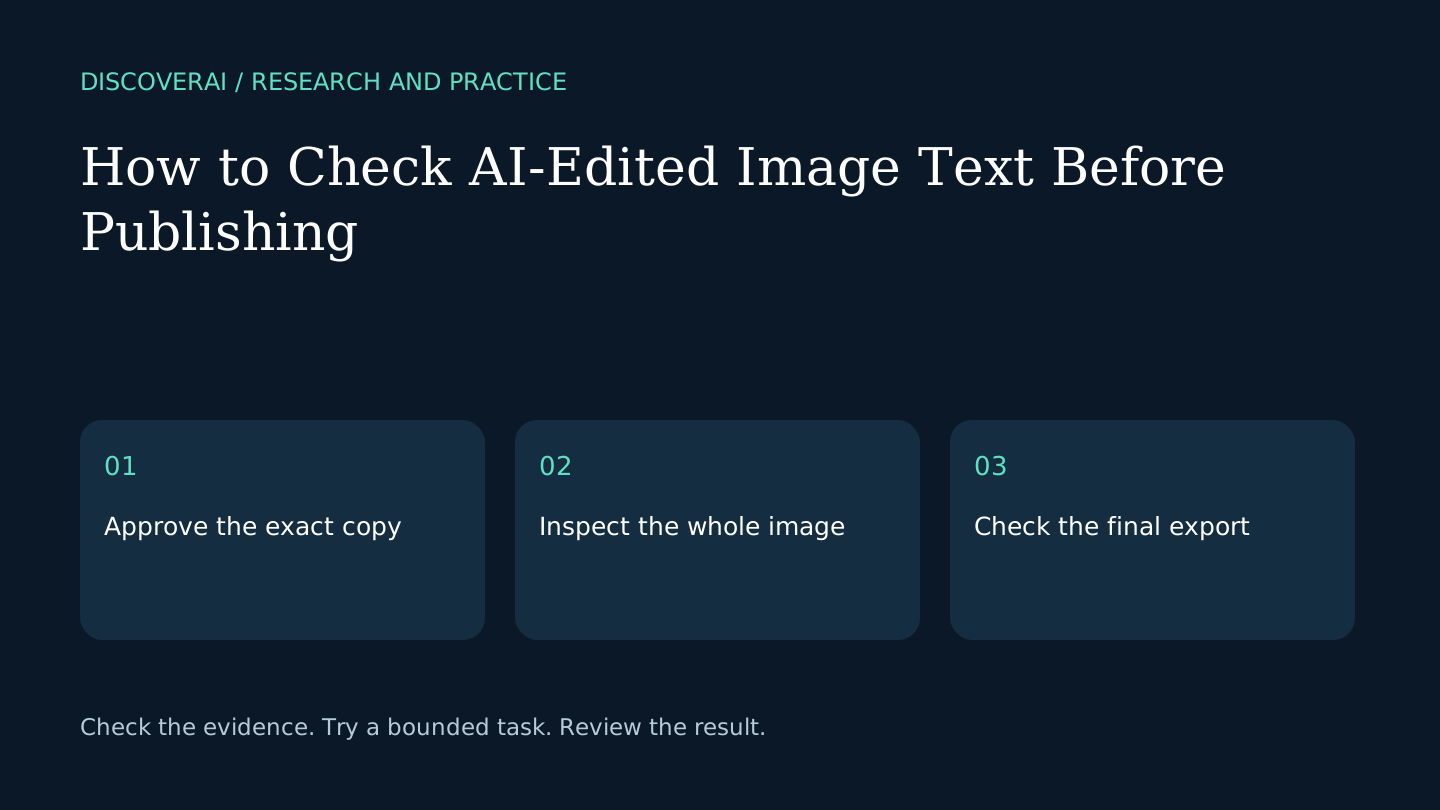
Approve the copy and the image separately. A generated edit can look convincing while containing an incorrect digit or an unintended change outside the selected region. Use a fixed reference for the words and inspect the complete asset before publishing.
Download the public image-text approval checklist. These are proposed editorial checks, not measured results from testing an image editor.
Free creative AI buyer checklist
Measure approved assets, rights, and revision time.
Get a checklist for quality, credits, consent, licensing, and cost per approved asset—plus weekly creative-AI changes.
1. Decide whether generation is necessary
Find the original design file first. An editable text layer usually gives you more direct control than reconstructing text in a flattened image. Use generation when you have the right to edit the asset and the original layers are unavailable or impractical to recover.
Keep an unmodified copy of the original image. Record the purpose of the edit and where the asset will appear. A concept mockup and a customer-facing price graphic need different approval decisions even when they use the same software.
2. Create the approved-copy record
Write the exact replacement text in a separate document. Include punctuation, currency, decimal separators, dates and units. Ask the responsible person to approve that copy before generating. Do not leave a disputed price for the image editor to resolve.
For a hypothetical offer, changing $19.99 to $14.99 requires checking every digit, not just noticing that the image looks cheaper. Also confirm nearby conditions still match the new offer. A correct replacement can still conflict with unchanged fine print.
3. Change one region at a time
The ReWords AI product page describes best-effort style matching for text replacements in PNG, JPG and WebP. Treat matching as something to inspect. A short phrase on a plain background is a more informative first test than an entire dense poster.
Save each candidate with a version identifier. Record how many attempts were needed and which candidate was accepted. Do not overwrite the only approved original while experimenting.
4. Inspect at two sizes
At full size, compare every character with the approved-copy record. Check ambiguous pairs such as zero and the letter O, or one and a lowercase l. Inspect accents, symbols and small labels as carefully as the headline.
Then inspect at the actual publication size. Look for poor contrast, clipped edges and text that becomes illegible after resizing. A full-resolution preview cannot establish readability in a small social feed or mobile product card.
5. Compare the whole image
Check logos, product shapes, background texture, shadows and untouched text. Use side-by-side originals or a simple overlay if your editor supports it. Reject unexplained changes rather than assuming the selected box contained all generated modifications.
For interface screenshots, distinguish illustrative mockups from factual product evidence. Label altered demonstrations and avoid using them to support a claim about a real account, transaction or product capability.
6. Approve the exported file
Open the exact file that will be uploaded and repeat the critical character checks. Compression and resizing can expose issues absent from the working preview. Keep the approved copy, final asset, reviewer and date together so the next revision has a reliable starting point.
The ReWords AI review covers credits and resolution restrictions. Use the buyer checklist to compare total correction effort before committing to a paid workflow.
Transparency
How this guide was checked
Editorial accountability
Who checked this guide
- Evaluation type
- Research-based verification
- Last materially checked
- Evidence
- 1 listed sources
Hands-on testing is identified explicitly. Research-based coverage uses cited product documentation and other named sources; it does not imply every paid plan was used. Read the full methodology.
Editorial basis
What this guidance is based on
- Editorial basis
- Source-led analysis
- Primary references
- 1
- Products covered
- 1
- Last checked
- 2026-10-27
Important limits
- • Features, availability, and pricing can change after publication; confirm consequential details with the provider.
Sources and references
References cited by this article. Check the original source for scope, dates and current terms.
Frequently asked questions
Is visual similarity enough for approval?
No. Check the exact copy, factual meaning and the full exported image.
Should I use the original design file?
Prefer editing original layers when available and suitable for the task.
Can this certify a graphic is accurate?
No. It is a practical review checklist; the publisher remains responsible for the approved content.
Tools mentioned in this article
ReWords AI
Review ReWords AI for editing text in flattened images, including credit costs, resolution restrictions and the checks needed before publishing an edited asset.
Review ReWords AI for editing text in flattened images, including credit costs, resolution restrictions and the checks needed before publishing an edited asset.
Read next