The decision
Should you choose DecorViz?
People comparing furniture combinations before checking physical fit
Best for
People comparing furniture combinations before checking physical fit.
Choose something else if
you have not defined the workflow and acceptance criteria yet.
Evidence
Verified research · rating withheld
Pricing checked
See current vendor pricing · Oct 27, 2026
No verified permanent free plan is recorded.
Confirm billing, usage limits, seats, and renewal terms with the vendor.
In this guide
Short answer
DecorViz is worth considering for visual shortlists, while physical fit still needs measurements. Use a generated room image to discuss style and placement. Confirm dimensions and product details separately before buying anything expensive.
Free buyer comparison checklist
Compare this tool before committing.
Use the buyer checklist to compare two tools on the same tasks, including quality, review time and total cost. Get the weekly top 5 AI tools, one practical workflow and one way to reduce AI spending.
Evidence and review scope
This review follows submission #329 and official-page checks on October 27, 2026. We have not uploaded a room or purchased a plan. Product-quality claims remain untested, numerical ratings are withheld and our links are not affiliate destinations.
What DecorViz offers
The homepage documents Quick Generate for one product and Canvas for up to four products in one room photo. Canvas allows arranging and resizing items before generation. These controls make the product a candidate for comparing combinations, but manual placement is not evidence of calibrated physical scale.
A useful pilot starts with one recognizable item. Pick a product with a distinctive arm shape or leg design rather than an indistinct cushion. If the output changes those features, a realistic-looking picture may still represent something you cannot order.
Free previews and paid-plan boundaries
The pricing page lists two lifetime free previews. Personal includes 40 monthly previews; Studio includes 120 and commercial-use rights. Each generation uses one credit. Monthly credits do not roll over, while one-time-pack credits do not expire. Paid users can choose 2K output at the same credit cost; free output is 1K. Exact paid amounts were not visible in the retrieved pricing text, so confirm them at checkout.
Do not estimate a project from the number of products alone. A changed room layout or a rejected result can require another generation. Ask which rights apply before preparing customer-facing work on a personal account. More pixels do not prove that dimensions or colors are more faithful.
A proposed product-fidelity test
Photograph your room without exposing documents or family photos. Keep an unedited copy. Choose a product photo you are authorized to use and record its advertised dimensions. Note the shape, material pattern and number of visible legs before generation.
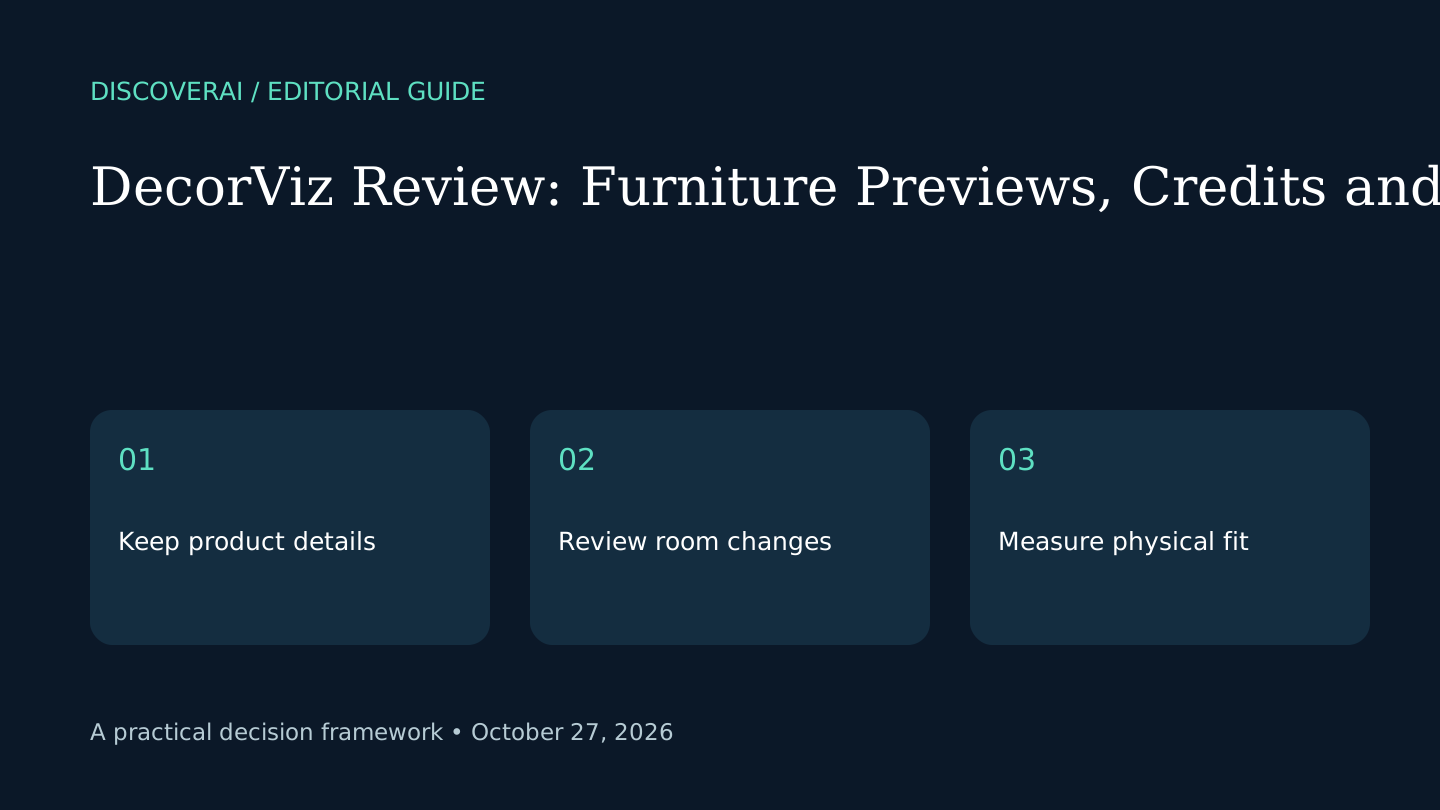
Compare the output with both originals. Inspect the furniture edges, room geometry, windows and existing objects. Reject an image that improves the room by silently changing walls or replacing other furniture. Keep style preference separate from factual fidelity: an attractive invented sofa is still the wrong product.
Measurements stay outside the image
Measure the planned footprint, door clearance and delivery route. Use tape on the floor or a scale drawing for the practical fit check. A photo alone should not determine whether a sofa passes through a doorway or a chair leaves usable circulation space.
For client work, label generated concepts and retain the original product reference. Ask for approval of the real specification rather than approval of an illustration alone. This reduces ambiguity without claiming the tool has passed a professional design standard.
When to buy more credits
Use the limited free previews to answer one defined question. If output keeps changing the product, stop before buying a larger allowance. If the concept is helpful, price the next small project with room for rejected attempts and confirm commercial terms first.
Open the DecorViz profile and follow our furniture-preview checks. Compare other candidates through the Tool Finder.
Transparency
How this guide was checked
Editorial accountability
Who checked this guide
- Evaluation type
- Hands-on evaluation
- Last materially checked
- Evidence
- 2 listed sources
Hands-on testing is identified explicitly. Research-based coverage uses cited product documentation and other named sources; it does not imply every paid plan was used. Read the full methodology.
Editorial freshness
Pricing and material product claims were checked October 27, 2026.
Review evidence
What this guidance is based on
- Evidence
- Official-source research; not hands-on tested
- Rating
- Not rated
Important limits
- • No independent performance, security or reliability testing.
- • Sources checked October 27, 2026; confirm current checkout and terms.
Standardized benchmark coverage
How this review maps to the research benchmark
Citation accuracy
Not applicableThe reviewed workflow does not produce source-grounded research answers, so a citation score would be misleading.
Read protocol v2026.10-v1 →Thematic analysis
Not applicableThe reviewed workflow is not qualitative evidence analysis, so a thematic-analysis score would be misleading.
Read protocol v2026.10-v1 →Eligibility is not a product score. DiscoverAI publishes results only after output collection, blinded adjudication, reproducibility checks, and severe-error review.
Open the optional evaluation worksheet
Reusable trial worksheet
Test DecorViz before you commit
Turn this review’s buyer test into evidence. Your entries autosave only in this browser and are never added to shared shortlist links.
Confirm the tool meets every must-have workflow and stakeholder requirement.
Review starting point: People comparing furniture combinations before checking physical fit
Run the same representative work you would use in production; do not score a polished demo.
Review starting point: Run a bounded set of representative tasks with known acceptable outcomes, then compare the result with your current workflow.
Calculate the effective cost per accepted result, including usage, review, corrections, and required add-ons.
Review starting point: Two lifetime free previews; Personal 40 monthly previews, Studio 120. Exact paid rates not established in retrieved text; confirm checkout.
Define an acceptance threshold, test known answers and edge cases, and record every correction.
Review starting point: Editorial quality signals: features 0.0/5. Validate these signals in your own work.
Verify what data enters the product, who can access it, how long it is retained, and whether it trains models.
Review starting point: Use approved low-risk data first. Check roles, consent, deletion, subprocessors, model-training settings, and the contract—not only the marketing page.
Test the real handoffs, permissions, failure states, and export path your team depends on.
Review starting point: DecorViz integration requirements are not fully structured in this review; list every required system and test each connection.
Record training, governance, reliability, accessibility, ownership, and change-management risks before rollout.
Review starting point: Physical scale requires independent measurements; Monthly credits do not roll over; Product fidelity not independently tested
Loading saved worksheet… · private to this device or your optional account
Community evidence
How verified users put DecorViz to work
Structured, editor-moderated experience—not star ratings. This complements our independent review and never changes its score.
No approved community evidence yet. Be the first verified user to contribute.
Community choice
Recommend DecorViz
Loading weekly votes…
One vote per verified account per tool, counted for seven days. Return after your vote expires to support again. Community votes influence homepage trends, never editorial ratings. Voting does not subscribe you to emails.
Sources and references
References cited by this article. Check the original source for scope, dates and current terms.
Frequently asked questions
Are the free previews renewed monthly?
No. The checked pricing FAQ describes two lifetime previews.
Do monthly credits roll over?
The pricing FAQ says subscription credits reset; one-time-pack credits do not expire.
Can the image prove furniture fits?
No. Measure the product, room and delivery route independently.
Recommended tool
Use DecorViz if this workflow fits your team
People comparing furniture combinations before checking physical fit
Tools mentioned in this article
DecorViz
DecorViz places furniture photos in room images. Review Canvas, the two-preview free allowance, credit expiry and checks for product fidelity before buying.
DecorViz places furniture photos in room images. Review Canvas, the two-preview free allowance, credit expiry and checks for product fidelity before buying.
Read next