In this guide
Short answer
Judge AI image-layer tools on the edit you can actually deliver. A PSD that opens is only the beginning: inspect its dimensions, isolated edges, text and reconstructed areas in the receiving application. Keep a flattened original for comparison.
Why a layer count is an incomplete metric
The Image2Layers documentation illustrates the distinction between inferred raster layers and an original editable design file. Its background reconstruction and raster text are useful examples of why a buyer needs an acceptance test. This guide’s procedure is our proposed method; it reports no measured product results.
1. Define the intended edit
Write one sentence: move the product without changing its label, replace a headline, or animate the foreground. Each requires a different kind of editability. If editable type is essential, make that a required field rather than an expectation discovered at delivery.
Choose four images you own and can safely upload. Include a simple object, fine hair, glass and overlapping subjects. Keep a control copy, dimensions and the required output format. Do not use a private client file merely to test the service.
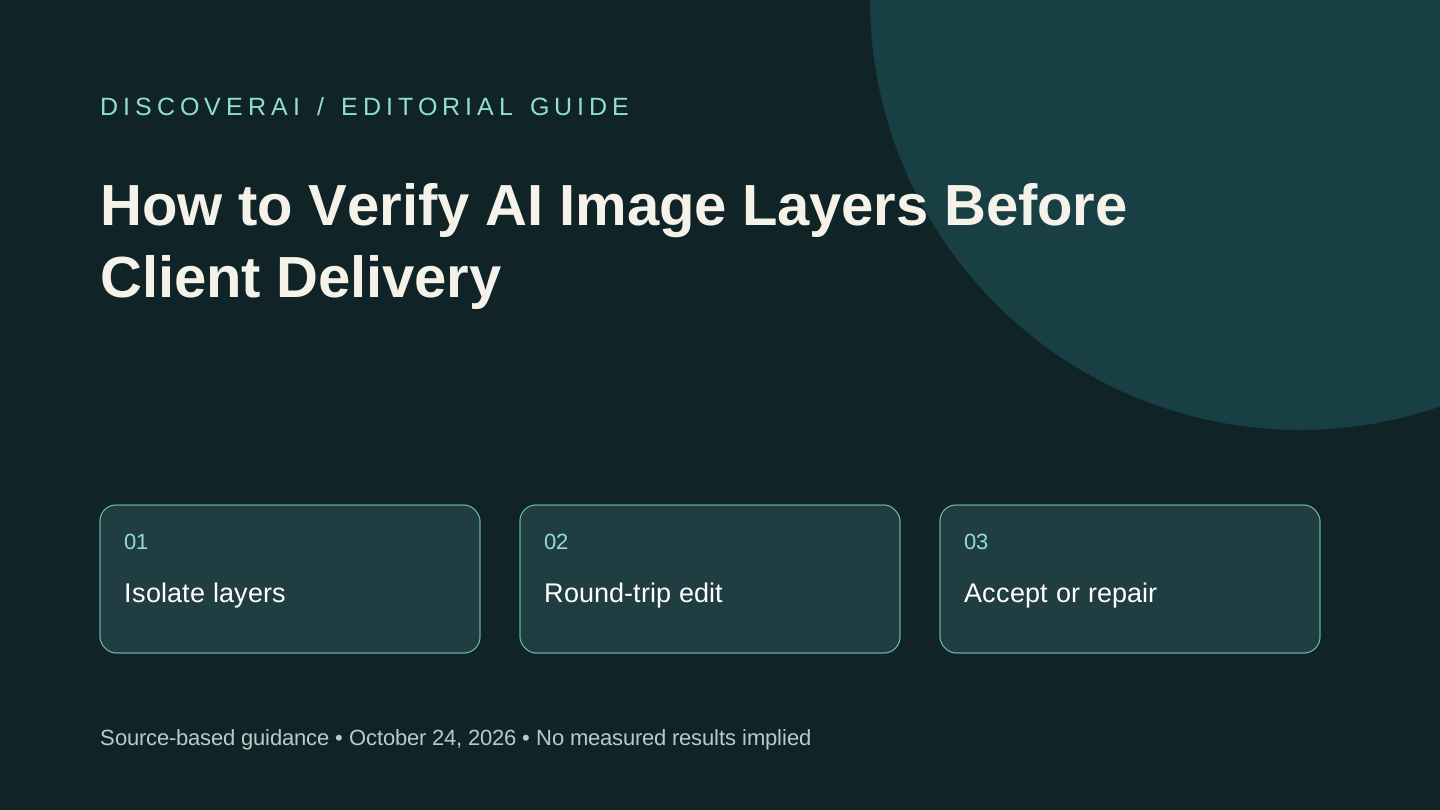
2. Inspect each layer independently
Open the exported file in the final editing application. Hide all but one layer, then place white and black backgrounds behind it. Look for halos, missing details and shadows attached to the wrong object. Check normal viewing size before zooming in; both visible defects and costly repair work matter.
Move the subject a short distance. Inspect the newly exposed area and record whether it contains invented details. A visually plausible reconstruction should never be presented as recovered documentary evidence. If the assignment needs historical fidelity, return to the source material.
3. Recompose and round-trip
Rebuild the unedited image from the exported stack and compare it with the original. Verify width, height, transparency and object alignment. Save from the receiving editor, reopen and repeat the intended edit. A workflow fails if the deliverable loses required properties during this round-trip.
For a poster, attempt the actual word replacement. If text is rasterized, record the extra recreation work. Check punctuation and numerals after replacement; a clean silhouette does not establish textual accuracy.
4. Use a clear acceptance gate
Before the trial, set limits for repair minutes, paid attempts and severe errors. A fictional example is accepting at most five minutes of correction per asset and rejecting any altered product claim. Those numbers are placeholders: choose thresholds that fit your own delivery budget.
Cost per accepted edit equals generation charges plus allocated subscription and repair labor, divided by accepted edits. If none pass, report zero accepted outputs and total spend; do not hide the failure in an average.
5. Retain a compact evidence record
Download the layer-export checklist. Keep the source identifier, application version, dimensions, defects, repair time and decision. Ask a second reviewer to inspect one passing and one failing sample. If they cannot reproduce the decision, clarify the rubric before buying more capacity.
See our Image2Layers review for pricing and retention questions. This checklist applies to a workflow, not a guarantee that any particular service will pass.
Transparency
How this guide was checked
Editorial accountability
Who checked this guide
- Evaluation type
- Research-based verification
- Last materially checked
- Evidence
- 1 listed sources
Hands-on testing is identified explicitly. Research-based coverage uses cited product documentation and other named sources; it does not imply every paid plan was used. Read the full methodology.
Editorial basis
What this guidance is based on
- Editorial basis
- Source-led analysis
- Primary references
- 1
- Products covered
- 1
- Last checked
- 2026-10-24
Important limits
- • Features, availability, and pricing can change after publication; confirm consequential details with the provider.
Sources and references
References cited by this article. Check the original source for scope, dates and current terms.
Frequently asked questions
Are generated background pixels recovered evidence?
No. Treat reconstructed areas as generated content and verify whether they are appropriate for the assignment.
What if the PSD opens but the headline cannot be edited?
Check the required deliverable. Raster text may be usable for some edits, but it fails a requirement for native editable type.
Tools mentioned in this article
Image2Layers
Image2Layers splits flat images into raster layers. Understand paid AI runs, generated backgrounds and export checks before replacing manual masking.
Image2Layers splits flat images into raster layers. Understand paid AI runs, generated backgrounds and export checks before replacing manual masking.
Read next