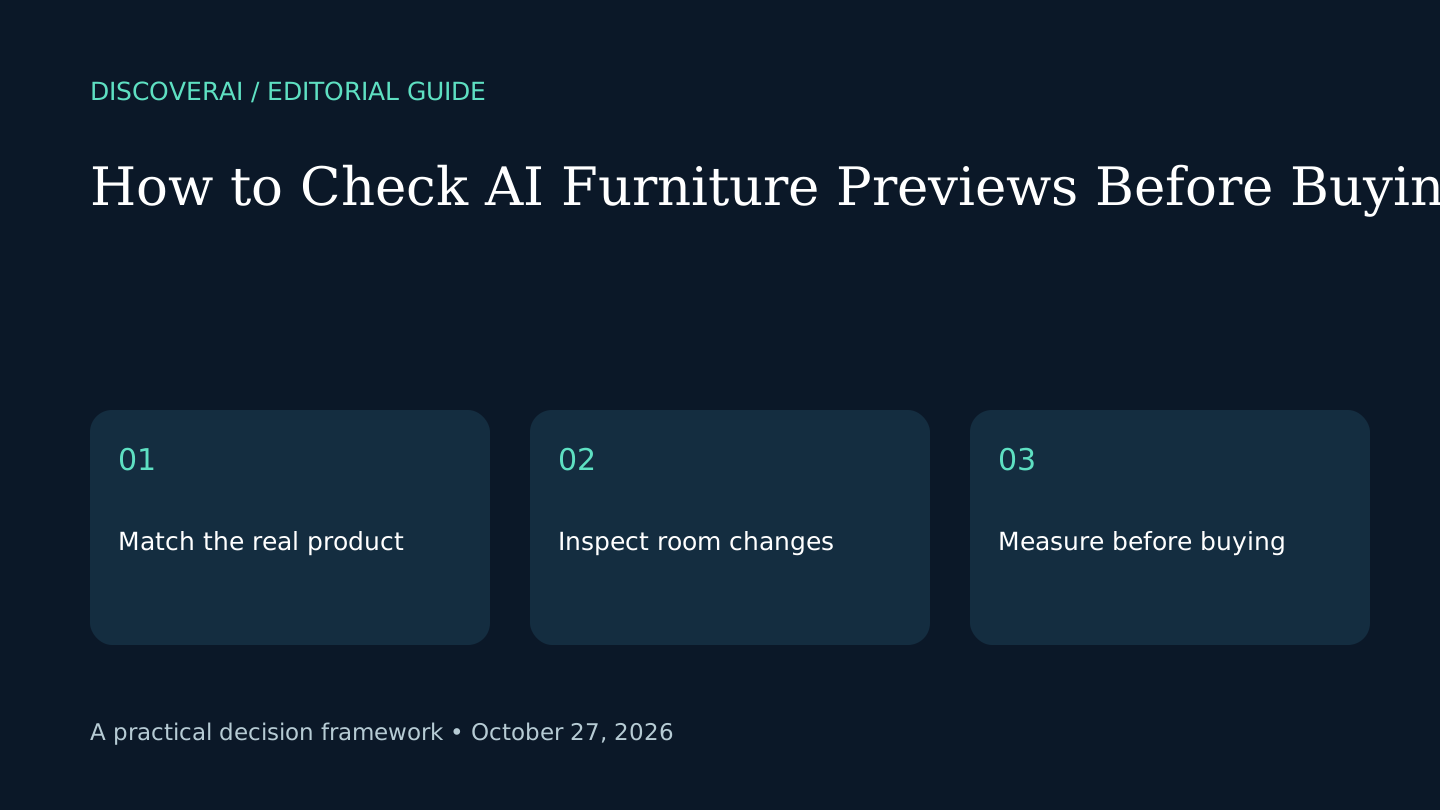
In this guide
Short answer
Use an AI room preview to compare ideas, then verify the real product and physical fit separately. A plausible image is a visual proposal. It does not prove that the shown piece has the right dimensions, fabric or finish.
Download the public furniture-preview checklist. This is a proposed editorial method, not a benchmark or professional certification.
Free AI tool buyer checklist
Make the next AI subscription earn its place.
Get the weekly top 5 AI tools, one practical workflow and one way to reduce AI spending. Includes a free buyer checklist.
1. Save three references before generating
Keep the original room photograph, the real product listing and its dimensions together. Record the exact variant: size, color, upholstery and orientation. A left-facing sectional and a right-facing sectional can look similar in an attractive image while requiring very different layouts.
Remove private documents and recognizable personal details from your room photo before uploading. Use a photograph and product image that you own or are authorized to use. Keep the unedited original so you can identify changes outside the intended area.
2. Ask one visual question
Start with a narrow question: does this dark sofa work beside the existing pale rug? Avoid changing the walls, lighting and furniture at the same time. Too many changes make it difficult to know why the result looks better.
The DecorViz homepage documents one-product previews and a Canvas workflow with up to four products. Those are placement options, not evidence that product dimensions are automatically calibrated. Our DecorViz review explains the documented limits.
3. Compare product details at useful size
Inspect arms, legs, seams, handles and pattern direction. Look for invented cushions, altered materials and changed proportions. Mark a result as unsuitable if it substitutes a more attractive object for the real product. Review the image at the size where it will be shown to a decision maker.
Use separate columns for visual preference and fidelity. “I like the result” and “this represents the available product” answer different questions. Keep both observations rather than merging them into one score.
4. Check the rest of the room
Look at windows, doorways, sockets, radiators and existing furniture. Reject silent changes that make the proposed layout appear easier than it is. An opened doorway or widened wall can materially change the decision even when the generated furniture looks convincing.
If multiple pieces are shown, confirm each remains recognizable. Add one item at a time when a combined result is difficult to inspect. Stop generating if repeated outputs keep changing the room rather than answering your question.
5. Measure outside the image
Measure the real product footprint and mark it on the floor. Check normal door movement, access and the delivery route. Use actual measurements and product assembly information rather than estimating from perspective in a photograph.
For a hypothetical example, a sofa can appear comfortable in the preview but block a frequently used cabinet. Try the marked layout during an ordinary activity before ordering. No image-quality score substitutes for that practical check.
6. Record the decision and remaining uncertainty
Save the accepted concept beside the listing, measurements and date. For client work, label the image as generated and ask for approval of the real specification separately. If fabric color is decisive, seek a physical sample rather than treating screen color as proof.
Use the checklist without an email signup. Compare tools in the Tool Finder, and keep a small pilot budget instead of paying repeatedly for a result you cannot verify.
Transparency
How this guide was checked
Editorial accountability
Who checked this guide
- Evaluation type
- Research-based verification
- Last materially checked
- Evidence
- 2 listed sources
Hands-on testing is identified explicitly. Research-based coverage uses cited product documentation and other named sources; it does not imply every paid plan was used. Read the full methodology.
Editorial basis
What this guidance is based on
- Editorial basis
- Source-led analysis
- Primary references
- 2
- Products covered
- 1
- Last checked
- 2026-10-27
Important limits
- • Features, availability, and pricing can change after publication; confirm consequential details with the provider.
Sources and references
References cited by this article. Check the original source for scope, dates and current terms.
Frequently asked questions
Can a preview establish exact fit?
No. Measure the product, room clearances and delivery route separately.
Should I keep the original room photo?
Yes. It makes unintended changes to walls, openings and existing objects easier to detect.
Is the checklist free to download?
Yes. The CSV is public and requires no newsletter signup.
Tools mentioned in this article
DecorViz
DecorViz places furniture photos in room images. Review Canvas, the two-preview free allowance, credit expiry and checks for product fidelity before buying.
DecorViz places furniture photos in room images. Review Canvas, the two-preview free allowance, credit expiry and checks for product fidelity before buying.