In this guide
Short answer
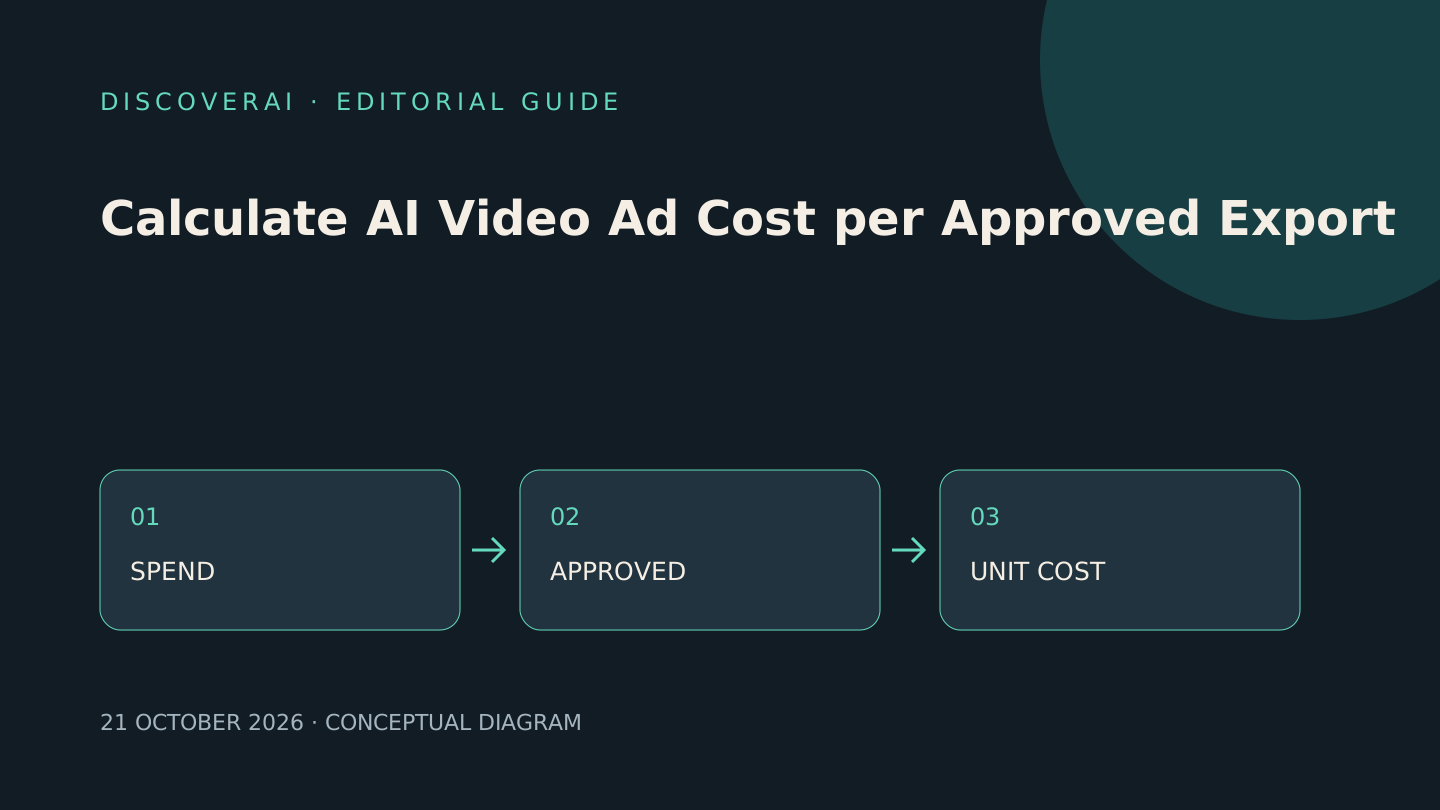
Divide all attributable production costs by approved exports, while keeping advertising spend separate. Count failed ideas, revisions, extra formats and review time. A per-second generation rate is only one part of the budget.
This guide provides a planning method and downloadable CSV worksheet. It contains no measured vendor performance. The pitchboom review explains one submitted tool's billing and visibility boundaries.
1. Define an approved export
Write a short acceptance rule before generation: correct product and price, authorized claims, readable captions, usable audio, agreed duration and required aspect ratio. A vertical and square version may count as two exports, but they are not necessarily two independent creative concepts. Report both counts so output volume stays interpretable.
Keep a reason for rejection: factual error, brand mismatch, unreadable text, rights concern or technical failure. This makes the next purchase decision more useful than a single success percentage.
2. Separate cash commitment from usage
Record the amount you must pay to access the service during the test. Then record consumed credits and the rate used for an internal usage estimate. Do not add both the entire subscription and the value of included credits to the same cash total: that double-counts the allowance.
Use two views. Cash cost is the subscription, top-ups and external purchases actually required for the period. Allocated production cost applies a stated allocation of the subscription plus incremental charges and labor to the tested work. Disclose unused credits and any future access requirement; a remaining balance is not automatically recoverable cash.
3. Work through a synthetic example
Suppose a fictional service charges €30 for the month, and no top-up is needed. You attempt eight clips and approve five. Cash service cost per accepted clip is €30 / 5 = €6. If the team spends 90 minutes reviewing and editing at an assumed €40 per hour, labor adds €60. Total illustrative production cost is €90 / 5 = €18 per accepted clip, before tax and media spend.
These numbers are teaching assumptions, not a forecast or a live vendor quote. If the subscription also serves other campaigns, show the allocation explicitly rather than charging all of it to every project.
4. Quote each extra action
Check whether translation, voice replacement, a new aspect ratio, higher resolution or an edited re-render adds charges. A service may charge differently for a job canceled midway, an infrastructure failure and a completed but unacceptable result. Save the quote and the billed amount with the job ID.
For example, pitchboom's pricing documentation lists per-second tiers, a minimum billed duration and separate actions. Those terms illustrate why clip length alone cannot predict the complete budget. Confirm current rates before running a test.
5. Run a fair baseline
Give the manual editor and the AI workflow the same source assets and acceptance criteria. Compare review minutes, approved exports, cash required and correction burden. If an AI concept changes the product's appearance, reject it under the same rule you would apply to a human edit.
Use our product-fidelity checks before any media experiment. Creative approval and campaign return are separate measurements. Only a controlled advertising test can begin to assess audience response; it needs its own budget and interpretation.
Release decision
Set a maximum test spend and required acceptance rate before beginning. If no exports pass, report zero accepted outputs rather than a misleading cost-per-output calculation. Keep the worksheet, quotes and rejection notes for the next billing review.
Transparency
How this guide was checked
Editorial accountability
Who checked this guide
- Evaluation type
- Research-based verification
- Last materially checked
- Evidence
- 1 listed sources
Hands-on testing is identified explicitly. Research-based coverage uses cited product documentation and other named sources; it does not imply every paid plan was used. Read the full methodology.
Editorial basis
What this guidance is based on
- Editorial basis
- Source-led analysis
- Primary references
- 1
- Products covered
- 1
- Last checked
- 2026-10-21
Important limits
- • Features, availability, and pricing can change after publication; confirm consequential details with the provider.
Sources and verification
Product details and claims were checked against the following primary sources.
Frequently asked questions
Should I add included credit value to the full subscription bill?
No. That double-counts included usage. Report actual cash cost and a separately explained allocation view.
Does a lower production cost prove better advertising ROI?
No. Approved production and paid-media outcomes are different metrics and need separate tests.
Tools mentioned in this article
pitchboom
pitchboom makes video ads from URLs and briefs. Compare credit costs, storyboard controls, export limits and its public-by-default gallery before subscribing.
pitchboom makes video ads from URLs and briefs. Compare credit costs, storyboard controls, export limits and its public-by-default gallery before subscribing.
Read next
Recommended for you

GetRender Review: Architectural Concepts and Geometry Checks
GetRender creates architecture and interior concepts. Check geometry, credit expiry and client expectations before using a generated scene in a presentation.
GetRender creates architecture and interior concepts. Check geometry, credit expiry and client expectations before using a generated scene in a presentation.
Read guide
Imgkits Review: Image Edits, Trial Limits and Credit Costs
Photoshoot.app Review: Product Images and Fidelity Checks
Transmonkey Review: Translation Credits and Layout Checks