
The decision
Should you choose Photoshoot.app?
Consider Photoshoot.app for exploring visual directions with a strict product-fidelity check. Conventional photography is the baseline for accurate catalog records; a standard editor may be enough when you only need a cleaner background.
Best for
Consider Photoshoot.app for exploring visual directions with a strict product-fidelity check. Conventional photography is the baseline for accurate catalog records; a standard editor may be enough when you only need a cleaner background..
Choose something else if
you have not defined the workflow and acceptance criteria yet.
Evidence
Verified research · rating withheld
Pricing checked
See current vendor pricing · 2026-10-17
No verified permanent free plan is recorded.
Confirm billing, usage limits, seats, and renewal terms with the vendor.
In this guide
Short answer
Photoshoot.app creates product scenes from references. Test labels, proportions and export costs before using generated images in a real store.
Evidence and editorial scope
Recommended through DiscoverAI; researched from official pages on October 17, 2026. We have not used a paid account or independently measured quality, speed or security. Ratings are withheld. The exercise below is proposed, not a completed test. No tracked affiliate link was supplied for this review.
What Photoshoot.app does
The product workflow accepts product references and scene directions, with templates for creating visual variants. Preserving packaging and product identity is a vendor claim that needs checking on your own items. The service's own guide calls for reviewing logos, texture and proportions before publication.
Pricing and access
The pricing URL loaded, but the retrieved page did not expose a usable plan table. We cannot confirm a starting price, free allowance, export entitlement or credit expiry. The paid classification here is provisional budgeting guidance, not a verified quote; check the account and checkout before generating a batch.
Limitations to consider
An attractive scene can imply accessories, scale or product properties that the real item does not have. Generated imagery should not replace factual product inspection. Only upload references you are authorized to use, and establish data handling before submitting unreleased designs or images of people.
A proposed three-product pilot
Choose one simple object, one package with small text and one reflective item. Photograph each from clear angles and retain the originals. Write an acceptance sheet listing color, dimensions, label wording, closures and included accessories.
Generate a plain scene and a lifestyle scene for each product. Use the same brief when comparing variants so a change in direction does not hide a fidelity failure. Check silhouettes and labels at full size. Reject a pleasing scene that changes the product rather than silently correcting the listing copy to match it.
Inspect contact shadows and reflections for impossible geometry. Ask someone unfamiliar with the prompt to describe what they believe is included in the purchase. If the image makes a prop look like an included accessory, revise or reject it before showing it to buyers.
Try the actual output channel's aspect ratio and crop. Confirm whether the product remains clear on a small screen and whether the export has the dimensions you need. Save the approved file with its source image IDs and a record of the reviewer decision.
Record paid and rejected generations together, plus correction time. Compare with a small conventional product shoot or a background-editing workflow. Keep factual catalog photography available even if generated lifestyle scenes prove useful. Scale only after the same product remains recognizable across several approved variations.
Alternatives and verdict
Consider Photoshoot.app for exploring visual directions with a strict product-fidelity check. Conventional photography is the baseline for accurate catalog records; a standard editor may be enough when you only need a cleaner background.
See the Photoshoot.app profile and use our AI tool buyer checklist to record the result.
Transparency
How this guide was checked
Editorial accountability
Who checked this guide
- Evaluation type
- Hands-on evaluation
- Last materially checked
- Evidence
- 2 listed sources
Hands-on testing is identified explicitly. Research-based coverage uses cited product documentation and other named sources; it does not imply every paid plan was used. Read the full methodology.
Editorial freshness
Pricing and material product claims were checked October 17, 2026.
Review evidence
What this guidance is based on
- Evidence type
- Official-source research; not hands-on tested
- Rating status
- Not rated
Important limits
- • No hands-on output testing or independent security audit.
- • Confirm current prices, allowances and export terms before purchase.
Standardized benchmark coverage
How this review maps to the research benchmark
Citation accuracy
Not applicableThe reviewed workflow does not produce source-grounded research answers, so a citation score would be misleading.
Read protocol v2026.10-v1 →Thematic analysis
Not applicableThe reviewed workflow is not qualitative evidence analysis, so a thematic-analysis score would be misleading.
Read protocol v2026.10-v1 →Eligibility is not a product score. DiscoverAI publishes results only after output collection, blinded adjudication, reproducibility checks, and severe-error review.
Open the optional evaluation worksheet
Reusable trial worksheet
Test Photoshoot.app before you commit
Turn this review’s buyer test into evidence. Your entries autosave only in this browser and are never added to shared shortlist links.
Confirm the tool meets every must-have workflow and stakeholder requirement.
Review starting point: Consider Photoshoot.app for exploring visual directions with a strict product-fidelity check. Conventional photography is the baseline for accurate catalog records; a standard editor may be enough when you only need a cleaner background.
Run the same representative work you would use in production; do not score a polished demo.
Review starting point: Run a bounded set of representative tasks with known acceptable outcomes, then compare the result with your current workflow.
Calculate the effective cost per accepted result, including usage, review, corrections, and required add-ons.
Review starting point: The pricing URL loaded, but the retrieved page did not expose a usable plan table. We cannot confirm a starting price, free allowance, export entitlement or credit expiry. The paid classification here is provisional budgeting guidance, not a verified quote; check the account and checkout before generating a batch.
Define an acceptance threshold, test known answers and edge cases, and record every correction.
Review starting point: Editorial quality signals: features 0.0/5. Validate these signals in your own work.
Verify what data enters the product, who can access it, how long it is retained, and whether it trains models.
Review starting point: Use approved low-risk data first. Check roles, consent, deletion, subprocessors, model-training settings, and the contract—not only the marketing page.
Test the real handoffs, permissions, failure states, and export path your team depends on.
Review starting point: Photoshoot.app integration requirements are not fully structured in this review; list every required system and test each connection.
Record training, governance, reliability, accessibility, ownership, and change-management risks before rollout.
Review starting point: An attractive scene can imply accessories, scale or product properties that the real item does not have. Generated imagery should not replace factual product inspection. Only upload references you are authorized to use, and establish data handling before submitting unreleased designs or images of people.
Loading saved worksheet… · private to this device or your optional account
Community evidence
How verified users put Photoshoot.app to work
Structured, editor-moderated experience—not star ratings. This complements our independent review and never changes its score.
No approved community evidence yet. Be the first verified user to contribute.
Community choice
Recommend Photoshoot.app
Loading weekly votes…
One vote per verified account per tool, counted for seven days. Return after your vote expires to support again. Community votes influence homepage trends, never editorial ratings. Voting does not subscribe you to emails.
Sources and verification
Product details and claims were checked against the following primary sources.
Frequently asked questions
Has DiscoverAI tested Photoshoot.app?
No. This is official-source research. Numerical ratings remain withheld pending hands-on testing.
Has DiscoverAI verified Photoshoot.app's current prices?
No numerical plan table was available in the retrieved pricing page. Confirm the exact charge, export limits and renewal terms in checkout.
Recommended tool
Use Photoshoot.app if this workflow fits your team
Consider Photoshoot.app for exploring visual directions with a strict product-fidelity check. Conventional photography is the baseline for accurate catalog records; a standard editor may be enough when you only need a cleaner background.
Tools mentioned in this article
Photoshoot.app
Photoshoot.app creates product scenes from references. Test labels, proportions and export costs before using generated images in a real store.
Photoshoot.app creates product scenes from references. Test labels, proportions and export costs before using generated images in a real store.
Read next
Recommended for you
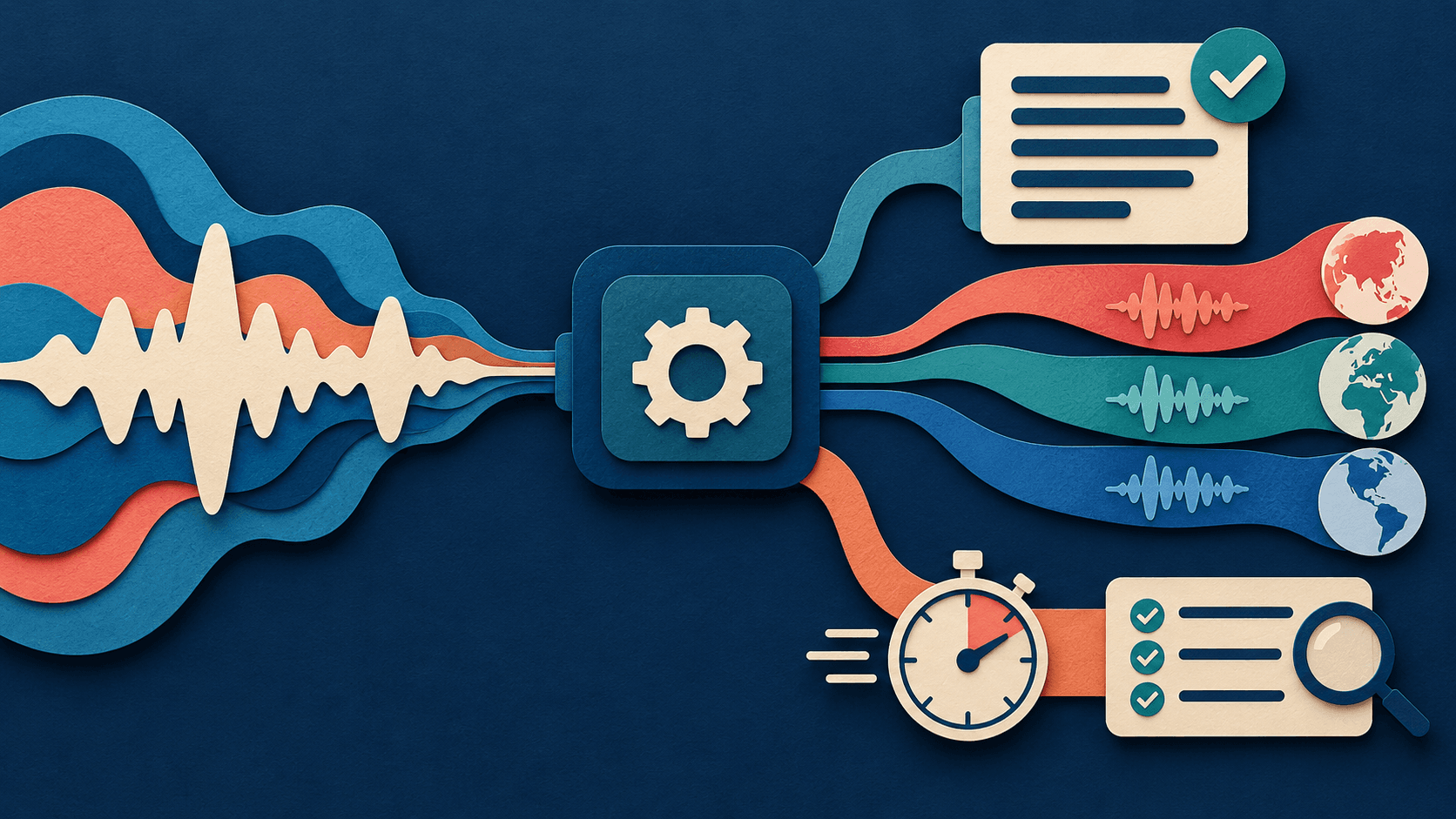
Microsoft’s New Speech Models Need an Accepted-Audio Test
Lower latency and broader voices matter only when transcripts, pronunciations, disclosures, and corrections survive real conditions.
Microsoft announced new transcription and multilingual voice models. Buyers should measure accepted transcripts and usable audio—not demo speed.
Read guide
Gemini 3.8 Flash TTS Turns Voice Design Into a Production Workflow
Gemini Live Avatar Gives AI Agents a Face—What Enterprises Must Test
Google Launches Gemini 3.5 Transcribe for Real-Time Voice Apps