The decision
Should you choose Yap Voice Typing?
Consider Yap Voice Typing for short, reviewed browser drafts when local recognition is attractive. Built-in operating-system dictation is a useful baseline; meeting transcription is a different job. Start with our [dictation extension acceptance checklist](/articles/test-local-ai-dictation-browser-extension).
Best for
Consider Yap Voice Typing for short, reviewed browser drafts when local recognition is attractive. Built-in operating-system dictation is a useful baseline; meeting transcription is a different job. Start with our [dictation extension acceptance checklist](/articles/test-local-ai-dictation-browser-extension)..
Choose something else if
you have not defined the workflow and acceptance criteria yet.
Evidence
Verified research · rating withheld
Pricing checked
No paid entry price required · 2026-10-21
No verified permanent free plan is recorded.
Confirm billing, usage limits, seats, and renewal terms with the vendor.
In this guide
Short answer
Yap Voice Typing offers local browser dictation with two-minute recordings. Check offline behavior, text accuracy and extension access before using it for work.
Evidence and review scope
Submitted to DiscoverAI and researched from official pages on October 21, 2026. This is a research-based review, not hands-on testing. Ratings are withheld. No affiliate destination was supplied for this review.
What Yap Voice Typing does
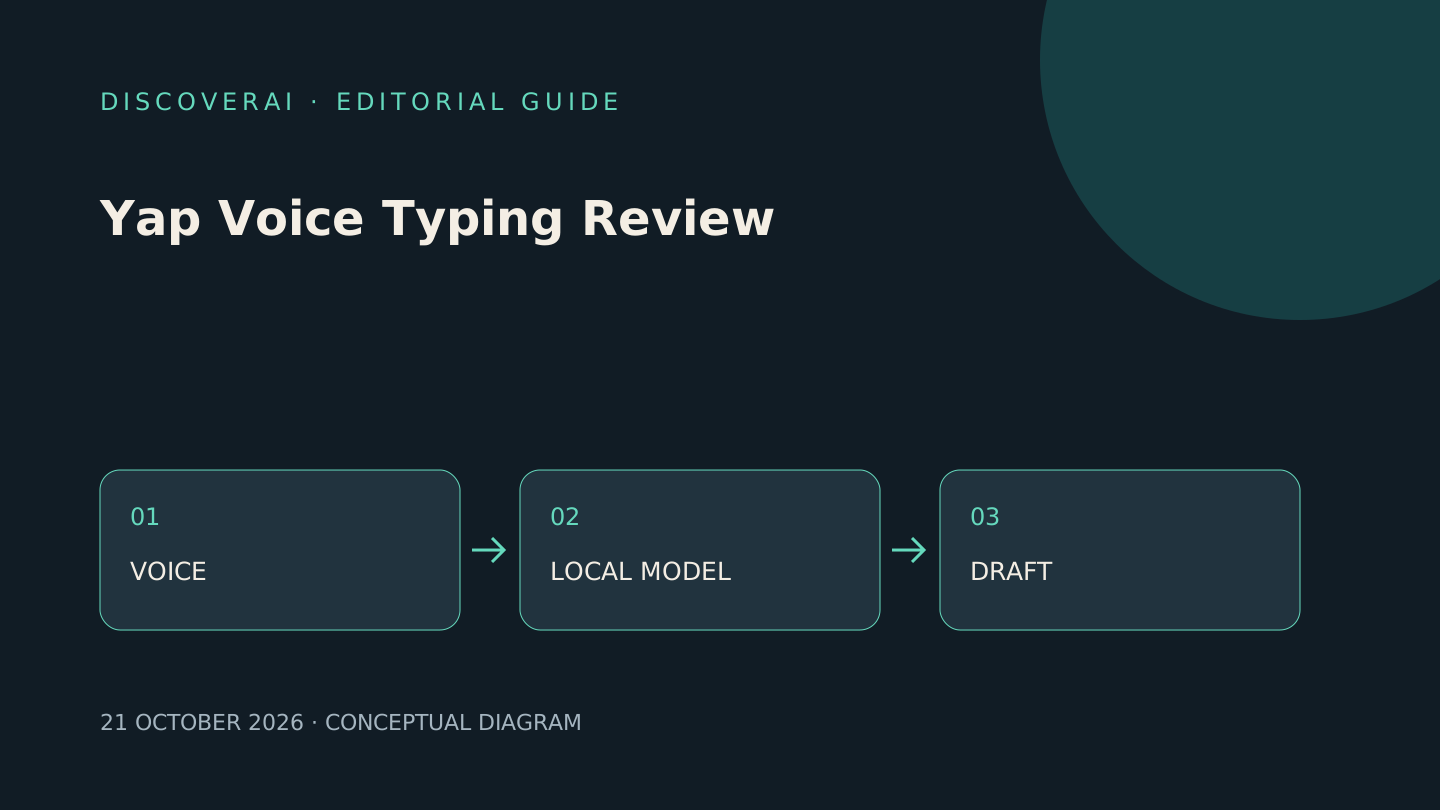
The Yap Voice Typing page describes dictation into website text fields through Alt+Shift+Y. It says Whisper recognition runs inside the browser, with punctuation and filler-word removal. Chrome and Firefox links are provided; the page marks the Edge add-on as coming soon. The multilingual option detects among 99 languages per recording, according to the vendor.
Pricing and access
The official extension page lists free access without an account, unlimited recording count and a two-minute limit per recording. It says the speech model downloads once at approximately 80 MB. These terms describe the browser extension, not the separate desktop product or its pricing.
Limitations and buying cautions
The vendor says audio is never uploaded and the extension reads the active page only on invocation. These are first-party claims; we have not audited the extension, inspected network traffic or verified store-package equivalence. Local recognition does not make the destination website local: dictated text can still be saved or transmitted by an email, document or CRM service. Browser-only insertion also does not establish compatibility with every rich-text editor.
A proposed browser dictation test
Use a separate browser profile and a blank test document. Inspect the publisher, requested site access and microphone controls before installing. Record the extension version and the browser version so a future update can be retested.
Prepare ten short passages you wrote yourself. Include names, dates, a negative statement, numbers and a correction spoken aloud. Save the intended text before dictating. Test each passage once with the same microphone, then count meaningful changes separately from cosmetic punctuation.
Include “do not send the proposal” and a fictional amount such as “one thousand and fifteen.” A dropped negative or changed amount deserves more attention than a missing comma. Read every passage back before sending it anywhere.
Download the model while online, then disconnect in a safe test environment and repeat two passages in an already open local test surface if supported. Record whether recognition still works. This checks one offline workflow; it does not independently establish the absence of every network transmission.
Test the email editor, document editor and CRM field you actually use. Confirm cursor placement, undo and cancellation, then deliberately reach the recording-length boundary. Keep typed input available when a page or microphone fails.
Compare total time from starting a recording to an approved paragraph with ordinary typing. Include correction time and any setup burden. Do not infer productivity from raw words per minute alone. This proposed pilot contains no measured Yap results.
Who should consider it?
Consider Yap Voice Typing for short, reviewed browser drafts when local recognition is attractive. Built-in operating-system dictation is a useful baseline; meeting transcription is a different job. Start with our dictation extension acceptance checklist.
See the Yap Voice Typing profile for the evidence record and related details.
Transparency
How this guide was checked
Editorial accountability
Who checked this guide
- Evaluation type
- Hands-on evaluation
- Last materially checked
- Evidence
- 2 listed sources
Hands-on testing is identified explicitly. Research-based coverage uses cited product documentation and other named sources; it does not imply every paid plan was used. Read the full methodology.
Editorial freshness
Pricing and material product claims were checked October 21, 2026.
Review evidence
What this guidance is based on
- Evidence type
- Official-source research; not hands-on tested
- Rating status
- Not rated
Important limits
- • No independent output, security or performance test.
- • Pricing and access may change; confirm current terms.
Standardized benchmark coverage
How this review maps to the research benchmark
Citation accuracy
Not applicableThe reviewed workflow does not produce source-grounded research answers, so a citation score would be misleading.
Read protocol v2026.10-v1 →Thematic analysis
Not applicableThe reviewed workflow is not qualitative evidence analysis, so a thematic-analysis score would be misleading.
Read protocol v2026.10-v1 →Eligibility is not a product score. DiscoverAI publishes results only after output collection, blinded adjudication, reproducibility checks, and severe-error review.
Open the optional evaluation worksheet
Reusable trial worksheet
Test Yap Voice Typing before you commit
Turn this review’s buyer test into evidence. Your entries autosave only in this browser and are never added to shared shortlist links.
Confirm the tool meets every must-have workflow and stakeholder requirement.
Review starting point: Consider Yap Voice Typing for short, reviewed browser drafts when local recognition is attractive. Built-in operating-system dictation is a useful baseline; meeting transcription is a different job. Start with our dictation extension acceptance checklist.
Run the same representative work you would use in production; do not score a polished demo.
Review starting point: Run a bounded set of representative tasks with known acceptable outcomes, then compare the result with your current workflow.
Calculate the effective cost per accepted result, including usage, review, corrections, and required add-ons.
Review starting point: The official extension page lists free access without an account, unlimited recording count and a two-minute limit per recording. It says the speech model downloads once at approximately 80 MB. These terms describe the browser extension, not the separate desktop product or its pricing.
Define an acceptance threshold, test known answers and edge cases, and record every correction.
Review starting point: Editorial quality signals: features 0.0/5. Validate these signals in your own work.
Verify what data enters the product, who can access it, how long it is retained, and whether it trains models.
Review starting point: Use approved low-risk data first. Check roles, consent, deletion, subprocessors, model-training settings, and the contract—not only the marketing page.
Test the real handoffs, permissions, failure states, and export path your team depends on.
Review starting point: Yap Voice Typing integration requirements are not fully structured in this review; list every required system and test each connection.
Record training, governance, reliability, accessibility, ownership, and change-management risks before rollout.
Review starting point: The vendor says audio is never uploaded and the extension reads the active page only on invocation. These are first-party claims; we have not audited the extension, inspected network traffic or verified store-package equivalence. Local recognition does not make the destination website local: dictated text can still be saved or transmitted by an email,…
Loading saved worksheet… · private to this device or your optional account
Community evidence
How verified users put Yap Voice Typing to work
Structured, editor-moderated experience—not star ratings. This complements our independent review and never changes its score.
No approved community evidence yet. Be the first verified user to contribute.
Community choice
Recommend Yap Voice Typing
Loading weekly votes…
One vote per verified account per tool, counted for seven days. Return after your vote expires to support again. Community votes influence homepage trends, never editorial ratings. Voting does not subscribe you to emails.
Sources and verification
Product details and claims were checked against the following primary sources.
Frequently asked questions
Has DiscoverAI tested Yap Voice Typing?
No. This is official-source research. No hands-on results or numerical rating are claimed.
What access does Yap Voice Typing offer?
The official extension page lists free access without an account, unlimited recording count and a two-minute limit per recording. It says the speech model downloads once at approximately 80 MB. These terms describe the browser extension, not the separate desktop product or its pricing.
Recommended tool
Use Yap Voice Typing if this workflow fits your team
Consider Yap Voice Typing for short, reviewed browser drafts when local recognition is attractive. Built-in operating-system dictation is a useful baseline; meeting transcription is a different job. Start with our [dictation extension acceptance checklist](/articles/test-local-ai-dictation-browser-extension).
Tools mentioned in this article
Yap Voice Typing
Yap Voice Typing offers local browser dictation with two-minute recordings. Check offline behavior, text accuracy and extension access before using it for work.
Yap Voice Typing offers local browser dictation with two-minute recordings. Check offline behavior, text accuracy and extension access before using it for work.
Read next