In this guide
The tip
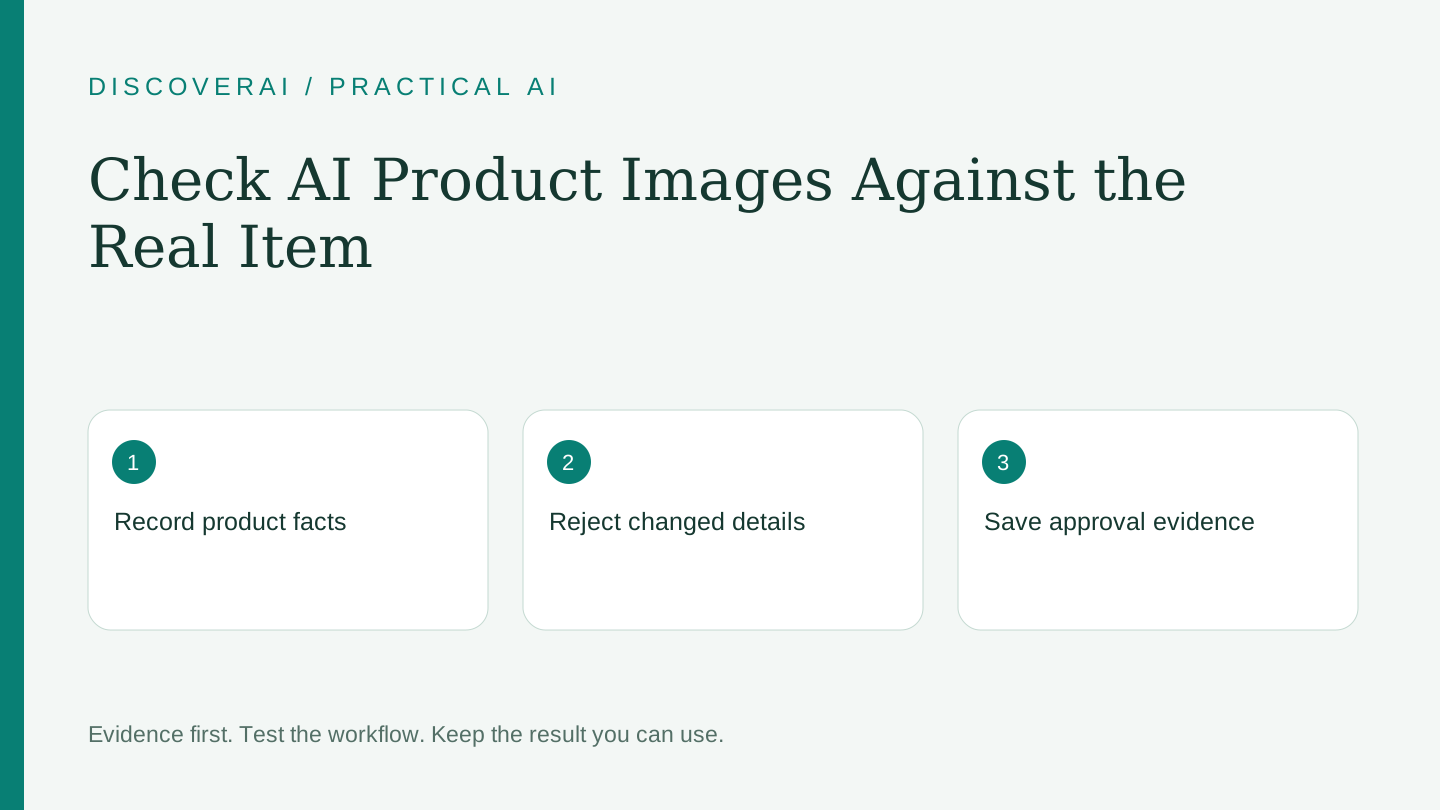
Approve an AI product image against the real item and a fixed reference sheet before judging its visual appeal. Separate product accuracy from styling so a beautiful scene cannot conceal a changed seam, missing component or incorrect label.
This is an editorial workflow, not a benchmark we performed. The Look Atlas terms explicitly describe possible variations and imperfections in generated content. Our Look Atlas review explains the related buying questions.
Free workflow pilot checklist
Test the workflow before you buy the tool.
Get the buyer checklist, including task, owner, approval, fallback, and time-saved fields—plus one useful briefing a week.
1. Create a reference sheet
Choose a product you can inspect and photograph. Record the SKU or internal identifier, color, material, shape, closures, printed wording and included accessories. Photograph difficult details from more than one angle. Keep the sheet outside the generation service so it remains your independent reference.
List which features must not change. For a jacket, that might mean four front buttons, two pockets, a particular lining and the exact logo position. For a bottle, it might mean cap shape, capacity wording and label text. These are examples; use the details a customer relies on when deciding what to buy.
2. Define the permitted changes
Write a short brief identifying what may change: background, lighting direction, surface or styling. Identify what must remain. Avoid mixing several experimental changes in the first run. It is easier to diagnose a changed product when the scene is simple.
Keep the input, prompt and settings with the output. If a colleague later asks why the image looks different, the answer should not depend on someone’s memory of a chat session.
3. Review at two scales
At normal listing size, check silhouette, color and whether the image implies an included accessory that is not part of the sale. Then zoom in to inspect text, seams, fasteners, joins, transparent areas and reflections. Check the edges where the object meets a hand, model or background.
Do not accept a generated close-up as evidence of a feature that cannot be seen in the source. Request a real photograph of that feature instead. For a restored source photograph, use the same discipline: the Lumenfix review distinguishes enhancement from reliable factual reconstruction.
4. Use explicit rejection reasons
Mark each image as approved, correction needed or rejected. Record the failed detail rather than a vague quality score. “Wrong number of buttons” is actionable; “looks odd” is difficult to reproduce. After a correction, review the whole image again because an edit can alter another detail.
Have someone familiar with the item perform the final check. For a larger catalog, sample different materials and shapes before expanding the process. Success on a plain mug does not establish success on lace, jewelry or reflective packaging.
5. Measure usable assets
Count every charged attempt and every minute of correction or review. Divide the total by approved images, not downloaded files. If no image passes, record the pilot as unsuccessful instead of treating the generated quantity as productivity.
Set a limit before starting: how many retries and how much review time are acceptable for this asset? When the limit is reached, use a conventional photograph or simpler edit. The purpose of the pilot is to find a workable process, not to keep generating until an attractive exception appears.
Keep an approval record
Download the product-image approval worksheet. It includes fields for the source, immutable details, output, defect, reviewer and decision. Store the approved file separately from rejected drafts, and attach any disclosure or usage notes required by your own publishing process.
Save the tool and your actual result in My Tools. Before the next batch, revisit the failure reasons and change the brief or tool only where there is evidence it will help. This creates a repeatable quality check without pretending that generation alone completes the job.
Transparency
How this guide was checked
Editorial accountability
Who checked this guide
- Evaluation type
- Research-based verification
- Last materially checked
- Evidence
- 2 listed sources
Hands-on testing is identified explicitly. Research-based coverage uses cited product documentation and other named sources; it does not imply every paid plan was used. Read the full methodology.
Editorial basis
What this guidance is based on
- Editorial basis
- Source-led analysis
- Primary references
- 2
- Products covered
- 2
- Last checked
- 2026-11-13
Important limits
- • Features, availability, and pricing can change after publication; confirm consequential details with the provider.
Sources and references
References cited by this article. Check the original source for scope, dates and current terms.
Frequently asked questions
What should be checked first?
Check the item’s identity and physical details against your own reference before evaluating scene styling.
Does a paid commercial license replace an accuracy check?
No. Usage permission and product accuracy are separate questions.
Is the worksheet gated?
No. The CSV download is available without signup.
Tools mentioned in this article
Look Atlas
Evaluate Look Atlas for on-model product imagery, subscription credits, human touch-ups and product-accuracy checks before using generated catalog photos
Evaluate Look Atlas for on-model product imagery, subscription credits, human touch-ups and product-accuracy checks before using generated catalog photos.
Lumenfix
Review Lumenfix’s enhancement and restoration tools, per-run credits, free export limits and signed-in retention before processing valuable photographs
Review Lumenfix’s enhancement and restoration tools, per-run credits, free export limits and signed-in retention before processing valuable photographs.
Read next