The decision
Should you choose EaseGen?
Multiple creative models in one workspace; validate with a small pilot.
Best for
Creators comparing short-video workflows.
Choose something else if
Provider-specific privacy terms
Evidence
Verified research · rating withheld
Pricing checked
See current vendor pricing · Nov 13, 2026
Free access is available, with limits.
Eligible new accounts may receive 20 signup credits, subject to availability; not a recurring allowance.
In this guide
Short answer
EaseGen is a candidate for creators who want to compare image and video models in one workspace. Start with one short, owned-media test. Its convenience matters only if you can produce a usable clip at an acceptable total cost and keep your files afterward.
Free buyer comparison checklist
Compare this tool before committing.
Use the buyer checklist to compare two tools on the same tasks, including quality, review time and total cost. Get the weekly top 5 AI tools, one practical workflow and one way to reduce AI spending.
Evidence and review scope
We checked official pages on November 13, 2026. We did not generate media, purchase access or test exports. Ratings are withheld. Links are direct; no affiliate destination is configured. The scenarios below are proposed buyer tests, not observed results.
What the product offers
The product page describes text-to-video, image-to-video, story planning and a Canvas for organizing assets. Model availability and supported inputs vary. The starter example is a five-second, 480p clip costing 20 credits. Eligible new accounts may receive that many signup credits, subject to availability. This does not establish a continuing free production allowance.
EaseGen says downloads carry no added EaseGen watermark. That is separate from marks already in source images, generated text errors and permission to publish the output. A watermark-free file can still be unsuitable for an advertisement.
Pricing: distinguish the commitment from the headline
The retrieved pricing page shows annual commitments of $83.92 for Standard and $251.92 for Pro, with 1,500 and 5,000 credits delivered monthly respectively. Its monthly-equivalent labels are rounded; use the stated annual charge rather than multiplying the label. Confirm the selected billing option at checkout.
Monthly credits expire a month after issue; purchased credits last 12 months. Annual payment therefore does not mean receiving a year’s balance immediately. The page also places limits on saved assets: free Canvas projects are kept seven days after their last edit, while member assets remain during membership and seven more days afterward.
A practical comparison test
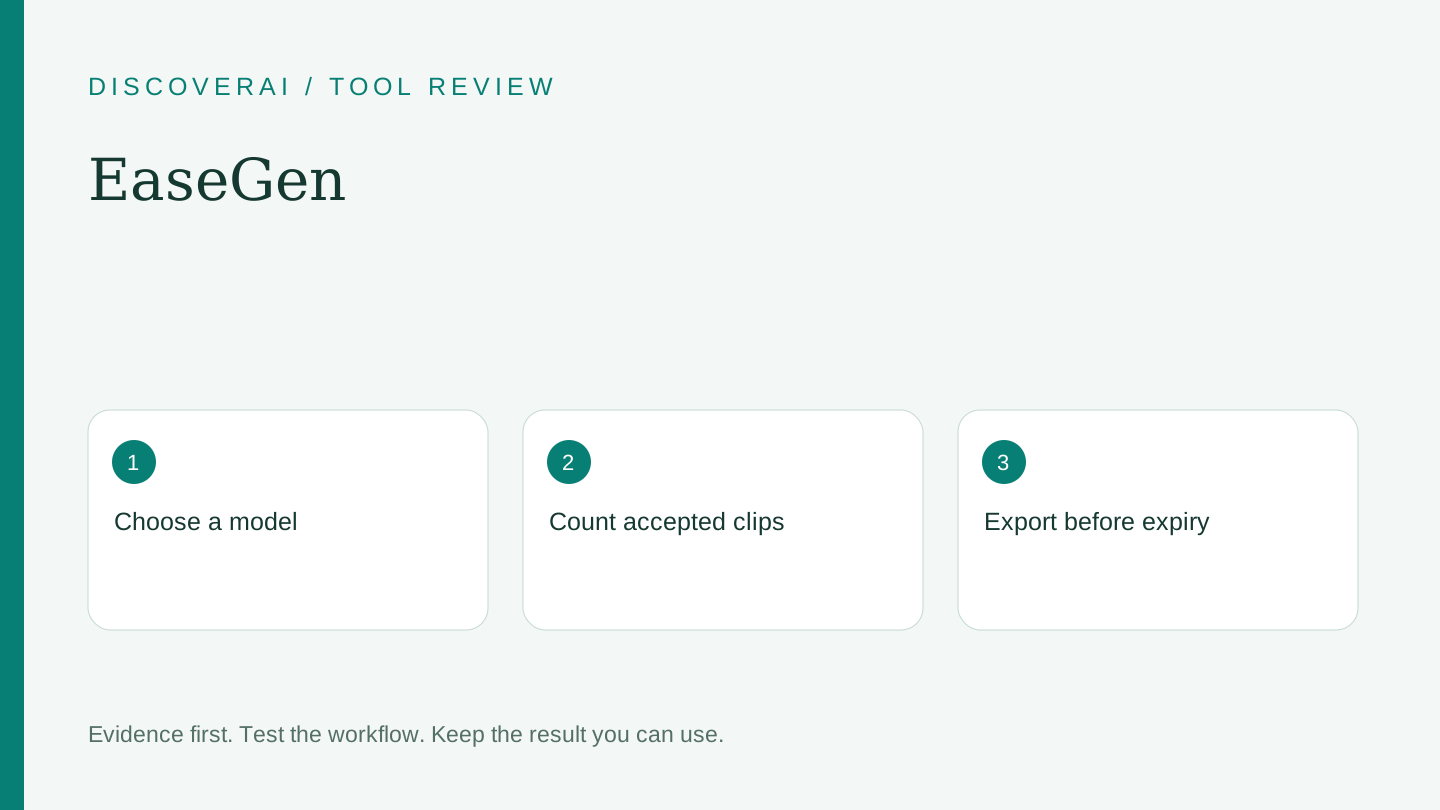
Choose a simple product photo you own and a short brief: one camera move, no invented packaging text, and a clean final frame. Run the same brief with two suitable model settings only if your budget allows. Save the settings, credit charge and original input beside every download.
Inspect the entire clip at normal speed and pause at the beginning, middle and end. Look for changing logos, warped edges, added components and motion that hides the product. Decide in advance whether these faults require rejection or can be repaired in your normal editor.
Count paid retries in your budget. For example, three charged attempts to obtain one acceptable clip means the effective generation cost is three times the per-attempt cost. That is hypothetical arithmetic, not an estimate of EaseGen’s success rate. Add editing time before comparing against a different service.
Privacy and file recovery
The privacy policy says the selected model provider receives the inputs required for generation. EaseGen’s commitment not to train its own models does not extend to every third-party provider. Review the provider relevant to your chosen model before uploading unpublished client material.
Download the approved clip, source image, prompt and settings together. Reopen the file outside EaseGen and keep an independent backup. Our AI project exit checklist helps separate storage expiry from credit expiry.
Verdict and alternatives
Shortlist EaseGen for model exploration with a controlled test budget. If the specific job is transferring an existing performance onto a character, compare MotionControlAI. If you need a reliable recurring campaign workflow, require several accepted outputs and a tested export process before choosing annual billing. Save the EaseGen profile in My Tools and record the outcome of your trial.
Transparency
How this guide was checked
Editorial accountability
Who checked this guide
- Evaluation type
- Hands-on evaluation
- Last materially checked
- Evidence
- 3 listed sources
Hands-on testing is identified explicitly. Research-based coverage uses cited product documentation and other named sources; it does not imply every paid plan was used. Read the full methodology.
Editorial freshness
Pricing and material product claims were checked November 13, 2026.
Review evidence
What this guidance is based on
- Evaluation type
- Official-source research; no hands-on testing
- Research date
- November 13, 2026
Important limits
- • No account, purchase, generation, export or support test performed.
- • Output quality, reliability and privacy controls have not been independently verified.
Standardized benchmark coverage
How this review maps to the research benchmark
Citation accuracy
Not applicableThe reviewed workflow does not produce source-grounded research answers, so a citation score would be misleading.
Read protocol v2026.10-v1 →Thematic analysis
Not applicableThe reviewed workflow is not qualitative evidence analysis, so a thematic-analysis score would be misleading.
Read protocol v2026.10-v1 →Eligibility is not a product score. DiscoverAI publishes results only after output collection, blinded adjudication, reproducibility checks, and severe-error review.
Open the optional evaluation worksheet
Reusable trial worksheet
Test EaseGen before you commit
Turn this review’s buyer test into evidence. Your entries autosave only in this browser and are never added to shared shortlist links.
Confirm the tool meets every must-have workflow and stakeholder requirement.
Review starting point: Creators comparing short-video workflows
Run the same representative work you would use in production; do not score a polished demo.
Review starting point: Run a bounded set of representative tasks with known acceptable outcomes, then compare the result with your current workflow.
Calculate the effective cost per accepted result, including usage, review, corrections, and required add-ons.
Review starting point: Annual view: Standard $83.92/year for 1,500 credits/month; Pro $251.92/year for 5,000/month. Displayed equivalents $6.99/$20.99 are rounded. Confirm monthly checkout separately.
Define an acceptance threshold, test known answers and edge cases, and record every correction.
Review starting point: Editorial quality signals: features 0.0/5. Validate these signals in your own work.
Verify what data enters the product, who can access it, how long it is retained, and whether it trains models.
Review starting point: Use approved low-risk data first. Check roles, consent, deletion, subprocessors, model-training settings, and the contract—not only the marketing page.
Test the real handoffs, permissions, failure states, and export path your team depends on.
Review starting point: EaseGen integration requirements are not fully structured in this review; list every required system and test each connection.
Record training, governance, reliability, accessibility, ownership, and change-management risks before rollout.
Review starting point: Provider-specific privacy terms; Monthly credits expire; Short free storage window
Loading saved worksheet… · private to this device or your optional account
Community evidence
How verified users put EaseGen to work
Structured, editor-moderated experience—not star ratings. This complements our independent review and never changes its score.
No approved community evidence yet. Be the first verified user to contribute.
Community choice
Recommend EaseGen
Loading weekly votes…
One vote per verified account per tool, counted for seven days. Return after your vote expires to support again. Community votes influence homepage trends, never editorial ratings. Voting does not subscribe you to emails.
Sources and references
References cited by this article. Check the original source for scope, dates and current terms.
Frequently asked questions
Is EaseGen free forever?
It advertises conditional signup credits, not unlimited or recurring free video generation.
Does an annual plan deliver all credits upfront?
The pricing page says credits arrive monthly.
Has DiscoverAI tested EaseGen output quality?
No. This review is documentation research; ratings are withheld.
Recommended tool
Use EaseGen if this workflow fits your team
Multiple creative models in one workspace; validate with a small pilot.
Tools mentioned in this article
EaseGen
Evaluate EaseGen’s video models, conditional signup credits, annual billing, credit expiry and storage limits before committing to a creative workflow
Evaluate EaseGen’s video models, conditional signup credits, annual billing, credit expiry and storage limits before committing to a creative workflow.
Read next