In this guide
The tip
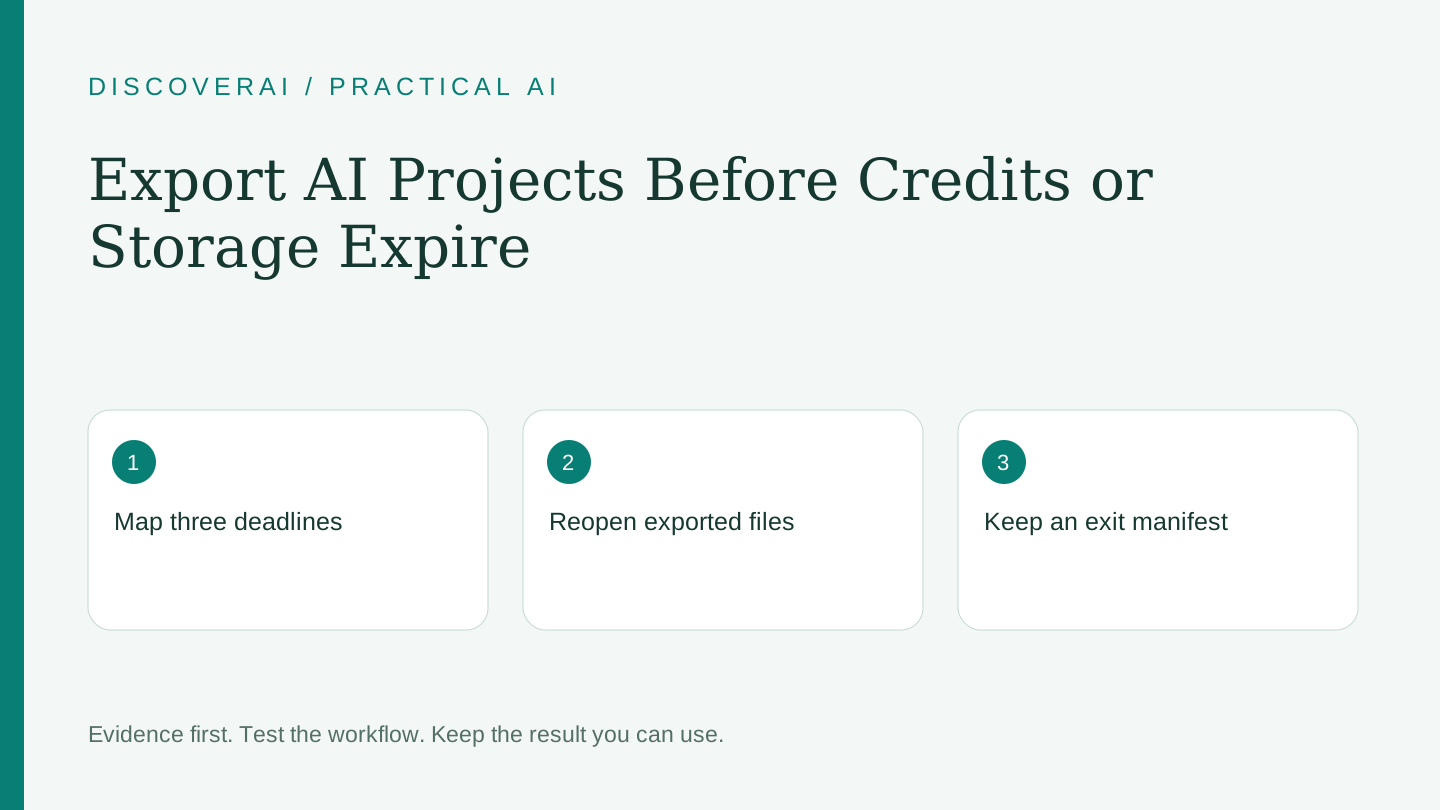
Treat credits, subscription access and stored files as three separate deadlines. Export a usable project while all three are still available. Cancelling a renewal is not a backup strategy, and a non-expiring credit pack does not prove that your files remain stored indefinitely.
This is a proposed editorial workflow, not a tested recovery service. Current examples in the EaseGen pricing page and MotionControlAI pricing page illustrate why buyers should inspect different expiry rules. We have not tested either provider’s deletion or recovery behavior.
Free AI tool buyer checklist
Make the next AI subscription earn its place.
Get the weekly top 5 AI tools, one practical workflow and one way to reduce AI spending. Includes a free buyer checklist.
1. Write down each clock
Record the subscription renewal date, the expiry of each credit balance and the retention window for uploads, projects and outputs. Note whether storage depends on the last edit, account sign-in or active membership. If the provider does not state a rule clearly, mark it unknown and ask before committing important work.
For example, EaseGen distinguishes monthly credits, purchased credits and Canvas retention. MotionControlAI distinguishes monthly and pack-credit expiry. These are product-specific examples, not a universal rule for creative tools. Keep a link to the current terms beside your notes.
2. Export the deliverable and its context
Download the final file in the format you intend to use. Also keep the source material you own, prompt or brief, model and settings, version date and any edit notes. If a project contains multiple scenes, preserve their order and filenames.
A final MP4 or PNG may be enough for publication but insufficient for later editing. Determine whether an editable project, separate layers, captions, audio or source timeline is available. Mark unavailable formats explicitly so a future editor knows what can be changed without recreating the work.
3. Test the export outside the service
Open every important file in your normal player, editor or document application. Check dimensions, duration, audio, fonts and missing assets as relevant. Try a small edit and save it. Merely seeing a download complete does not show that the file is intact or useful.
For a video, inspect the beginning and end as well as the middle. For an image, confirm that you downloaded the approved resolution rather than a preview. For a document, check headings and embedded media. Record the result in the manifest.
4. Preserve the decisions behind the output
Keep the final approval note, permissions for source material and a dated link or copy of the applicable usage terms. A project should explain which output was accepted and why. Do not rely on an expired account’s history to distinguish the final version from a rejected draft.
Avoid collecting unnecessary personal data in the export bundle. Retain only material you are authorized to keep. If provider deletion matters for a client project, handle that as a separate request and retain its confirmation; deleting your local folder does not remove a cloud copy.
5. Set a reminder before the deadline
Use My Tools to record the trial or renewal date and export a calendar reminder. Calendar reminders require importing the file into your calendar; they are not automatic reminder emails. Choose a date early enough to fix a failed export or ask support a question.
Do not buy more credits merely because some are expiring. Evaluate the remaining work and the cost of completing it. Unused capacity is a sunk cost; a new purchase needs its own reason.
A small exit rehearsal
Download the AI project export manifest. Complete it for one disposable test project before trusting the service with a larger job. Open the export on another device or application, locate the source and settings, and identify the approved version without logging back in.
If that rehearsal fails, resolve the gap while access remains active. Our EaseGen review and MotionControlAI review show how expiry and billing details affect a specific buying decision. The goal is a recoverable body of work, not simply a folder full of downloads.
Transparency
How this guide was checked
Editorial accountability
Who checked this guide
- Evaluation type
- Research-based verification
- Last materially checked
- Evidence
- 2 listed sources
Hands-on testing is identified explicitly. Research-based coverage uses cited product documentation and other named sources; it does not imply every paid plan was used. Read the full methodology.
Editorial basis
What this guidance is based on
- Editorial basis
- Source-led analysis
- Primary references
- 2
- Products covered
- 2
- Last checked
- 2026-11-13
Important limits
- • Features, availability, and pricing can change after publication; confirm consequential details with the provider.
Sources and references
References cited by this article. Check the original source for scope, dates and current terms.
Frequently asked questions
Do non-expiring credits guarantee permanent file storage?
No. Credit balances, account access and file retention can have separate rules.
Does cancelling a subscription delete my data?
Do not assume so. Check the provider’s separate cancellation and deletion procedures.
What should I test after downloading?
Open the file outside the service and verify the format, content, quality and editing requirements.
Tools mentioned in this article
EaseGen
Evaluate EaseGen’s video models, conditional signup credits, annual billing, credit expiry and storage limits before committing to a creative workflow
Evaluate EaseGen’s video models, conditional signup credits, annual billing, credit expiry and storage limits before committing to a creative workflow.
MotionControlAI
Evaluate MotionControlAI’s character animation, per-second credits, monthly expiry and completed-result charges before creating reference-driven video
Evaluate MotionControlAI’s character animation, per-second credits, monthly expiry and completed-result charges before creating reference-driven video.