In this guide
Approve the exact version that will go live
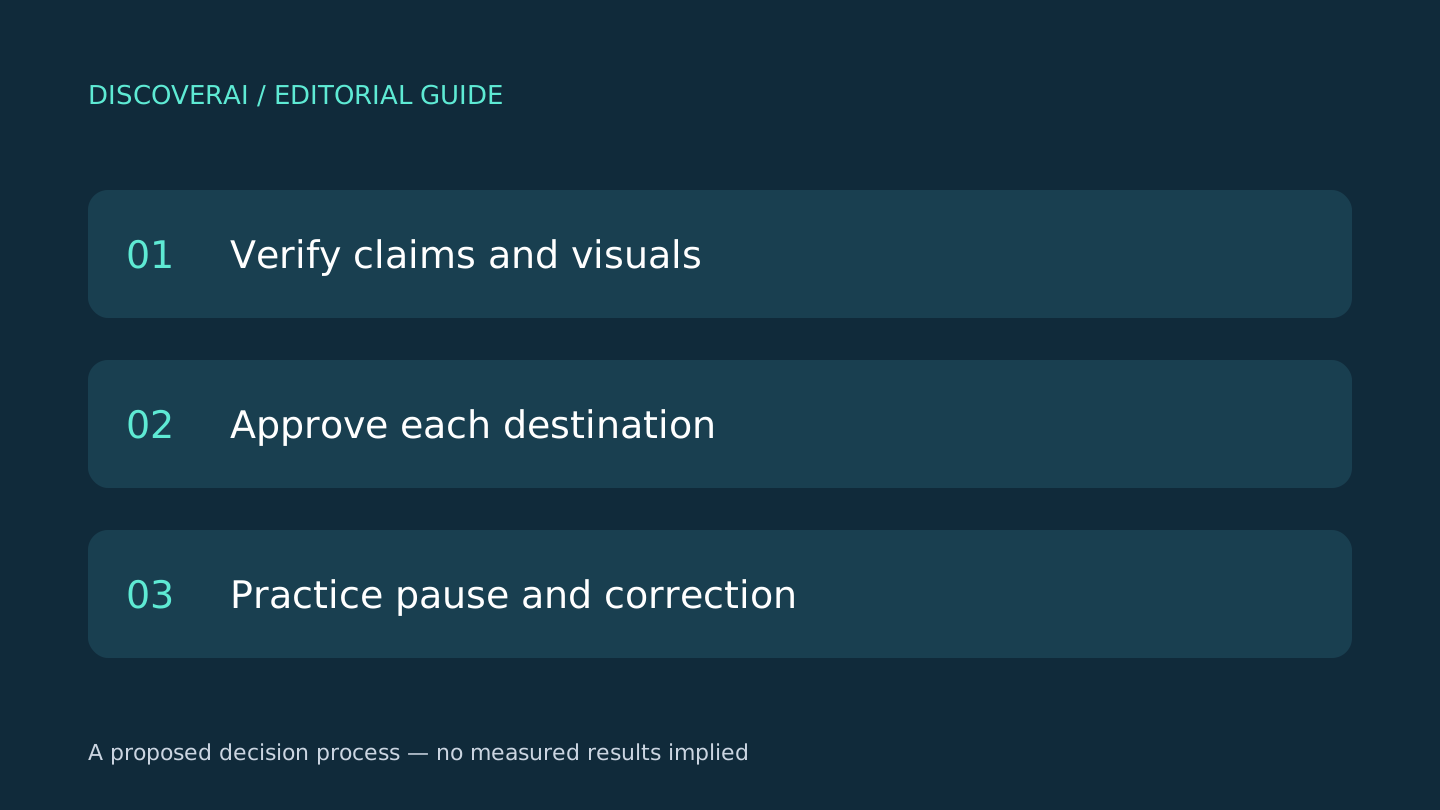
Treat every public variant as a separate deliverable with an accountable reviewer. A good source brief is only the starting point. The caption, graphic, link and scheduled settings must all agree at the moment of approval.
This is a proposed editorial process, not a campaign DiscoverAI ran. Download the AI social approval CSV for a private review log. It does not require an account.
Free workflow pilot checklist
Test the workflow before you buy the tool.
Get the buyer checklist, including task, owner, approval, fallback, and time-saved fields—plus one useful briefing a week.
1. Make a compact source-of-truth brief
Write the audience, offer, expiry date, price, exclusions and destination. Add the source for each factual claim. Identify who may approve a change. For an invented example, a free workshop with limited seats must not become an unlimited free consultation in a generated caption.
Mark assumptions explicitly. If the team cannot verify availability, remove the promise or resolve it before generation. Asking the model to sound confident is not a substitute for a source.
2. Read the image and caption independently
Check embedded text at the size people will see on a phone. Inspect names, prices, symbols and date formatting. Then check whether the visual implies something the caption never promises: a fabricated customer endorsement, an unavailable product option or a misleading before-and-after result.
Keep the final asset next to the final caption in the approval record. A correction to the text field does not establish that an earlier exported image was corrected too.
3. Verify every destination variant
Open the actual link. Check the landing page, offer and tracking parameters. Review each network’s crop, visible caption and call to action. A long explanation that makes a condition clear on one destination may be cut off on another.
Record the publishing account, time zone and scheduled time. If the offer expires on Friday, verify what Friday means for that audience. Ask one reviewer to inspect the complete preview rather than approving separate fragments in isolation.
4. Make edits invalidate old approvals
After approval, change one test field in a disposable draft and check the tool’s behavior. Does a reviewer see the changed version? Can a stale creative remain in the queue? Decide your policy for reopening approval after a factual edit.
Zolyp’s product page describes review mode and autopilot. Our recommendation is to validate the review workflow before enabling broader automation; we have not tested its publishing or approval behavior. Apply the same check to any other scheduler you consider.
5. Rehearse pause, removal and correction
Practice pausing a queue before you depend on it. Identify who can remove a scheduled post and who checks a correction after publication. Keep an accessible record of the approved content and its destination.
For a small live pilot, inspect the public result promptly. Measure accepted output and review time before increasing volume. More generated drafts can create more editorial work without giving readers a clearer message.
Use the Zolyp review for access and credit caveats, and the buyer checklist to compare the controls each candidate demonstrates.
Transparency
How this guide was checked
Editorial accountability
Who checked this guide
- Evaluation type
- Research-based verification
- Last materially checked
- Evidence
- 1 listed sources
Hands-on testing is identified explicitly. Research-based coverage uses cited product documentation and other named sources; it does not imply every paid plan was used. Read the full methodology.
Editorial basis
What this guidance is based on
- Editorial basis
- Source-led analysis
- Primary references
- 1
- Products covered
- 1
- Last checked
- 2026-11-06
Important limits
- • Features, availability, and pricing can change after publication; confirm consequential details with the provider.
Sources and references
References cited by this article. Check the original source for scope, dates and current terms.
Frequently asked questions
Is a corrected caption enough?
No. Recheck the image, destination variants and scheduled version too.
Should a factual edit preserve the old approval?
Set an explicit policy; our recommendation is to reopen review when approved claims change.
Was scheduler reliability measured?
No. These are proposed checks, not results from a live campaign.
Tools mentioned in this article
Zolyp
Assess Zolyp’s AI social content, approval workflow and credit-based plans, including its video-free trial limits, before connecting a business account.
Assess Zolyp’s AI social content, approval workflow and credit-based plans, including its video-free trial limits, before connecting a business account.
Read next