The decision
Should you choose Lumenfix?
Small credit packs; validate with a small pilot.
Best for
Family photo restoration; Creators cleaning up existing images.
Choose something else if
Enhancement is not forensic evidence
Evidence
Verified research · rating withheld
Pricing checked
See current vendor pricing · Nov 13, 2026
Free access is available, with limits.
Try one photo without an account, or sign in for 10 daily credits for Standard runs; free export size and watermark limits apply.
In this guide
Short answer
Lumenfix is worth evaluating for improving an existing photo, with the original kept as the reference. Choose the exact operation you need and inspect a small result before paying for a larger batch. A clearer-looking detail is not necessarily a detail the camera captured.
Free buyer comparison checklist
Compare this tool before committing.
Use the buyer checklist to compare two tools on the same tasks, including quality, review time and total cost. Get the weekly top 5 AI tools, one practical workflow and one way to reduce AI spending.
Evidence and review scope
We checked the provider’s product, pricing and privacy pages on November 13, 2026. We did not upload a photograph, buy credits or compare enhanced outputs. Ratings are withheld, and links are direct. Claims about preservation and speed remain provider claims.
What the toolkit covers
The homepage lists sharpening, restoration, colorization, glare removal and upscaling. It distinguishes cloud AI edits from browser-local detection and SVG tracing. The product’s emphasis on preserving faces should not be treated as a measured guarantee across every editing mode.
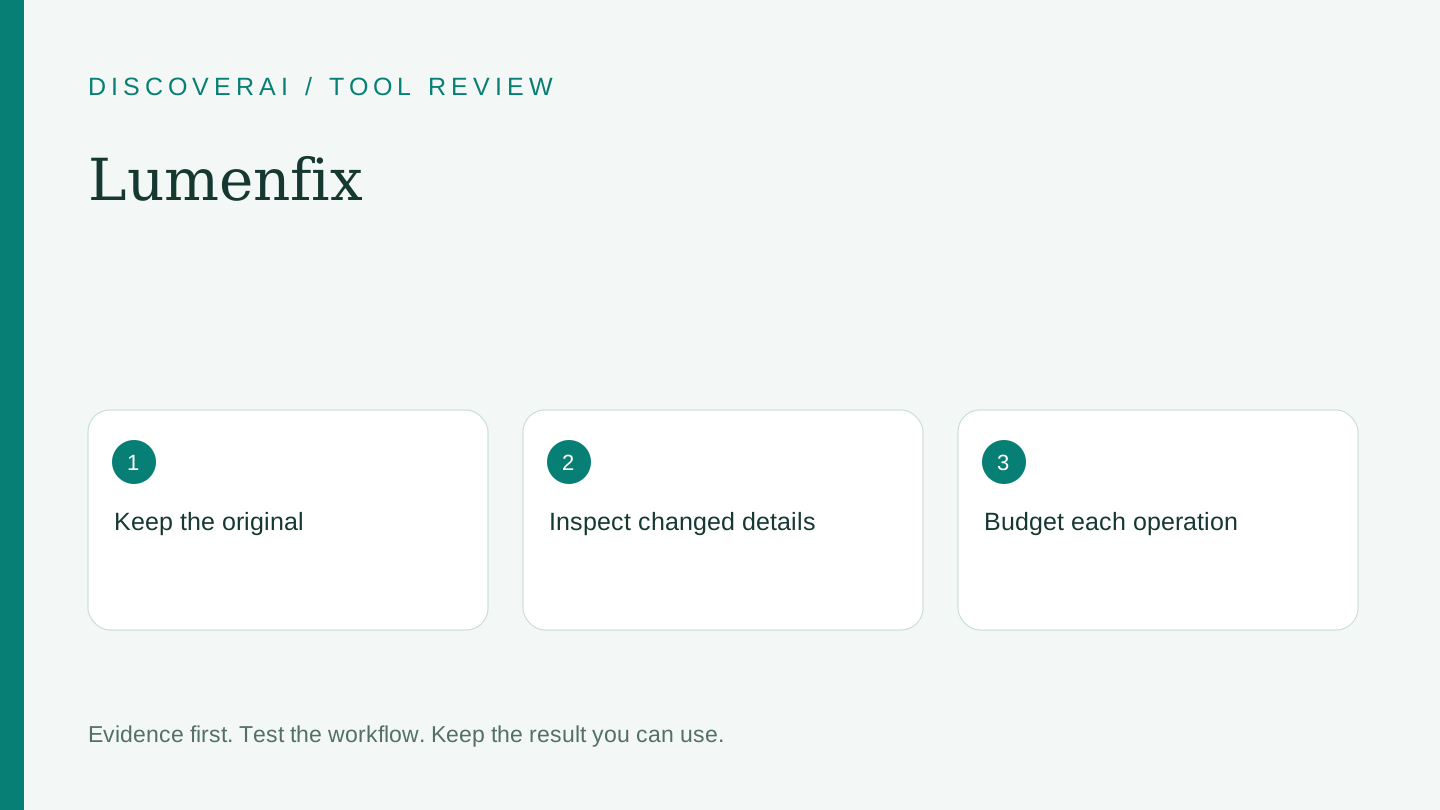
Select the least invasive operation that solves the problem. A family archive with faded contrast needs a different evaluation from a product photo with unreadable packaging. Keep documentary originals separate from enhanced copies, and label newly inferred colors or reconstructed details when sharing archival work.
Credits: budget by operation
The pricing page lists a $5.99 pack with 100 non-expiring credits. Standard enhancement uses four credits; Pro enhancement six; Ultra HD 4K enhancement forty. At those rates, 100 credits could cover 25 Standard attempts or two Ultra HD attempts with credits remaining. These are capacity calculations, not guaranteed accepted results.
Free access includes one no-account photo or ten daily signed-in credits for Standard runs, with JPG, size and watermark restrictions. Pro includes 400 monthly credits; the retrieved view did not establish its subscription cash price. Pro rollover is capped at 1,200 while active, and unused subscription credits clear after the paid period. Purchased packs remain separate.
Proposed pilot: inspect the details you already know
Use a copy of an image you own with visible hair, textured clothing and a printed sign or product label. Write down which part needs improvement. Run only that operation first, and compare the result at the same display size as the original.
Zoom into the target area. Check whether letters, eye shape, stitching or small objects have changed. Then zoom back out: an apparent improvement at 200 percent can look unnatural in a normal print or listing. Test the downloaded file in the application where it will actually be used.
For restoration, ask someone familiar with the photographed person to inspect the face. For product work, compare against the real object. Reject changes to identifying details even if the output looks sharper. Do not use an enhancement to establish a fact that is illegible in the source.
Retention and privacy
The homepage describes 24-hour file deletion for signed-out use and seven days for signed-in history. It says AI edits send the image to the model provider. The general privacy policy also describes operational personal-data retention without a single fixed period. File deletion is therefore not a promise that all account, billing and provider records disappear on the same schedule.
Download wanted files promptly and ask about provider retention before uploading sensitive portraits. Keep your untouched originals outside the service. Our project export checklist includes a simple manifest for this.
Verdict
Lumenfix fits small enhancement tasks when you can verify the output against the source. Start with a modest allowance and measure how many edits you would actually keep. For generating new on-model catalog scenes, Look Atlas addresses a different job. Save the Lumenfix profile and track the useful results rather than the number of generated files.
Transparency
How this guide was checked
Editorial accountability
Who checked this guide
- Evaluation type
- Hands-on evaluation
- Last materially checked
- Evidence
- 3 listed sources
Hands-on testing is identified explicitly. Research-based coverage uses cited product documentation and other named sources; it does not imply every paid plan was used. Read the full methodology.
Editorial freshness
Pricing and material product claims were checked November 13, 2026.
Review evidence
What this guidance is based on
- Evaluation type
- Official-source research; no hands-on testing
- Research date
- November 13, 2026
Important limits
- • No account, purchase, generation, export or support test performed.
- • Output quality, reliability and privacy controls have not been independently verified.
Standardized benchmark coverage
How this review maps to the research benchmark
Citation accuracy
Not applicableThe reviewed workflow does not produce source-grounded research answers, so a citation score would be misleading.
Read protocol v2026.10-v1 →Thematic analysis
Not applicableThe reviewed workflow is not qualitative evidence analysis, so a thematic-analysis score would be misleading.
Read protocol v2026.10-v1 →Eligibility is not a product score. DiscoverAI publishes results only after output collection, blinded adjudication, reproducibility checks, and severe-error review.
Open the optional evaluation worksheet
Reusable trial worksheet
Test Lumenfix before you commit
Turn this review’s buyer test into evidence. Your entries autosave only in this browser and are never added to shared shortlist links.
Confirm the tool meets every must-have workflow and stakeholder requirement.
Review starting point: Family photo restoration; Creators cleaning up existing images
Run the same representative work you would use in production; do not score a polished demo.
Review starting point: Run a bounded set of representative tasks with known acceptable outcomes, then compare the result with your current workflow.
Calculate the effective cost per accepted result, including usage, review, corrections, and required add-ons.
Review starting point: One-time packs from $5.99/100 credits. Pro includes 400 monthly credits; subscription cash price not verified from the retrieved view. Rates vary by operation.
Define an acceptance threshold, test known answers and edge cases, and record every correction.
Review starting point: Editorial quality signals: features 0.0/5. Validate these signals in your own work.
Verify what data enters the product, who can access it, how long it is retained, and whether it trains models.
Review starting point: Use approved low-risk data first. Check roles, consent, deletion, subprocessors, model-training settings, and the contract—not only the marketing page.
Test the real handoffs, permissions, failure states, and export path your team depends on.
Review starting point: Lumenfix integration requirements are not fully structured in this review; list every required system and test each connection.
Record training, governance, reliability, accessibility, ownership, and change-management risks before rollout.
Review starting point: Enhancement is not forensic evidence; Some operations cost far more credits; Signed-in files retained longer
Loading saved worksheet… · private to this device or your optional account
Community evidence
How verified users put Lumenfix to work
Structured, editor-moderated experience—not star ratings. This complements our independent review and never changes its score.
No approved community evidence yet. Be the first verified user to contribute.
Community choice
Recommend Lumenfix
Loading weekly votes…
One vote per verified account per tool, counted for seven days. Return after your vote expires to support again. Community votes influence homepage trends, never editorial ratings. Voting does not subscribe you to emails.
Sources and references
References cited by this article. Check the original source for scope, dates and current terms.
Frequently asked questions
Is every Lumenfix operation local?
No. Its homepage distinguishes local detector/tracer tools from AI edits sent to a model provider.
Do all enhancements cost the same?
No. The rate table varies substantially by operation and quality setting.
Are signed-in files removed after 24 hours?
The homepage states seven days for signed-in files, rather than the signed-out 24-hour window.
Recommended tool
Use Lumenfix if this workflow fits your team
Small credit packs; validate with a small pilot.
Tools mentioned in this article
Lumenfix
Review Lumenfix’s enhancement and restoration tools, per-run credits, free export limits and signed-in retention before processing valuable photographs
Review Lumenfix’s enhancement and restoration tools, per-run credits, free export limits and signed-in retention before processing valuable photographs.
Read next