In this guide
What Google announced
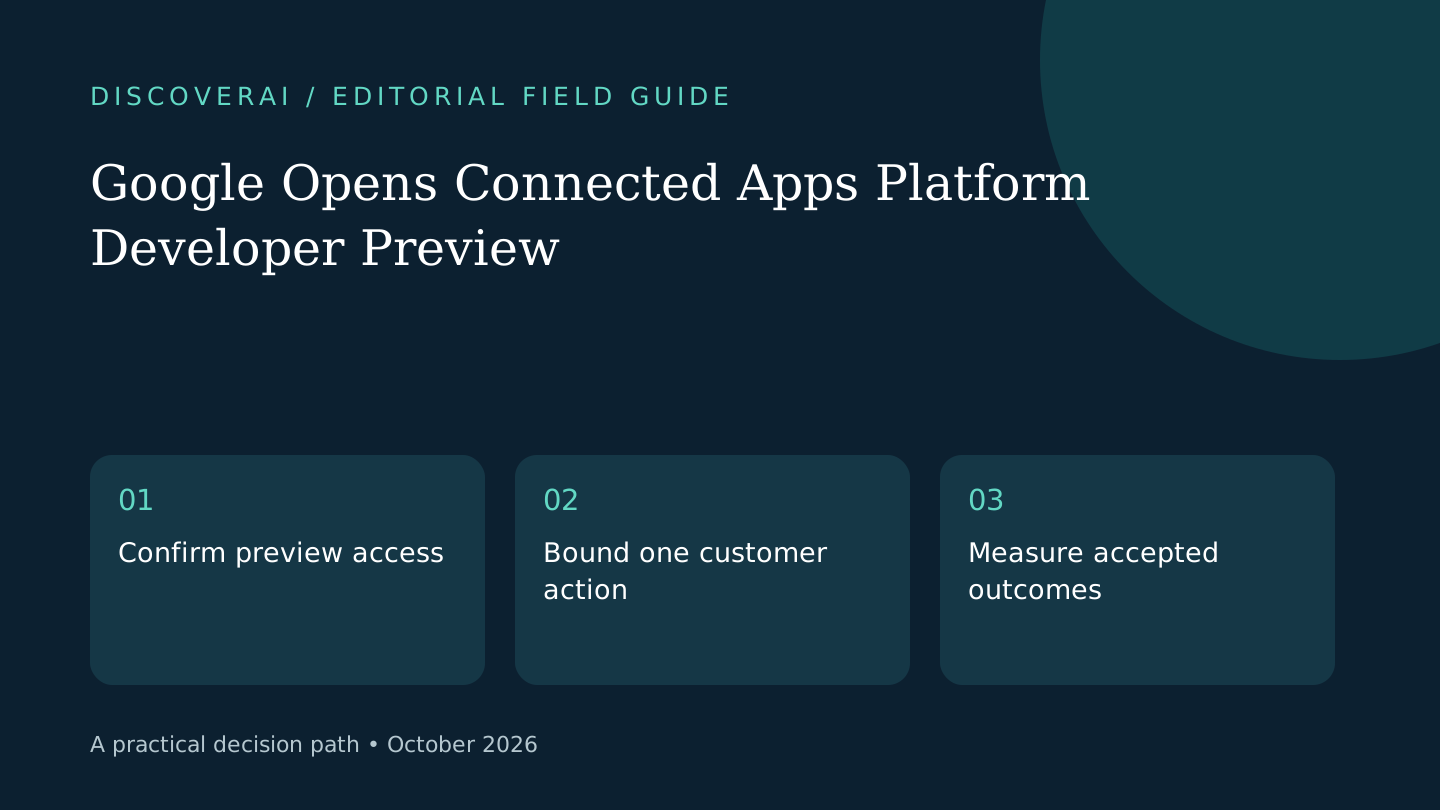
Google's October 28 announcement introduces a Connected Apps Platform preview for developers targeting Search and Gemini. Integrations use a cloud-hosted MCP server or Android MCP through AppFunctions APIs. Developers register, test and submit through Google Connected Console, choosing Search, Gemini or both before review. Access opens in phases.
Google also describes new partner integrations. Its announcement distinguishes partners already live in Gemini from a Search rollout planned for coming weeks. Preview participation is not a guarantee of immediate public availability in both products.
This article is October 29 analysis of that announcement. We have not submitted an app, measured referral traffic or tested review turnaround.
Free content AI buyer checklist
Choose tools that improve accepted work—not output volume.
Get a checklist for accuracy, edit time, sourcing, brand fit, and cost per accepted asset—plus one briefing a week.
Why this affects a product decision
Our assessment is that a shared entry point could make a narrow integration easier to consider for teams already serving users in Google products. It still requires a useful action, dependable authentication and someone to operate the service. Building a connector is a product commitment, not merely another place to publish a link.
Start by writing a single user outcome. For a booking product, that might be checking availability without committing a reservation. For a document service, it might be finding an approved template. Choose an action whose result can be checked clearly before offering a wider set of capabilities.
Plan the boundary before implementation
Separate reading from changes to an account. Decide which action requires confirmation and what the user should see before it occurs. If a request is ambiguous, identify the missing information rather than choosing an irreversible interpretation. These are proposed design requirements; this article does not claim Google's preview automatically enforces each one for your app.
Create fictional test accounts with different permissions. Define expected behavior for an expired session, missing permission and unavailable downstream service. A successful demonstration with an administrator account cannot establish that ordinary customers receive the right result.
Measure a completed job
Google says live developers can monitor traffic, latency and errors. Those operational signals are useful, but a fast response is not necessarily a completed customer task. Add your own accepted-outcome criteria to the launch brief.
For a proposed booking check, record whether the result matches current inventory, whether a retry causes an unwanted duplicate and whether the customer can recover when the service is unavailable. Keep the sample small enough that a person can review the actual outcomes. Do not turn preview traffic into a revenue forecast without evidence.
Availability and next steps
Check the official developer entry point for current preview eligibility and supported integration paths. This article does not establish your app's eligibility, costs or review timeline. Assign a maintenance owner before committing engineering time.
Use the selection matrix to compare this integration with improving your existing customer journey. Read workflow guides for evaluation structure. A useful launch should remove a real customer obstacle and preserve a clear recovery path when an action cannot be completed.
Transparency
How this guide was checked
Editorial accountability
Who checked this guide
- Evaluation type
- Research-based verification
- Last materially checked
- Evidence
- 1 listed sources
Hands-on testing is identified explicitly. Research-based coverage uses cited product documentation and other named sources; it does not imply every paid plan was used. Read the full methodology.
Editorial basis
What this guidance is based on
- Editorial basis
- Source-led analysis
- Primary references
- 1
- Products covered
- 0
- Last checked
- 2026-10-29
Important limits
- • Features, availability, and pricing can change after publication; confirm consequential details with the provider.
Sources and references
References cited by this article. Check the original source for scope, dates and current terms.
Frequently asked questions
Is developer access immediately universal?
No. Google says the preview opens access in phases.
Does submitting guarantee launch in both products?
No. Developers select their target surfaces and submit for review; access and rollout remain conditional.
Has DiscoverAI shipped a preview integration?
No. This is source-based announcement analysis.
Read next