In this guide
Make approval a real checkpoint
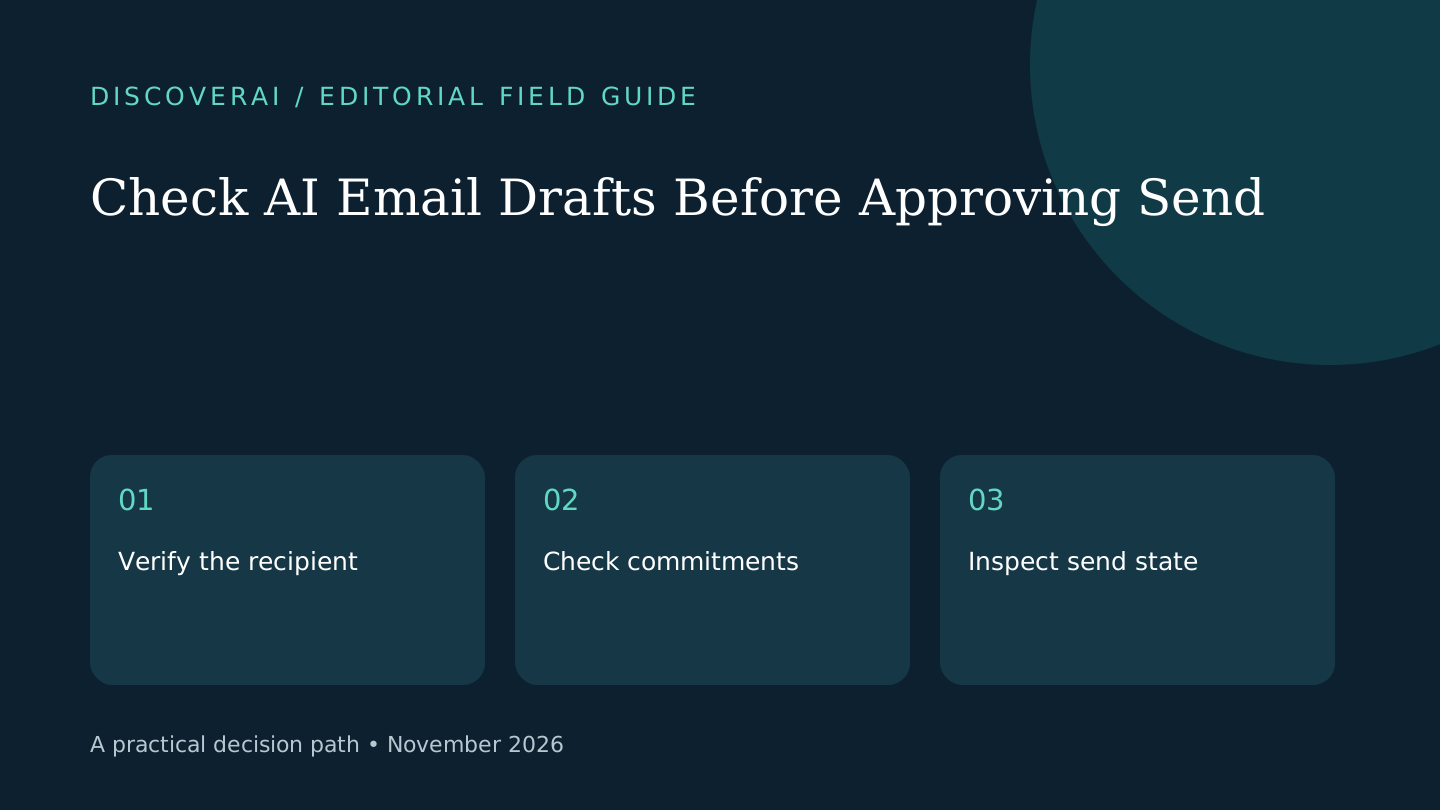
Approve an AI email only after checking the action as well as the words. A fluent reply can still go to the wrong recipient, quote an outdated fact or promise an appointment that is no longer available. The useful review question is whether this specific message should leave this specific account now.
This is a proposed workflow, not a measured safety guarantee. Real Extent documents sending permissions that start with approval. Its privacy policy describes connected-account processing. Other assistants may have different defaults. Download the public AI email approval checklist; no signup is required.
Free AI marketing buyer checklist
Separate useful automation from expensive activity.
Get a practical checklist for outcomes, attribution, review time, and monthly cost—plus weekly tool and pricing changes.
1. Freeze the source of truth
Keep the original thread, relevant calendar and approved reference information available while reviewing. For a property inquiry, confirm which listing document is current. For a support message, identify the applicable policy version. Do not use the draft itself as evidence for its own claims.
Mark unknowns explicitly. If a source does not establish availability, ask for confirmation or remove the claim. A plausible sentence is not a substitute for a missing fact. Use permitted test material until you have approved the assistant's account access and processing terms.
2. Inspect the envelope before the prose
Check the sending account, To and Cc fields, subject and attachments. Look at whether the assistant is replying to one person or the entire thread. Confirm that quoted history and attachments belong in this conversation.
For a hypothetical test, include two contacts with similar names and an outdated attachment. The expected behavior is to leave the ambiguous recipient unresolved and use only the approved document. This is a test case to run, not a claim that a named product passes it.
3. Check commitments and calendar state
Highlight each factual commitment: a price, deadline, availability statement or meeting time. Compare it with the underlying record. Check the time zone and whether a suggested slot is merely proposed or already booked.
If the calendar changes after drafting, review again before sending. A draft prepared earlier in the day may have been reasonable then and wrong now. Make the final approval apply to the actual message and action you see.
4. Test stopping and repetition
In a controlled test, reply to an active follow-up thread and check that a pending reminder is cancelled or held as intended. Test an opt-out using a test contact. Review any queue of future messages as well as the current draft.
Before retrying a failed send, inspect the provider's sent folder and the assistant's activity record. An uncertain response does not prove that nothing was sent. Avoid creating duplicates simply because a loading indicator did not finish.
5. Measure the complete workflow
Record review time, corrections and any time spent finding the right source. Compare that total with a manual reply for similar cases. If checking the draft takes longer, simplify the task or return to templates before enabling more automation.
Keep sending supervised until the tested cases meet your own acceptance criteria. Read the Real Extent research review for its documented limits and use the buyer matrix to compare alternatives. The goal is fewer unresolved actions and less total work, not simply more generated replies.
Transparency
How this guide was checked
Editorial accountability
Who checked this guide
- Evaluation type
- Research-based verification
- Last materially checked
- Evidence
- 3 listed sources
Hands-on testing is identified explicitly. Research-based coverage uses cited product documentation and other named sources; it does not imply every paid plan was used. Read the full methodology.
Editorial basis
What this guidance is based on
- Editorial basis
- Source-led analysis
- Primary references
- 3
- Products covered
- 1
- Last checked
- 2026-11-02
Important limits
- • Features, availability, and pricing can change after publication; confirm consequential details with the provider.
Sources and references
References cited by this article. Check the original source for scope, dates and current terms.
Frequently asked questions
Does an approval button guarantee the draft is correct?
No. Check recipients, factual commitments, attachments and the actual action before approving.
Should I retry immediately when a send appears to fail?
Inspect the sent folder and activity record first to avoid sending duplicates.
Was this checklist tested as a product benchmark?
No. It is an editorial acceptance workflow for readers to adapt and test.
Tools mentioned in this article
Real Extent
Review Real Extent’s approved pilot, monthly action limits and email permissions, with a practical test for real estate follow-ups before connecting a busy inbox.
Review Real Extent’s approved pilot, monthly action limits and email permissions, with a practical test for real estate follow-ups before connecting a busy inbox.
Read next