At a glance
Should you choose LayerBack?
LayerBack is worth evaluating when an important process diagram survives only as an image and you need to change its structure. The key question is whether its output behaves like a real diagram in your editor. A file that looks correct but loses its connections when a box moves is not a successful handoff.
Best for
Consultants and operations teams rebuilding process diagrams.
Choose something else if
Free preview is not a free download; Connector accuracy and target-editor compatibility are untested
Evidence
Verified research · rating withheld
Pricing checked
See current vendor pricing · Price not yet checked
Free access is available, with limits.
Free conversion preview; downloads require credits.
In this guide
Short answer
LayerBack is worth evaluating when an important process diagram survives only as an image and you need to change its structure. The key question is whether its output behaves like a real diagram in your editor. A file that looks correct but loses its connections when a box moves is not a successful handoff.
This research-based review checks official documentation on November 18, 2026. We have not converted a file, purchased credits or tested compatibility with an editor. Ratings are withheld. Links are direct, with no affiliate destination configured.
Free buyer comparison checklist
Compare this tool before committing.
Use the buyer checklist to compare two tools on the same tasks, including quality, review time and total cost. Get the weekly top 5 AI tools, one practical workflow and one way to reduce AI spending.
What LayerBack reconstructs
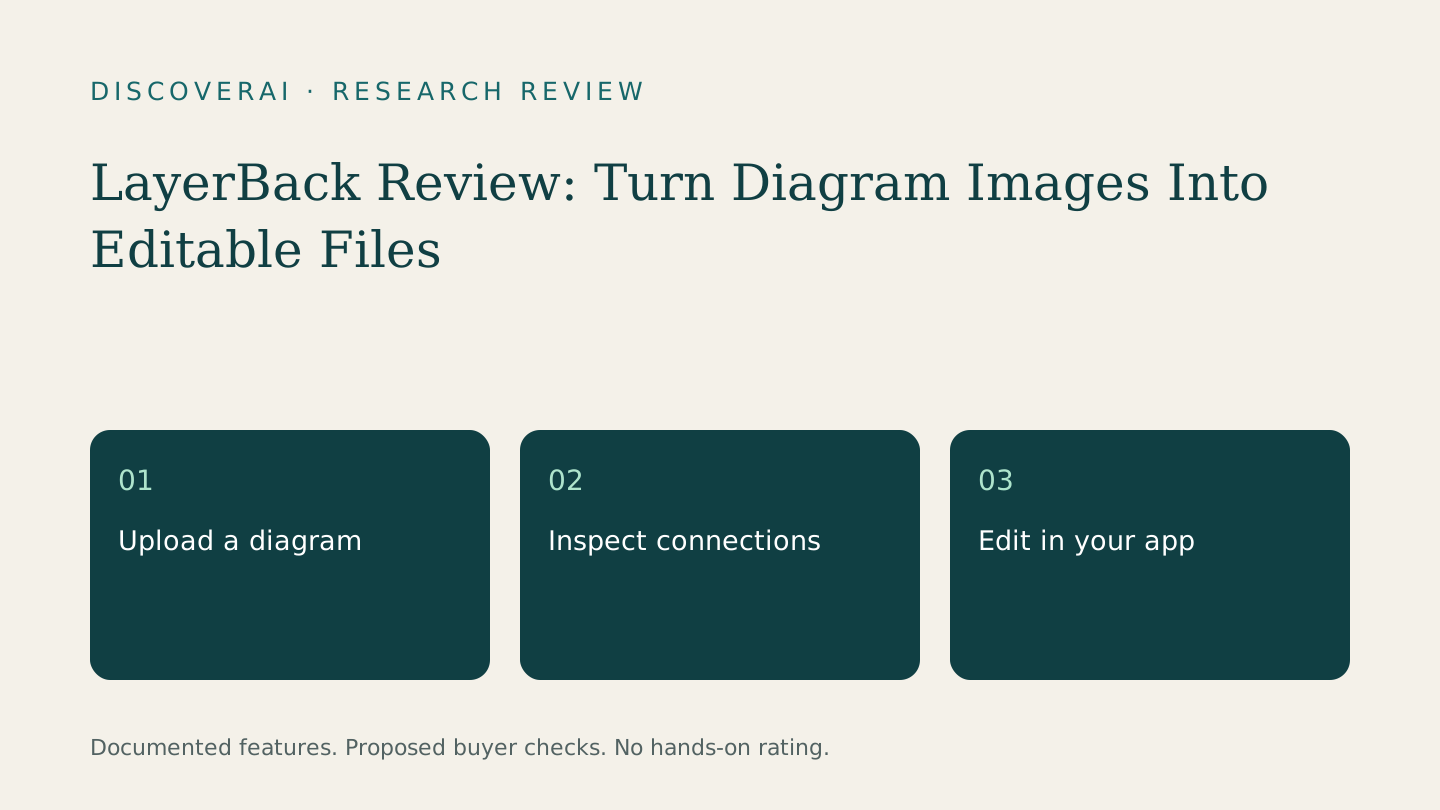
The product page describes converting diagram images into editable shapes, text and connectors, with VSDX, PPTX, draw.io and SVG outputs. It advertises a browser editor and a free preview. These are documented capabilities rather than findings from our own conversions.
Input type matters. The API documentation says diagrams and infographics become editable shapes, while certain document and screenshot inputs retain an image with editable text; photos can remain embedded images. Do not assume that every uploaded picture will become a fully reconstructed diagram.
Free preview versus paid output
The pricing page lists ten credits for downloading or editing a conversion, including the supported formats. Pro includes 1,000 monthly credits, Plus 3,000 and Max 10,000. The page displays paired prices alongside monthly/yearly controls: $20/$10 for Pro, $40/$20 for Plus and $80/$40 for Max. Confirm the selected billing interval and total charge instead of treating the lower number as a monthly commitment.
There is a wording inconsistency: the homepage describes free browser editing, while its FAQ includes editing in the credit charge. Confirm when the charge occurs. API documentation describes billing when conversion begins, so a free web preview should not be assumed to apply to API calls.
Proposed test: rebuild an approval workflow
Use a fictional six-box purchasing process with two decision branches. Give each branch a clear label and add one return loop for a rejected request. Save a reference copy and export an image. This is a proposed buyer test, not a diagram we have converted through LayerBack.
After conversion, inspect the process before its appearance. Count the boxes, compare every label and follow each arrow from start to finish. A missing return loop changes the procedure even if the layout is attractive. Mark unclear source text before the trial so that you can distinguish a poor input from a reconstruction mistake.
Download the format your colleagues actually use. Move a decision box to a different position. Do the incoming and outgoing lines remain attached? Change a branch label, insert a step and reopen the saved file. Check whether the result still supports ordinary editing rather than requiring a new conversion for every adjustment.
Have a second reviewer compare the diagram's meaning with the reference. Ask them which path a rejected request takes and who approves the final step. Their answers should match the original process. Treat a plausible but changed workflow as a failure requiring correction.
File retention and client material
The privacy policy says uploads and conversion files are deleted after 72 hours and are not used for model training. It also describes sending uploaded images to third-party AI processors. Those are vendor commitments, not an independently audited security result.
API documentation describes artifact retention as at least 72 hours, a different phrasing from the privacy policy. Download promptly and ask the vendor to clarify the exact deletion schedule if it matters to your organization. Do not use the service as the only archive for a client deliverable.
For an initial test, remove names, internal system addresses and sensitive architecture details. A public process diagram and a confidential network map may require very different approvals. Ask for the relevant processing terms before using restricted material.
Compare against redrawing it yourself
The most useful baseline is a manual redraw in your existing diagram editor. For a tiny diagram, setup and correction may outweigh the benefit of automation. For a larger diagram, the reconstruction could be more attractive, but that is something to measure rather than assume.
Record time spent preparing the image, checking topology, repairing labels and packaging the deliverable. Divide the total effort by diagrams accepted after review. Keep failed attempts in the record. The trial scorecard can hold the observations, while the workflow planner helps assign a reviewer before a converted process reaches staff.
If you still have an editable original, try recovering that first. If the diagram is out of date, rebuild the process with its owner before investing time in preserving an obsolete version. AI conversion can help recover editability; it cannot decide whether your approval procedure is still correct.
Verdict
Shortlist LayerBack for recovering editable diagrams from images. Buy only after the output passes a connection and editing check in your target application. Confirm billing and retention details for the intended workflow. A useful result is an accurate diagram a colleague can maintain, not simply a successful file download.
Transparency
How this guide was checked
About this article
How this article was prepared
- Evaluation type
- Hands-on evaluation
- Last reviewed
- Evidence
- 4 listed sources
We label hands-on testing separately. Research-based articles draw on product documentation and other cited sources, rather than direct use of every plan. Read the full methodology.
Editorial freshness
Pricing and material product claims were checked November 18, 2026.
Review evidence
Sources and testing
- Evaluation type
- Official-source research; no hands-on testing
- Research date
- November 18, 2026
Important limits
- • No purchase, account, output-quality or support test performed.
- • Vendor documentation does not establish measured reliability or suitability.
Standardized benchmark coverage
How this review maps to the research benchmark
Citation accuracy
Not applicableThe reviewed workflow does not produce source-grounded research answers, so a citation score would be misleading.
Read protocol v2026.10-v1 →Thematic analysis
Not applicableThe reviewed workflow is not qualitative evidence analysis, so a thematic-analysis score would be misleading.
Read protocol v2026.10-v1 →Eligibility is not a product score. DiscoverAI publishes results only after output collection, blinded adjudication, reproducibility checks, and severe-error review.
Open the optional evaluation worksheet
Reusable trial worksheet
Test LayerBack before you commit
Turn this review’s buyer test into evidence. Your entries autosave only in this browser and are never added to shared shortlist links.
Confirm the tool meets every must-have workflow and stakeholder requirement.
Review starting point: Consultants and operations teams rebuilding process diagrams
Run the same representative work you would use in production; do not score a polished demo.
Review starting point: Run a bounded set of representative tasks with known acceptable outcomes, then compare the result with your current workflow.
Calculate the effective cost per accepted result, including usage, review, corrections, and required add-ons.
Review starting point: Free previews; downloads use 10 credits. Pro lists 1,000 monthly credits, Plus 3,000 and Max 10,000. Confirm billing interval at checkout.
Define an acceptance threshold, test known answers and edge cases, and record every correction.
Review starting point: Editorial quality signals: features 0.0/5. Validate these signals in your own work.
Verify what data enters the product, who can access it, how long it is retained, and whether it trains models.
Review starting point: Use approved low-risk data first. Check roles, consent, deletion, subprocessors, model-training settings, and the contract—not only the marketing page.
Test the real handoffs, permissions, failure states, and export path your team depends on.
Review starting point: LayerBack integration requirements are not fully structured in this review; list every required system and test each connection.
Record training, governance, reliability, accessibility, ownership, and change-management risks before rollout.
Review starting point: Free preview is not a free download; Connector accuracy and target-editor compatibility are untested
Loading saved worksheet… · private to this device or your optional account
Community evidence
How verified users put LayerBack to work
Structured, editor-moderated experience—not star ratings. This complements our independent review and never changes its score.
No approved community evidence yet. Be the first verified user to contribute.
Community choice
Recommend LayerBack
Loading weekly votes…
One vote per verified account per tool, counted for seven days. Return after your vote expires to support again. Community votes influence homepage trends, never editorial ratings. Voting does not subscribe you to emails.
Sources and references
References cited by this article. Check the original source for scope, dates and current terms.
Frequently asked questions
Are LayerBack downloads free?
No. The site offers free previews, while downloads require credits.
Will every image become editable shapes?
No. The API documentation describes different output behavior for diagrams, documents, screenshots and photos.
Have you tested Visio or PowerPoint compatibility?
No. Open, edit and resave a representative file in your intended application before purchasing for a project.
What is the most important accuracy check?
Follow every branch and return loop, then move shapes to confirm connectors remain attached without changing the process meaning.
Recommended tool
Use LayerBack if this workflow fits your team
LayerBack is worth evaluating when an important process diagram survives only as an image and you need to change its structure. The key question is whether its output behaves like a real diagram in your editor. A file that looks correct but loses its connections when a box moves is not a successful handoff.
Tools mentioned in this article
LayerBack
Review LayerBack for editable Visio, PowerPoint and draw.io diagrams, including download credits, privacy limits and a connector-checking trial.
Review LayerBack for editable Visio, PowerPoint and draw.io diagrams, including download credits, privacy limits and a connector-checking trial.
Read next