The decision
Should you choose IsolateVocals?
Consider for musicians and editors evaluating voice-versus-music separation; validate the documented limits with a small pilot.
Best for
Musicians and editors evaluating voice-versus-music separation.
Choose something else if
Projects requiring separate stems for every instrument
Evidence
Verified research · rating withheld
Pricing checked
See current vendor pricing · Nov 14, 2026
Free access is available, with limits.
First song without an account; 10 additional minutes with Google sign-in, according to pricing.
In this guide
Short answer
IsolateVocals is a candidate for extracting a vocal and backing track from an authorized recording. Its simple two-track workflow suits practice and basic editing. If your job requires separate drums, bass and individual instruments, establish those requirements before selecting a voice-versus-music tool.
Free buyer comparison checklist
Compare this tool before committing.
Use the buyer checklist to compare two tools on the same tasks, including quality, review time and total cost. Get the weekly top 5 AI tools, one practical workflow and one way to reduce AI spending.
Evidence and review scope
We reviewed official product, pricing and privacy pages on November 14, 2026. We did not process audio, audition downloaded stems or purchase minutes. Ratings are withheld and links are direct. The listening exercise below is a proposed evaluation, not a benchmark result.
Inputs and output boundaries
The product page accepts common audio formats and MP4, M4V or MOV video, with a 20-minute ceiling. Audio can be up to 200 MB and video up to 1 GB. The documented output is two stereo WAV files at 24-bit/44.1 kHz. Its speech workflow separates voices from music, rather than promising general noise removal.
A high-resolution file format does not measure separation quality. Decide whether a little vocal residue is tolerable for rehearsal or unacceptable in a final edit. Evaluate the specific downstream use, not the attractiveness of a download specification.
Pricing and retention are separate
The pricing page offers 10 minutes for $1.99, 50 for $4.90 and 150 for $9.90, with usage counted to the second. The first song is free without an account; Google sign-in adds ten minutes. Purchased minutes do not expire. Its stated cash-refund window is seven days for an unused pack.
The homepage says files are available for 24 hours. Non-expiring minutes therefore do not mean permanent project storage. Download an accepted result while it remains available, and keep enough context to repeat the work if necessary.
Proposed listening test
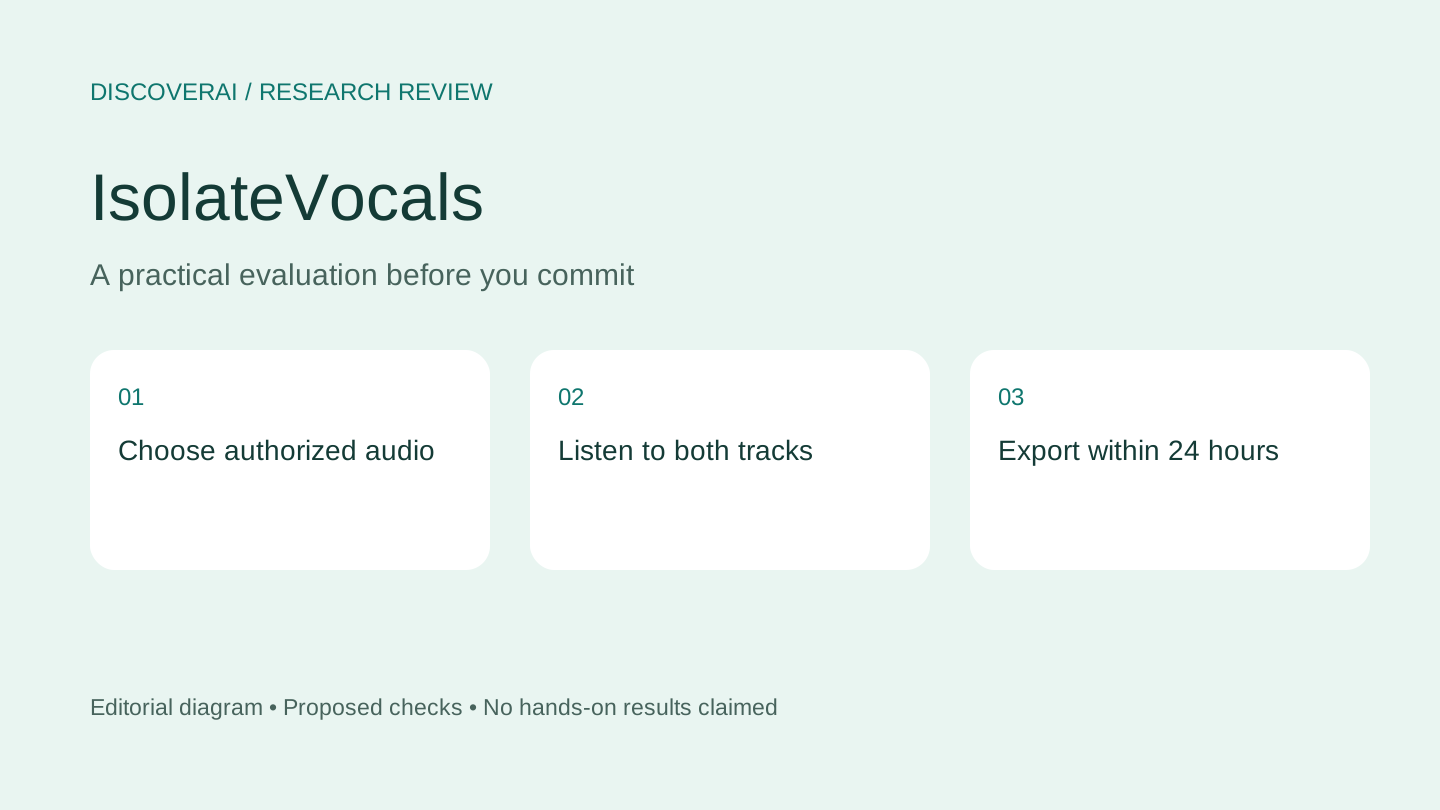
Use an original recording or material you have permission to process. Choose a short section with a solo vocal, a dense chorus and a quiet transition. Write down whether you primarily need the voice or the instrumental; each can fail in a different way.
Listen to the original, then each output at comparable loudness. On the instrumental, check for remaining words, pumping and missing musical transients. On the vocal, check consonants, reverb tails and traces of cymbals or accompaniment. Repeat through headphones and your ordinary playback setup.
Import the files into your editor and align them with the source. Check the beginning and ending as well as the loudest section. Record whether the accepted stem works in the intended mix without distracting artifacts. A stem that sounds unusual alone may still serve a practice purpose, while one that sounds clean briefly may fail in a sparse arrangement.
Privacy and the exit step
The privacy policy describes private Cloudflare storage, processing through Replicate and temporary signed media links. The provider says uploads and separated tracks are not used for model training. We have not audited those controls or deletion behavior.
Keep signed links private and use non-confidential material for the first test. Export the source, accepted tracks and a short note describing the purpose. Processing a recording does not settle permission to publish a derivative project; establish your source permissions separately.
Verdict
Choose IsolateVocals for a small, well-defined separation test, especially when a one-time minute purchase suits your workload. For a deeper evaluation routine, read how to check AI-separated stems. Save the IsolateVocals profile, and follow the project export checklist before the file window closes.
Transparency
How this guide was checked
Editorial accountability
Who checked this guide
- Evaluation type
- Hands-on evaluation
- Last materially checked
- Evidence
- 3 listed sources
Hands-on testing is identified explicitly. Research-based coverage uses cited product documentation and other named sources; it does not imply every paid plan was used. Read the full methodology.
Editorial freshness
Pricing and material product claims were checked November 14, 2026.
Review evidence
What this guidance is based on
- Evaluation type
- Official-source research; no hands-on testing
- Research date
- November 14, 2026
- Comparison basis
- Documented workflow and buyer requirements; no measured head-to-head test
Important limits
- • No account, purchase, output generation, export or support test performed.
- • Quality, reliability and privacy controls have not been independently verified.
Standardized benchmark coverage
How this review maps to the research benchmark
Citation accuracy
Not applicableThe reviewed workflow does not produce source-grounded research answers, so a citation score would be misleading.
Read protocol v2026.10-v1 →Thematic analysis
Not applicableThe reviewed workflow is not qualitative evidence analysis, so a thematic-analysis score would be misleading.
Read protocol v2026.10-v1 →Eligibility is not a product score. DiscoverAI publishes results only after output collection, blinded adjudication, reproducibility checks, and severe-error review.
Open the optional evaluation worksheet
Reusable trial worksheet
Test IsolateVocals before you commit
Turn this review’s buyer test into evidence. Your entries autosave only in this browser and are never added to shared shortlist links.
Confirm the tool meets every must-have workflow and stakeholder requirement.
Review starting point: Musicians and editors evaluating voice-versus-music separation
Run the same representative work you would use in production; do not score a polished demo.
Review starting point: Run a bounded set of representative tasks with known acceptable outcomes, then compare the result with your current workflow.
Calculate the effective cost per accepted result, including usage, review, corrections, and required add-ons.
Review starting point: One-time packs: $1.99/10 minutes, $4.90/50 minutes or $9.90/150 minutes. Usage counted to the second; purchased minutes do not expire.
Define an acceptance threshold, test known answers and edge cases, and record every correction.
Review starting point: Editorial quality signals: features 0.0/5. Validate these signals in your own work.
Verify what data enters the product, who can access it, how long it is retained, and whether it trains models.
Review starting point: Use approved low-risk data first. Check roles, consent, deletion, subprocessors, model-training settings, and the contract—not only the marketing page.
Test the real handoffs, permissions, failure states, and export path your team depends on.
Review starting point: IsolateVocals integration requirements are not fully structured in this review; list every required system and test each connection.
Record training, governance, reliability, accessibility, ownership, and change-management risks before rollout.
Review starting point: Not a multi-instrument stem suite; Files available only 24 hours; Separation quality requires listening
Loading saved worksheet… · private to this device or your optional account
Community evidence
How verified users put IsolateVocals to work
Structured, editor-moderated experience—not star ratings. This complements our independent review and never changes its score.
No approved community evidence yet. Be the first verified user to contribute.
Community choice
Recommend IsolateVocals
Loading weekly votes…
One vote per verified account per tool, counted for seven days. Return after your vote expires to support again. Community votes influence homepage trends, never editorial ratings. Voting does not subscribe you to emails.
Sources and references
References cited by this article. Check the original source for scope, dates and current terms.
Frequently asked questions
Does it separate every instrument?
The reviewed workflow returns vocals and instrumental, not individual instrument stems.
Do paid minutes expire?
The pricing page says purchased minutes do not expire; stored files have a separate 24-hour window.
Has DiscoverAI tested the audio quality?
No. Ratings are withheld pending actual processing and listening tests.
Recommended tool
Use IsolateVocals if this workflow fits your team
Consider for musicians and editors evaluating voice-versus-music separation; validate the documented limits with a small pilot.
Tools mentioned in this article
IsolateVocals
Evaluate IsolateVocals for vocal and instrumental separation, with minute-pack prices, upload limits, file retention and an audio acceptance test
Evaluate IsolateVocals for vocal and instrumental separation, with minute-pack prices, upload limits, file retention and an audio acceptance test.
Read next