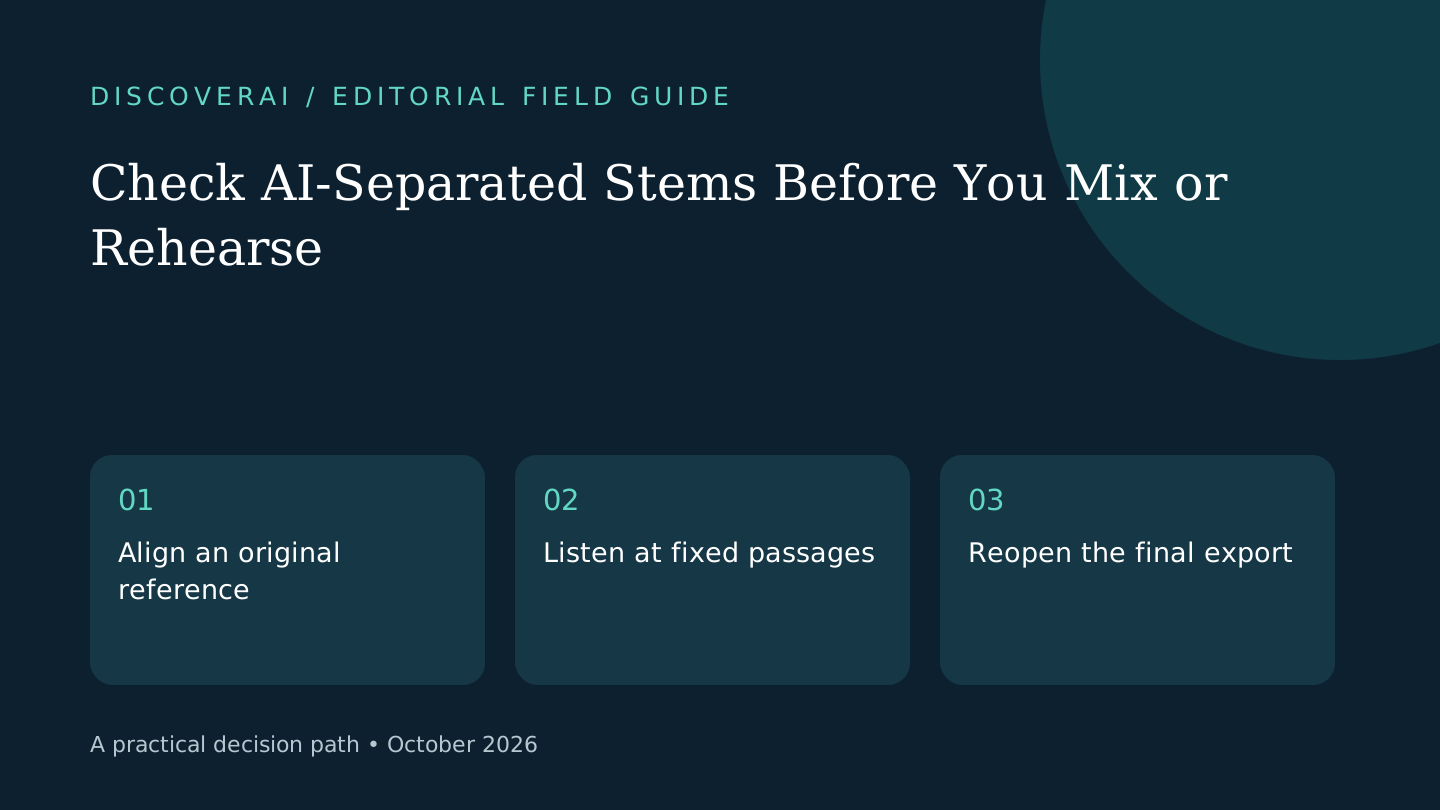
In this guide
Start with the intended use
Judge a separated stem against the job you need it to do. A practice backing track and an exposed vocal in a finished production have different failure thresholds. Write down the intended use before spending credits on variations.
This is a proposed editorial workflow, not a measured audio benchmark. The Get Vocal Remover documentation describes a two-stem service; the checks here can be used with other separators too. Download the public stem review worksheet without signing up.
Free AI tool buyer checklist
Make the next AI subscription earn its place.
Get the weekly top 5 AI tools, one practical workflow and one way to reduce AI spending. Includes a free buyer checklist.
1. Preserve a reference
Keep an unchanged source file and work on a copy you have permission to process. Note the source format, tool and date in the worksheet. Save the returned vocal and instrumental with distinct filenames so a later export cannot replace the original accidentally.
Import all three files into the same project at the same starting position. Mute the original when listening to a stem, then switch back for comparison. Avoid changing playback level substantially between versions: louder output can distract from missing detail.
2. Choose three difficult passages
Select a quiet entrance, a dense chorus and a sustained ending. Use the same time ranges for each candidate. Short repeated passages are easier to compare than impressions from listening to different parts of an entire track.
In the instrumental, listen for leftover words and disappearing musical detail. In the vocal, listen for drums, swishing sounds and chopped consonants. Note the location and whether the artifact would be audible in the intended arrangement. A private rehearsal may tolerate faint residue that becomes distracting in an exposed passage.
3. Check the transition points
Listen just before and after each selected section. A result can sound acceptable in the middle while a vocal entrance or cymbal tail reveals a problem. Inspect the beginning and end for unwanted silence or abrupt cuts.
If the project includes video, play a section with a visible cue and verify the exported stem remains aligned. Do not assume a correct waveform length establishes synchronization throughout the whole deliverable. Keep observations separate from guesses about why a defect occurred.
4. Compare repairs with another attempt
Choose one limited repair, such as a short fade or using less of the stem in the arrangement. Time the correction. Compare that effort with trying a better source or another tool. Repeatedly processing the same input is a poor default when the defect remains in the same place.
For a hypothetical two-minute rehearsal section, a minor vocal trace may be acceptable; for an isolated vocal introduction, it may fail the brief. Record that decision explicitly. These examples are acceptance choices, not evidence that a particular separator reaches them.
5. Save an accepted version
Export the candidate, reopen it and repeat the crucial passage check. Save your source and acceptance notes outside the service. A temporary download link is not an archive. If the service charges rounded minutes, record the actual balance used alongside the accepted result.
Keep the result only if it fits the brief after correction. For product-specific limits, read the Get Vocal Remover review. Compare broader costs in the buyer matrix. The useful metric is time and money per usable stem, not total generations.
Transparency
How this guide was checked
Editorial accountability
Who checked this guide
- Evaluation type
- Research-based verification
- Last materially checked
- Evidence
- 1 listed sources
Hands-on testing is identified explicitly. Research-based coverage uses cited product documentation and other named sources; it does not imply every paid plan was used. Read the full methodology.
Editorial basis
What this guidance is based on
- Editorial basis
- Source-led analysis
- Primary references
- 1
- Products covered
- 1
- Last checked
- 2026-10-29
Important limits
- • Features, availability, and pricing can change after publication; confirm consequential details with the provider.
Sources and references
References cited by this article. Check the original source for scope, dates and current terms.
Frequently asked questions
Does a completed split mean the stem is ready?
No. Listen for residue, missing material and transition artifacts against the intended use.
Should every artifact trigger another generation?
No. Compare a limited repair, a better source and another separation method before spending more.
Is the worksheet free?
Yes. The CSV download requires no account or newsletter signup.
Tools mentioned in this article
Get Vocal Remover
Check Get Vocal Remover’s free split and download limits, paid minute packs and temporary storage, with a practical listening test before buying credits.
Check Get Vocal Remover’s free split and download limits, paid minute packs and temporary storage, with a practical listening test before buying credits.