The decision
Should you choose MomentSift?
Photographers evaluating supervised photo selection
Best for
Photographers evaluating supervised photo selection.
Choose something else if
you have not defined the workflow and acceptance criteria yet.
Evidence
Verified research · rating withheld
Pricing checked
See current vendor pricing · Oct 29, 2026
No verified permanent free plan is recorded.
Confirm billing, usage limits, seats, and renewal terms with the vendor.
In this guide
Short answer
MomentSift deserves a small trial when comparing near-duplicate photos consumes your editing time. Its useful promise is a shorter route to a human-approved selection. Avoid making it your only archive or assuming every AI feature runs on your device.
Free buyer comparison checklist
Compare this tool before committing.
Use the buyer checklist to compare two tools on the same tasks, including quality, review time and total cost. Get the weekly top 5 AI tools, one practical workflow and one way to reduce AI spending.
Evidence and review scope
This review follows submission #395. We checked the official workflow, pricing and privacy pages on October 29, 2026. We did not import a shoot, measure selection accuracy, test exports or inspect network traffic. Ratings are withheld; no affiliate link is configured.
Selection and delivery workflow
The product page documents grouping similar images, flagging blur and closed eyes, manual keeper confirmation, and ZIP or folder export with optional Lightroom XMP ratings. Its browser library can be lost when site data is cleared or storage is reclaimed. The vendor says it does not automatically delete originals.
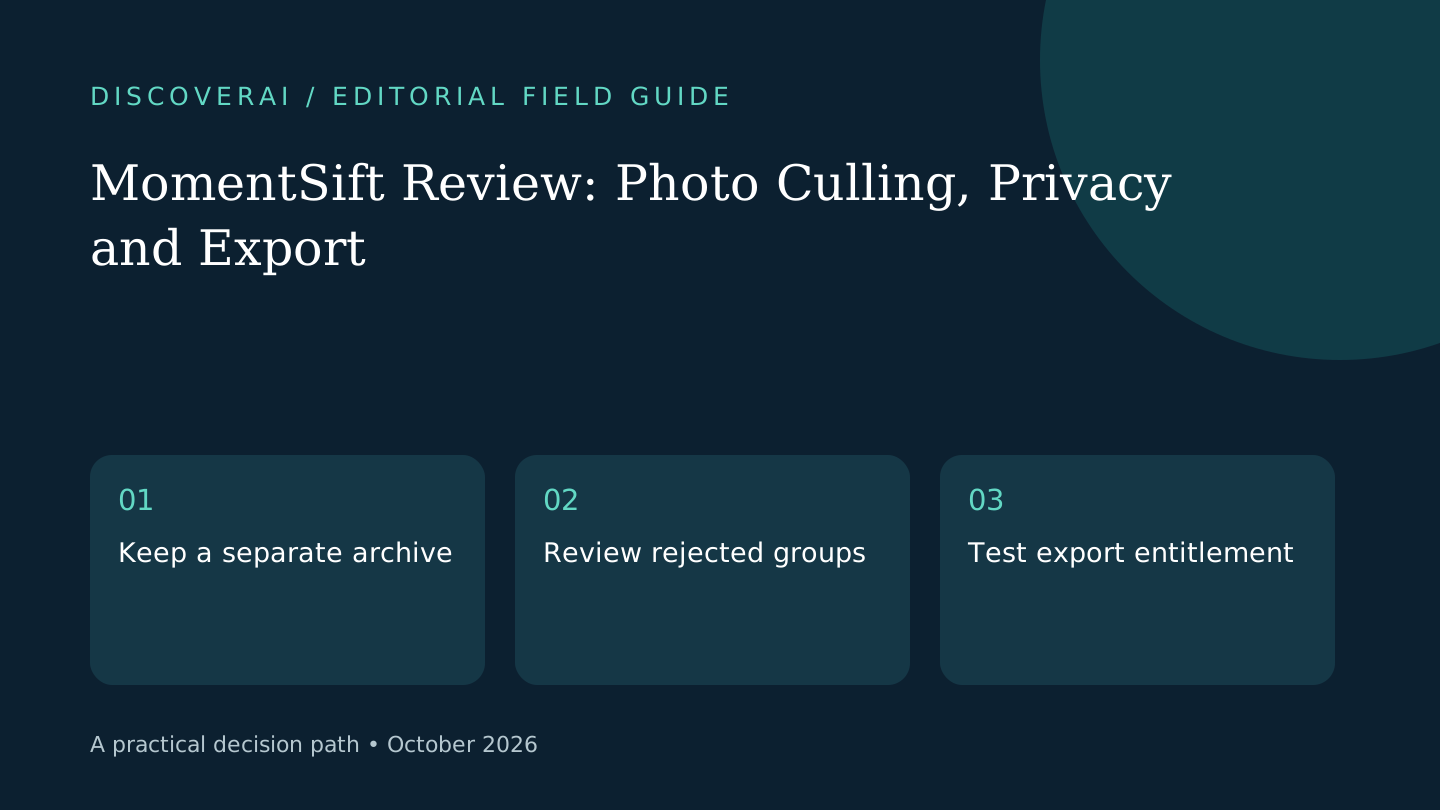
That makes a reversible pilot practical. Work from a copied folder, keep the original archive elsewhere and verify that your downstream editor reads exported ratings. A selection is useful only if the next person can identify and open the right files.
Quotas, credits and export entitlement
The pricing page lists free access with 100 photos and 10 AI credits. Pro costs $19.90/month with 2,500 photos and 200 credits; Studio $39.90 with 5,500 and 400; Premium $69.90 with 10,000 and 700. Subscription credits reset at expiry without rollover.
One-time packs start at $9.90 for 60 credits and 300 extra culling photos. Packs do not unlock subscription export benefits: without a subscription, downloads remain watermarked and limited to 1600 pixels on the long edge. Culling quota and AI credits are separate balances. Check final plan terms before purchase.
A photographer should price the complete delivery requirement. A cheap pack that covers experimentation may not cover the resolution and watermark requirements of a client handoff. Ask how those limits apply to the particular export you need instead of assuming all export paths behave identically.
Local processing has boundaries
The privacy policy separates local basic detection from deeper analysis using compressed uploaded previews. Enhancement and generation send relevant content to cloud providers; those files are typically cleared after seven days, while job records may remain longer. These are policy statements, not independently audited guarantees.
For a client shoot, choose which features you are permitted to use before import. A workflow that begins locally can later upload an image when someone clicks Enhance. Keep that decision explicit rather than treating a local-originals headline as a blanket promise.
Proposed pilot: protect meaningful exceptions
Choose a small authorized batch with bursts, intentional motion blur and one unique moment. Make your own reference selection first. Compare the AI shortlist with that selection and review rejected groups before exporting. A technically imperfect frame may still be the only meaningful photograph.
Record missed keepers, duplicate groups requiring repair and time spent checking the result. Include export and downstream import time. The relevant measure is the total time to an accepted delivery, not merely how quickly an initial shortlist appears.
Verdict and alternatives
Consider MomentSift for supervised selection in a browser. An existing manual culling workflow is a useful baseline; a desktop application may suit larger archives or tighter control over storage. Confirm portability before moving your working routine. See the profile, follow the culling handoff checklist, and compare requirements in the buyer matrix.
Transparency
How this guide was checked
Editorial accountability
Who checked this guide
- Evaluation type
- Research-based verification
- Last materially checked
- Evidence
- 3 listed sources
Hands-on testing is identified explicitly. Research-based coverage uses cited product documentation and other named sources; it does not imply every paid plan was used. Read the full methodology.
Editorial freshness
Pricing and material product claims were checked October 29, 2026.
Editorial basis
What this guidance is based on
- Editorial basis
- Source-led analysis
- Primary references
- 3
- Products covered
- 1
- Last checked
- 2026-10-29
Important limits
- • Features, availability, and pricing can change after publication; confirm consequential details with the provider.
Standardized benchmark coverage
How this review maps to the research benchmark
Citation accuracy
Not applicableThe reviewed workflow does not produce source-grounded research answers, so a citation score would be misleading.
Read protocol v2026.10-v1 →Thematic analysis
Not applicableThe reviewed workflow is not qualitative evidence analysis, so a thematic-analysis score would be misleading.
Read protocol v2026.10-v1 →Eligibility is not a product score. DiscoverAI publishes results only after output collection, blinded adjudication, reproducibility checks, and severe-error review.
Open the optional evaluation worksheet
Reusable trial worksheet
Test MomentSift before you commit
Turn this review’s buyer test into evidence. Your entries autosave only in this browser and are never added to shared shortlist links.
Confirm the tool meets every must-have workflow and stakeholder requirement.
Review starting point: Photographers evaluating supervised photo selection
Run the same representative work you would use in production; do not score a polished demo.
Review starting point: Run a bounded set of representative tasks with known acceptable outcomes, then compare the result with your current workflow.
Calculate the effective cost per accepted result, including usage, review, corrections, and required add-ons.
Review starting point: Free: 100 photos + 10 credits. Pro $19.90/month. Packs from $9.90 do not include subscription export benefits.
Define an acceptance threshold, test known answers and edge cases, and record every correction.
Review starting point: Editorial quality signals: features 0.0/5. Validate these signals in your own work.
Verify what data enters the product, who can access it, how long it is retained, and whether it trains models.
Review starting point: Use approved low-risk data first. Check roles, consent, deletion, subprocessors, model-training settings, and the contract—not only the marketing page.
Test the real handoffs, permissions, failure states, and export path your team depends on.
Review starting point: MomentSift integration requirements are not fully structured in this review; list every required system and test each connection.
Record training, governance, reliability, accessibility, ownership, and change-management risks before rollout.
Review starting point: Cloud processing for selected AI features; Browser library is not a backup; Credit packs retain non-subscription export limits
Loading saved worksheet… · private to this device or your optional account
Community evidence
How verified users put MomentSift to work
Structured, editor-moderated experience—not star ratings. This complements our independent review and never changes its score.
No approved community evidence yet. Be the first verified user to contribute.
Community choice
Recommend MomentSift
Loading weekly votes…
One vote per verified account per tool, counted for seven days. Return after your vote expires to support again. Community votes influence homepage trends, never editorial ratings. Voting does not subscribe you to emails.
Sources and references
References cited by this article. Check the original source for scope, dates and current terms.
Frequently asked questions
Is MomentSift entirely offline?
No. Basic detection is local, deeper analysis uploads previews, and enhancement or generation uses cloud processing.
Do packs unlock full subscription exports?
No. The checked pricing page limits non-subscription downloads to watermarked 1600-pixel output.
Is the browser library a backup?
No. Browser data can be cleared or evicted; keep a separate archive.
Tools mentioned in this article
MomentSift
Evaluate MomentSift’s photo quotas, separate AI credits, cloud processing boundaries and export limits before moving a real shoot into its browser library.
Evaluate MomentSift’s photo quotas, separate AI credits, cloud processing boundaries and export limits before moving a real shoot into its browser library.
Read next