In this guide
Short answer
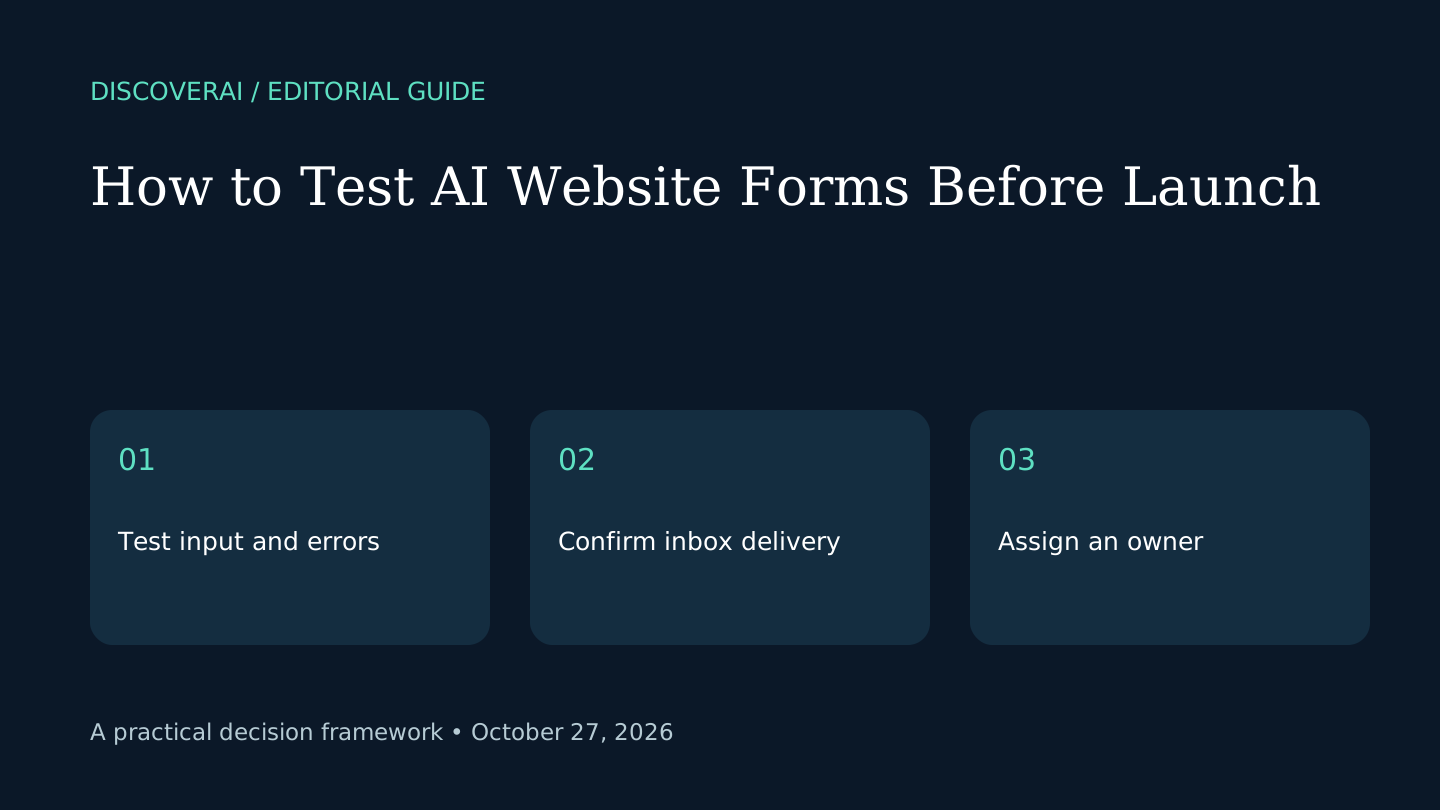
Test the complete path from entering a form to receiving and handling its message. A submit button that changes color is not proof that the business received the request. Confirm the handoff before directing customers to a generated website.
Use the public website-form launch checklist. The checks below are editorial guidance, not results from testing a particular website builder.
Free AI governance buyer checklist
Know what the tool can read, write, retain, and trigger.
Get a checklist for access, evidence, security, ownership, and rollback—plus one decision-ready briefing a week.
1. Define one form's job
Write down who fills it in, what information is necessary and who handles the result. A simple appointment request should not collect unrelated information merely because a generated template included extra fields. Give the owner a realistic response process.
Use fictional names and addresses you control during testing. Keep private customer records out of the test. If a service needs sensitive information, have its owner review the collection and handling requirements before enabling it.
2. Check labels and keyboard use
Use only the keyboard to reach every field and submit control. Verify that focus remains visible and the order is sensible. Check that labels remain understandable after typing; placeholder text alone disappears when a field contains a value.
On a phone-sized viewport, inspect long labels, dropdowns and the on-screen keyboard. Try a longer legitimate name and a message containing punctuation. A generated layout that fits a sample sentence may still fail on ordinary customer input.
3. Test errors before success
Submit with a required field missing, an invalid email address and an incomplete choice. Look for a specific explanation near the field and a way to correct it without losing the rest of the message. An unexplained red border makes recovery difficult.
Check the same journey with any optional fields left blank. Required and optional inputs should behave according to the stated purpose. Do not make a field mandatory merely to satisfy a template's initial configuration.
4. Follow a valid submission into the inbox
Send a unique fictional message and confirm its arrival in the intended destination. Check the sender, reply address and field values. Reply to your controlled address and verify that the response reaches the right place.
Repeat with a second submission so you can distinguish a working integration from a one-off manual test. Check spam folders and any intermediate dashboard. If the site promises a confirmation email, verify that separately from the internal notification.
5. Inspect duplicate and failure behavior
Try clicking twice while the form is processing. Record whether one request or two arrives and whether the user gets a clear state. With browser developer tools, simulate a disconnected connection on your own test page. Check that failure is visible and that retry does not silently discard the message.
These are proposed tests for the site you control, not instructions to probe someone else's service. Record actual observations instead of assuming the builder prevents every failure automatically.
6. Make ownership explicit
Before launch, assign an inbox owner and a backup. Keep the test date and a copy of the expected message. Repeat the key delivery check after changing domains, form settings or notification recipients. A form is part of an operating process, not just a page section.
The Grigora review explains why a full customer journey belongs in a website-builder trial. Its pricing page documents platform features; our checklist does not imply we tested its forms. Compare alternatives using the buyer checklist.
Transparency
How this guide was checked
Editorial accountability
Who checked this guide
- Evaluation type
- Research-based verification
- Last materially checked
- Evidence
- 2 listed sources
Hands-on testing is identified explicitly. Research-based coverage uses cited product documentation and other named sources; it does not imply every paid plan was used. Read the full methodology.
Editorial basis
What this guidance is based on
- Editorial basis
- Source-led analysis
- Primary references
- 2
- Products covered
- 1
- Last checked
- 2026-10-27
Important limits
- • Features, availability, and pricing can change after publication; confirm consequential details with the provider.
Sources and references
References cited by this article. Check the original source for scope, dates and current terms.
Frequently asked questions
Does a success message prove inbox delivery?
No. Confirm the submitted content arrives and that replies use the correct destination.
Do these checks certify accessibility?
No. They are a focused prelaunch checklist, not a complete accessibility audit.
Should I use real customer details for testing?
Use fictional data and addresses you control. Review sensitive-data handling before collecting it.
Tools mentioned in this article
Grigora
Review Grigora’s AI website platform, monthly and annual Starter pricing, trial limits and a practical launch test for small business sites.
Review Grigora’s AI website platform, monthly and annual Starter pricing, trial limits and a practical launch test for small business sites.
Read next