In this guide
What happened
Google’s October 23 announcement makes Gemini Notebook a Connected App inside Gemini. Users can request notebook and source management, save notes and query notebook content from chat. This October 27 article analyzes the change; it is not a claim of a same-day launch.
Free workflow pilot checklist
Test the workflow before you buy the tool.
Get the buyer checklist, including task, owner, approval, fallback, and time-saved fields—plus one useful briefing a week.
Access and defaults
Google lists the feature as available for Workspace, Workspace Individual and personal accounts. Organizational access requires both Gemini and Gemini Notebook to be enabled for the relevant group or organizational unit. The integration is on by default globally except in the European Economic Area, where it defaults off. Users can manage it in Connected Apps settings.
The documented actions include deleting notebooks and sources as well as creating and querying them. That moves the workflow beyond retrieving information: a conversational request can change the research collection itself. Those are announcement details, not independently tested behavior.
Why this changes the review process
Our assessment is that the useful opportunity is a shorter path between asking a question and maintaining its source collection. The corresponding operational question is who owns changes. A notebook used by several colleagues needs a clear distinction between a draft chat and an approved source record.
Saving a conversation can preserve context, but a conversation is not automatically evidence. Keep source documents identifiable, with their dates and original locations. If a generated explanation is saved back into a notebook, label its status so a later reader can distinguish it from the original material.
A proposed low-risk pilot
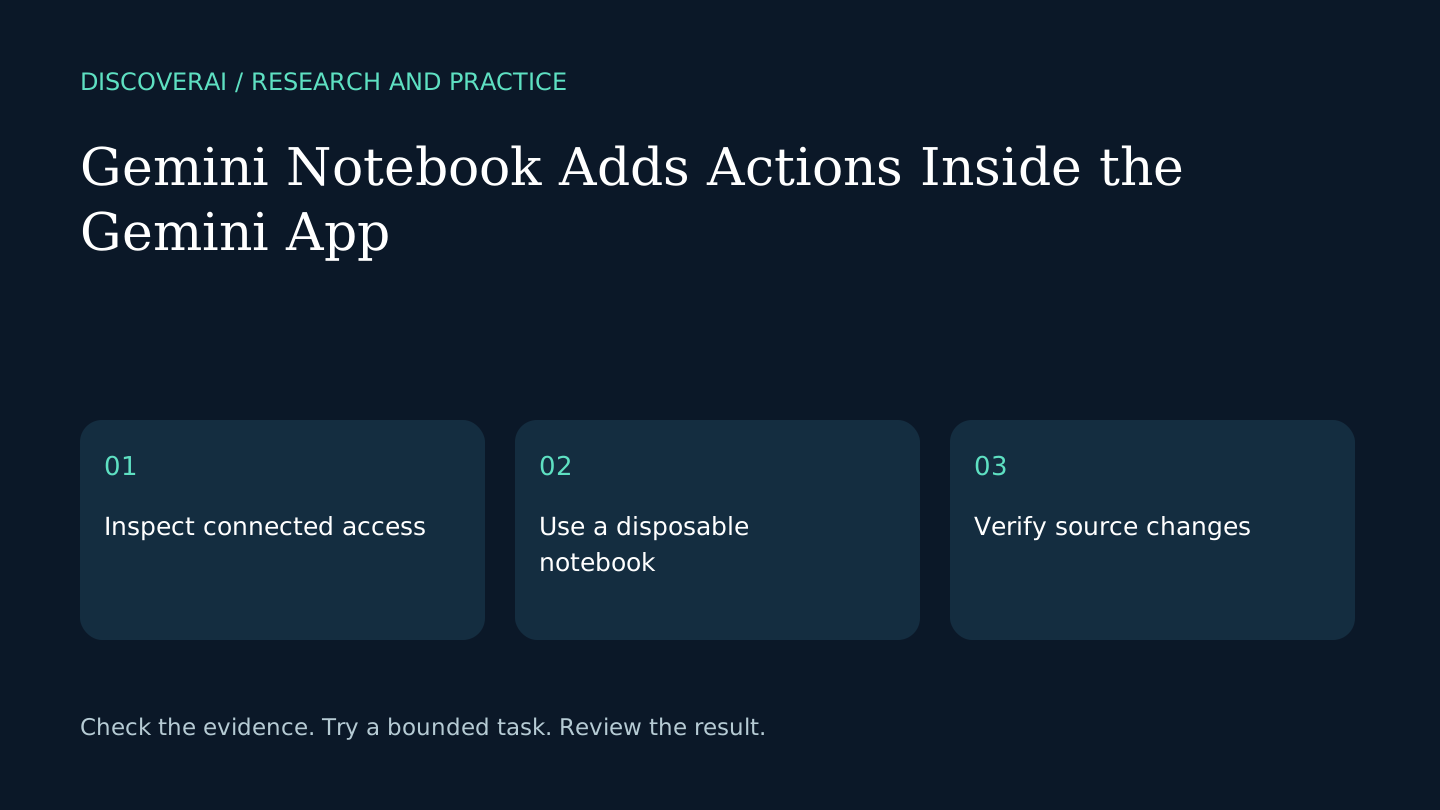
Create a disposable notebook with two public documents. Record the initial source list. Ask a factual question whose answer is present in one document and an unresolved question neither document answers. Check that the result distinguishes supported information from uncertainty.
Next, add a clearly labelled draft note. Inspect the notebook directly to confirm what was saved and where it appears. Use this direct inspection for every action during the pilot rather than assuming a conversational success message proves the intended change.
Separate reading from maintenance
For ordinary research, use narrowly phrased requests that name the notebook and task. For source replacement or deletion, first record the current source list and decide whether the change is needed. Use a test notebook to learn action behavior before touching a shared collection.
This is proposed team practice, not a claim that Google requires a particular approval mechanism. The announcement alone does not establish a complete undo, backup or export process. Check those capabilities separately if the notebook becomes part of a business record.
What remains unverified
We have not tested account access, action confirmation, retrieval quality or recovery after deletion. Existing notebook permissions and organizational policies still need checking in the actual account. Begin with public materials and appoint an owner for shared research.
For another approach to project-based research and deliverables, see the Orkas research review. Use the buyer checklist to compare evidence handling and maintenance work alongside features.
Transparency
How this guide was checked
Editorial accountability
Who checked this guide
- Evaluation type
- Research-based verification
- Last materially checked
- Evidence
- 1 listed sources
Hands-on testing is identified explicitly. Research-based coverage uses cited product documentation and other named sources; it does not imply every paid plan was used. Read the full methodology.
Editorial basis
What this guidance is based on
- Editorial basis
- Source-led analysis
- Primary references
- 1
- Products covered
- 0
- Last checked
- 2026-10-27
Important limits
- • Features, availability, and pricing can change after publication; confirm consequential details with the provider.
Sources and references
References cited by this article. Check the original source for scope, dates and current terms.
Frequently asked questions
Can the integration change sources?
Yes. The announcement includes adding, updating and deleting notebook sources.
Is it on by default everywhere?
Google says it defaults on globally except in the European Economic Area.
Does this article verify recovery after deletion?
No. Recovery, backup and export behavior need separate checks.
Read next