In this guide
Keep the selection reversible
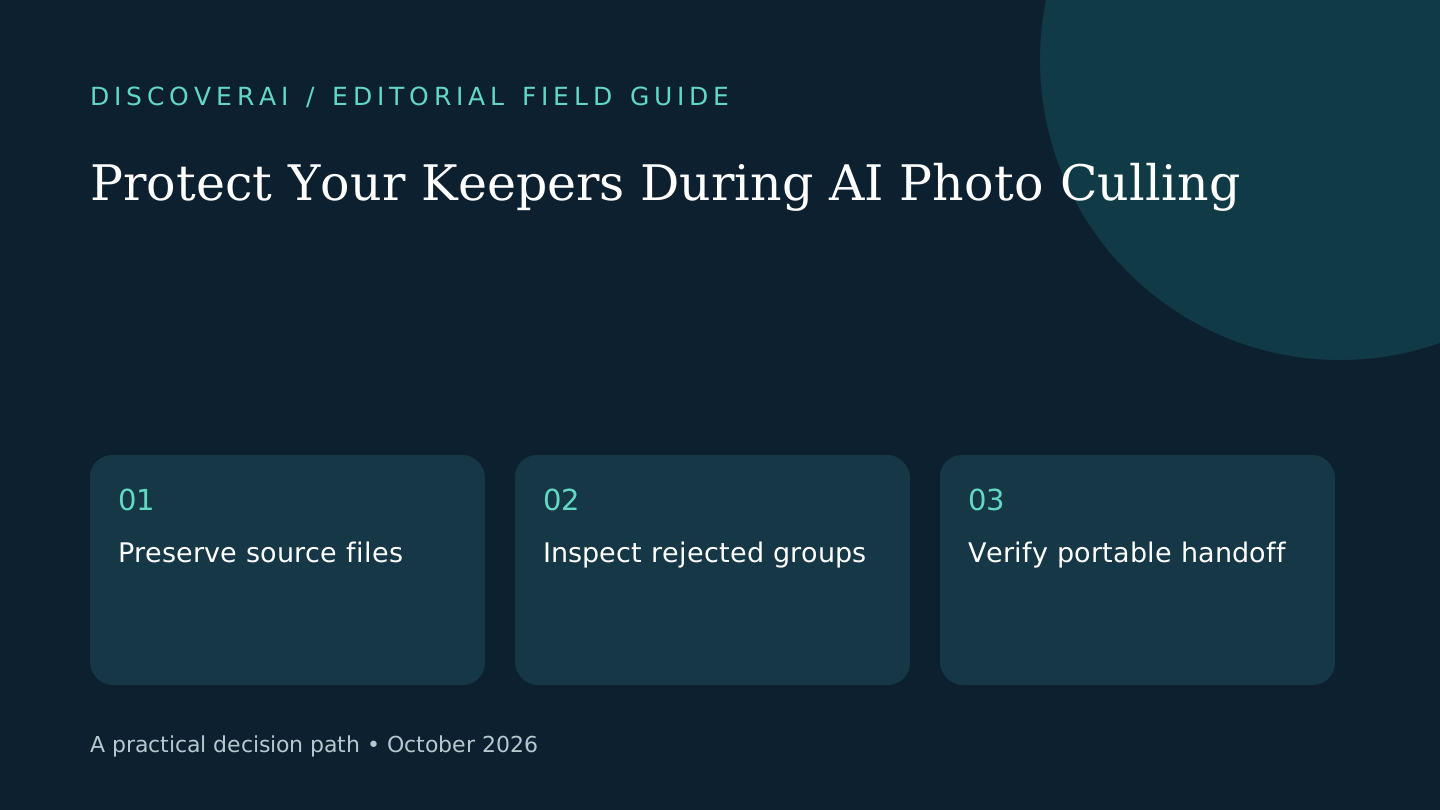
Let an AI shortlist reduce comparison work while a person owns the final selection. A technically sharp photograph can miss the moment, and a blurry frame can be the only record of it. Establish a recovery path before sorting a real shoot.
This is a proposed workflow, not a tested accuracy claim. MomentSift's documentation describes human confirmation and local browser storage; its privacy policy distinguishes local and cloud features. Download the public photo-culling handoff checklist.
Free workflow pilot checklist
Test the workflow before you buy the tool.
Get the buyer checklist, including task, owner, approval, fallback, and time-saved fields—plus one useful briefing a week.
1. Start from a protected copy
Keep an unchanged archive in your normal backup system and create a separate working folder. Record the shoot name and file count. A second folder on the same drive can protect against accidental edits, but it does not replace your usual backup protection against device failure.
Choose a small pilot containing bursts, different lighting and meaningful exceptions. Make a manual reference selection before asking the tool to shortlist. That creates a stable comparison rather than allowing the tool's first choices to become the answer key.
2. Decide what may leave the device
List the features you plan to use. Basic screening, deeper analysis and enhancement may have different processing paths even inside one application. Check the provider's current terms for each path and use only material you are permitted to process.
For a client job, resolve uncertain permissions before enabling cloud features. A statement that originals stay local does not establish that previews, reference images or enhanced versions never leave. Record the chosen features so another team member can repeat the same boundary.
3. Review rejected groups deliberately
Inspect the AI's rejected groups as well as its favorites. Look for a unique guest, expression or moment missing from the shortlist. Compare near-duplicates side by side and check whether the chosen frame actually carries the intended story.
Use a simple observation log: missed keeper, wrong grouping or acceptable rejection. Count corrections and time spent reviewing them. A fast initial sort can still cost more overall if you have to reopen every group because the selection cannot be trusted for the task.
4. Test the export with a tiny subset
Choose three files with different selection states and export using the intended handoff format. Open them in the downstream editor. If using XMP ratings, confirm that the right photograph receives the right rating and that filenames map correctly. Keep the original files intact during this check.
Inspect dimensions and watermarks separately from the selection metadata. Some products treat subscriptions and credit packs differently. Confirm the entitlement for your delivery before processing the whole shoot; a successful export button does not establish client-ready output.
5. Save a portable handoff
Export the accepted selection and keep a manifest of filenames with the job notes. Open a few files outside the browser application. Keep the manifest and source archive in your normal storage rather than relying on the service's current library view.
Browser libraries may disappear after clearing site data or reclaiming storage. Verify your backup and export before cleaning up. Read the MomentSift review for its documented boundaries and use the buyer matrix to compare total selection and handoff time. Keep the workflow only if it improves that complete process.
Transparency
How this guide was checked
Editorial accountability
Who checked this guide
- Evaluation type
- Research-based verification
- Last materially checked
- Evidence
- 3 listed sources
Hands-on testing is identified explicitly. Research-based coverage uses cited product documentation and other named sources; it does not imply every paid plan was used. Read the full methodology.
Editorial basis
What this guidance is based on
- Editorial basis
- Source-led analysis
- Primary references
- 3
- Products covered
- 1
- Last checked
- 2026-10-29
Important limits
- • Features, availability, and pricing can change after publication; confirm consequential details with the provider.
Sources and references
References cited by this article. Check the original source for scope, dates and current terms.
Frequently asked questions
Should I delete AI-rejected originals immediately?
Keep the process reversible until a person approves the selection and verifies backup and handoff.
Is a browser library a reliable archive?
It can be cleared or evicted. Keep a separate source archive and portable exports.
Has DiscoverAI benchmarked photo selection here?
No. This guide offers a proposed acceptance workflow rather than measured product results.
Tools mentioned in this article
MomentSift
Evaluate MomentSift’s photo quotas, separate AI credits, cloud processing boundaries and export limits before moving a real shoot into its browser library.
Evaluate MomentSift’s photo quotas, separate AI credits, cloud processing boundaries and export limits before moving a real shoot into its browser library.
Read next