The decision
Should you choose Repostit?
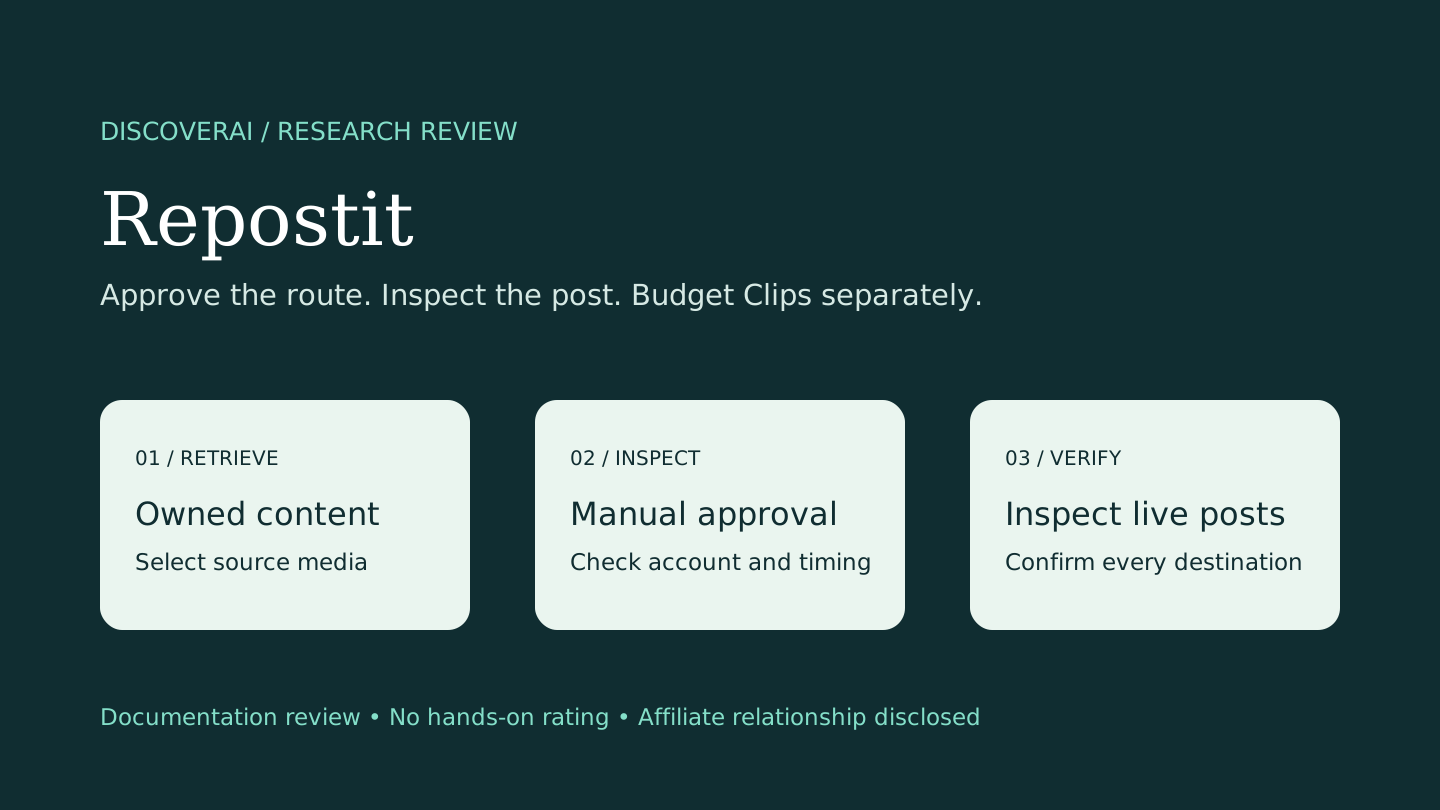
Validate your exact publishing routes in Manual mode before paying or enabling Auto.
Best for
Creators distributing finished content; Teams validating repeat cross-platform routes.
Choose something else if
Buyers expecting unlimited AI clipping with reposting; Agencies needing clarified commercial terms before deployment
Evidence
Verified research · rating withheld
Pricing checked
See current vendor pricing · Nov 10, 2026
Free access is available, with limits.
No permanent free publishing plan. Limited 14-day trial; separate free Clips allowance of 10 videos or 100 minutes.
DiscoverAI may earn a commission if you sign up or buy through our Repostit affiliate link, at no additional cost to you. This relationship does not determine our verdict.
In this guide
- Short answer
- Evidence and review scope
- What Repostit does
- Workflows: approve first, automate later
- AI features and their practical boundaries
- Pricing: monthly billing versus annual commitment
- Clips is a separate budget
- Privacy, permissions and billing caveats
- Proposed trial checklist
- Alternatives and verdict
Short answer
Repostit is worth trialing if you already create social content and repeatedly move it between platforms. Start with a manually approved route and inspect the published result. Its appeal is reducing repetitive distribution work; our recommendation depends on your exact account types and destinations working reliably.
Affiliate disclosure: DiscoverAI may earn a commission if you sign up or buy through our Repostit affiliate link, at no additional cost to you. This relationship does not determine our verdict.
Free buyer comparison checklist
Compare this tool before committing.
Use the buyer checklist to compare two tools on the same tasks, including quality, review time and total cost. Get the weekly top 5 AI tools, one practical workflow and one way to reduce AI spending.
Evidence and review scope
This is official-documentation research checked November 10, 2026. We did not create an account, authorize social connections, publish content, evaluate AI outputs, buy a plan or test customer support. Ratings are withheld. The checklist below proposes tests readers can run; it does not describe tests we performed.
What Repostit does
The product overview describes transferring existing videos, images and carousels across social platforms, with resizing, caption transfer and TikTok-watermark removal. Automatic backups to your own Drive or Dropbox are also advertised. These are provider claims, not measured delivery or quality results.
Creators with a consistent TikTok-first workflow are an obvious audience. Businesses reusing demonstrations and agencies operating several brands may also find it useful. A single dashboard does not establish that every platform can be used in both directions: confirm your specific source, destination, account type and media format. The homepage still labels some source and destination support as coming soon. Do not buy around a roadmap item.
Workflows: approve first, automate later
The workflow guide distinguishes Future routes for new posts from Existing routes for back catalogs. Routes can wait for manual approval or publish automatically. It also describes scheduling older content and identifying overlapping routes.
Our suggested starting point is one source, one destination and Manual mode. Check the actual destination post, including crop, caption and account identity. Add routes gradually once they meet your requirements. Back-catalog automation deserves a separate review: an old offer or outdated statement can be redistributed perfectly and still be wrong for today's audience.
The guide states that paid plans permit more workflows but does not provide a complete numerical limit for every tier. Ask for the limit your planned setup needs. Platform availability and account authorization are dependencies that a publishing subscription cannot remove.
AI features and their practical boundaries
The release page documents image/carousel reposting and Claude/ChatGPT integrations that can request scheduling, workflow creation and delivery checks. Captions and hashtags also appear in the pricing feature list. Repostit is therefore an AI-enabled publishing product; its basic copying workflow does not require us to describe every operation as AI.
Treat a natural-language publish request as a consequential action. Confirm the brand account, destination, media, caption, time zone and publishing time before approving it. We did not verify connector availability in particular assistant plans or test permission boundaries. Check current setup requirements in your own account.
Pricing: monthly billing versus annual commitment
The pricing page showed the following US-dollar rates at research time. Annual equivalents require the full yearly payment shown; they are not month-to-month prices.
| Publishing plan | Monthly billing | Yearly total | Accounts per platform |
|---|---|---|---|
| Basic | $5 | Monthly only | 1 |
| Starter | $14 | $120 | 1 |
| Influencer | $29 | $240 | 5 |
| Agency | $149 | $1,188 | 30 |
Basic includes 10 video posts monthly. Higher publishing tiers advertise unlimited automated posts. The trial is 14 days without a card, capped at 10 published destination posts, three workflows and one account per platform. A video sent to three destinations uses three trial posts; ten such videos would require 30. Confirm checkout totals, renewal and cancellation terms before paying.
Clips is a separate budget
The Clips page describes importing a YouTube link, selecting highlights automatically or manually and exporting vertical 1080 × 1920 clips. It assigns scores to clips, but we have no evidence those scores predict reach or conversions.
Free Clips access is listed as 10 videos or 100 minutes. Confirm which limit applies first and whether it resets. Paid allowances are 300, 700 and 1,500 processed minutes monthly. The advertised annual-billing equivalents are $8.25, $16.58 and $41.58 per month; verify the full annual charge and current monthly-billing option in checkout.
An unlimited reposting subscription does not make source-video processing unlimited. Budget the length of material sent for analysis separately from the number of clips distributed. Evaluate whether the selected moments preserve context and whether a vertical crop keeps the speaker, product or demonstration visible.
Privacy, permissions and billing caveats
The privacy policy describes account details, usage/device information, service-provider sharing and international transfers. Its general retention language does not establish a fixed deletion deadline for every data class. Ask about media storage, connection tokens, processing providers and deletion if handling client material.
The policy gives specific Pinterest-disconnection handling and points YouTube users to Google security settings for revocation. Removing an integration, deleting your Repostit account and cancelling a subscription are separate operations to verify. We have not inspected actual storage, traffic or deletion behavior.
The terms say fees are generally non-refundable except where law requires otherwise. They also contain a material inconsistency: section 3.1 permits personal and commercial use, while section 5.2 describes a personal, non-commercial license. Business and agency buyers should get written clarification. This is a documentation conflict, not a legal conclusion about enforceability.
Watermark removal is not evidence of permission to reuse a video, music track or third-party contribution. Review the assets you control before distributing them beyond their original platform.
Proposed trial checklist
Use content you own and can safely publish. Agree on acceptance criteria before connecting a client account.
- Write down the exact source, destination, media format and account type. Verify the route is available now.
- Connect only the necessary accounts and inspect requested permissions.
- Keep the route on Manual. Send one short video to two destinations and record the trial usage.
- Inspect both live posts for account identity, crop, audio, caption accuracy and timing. Do not rely solely on dashboard status.
- Test a carousel separately: inspect slide order, text readability and the selected output format.
- Try one back-catalog item and check overlapping workflows before importing a larger library.
- If using Clips, review one owned long video. Record minutes consumed, edit time and whether highlights retain meaning.
- Verify pause, disconnect, backup access and cancellation procedures. Confirm business-use terms before a paid agency rollout.
A useful buying calculation is the manual distribution time saved minus review, correction and account-maintenance time. Define an acceptable error rate for your brand and compare the resulting workload with your current process.
Alternatives and verdict
If you post infrequently, native platform scheduling may already cover the work. If your main problem is creating video rather than distributing finished assets, compare a creation-first tool such as Eliro. For AI-generated campaigns, the approval process in our social-post review checklist remains useful whichever publisher you choose.
Our verdict: run the no-card trial against your real routes before subscribing. Repostit offers a focused distribution workflow with optional AI assistance, but separate Clips capacity, platform-specific behavior and unresolved commercial-license language deserve attention. Use our Repostit affiliate link if you choose to evaluate it; the commercial relationship does not change these limitations.
Transparency
How this guide was checked
Editorial accountability
Who checked this guide
- Evaluation type
- Hands-on evaluation
- Last materially checked
- Evidence
- 7 listed sources
Hands-on testing is identified explicitly. Research-based coverage uses cited product documentation and other named sources; it does not imply every paid plan was used. Read the full methodology.
Editorial freshness
Pricing and material product claims were checked November 10, 2026.
Review evidence
What this guidance is based on
- Evaluation type
- Official documentation research; no hands-on publishing test
- Research date
- November 10, 2026
- Commercial relationship
- Supplied affiliate link; disclosed
Important limits
- • No account connection, publishing, clip generation, purchase or support test performed.
- • Route reliability, AI output quality and connector availability not independently verified.
- • Commercial-use wording and precise free Clips reset rules require clarification.
Standardized benchmark coverage
How this review maps to the research benchmark
Citation accuracy
Not applicableThe reviewed workflow does not produce source-grounded research answers, so a citation score would be misleading.
Read protocol v2026.10-v1 →Thematic analysis
Not applicableThe reviewed workflow is not qualitative evidence analysis, so a thematic-analysis score would be misleading.
Read protocol v2026.10-v1 →Eligibility is not a product score. DiscoverAI publishes results only after output collection, blinded adjudication, reproducibility checks, and severe-error review.
Open the optional evaluation worksheet
Reusable trial worksheet
Test Repostit before you commit
Turn this review’s buyer test into evidence. Your entries autosave only in this browser and are never added to shared shortlist links.
Confirm the tool meets every must-have workflow and stakeholder requirement.
Review starting point: Creators distributing finished content; Teams validating repeat cross-platform routes
Run the same representative work you would use in production; do not score a polished demo.
Review starting point: Run a bounded set of representative tasks with known acceptable outcomes, then compare the result with your current workflow.
Calculate the effective cost per accepted result, including usage, review, corrections, and required add-ons.
Review starting point: Checked November 10, 2026: Basic $5/month; Starter $14/month or $120/year; Influencer $29/month or $240/year; Agency $149/month or $1,188/year. Separate paid Clips allowances. Publishing trial: 14 days, 10 destination posts, 3 workflows, no card.
Define an acceptance threshold, test known answers and edge cases, and record every correction.
Review starting point: Editorial quality signals: features 0.0/5. Validate these signals in your own work.
Verify what data enters the product, who can access it, how long it is retained, and whether it trains models.
Review starting point: Use approved low-risk data first. Check roles, consent, deletion, subprocessors, model-training settings, and the contract—not only the marketing page.
Test the real handoffs, permissions, failure states, and export path your team depends on.
Review starting point: Repostit integration requirements are not fully structured in this review; list every required system and test each connection.
Record training, governance, reliability, accessibility, ownership, and change-management risks before rollout.
Review starting point: Clips processing is a separate allowance; Trial posts count per destination; Terms contain conflicting commercial-use language
Loading saved worksheet… · private to this device or your optional account
Community evidence
How verified users put Repostit to work
Structured, editor-moderated experience—not star ratings. This complements our independent review and never changes its score.
No approved community evidence yet. Be the first verified user to contribute.
Community choice
Recommend Repostit
Loading weekly votes…
One vote per verified account per tool, counted for seven days. Return after your vote expires to support again. Community votes influence homepage trends, never editorial ratings. Voting does not subscribe you to emails.
Sources and references
References cited by this article. Check the original source for scope, dates and current terms.
Frequently asked questions
What is Repostit?
Repostit automates cross-posting of finished social content. Its documented AI features include captions, hashtags, highlight extraction and assistant integrations; the core reposting service is publishing automation.
Is Repostit free?
Publishing has a 14-day no-card trial with 10 destination posts, up to 3 workflows and one account per platform. Basic costs $5/month. Clips has a separate free allowance of 10 videos or 100 minutes; confirm how the allowance is applied.
How much does Repostit cost?
Checked November 10, 2026: Basic $5/month; Starter $14/month or $120/year; Influencer $29/month or $240/year; Agency $149/month or $1,188/year. Paid Clips processing has separate plans.
Does unlimited reposting include unlimited Clips?
No. Starter and higher advertise unlimited automated posts, while Clips has its own processed-minute allowances and subscriptions.
Can I approve posts before publishing?
The workflows documentation describes Manual approval per route and an Auto mode for unattended publishing. Test each destination before enabling Auto.
Has DiscoverAI tested Repostit?
No. This review uses official documentation checked November 10, 2026. We did not connect accounts, publish posts, generate clips, buy a plan or test support. Ratings are withheld.
Does DiscoverAI earn a commission?
DiscoverAI may earn a commission if you sign up or buy through our Repostit affiliate link, at no additional cost to you. This relationship does not determine our verdict.
Recommended tool
Use Repostit if this workflow fits your team
Validate your exact publishing routes in Manual mode before paying or enabling Auto.
DiscoverAI may earn a commission if you sign up or buy through our Repostit affiliate link, at no additional cost to you. This relationship does not determine our verdict.
Tools mentioned in this article
Repostit
Cross-post social content with AI-assisted planning and clips
Repostit automates social reposting and scheduling, with AI captions, highlight extraction and assistant integrations.
Read next