The decision
Should you choose InPlaceText?
Consider for small teams correcting their own flattened promotional graphics; validate the documented limits with a small pilot.
Best for
Small teams correcting their own flattened promotional graphics.
Choose something else if
Maintaining a reusable source-based design system
Evidence
Verified research · rating withheld
Pricing checked
See current vendor pricing · Nov 14, 2026
Free access is available, with limits.
One visitor edit plus one additional edit after sign-in; not an unlimited free plan.
In this guide
Short answer
InPlaceText is a focused option for changing a few words in an image when the original design file is unavailable. It is most appealing for a small correction, such as an event date on your own flyer. For repeated updates or a brand system, recovering or rebuilding the editable source is usually the more maintainable workflow.
Free buyer comparison checklist
Compare this tool before committing.
Use the buyer checklist to compare two tools on the same tasks, including quality, review time and total cost. Get the weekly top 5 AI tools, one practical workflow and one way to reduce AI spending.
Evidence and review scope
This review checks official product, pricing and privacy pages as of November 14, 2026. No edits, payments or exports were performed. Ratings are withheld and no affiliate link is configured. Suggested tests below describe what a buyer should check, not results we observed.
What text replacement means here
The editor accepts JPG, PNG and WebP files up to 10 MB. You enter the existing and replacement wording; a selection box can isolate the intended occurrence. The service aims to match the visual style and perspective. It does not recover or install the original font file.
That makes surrounding context part of the acceptance test. Curved lettering, reflections and patterned surfaces are different jobs from plain text on a flat background. Do not treat a convincing example from one type of surface as proof that another will work.
Pricing: small edits versus repeated repairs
The pricing page lists packs of 10/$6.99, 20/$9.99, 60/$19.99 and 160/$39.99 credits. One visitor edit and another after sign-in are advertised. Purchased credits do not expire; each returned replacement uses one credit. An unused pack has a stated 14-day refund window. Promotional bonuses may differ at checkout.
The submission omitted the smaller pack. Current pricing is the basis here. A returned image can still need review or further correction, so measure cost per accepted edit rather than assuming every credit finishes a job.
Proposed test: change one event date
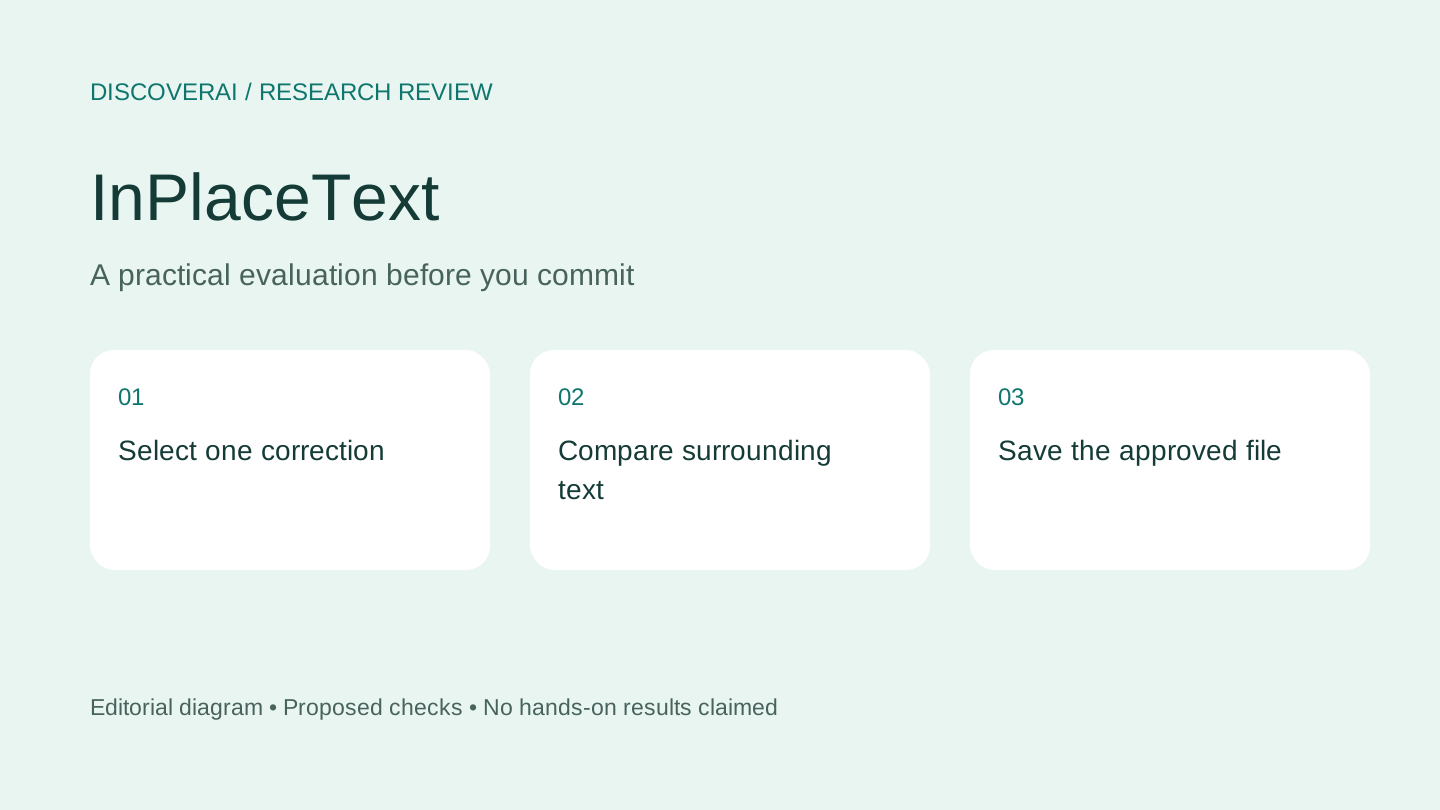
Use your own disposable poster with a known date and a short surrounding sentence. Keep an untouched copy. Ask for one change and leave every other element out of the request. If the date appears twice, explicitly select the version you want to replace.
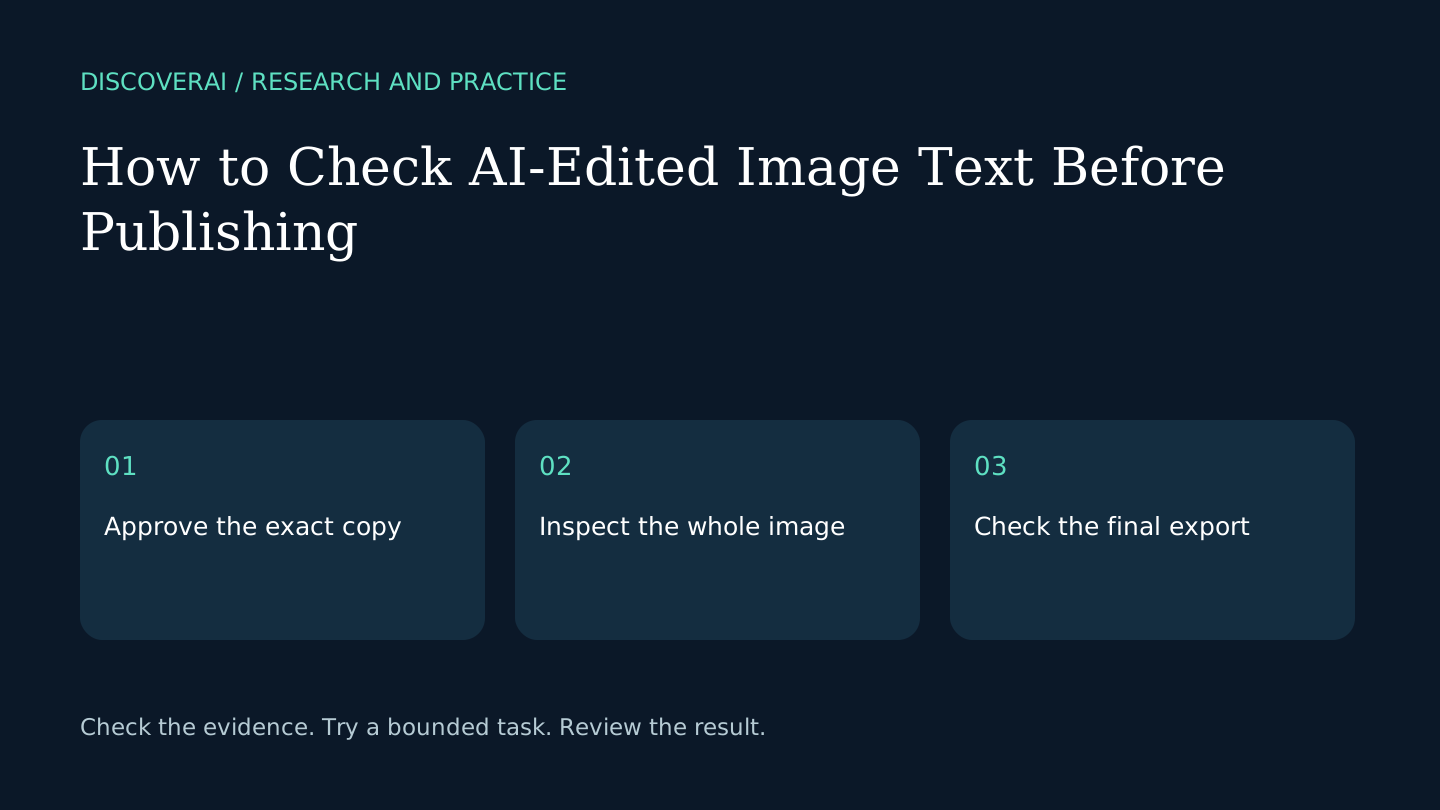
Compare both images at equal size. Check the new date character by character, then inspect nearby lettering, alignment, shadows and background texture. A correction fails if it fixes the date but changes another word or creates an obvious patch.
Export the image and view it at the size your audience will see. If the flyer is for print, inspect a small proof before ordering a run. Record the number of attempts and the time needed to finish. Compare that effort with simply recreating the text layer in your usual editor.
Privacy: browser preview is not local generation
The privacy policy says generation sends the image or selected surrounding region and entered text through its server to a cloud image service. It says those editing inputs are not retained on its own servers, with an optional diagnostic-sharing exception lasting three days. That does not establish the unnamed processor's complete retention policy.
Use an invented flyer for evaluation. Clarify processor handling before sending a client's confidential creative. Save your download promptly because a service that does not retain editing inputs should not be treated as your project archive.
Verdict and alternatives
Shortlist InPlaceText for occasional corrections where visual matching is good enough after inspection. If you need a wholly new graphic, compare MOSS-Image AI. If you need text to remain editable over many revisions, use a source-based design workflow. Save the profile and use the buyer checklist to define acceptable fidelity before paying.
Transparency
How this guide was checked
Editorial accountability
Who checked this guide
- Evaluation type
- Hands-on evaluation
- Last materially checked
- Evidence
- 3 listed sources
Hands-on testing is identified explicitly. Research-based coverage uses cited product documentation and other named sources; it does not imply every paid plan was used. Read the full methodology.
Editorial freshness
Pricing and material product claims were checked November 14, 2026.
Review evidence
What this guidance is based on
- Evaluation type
- Official-source research; no hands-on testing
- Research date
- November 14, 2026
- Comparison basis
- Documented workflow and buyer requirements; no measured head-to-head test
Important limits
- • No account, purchase, output generation, export or support test performed.
- • Quality, reliability and privacy controls have not been independently verified.
Standardized benchmark coverage
How this review maps to the research benchmark
Citation accuracy
Not applicableThe reviewed workflow does not produce source-grounded research answers, so a citation score would be misleading.
Read protocol v2026.10-v1 →Thematic analysis
Not applicableThe reviewed workflow is not qualitative evidence analysis, so a thematic-analysis score would be misleading.
Read protocol v2026.10-v1 →Eligibility is not a product score. DiscoverAI publishes results only after output collection, blinded adjudication, reproducibility checks, and severe-error review.
Open the optional evaluation worksheet
Reusable trial worksheet
Test InPlaceText before you commit
Turn this review’s buyer test into evidence. Your entries autosave only in this browser and are never added to shared shortlist links.
Confirm the tool meets every must-have workflow and stakeholder requirement.
Review starting point: Small teams correcting their own flattened promotional graphics
Run the same representative work you would use in production; do not score a polished demo.
Review starting point: Run a bounded set of representative tasks with known acceptable outcomes, then compare the result with your current workflow.
Calculate the effective cost per accepted result, including usage, review, corrections, and required add-ons.
Review starting point: One-time packs: $6.99/10 credits, $9.99/20, $19.99/60 or $39.99/160. One returned text edit uses one credit; purchased credits do not expire.
Define an acceptance threshold, test known answers and edge cases, and record every correction.
Review starting point: Editorial quality signals: features 0.0/5. Validate these signals in your own work.
Verify what data enters the product, who can access it, how long it is retained, and whether it trains models.
Review starting point: Use approved low-risk data first. Check roles, consent, deletion, subprocessors, model-training settings, and the contract—not only the marketing page.
Test the real handoffs, permissions, failure states, and export path your team depends on.
Review starting point: InPlaceText integration requirements are not fully structured in this review; list every required system and test each connection.
Record training, governance, reliability, accessibility, ownership, and change-management risks before rollout.
Review starting point: Font matching is an approximation; Complex surfaces can require retries; Generation sends selected content to cloud processing
Loading saved worksheet… · private to this device or your optional account
Community evidence
How verified users put InPlaceText to work
Structured, editor-moderated experience—not star ratings. This complements our independent review and never changes its score.
No approved community evidence yet. Be the first verified user to contribute.
Community choice
Recommend InPlaceText
Loading weekly votes…
One vote per verified account per tool, counted for seven days. Return after your vote expires to support again. Community votes influence homepage trends, never editorial ratings. Voting does not subscribe you to emails.
Sources and references
References cited by this article. Check the original source for scope, dates and current terms.
Frequently asked questions
Does InPlaceText recover the original font?
No. It attempts a visual match rather than retrieving the font file.
Do purchased credits expire?
The pricing page says they do not expire.
Is generation entirely local?
No. Generation sends required content through the server to a cloud processor.
Recommended tool
Use InPlaceText if this workflow fits your team
Consider for small teams correcting their own flattened promotional graphics; validate the documented limits with a small pilot.
Tools mentioned in this article
InPlaceText
Review InPlaceText for correcting text in flattened images, including free edits, credit packs, cloud processing and checks for unintended changes
Review InPlaceText for correcting text in flattened images, including free edits, credit packs, cloud processing and checks for unintended changes.
Read next