At a glance
Should you choose Superhuman Mail?
Shortlist Superhuman Mail when inbox volume and response value are high enough to justify a premium seat. Test it against the current client on missed messages, accepted drafts, correction time, and follow-up completion.
Best for
People handling consequential email every day; Teams that can measure response and follow-up outcomes.
Choose something else if
Light or mostly personal email; Teams unable to justify premium per-seat cost
Evidence
Verified research · rating withheld
Pricing checked
From $25 · Sep 30, 2026
Free access is available, with limits.
No permanent free Mail plan is advertised; verify trial or onboarding terms. The broader Superhuman suite has a free tier that does not include Mail.
In this guide
Short answer
Superhuman Mail is worth testing for people whose inbox is a daily operating system and whose response quality or speed has material value. Light-email users are unlikely to recover its premium seat price.
Free buyer comparison checklist
Compare this tool before committing.
Use the buyer checklist to compare two tools on the same tasks, including quality, review time and total cost. Get the weekly top 5 AI tools, one practical workflow and one way to reduce AI spending.
Where Superhuman Mail creates value
The product combines triage, search, writing, summaries, reminders, scheduling, collaboration, and selected CRM context. AI can reduce drafting and retrieval time, while keyboard-first navigation can compress repetitive handling. The benefit depends on preserving accuracy, recipient context, tone, and commitments.
Pricing and packaging
Public plan prices are only the visible layer. Include seats, usage or credits, implementation, connected services, administration, review, correction, and failure handling. Verify the current checkout or contract before purchase.
Risks and limitations
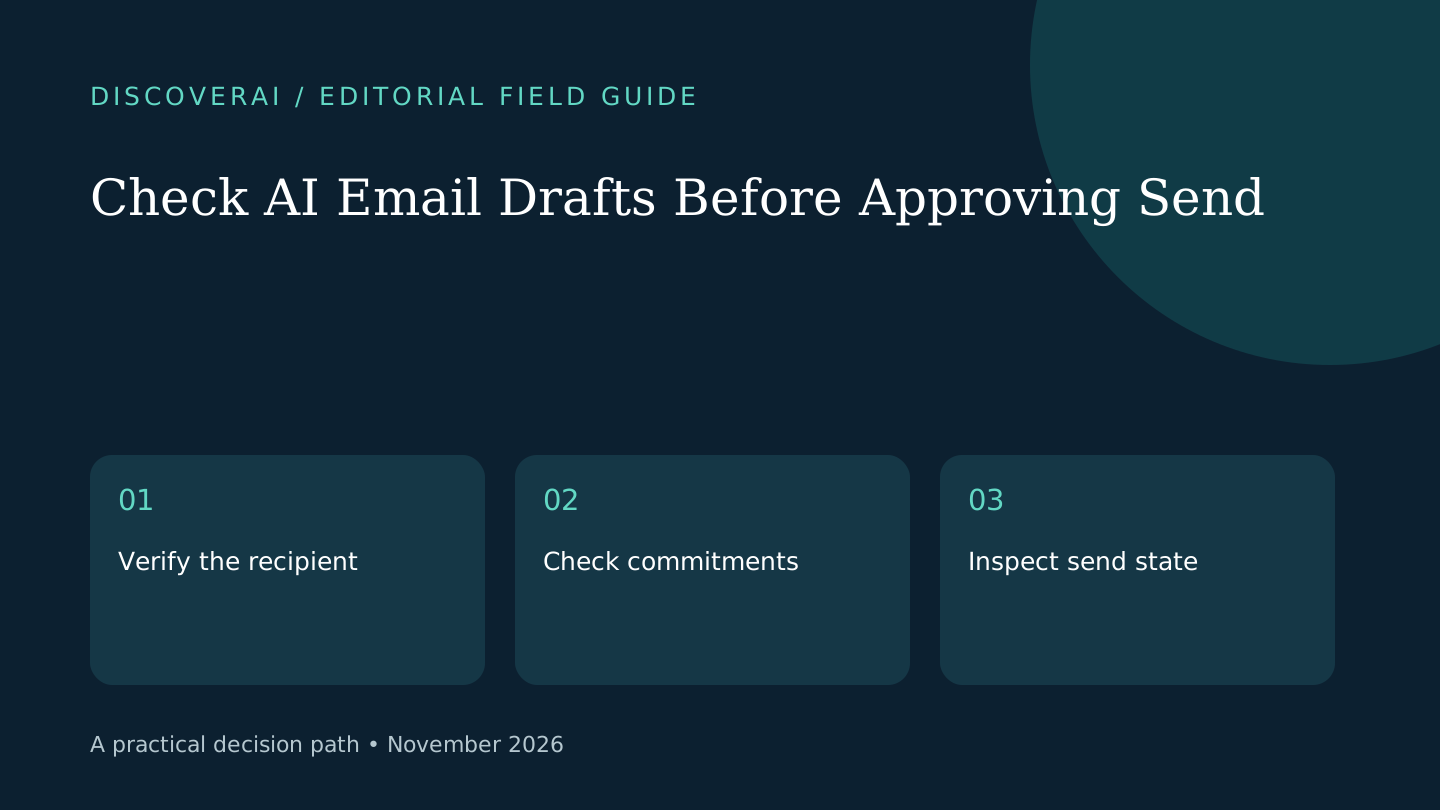
A confident draft can carry a wrong name, promise, price, attachment, recipient, or interpretation. Inbox access also exposes sensitive communications and relationship history. Teams must review data treatment, connected systems, access removal, retention, and higher-tier controls before rollout.
A fair buyer test
Run a 30-day matched trial with real, approved email categories. Compare priority-message misses, accepted drafts, edits per draft, response and follow-up time, wrong-recipient or commitment errors, calendar accuracy, recovered minutes, and cost per completed email outcome.
Verdict
Choose Superhuman Mail when measurable inbox value exceeds the premium and its data boundary fits policy. Keep the existing client when volume is low, AI acceptance is weak, or the workflow depends on unsupported controls.
Transparency
How this guide was checked
About this article
How this article was prepared
- Evaluation type
- Hands-on evaluation
- Last reviewed
- Evidence
- 4 listed sources
We label hands-on testing separately. Research-based articles draw on product documentation and other cited sources, rather than direct use of every plan. Read the full methodology.
Editorial freshness
Pricing and material product claims were checked September 30, 2026.
Review evidence
Sources and testing
- Evaluation type
- Research-based product assessment
- Material review date
- September 30, 2026
- Evidence
- Current first-party sources
Important limits
- • No long-term deployment or controlled comparison against other email clients.
- • Plans, suite packaging, AI limits, integrations, and security controls can change.
Standardized benchmark coverage
How this review maps to the research benchmark
Citation accuracy
Not applicableThe reviewed workflow does not produce source-grounded research answers, so a citation score would be misleading.
Read protocol v2026.10-v1 →Thematic analysis
Not applicableThe reviewed workflow is not qualitative evidence analysis, so a thematic-analysis score would be misleading.
Read protocol v2026.10-v1 →Eligibility is not a product score. DiscoverAI publishes results only after output collection, blinded adjudication, reproducibility checks, and severe-error review.
Open the optional evaluation worksheet
Reusable trial worksheet
Test Superhuman Mail before you commit
Turn this review’s buyer test into evidence. Your entries autosave only in this browser and are never added to shared shortlist links.
Confirm the tool meets every must-have workflow and stakeholder requirement.
Review starting point: People handling consequential email every day; Teams that can measure response and follow-up outcomes; Organizations already using supported email and CRM systems
Run the same representative work you would use in production; do not score a polished demo.
Review starting point: Run a 30-day matched trial with real, approved email categories. Compare priority-message misses, accepted drafts, edits per draft, response and follow-up time, wrong-recipient or commitment errors, calendar accuracy, recovered minutes, and cost per completed email outcome.
Calculate the effective cost per accepted result, including usage, review, corrections, and required add-ons.
Review starting point: Superhuman Mail lists Starter at $25 per member monthly when billed annually and Business at $33 per member monthly when billed annually; monthly prices and suite packaging differ. Verify current features, seat rules, renewal, and enterprise terms.
Define an acceptance threshold, test known answers and edge cases, and record every correction.
Review starting point: Editorial quality signals: features 0.0/5. Validate these signals in your own work.
Verify what data enters the product, who can access it, how long it is retained, and whether it trains models.
Review starting point: Use approved low-risk data first. Check roles, consent, deletion, subprocessors, model-training settings, and the contract—not only the marketing page.
Test the real handoffs, permissions, failure states, and export path your team depends on.
Review starting point: Gmail, Microsoft 365, HubSpot, Salesforce, Pipedrive, Zoom, Google Meet
Record training, governance, reliability, accessibility, ownership, and change-management risks before rollout.
Review starting point: Premium cost requires high, recurring email value; AI drafts still need recipient, factual, tone, and commitment review; Some advanced controls and integrations require higher tiers
Loading saved worksheet… · private to this device or your optional account
Community evidence
How verified users put Superhuman Mail to work
Structured, editor-moderated experience—not star ratings. This complements our independent review and never changes its score.
No approved community evidence yet. Be the first verified user to contribute.
Community choice
Recommend Superhuman Mail
Loading weekly votes…
One vote per verified account per tool, counted for seven days. Return after your vote expires to support again. Community votes influence homepage trends, never editorial ratings. Voting does not subscribe you to emails.
Sources and references
References cited by this article. Check the original source for scope, dates and current terms.
Frequently asked questions
How much does Superhuman Mail cost?
The official annual pricing page lists Starter at $25 and Business at $33 per member per month. Monthly billing costs more, and enterprise pricing is custom.
Does Superhuman Mail include AI?
Yes. Listed features include writing, summaries, labels, reminders, and replies; Business adds capabilities such as Auto Drafts and Ask AI.
Is Superhuman Mail the same as the Superhuman suite?
No. Mail is one product in a broader suite that also includes Grammarly, Docs, and Go. Packaging and entitlements vary by plan.
What should a buyer test?
Measure missed priority messages, accepted draft rate, correction time, response time, follow-up completion, recipient errors, and hours recovered against the current inbox.
Recommended tool
Use Superhuman Mail if this workflow fits your team
It brings AI and high-speed inbox controls into one focused email workflow rather than adding another detached assistant.
Tools mentioned in this article
Superhuman Mail
A premium email client with AI drafting, triage, search, scheduling, and team workflows
Superhuman Mail can compress high-volume inbox work, but its premium seat price pays off only when faster triage and drafting produce measurable response and relationship outcomes.
Read next