At a glance
Should you choose MusicMaker?
Approve one exported track and its usage terms before committing to a longer plan.
Best for
Creators running a small soundtrack pilot.
Choose something else if
Teams requiring proven audio performance without a trial; Confidential productions without agreed processing terms
Evidence
Verified research · rating withheld
Pricing checked
See current vendor pricing · Nov 15, 2026
Free access is available, with limits.
Free exploration; download and commercial-use restrictions apply.
DiscoverAI may earn a commission if you buy through our MusicMaker affiliate link. This relationship does not determine our verdict.
In this guide
Short answer
MusicMaker is worth a small trial if you need music ideas for videos, podcast segments or a campaign. The question is whether you can get a usable track without spending more time repairing it than you would spend choosing licensed stock music. Start with one real production brief, not an annual subscription.
Affiliate disclosure: DiscoverAI may earn a commission if you buy through our MusicMaker affiliate link. This relationship does not determine our verdict.
This is a documentation-based review checked November 15, 2026. We have not generated music, purchased a plan, tested downloads or contacted support. Ratings are withheld. The proposed test below is an editorial worksheet, not a report of hands-on results.
Free buyer comparison checklist
Compare this tool before committing.
Use the buyer checklist to compare two tools on the same tasks, including quality, review time and total cost. Get the weekly top 5 AI tools, one practical workflow and one way to reduce AI spending.
What MusicMaker does
The official product overview describes songs and instrumentals generated from prompts, with options for custom lyrics and audio references. It also presents music extension, vocal separation and visual creation tools. That breadth may appeal to a solo creator who wants to explore several parts of a project in one service.
A broad menu does not establish the quality of any individual tool. For a professional, the useful distinction is between a promising sketch and an approved soundtrack. A melody can sound engaging on its own while competing with narration, ending awkwardly or changing mood halfway through a scene.
Pricing: read the full charge
The pricing page showed annual Standard at $71.88 upfront, advertised as $5.99 a month, with 5,000 monthly credits. That is an annual commitment, not a $5.99 monthly checkout. Promotions can change; confirm the charge and renewal price before paying.
Free access lists 60 initial credits and 20 for daily check-in. The page says free song downloads are unavailable. Generation costs vary by model; unlimited paid downloads do not mean unlimited generation. It also mixes annual-plan language with a one-month premium-validity note. Ask support which expiry rules apply to your selected purchase.
Keep your budget in terms of accepted tracks, not attempts. For example, if you allocate $12 of a project budget to generation and accept two tracks, the allocated generation cost is $6 per accepted track, before editing. This is fictional arithmetic, not a MusicMaker price or measured success rate. If no track passes, report the spend and zero accepted results rather than inventing a unit cost.
Commercial use: save the terms with the track
The commercial license distinguishes paid work from the free trial. It describes free-trial output as non-commercial and requiring attribution. For content created during an active paid subscription, it describes continuing commercial rights after cancellation, subject to the agreement. Do not assume upgrading later changes the rights attached to an earlier free generation.
The provider also makes an ownership claim. We have not independently established copyright protection, exclusivity or clearance for a particular output. A subscription is not evidence that every track will satisfy a client's contract or a distribution platform's policies.
Before a commercial release, retain the applicable license, receipt, generation date and model alongside the approved file. For client work, confirm the intended use and handoff rights in writing. Resolve an unclear license before incorporating a track into a campaign that is expensive to replace.
A practical first test: music beneath narration
Use a fictional brief: a 30-second introduction to a community workshop, with a calm voiceover and a clear closing invitation. This is a teaching example. It avoids confidential client material and gives you something more useful to evaluate than an unrestricted request for a good song.
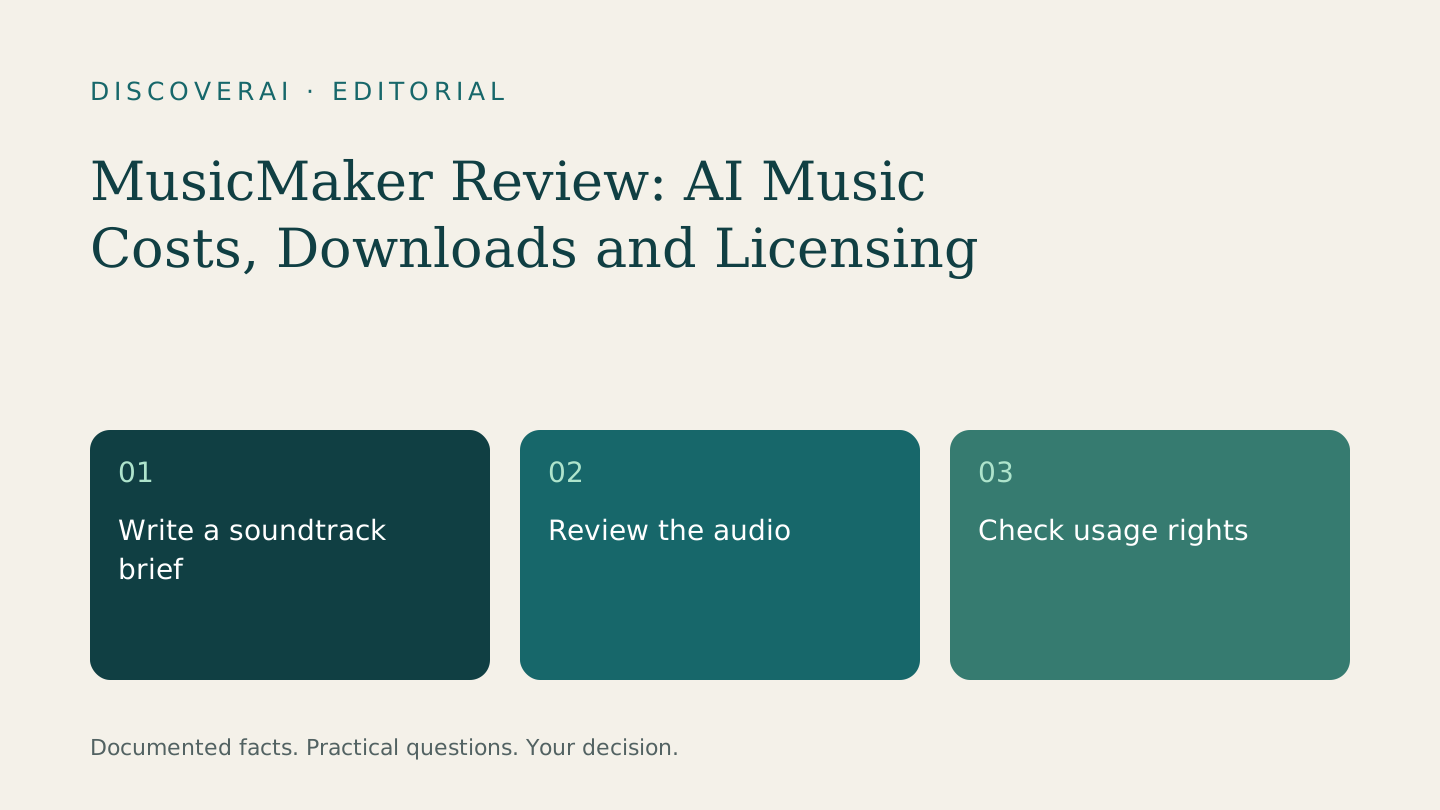
- Write down the acceptance criteria: instrumental, restrained energy, no distracting vocal-like sounds, room for speech and an ending that fits the cut.
- Choose the generation settings and record the displayed credit charge before submitting. Set an attempt limit you can afford to lose.
- Listen to the entire output. Note abrupt changes, unwanted sounds and sections that distract from the message.
- If you have download access, place a candidate under the same narration in your normal editor. Listen through headphones and a phone speaker at a comfortable level.
- Record every rejected attempt, the reason for rejection and the time spent trimming, fading and adjusting levels. A good opening is not a pass if the ending cannot be used.
- Have another person review the final cut without being told which option you prefer. Ask whether the words remain easy to follow and the music fits the purpose.
Use the trial scorecard to record the outcome. Keep the test narrow: one approved clip tells you something about that brief, not about the service's reliability across every genre or length.
Privacy and cancellation questions
The privacy policy describes third-party service providers and collection of personal and usage information. It does not establish the project-specific retention, deletion or model-training controls a confidential production might require. Ask for those details before uploading unreleased music, a client's recording or identifiable voices. A private-generation setting should not be treated as a complete data-processing agreement.
The terms describe automatic renewal and conditional refunds. Cancellation and a refund are separate matters; neither was tested for this review. Save accepted files locally, confirm your renewal date and read the current refund conditions before spending credits. We have not verified the cancellation interface or support response time.
Alternatives: compare the complete job
Consider three routes: an AI music service, a stock-music library and a commissioned musician. Compare them against the same brief. The AI route is worth exploring when variation matters and you can inspect every result. A stock track may be simpler when you find a suitable cue with terms that fit. A musician may be the better conversation when the brief needs specific revisions and accountable creative collaboration.
These are buying options, not benchmark rankings. We have not conducted a head-to-head audio test. Include selection time, editing, permission checks and the cost of replacing a rejected track in your comparison. The cheapest subscription can still produce the most expensive finished clip.
Verdict
Shortlist MusicMaker for a bounded creative trial. Do not make it a required production step until you have an acceptable export and clear rights for the intended use. Teams needing confidential processing terms or predictable client approvals should resolve those questions first.
Visit the MusicMaker tool profile for the affiliate signup link and current review details. Use our AI tool buyer checklist to decide what must be demonstrated before buying. The right result is an approved piece of work, not simply a larger folder of generated tracks.
Transparency
How this guide was checked
About this article
How this article was prepared
- Evaluation type
- Hands-on evaluation
- Last reviewed
- Evidence
- 5 listed sources
We label hands-on testing separately. Research-based articles draw on product documentation and other cited sources, rather than direct use of every plan. Read the full methodology.
Editorial freshness
Checkout was not tested; public plan and premium-validity wording need clarification.
Review evidence
Sources and testing
- Evaluation type
- Official-source research; no hands-on testing
- Research date
- November 15, 2026
- Comparison basis
- Editorial comparison of production routes, not measured audio performance
Important limits
- • No generation, audio-quality, export, payment, cancellation or support test performed.
- • Checkout, expiry rules and project-specific licensing require confirmation.
Standardized benchmark coverage
How this review maps to the research benchmark
Citation accuracy
Not applicableThe reviewed workflow does not produce source-grounded research answers, so a citation score would be misleading.
Read protocol v2026.10-v1 →Thematic analysis
Not applicableThe reviewed workflow is not qualitative evidence analysis, so a thematic-analysis score would be misleading.
Read protocol v2026.10-v1 →Eligibility is not a product score. DiscoverAI publishes results only after output collection, blinded adjudication, reproducibility checks, and severe-error review.
Open the optional evaluation worksheet
Reusable trial worksheet
Test MusicMaker before you commit
Turn this review’s buyer test into evidence. Your entries autosave only in this browser and are never added to shared shortlist links.
Confirm the tool meets every must-have workflow and stakeholder requirement.
Review starting point: Creators running a small soundtrack pilot
Run the same representative work you would use in production; do not score a polished demo.
Review starting point: Run a bounded set of representative tasks with known acceptable outcomes, then compare the result with your current workflow.
Calculate the effective cost per accepted result, including usage, review, corrections, and required add-ons.
Review starting point: Annual Standard displayed at $71.88 upfront on November 15, 2026. Confirm the renewal total and model-specific credit rate.
Define an acceptance threshold, test known answers and edge cases, and record every correction.
Review starting point: Editorial quality signals: features 0.0/5. Validate these signals in your own work.
Verify what data enters the product, who can access it, how long it is retained, and whether it trains models.
Review starting point: Use approved low-risk data first. Check roles, consent, deletion, subprocessors, model-training settings, and the contract—not only the marketing page.
Test the real handoffs, permissions, failure states, and export path your team depends on.
Review starting point: MusicMaker integration requirements are not fully structured in this review; list every required system and test each connection.
Record training, governance, reliability, accessibility, ownership, and change-management risks before rollout.
Review starting point: Audio quality and export workflow untested; Credit spend can grow with rejected attempts; Confidential-project processing terms need confirmation
Loading saved worksheet… · private to this device or your optional account
Community evidence
How verified users put MusicMaker to work
Structured, editor-moderated experience—not star ratings. This complements our independent review and never changes its score.
No approved community evidence yet. Be the first verified user to contribute.
Community choice
Recommend MusicMaker
Loading weekly votes…
One vote per verified account per tool, counted for seven days. Return after your vote expires to support again. Community votes influence homepage trends, never editorial ratings. Voting does not subscribe you to emails.
Sources and references
References cited by this article. Check the original source for scope, dates and current terms.
Frequently asked questions
Has DiscoverAI tested MusicMaker?
No. This review checks official documentation; audio quality, exports, billing and support remain untested.
Can I use free MusicMaker tracks commercially?
The commercial license limits free-trial output to non-commercial use with attribution. Confirm the applicable license before publishing.
Does unlimited downloading mean unlimited generation?
No. Generation uses credits; download access and generation allowances are separate.
Is this an affiliate review?
DiscoverAI may earn a commission if you buy through our MusicMaker affiliate link. This relationship does not determine our verdict.
Recommended tool
Use MusicMaker if this workflow fits your team
Approve one exported track and its usage terms before committing to a longer plan.
DiscoverAI may earn a commission if you buy through our MusicMaker affiliate link. This relationship does not determine our verdict.
Tools mentioned in this article
MusicMaker
AI music for a soundtrack trial
MusicMaker offers prompt-based music creation and audio tools for creators exploring songs and instrumentals.
Read next