At a glance
Should you choose Image2Img?
Check Image2Img’s daily free image, paid credits, storage windows and limits before using it for portraits or creative photo edits.
Best for
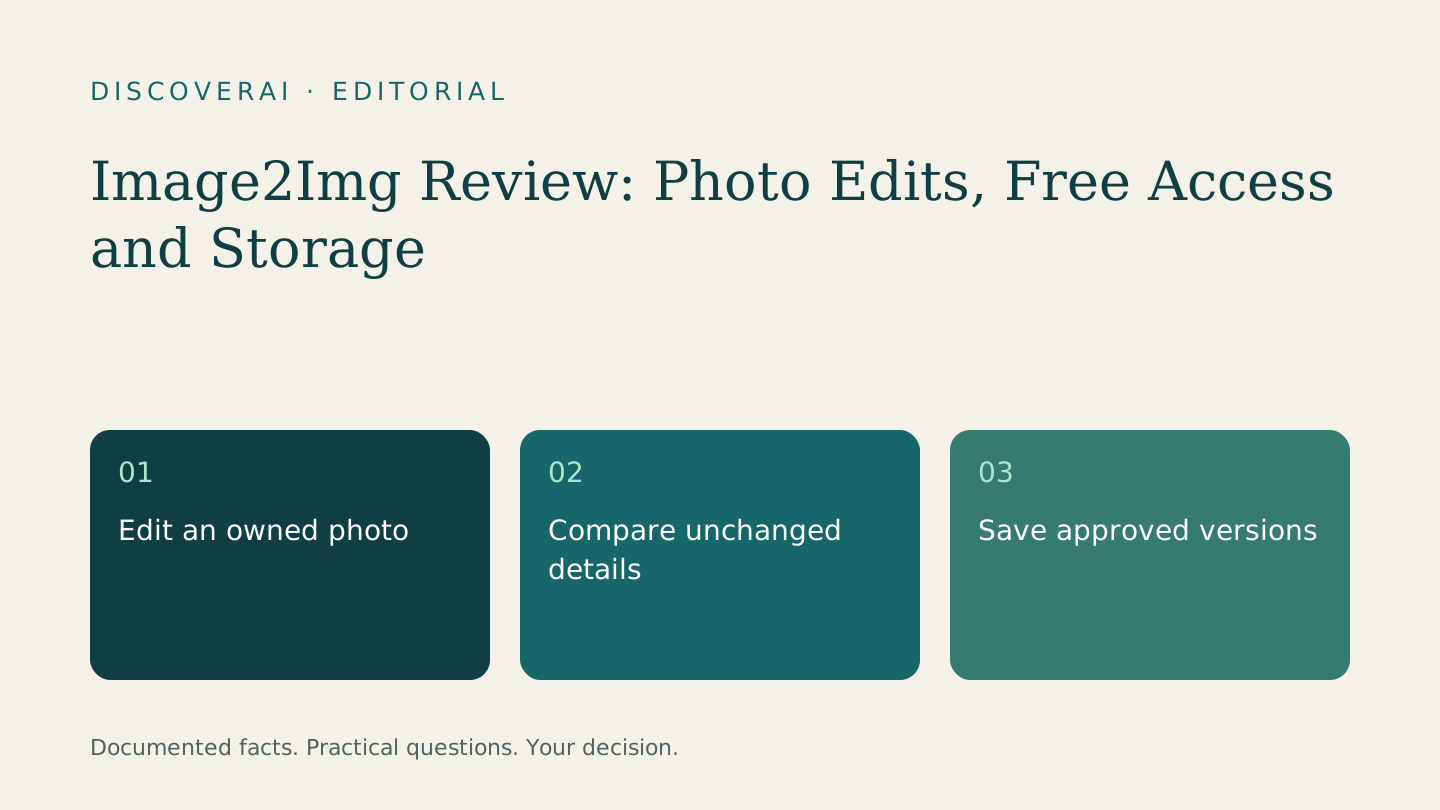
Edit an owned photo.
Choose something else if
Faithful identity preservation is untested
Evidence
Verified research · rating withheld
Pricing checked
From $9.9 · Nov 15, 2026
Free access is available, with limits.
One daily 1K image without signup; reset 00:00 UTC.
In this guide
Short answer
Image2Img is worth considering for occasional photo restyling or a controlled portrait edit. Its daily free image gives you a low-commitment way to inspect a result. For professional work, the deciding factor is whether the edit preserves the parts of the photograph that must remain true.
We checked official pages on November 15, 2026, without uploading images, buying credits or testing downloads. This is research, not a hands-on endorsement. Ratings are withheld and the links are direct.
Free buyer comparison checklist
Compare this tool before committing.
Use the buyer checklist to compare two tools on the same tasks, including quality, review time and total cost. Get the weekly top 5 AI tools, one practical workflow and one way to reduce AI spending.
What it does
The homepage describes edits from an uploaded photo, with prepared looks and plain-language instructions. It includes restoration, stylization and headshot concepts. Treat claims about preserving identity or composition as claims to test, particularly when the result will represent a real person or product.
An attractive reconstruction is not necessarily a faithful photograph. If a source lacks a detail, an apparently sharper result does not establish what was originally there. Keep the untouched original beside any version you approve.
Free access and paid plans
The pricing page advertises one free 1K image daily without signup, resetting at midnight UTC. Basic is $9.90 monthly for 150 credits; Pro is $19.90 for 400. Standard images use one credit and HD 2K uses two. Monthly credits do not carry over; packs last 12 months. The submitted description called the service free, but the current offer includes paid tiers.
Price your actual editing sequence, not just its first generation. If each revision is another generation, a single approved portrait can consume several attempts. Confirm the charge shown before submitting a change.
A useful first test
Use a photo you own with a neutral background. Write down what cannot change: facial proportions, hairstyle, glasses, clothing and crop. Ask for just one adjustment, such as a simpler background. This isolates the editing task so that you can see whether the tool changes unrelated details.
Inspect the result at normal display size and enlarged. Compare the outline of the glasses, the edge of the hair and any lettering. Ask the person depicted to approve the result rather than making that decision from apparent realism alone.
If you revise it, return to the original comparison after each attempt. Small alterations can accumulate across versions. Stop when a result requires more repair than a conventional edit, and record that outcome in the trial scorecard. These are proposed checks, not findings from a product run.
Storage is separate from privacy
The privacy policy says anonymous images are deleted after two days, signed-in images after 30 days, and subscription images follow a longer active-subscription schedule. It also says photos and prompts go to a third-party provider that retains them for up to 72 hours. Those are provider statements, not a verified deletion audit.
Download approved versions promptly. Avoid using the free test for confidential client photographs until the processing terms meet your requirements. Signing out and removing a local download are separate from asking the service to delete stored material.
Verdict
Image2Img fits small creative edits when you can inspect the outcome yourself. For restoration, compare the UnblurPic review; for product imagery, use the accuracy checklist. Choose the service that preserves your required details with the least total correction work.
Transparency
How this guide was checked
About this article
How this article was prepared
- Evaluation type
- Hands-on evaluation
- Last reviewed
- Evidence
- 3 listed sources
We label hands-on testing separately. Research-based articles draw on product documentation and other cited sources, rather than direct use of every plan. Read the full methodology.
Editorial freshness
Pricing and material product claims were checked November 15, 2026.
Review evidence
Sources and testing
- Evaluation type
- Official-source research; no hands-on testing
- Research date
- November 15, 2026
Important limits
- • No account, payment, generation, export or support test performed.
- • Product quality and provider claims have not been independently verified.
Standardized benchmark coverage
How this review maps to the research benchmark
Citation accuracy
Not applicableThe reviewed workflow does not produce source-grounded research answers, so a citation score would be misleading.
Read protocol v2026.10-v1 →Thematic analysis
Not applicableThe reviewed workflow is not qualitative evidence analysis, so a thematic-analysis score would be misleading.
Read protocol v2026.10-v1 →Eligibility is not a product score. DiscoverAI publishes results only after output collection, blinded adjudication, reproducibility checks, and severe-error review.
Open the optional evaluation worksheet
Reusable trial worksheet
Test Image2Img before you commit
Turn this review’s buyer test into evidence. Your entries autosave only in this browser and are never added to shared shortlist links.
Confirm the tool meets every must-have workflow and stakeholder requirement.
Review starting point: Edit an owned photo
Run the same representative work you would use in production; do not score a polished demo.
Review starting point: Run a bounded set of representative tasks with known acceptable outcomes, then compare the result with your current workflow.
Calculate the effective cost per accepted result, including usage, review, corrections, and required add-ons.
Review starting point: Basic $9.90/month for 150 credits; Pro $19.90/month for 400. Standard 1 credit; HD 2 credits.
Define an acceptance threshold, test known answers and edge cases, and record every correction.
Review starting point: Editorial quality signals: features 0.0/5. Validate these signals in your own work.
Verify what data enters the product, who can access it, how long it is retained, and whether it trains models.
Review starting point: Use approved low-risk data first. Check roles, consent, deletion, subprocessors, model-training settings, and the contract—not only the marketing page.
Test the real handoffs, permissions, failure states, and export path your team depends on.
Review starting point: Image2Img integration requirements are not fully structured in this review; list every required system and test each connection.
Record training, governance, reliability, accessibility, ownership, and change-management risks before rollout.
Review starting point: Faithful identity preservation is untested; Images have storage limits
Loading saved worksheet… · private to this device or your optional account
Community evidence
How verified users put Image2Img to work
Structured, editor-moderated experience—not star ratings. This complements our independent review and never changes its score.
No approved community evidence yet. Be the first verified user to contribute.
Community choice
Recommend Image2Img
Loading weekly votes…
One vote per verified account per tool, counted for seven days. Return after your vote expires to support again. Community votes influence homepage trends, never editorial ratings. Voting does not subscribe you to emails.
Sources and references
References cited by this article. Check the original source for scope, dates and current terms.
Frequently asked questions
Is Image2Img completely free?
There is a daily free image; additional usage and HD access have paid options.
Has DiscoverAI tested its image quality?
No. This review assesses official documentation.
Does no signup mean no upload?
No. Its privacy policy describes sending images to an external AI provider.
Recommended tool
Use Image2Img if this workflow fits your team
Check Image2Img’s daily free image, paid credits, storage windows and limits before using it for portraits or creative photo edits.
Tools mentioned in this article
Image2Img
Check Image2Img’s daily free image, paid credits, storage windows and limits before using it for portraits or creative photo edits
Check Image2Img’s daily free image, paid credits, storage windows and limits before using it for portraits or creative photo edits.
Read next