ChatGPT Dots vs. Claude Dispatch: Cloud Agent or Desktop Delegate?
Dots owns ongoing work in a cloud computer; Dispatch lets you steer Claude Cowork tasks running from your computer while away.
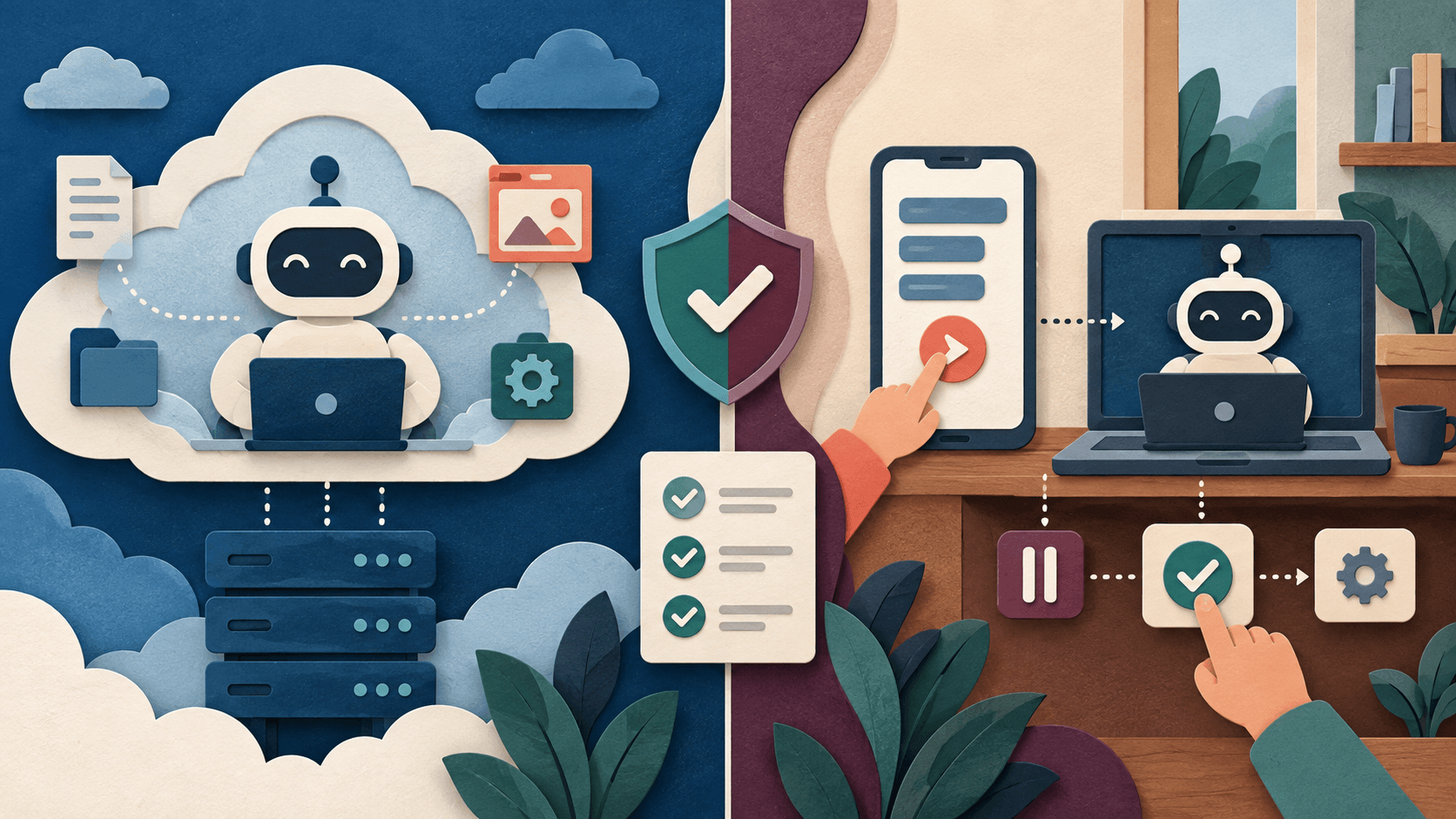
Bottom line
Choose Dots for a cloud-first persistent responsibility. Choose Claude Dispatch for phone-to-desktop delegation when local files and apps are central.
Editorial accountability
Who checked this guide
- Evaluation type
- Research-based verification
- Last materially checked
- Evidence
- 4 listed sources
Hands-on testing is identified explicitly. Research-based coverage uses cited product documentation and other named sources; it does not imply every paid plan was used. Read the full methodology.
Editorial basis
What this guidance is based on
- Editorial basis
- Source-led analysis
- Primary references
- 4
- Products covered
- 2
- Last checked
- 2026-10-02
Important limits
- • This is a first-party documentation comparison, not a long-term side-by-side production test.
- • Access, usage allowances, prices, integrations, and beta behavior can change after publication.
In this guide
*Claude’s current documentation describes this experience as assigning tasks from anywhere in Claude Cowork; “Dispatch” remains the common search term. Feature names and availability may change.*
Short answer
Choose ChatGPT Dots when the work should persist in a managed cloud computer and continue independently of your laptop. Choose Claude Dispatch when the important files, applications, and browser sessions live on your computer and you want to assign or steer Cowork tasks from your phone.
Dots is cloud-first with optional local access. Dispatch is a remote-control path into Claude Cowork and computer use. That architecture changes uptime, privacy, failure recovery, and what happens when the laptop sleeps or disconnects.
At a glance
| Decision | ChatGPT Dots | Claude Dispatch / Cowork |
| --- | --- | --- |
| Primary runtime | Dedicated cloud computer | Cowork session associated with your computer |
| Remote surface | ChatGPT clients and supported channels | Persistent mobile thread for Cowork tasks |
| Local files and apps | Optional local-computer access | Central to Cowork and computer use |
| Recurring work | Schedules and proactive review | Scheduled Cowork tasks |
| Best fit | Always-on cloud responsibility | Delegating desktop work while away |
Where Dots is stronger
Dots can keep working in its own cloud environment after a local computer is closed. The dot profile separates in-progress, scheduled, and completed work, and users can pause or reset the agent. That suits monitoring, research, and connected-app jobs that should not depend on one device being awake.
Where Dispatch is stronger
Claude Cowork can operate local files, supported connectors, browser tasks, and—with computer use enabled—desktop applications. Dispatch lets a user assign and steer that work from mobile. This is compelling when the desktop environment itself is the workspace.
Anthropic describes computer use as a research preview and advises caution around mistakes and sensitive work. A local runtime can provide direct access, but it also means screen state, unlocked applications, notifications, and device availability become part of the security and reliability boundary.
A fair test
Use a secondary device profile and the same five tasks: organize a folder copy, update a sandbox spreadsheet, research a brief, prepare a draft message, and schedule a recurring report. Test sleep, network loss, changed windows, ambiguous dialogs, revoked access, and a hostile instruction inside a document. Measure completion, intervention, recovery, review time, and evidence left behind.
Verdict
Dots fits ongoing cloud ownership. Dispatch fits remote delegation into a desktop-centered workflow. If you cannot keep the machine isolated, patched, awake, and observable, local computer access is not automatically the safer choice.
Sources and verification
Product details and claims were checked against the following primary sources.
Frequently asked questions
What is Claude Dispatch?
It is the common name for assigning and steering Claude Cowork tasks from a persistent mobile thread while Claude works through supported desktop capabilities.
Does ChatGPT Dots need my computer to stay on?
Its cloud computer does not, but optional tasks using your local computer depend on that connected device and its access state.
Can both schedule recurring work?
Yes, both document recurring-task capabilities. Test notifications, missed runs, duplicate prevention, pause behavior, and timezone handling.
Which is better for local files?
Claude Cowork is more directly centered on local files and desktop work. Dots can optionally connect to a local computer but is primarily a cloud agent.
Recommended tool
Use ChatGPT if this workflow fits your team
It has one of the clearest workflow fits in its category and is easier to recommend than tools that only look impressive in demos.
Tools mentioned in this article
ChatGPT
The general-purpose AI assistant that started it all
OpenAI's flagship conversational AI model, powering everything from casual chat to complex reasoning, coding, and creative work.
Claude
Anthropic's thoughtful, safety-focused AI with exceptional long-form reasoning
Claude excels at deep analysis, long-form writing, and nuanced reasoning. Built by Anthropic with a focus on safety and helpfulness.
Read next
Recommended for you
Run an AI Accessibility Acceptance Test Before Launch
A feature is not accessible because it has an accessibility label; representative users must be able to complete the real task and recover when the AI is wrong.
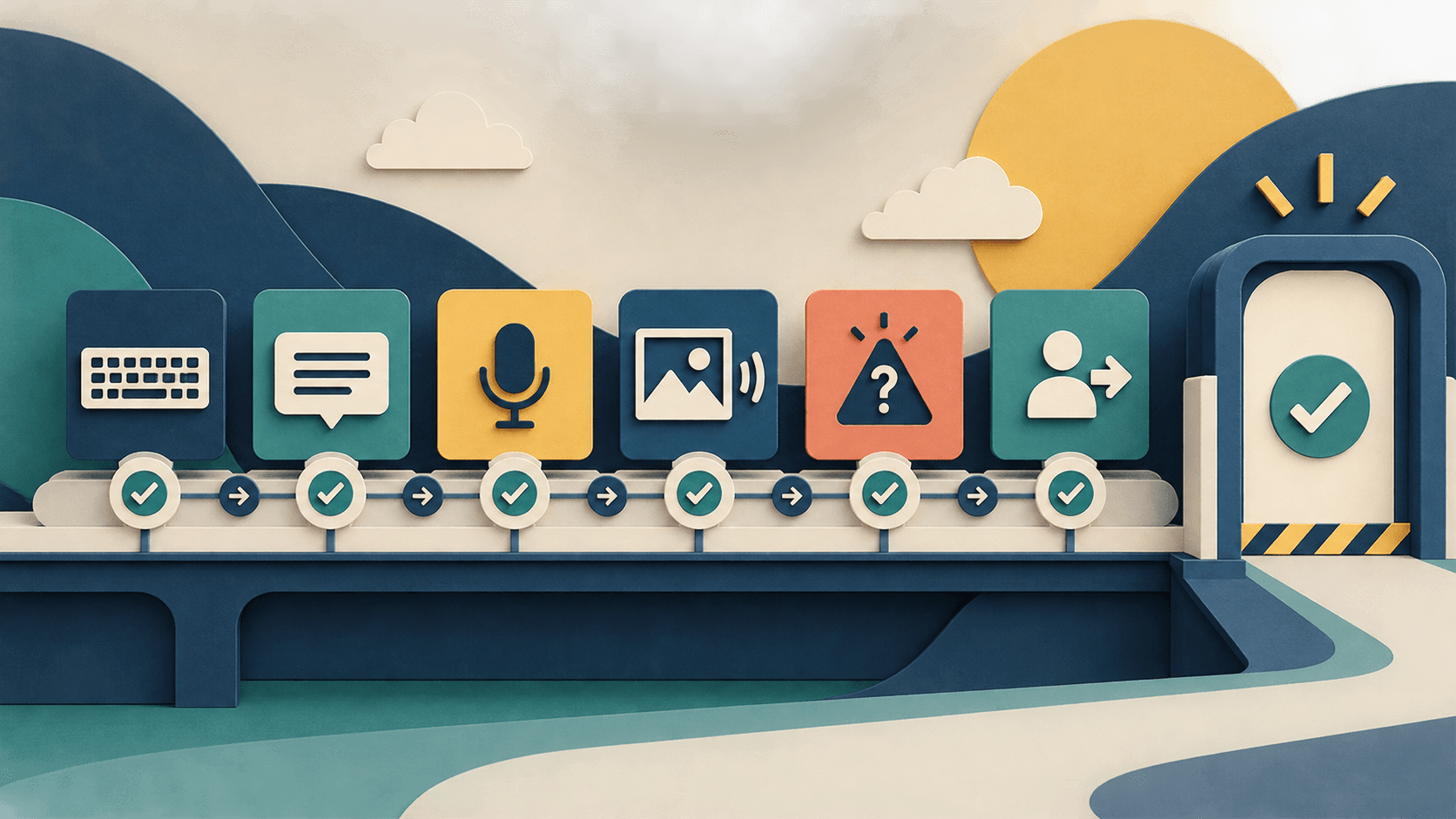
Test AI accessibility as an end-to-end workflow. This checklist covers input, output, uncertainty, errors, privacy, human fallback, and safe stop behavior.
Read guide
Stop Comparing AI by Token Price—Track Cost per Accepted Outcome
4 Low-Cost AI Models That Work Like ChatGPT or Claude
Build an AI Agent Permission Matrix Before You Connect Real Systems