Run a Two-Week AI Desktop Assistant Pilot
Desktop convenience is valuable only when accepted work gets faster and the shortcut does not blur data, account, or permission boundaries.
Bottom line
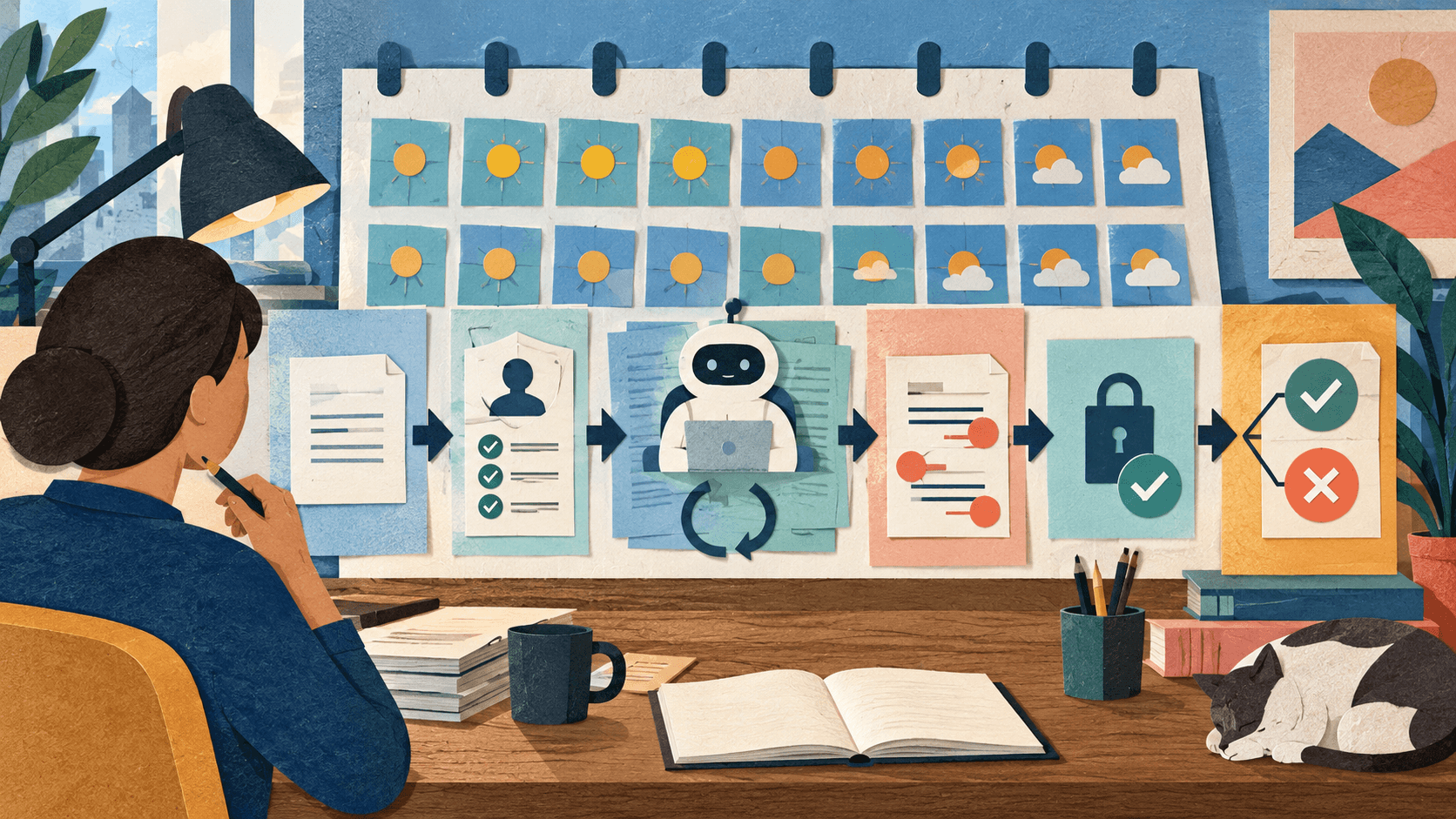
Test an AI desktop app on repeated real tasks before standardizing it. This plan measures accepted outcomes, context handling, corrections, privacy, and reversibility.
Editorial accountability
Who checked this guide
- Evaluation type
- Research-based verification
- Last materially checked
- Evidence
- 4 listed sources
Hands-on testing is identified explicitly. Research-based coverage uses cited product documentation and other named sources; it does not imply every paid plan was used. Read the full methodology.
Editorial basis
What this guidance is based on
- Editorial basis
- Source-led analysis
- Primary references
- 4
- Products covered
- 3
- Last checked
- 2026-10-02
Important limits
- • This pilot template must be adapted to organizational policy, device management, data sensitivity, regulation, and task consequences.
- • It does not replace security, privacy, legal, accessibility, or procurement review for managed deployment.
In this guide
Define the decision
Write one sentence: “We will keep this desktop assistant if it reduces median time to an accepted result by ___ without a severe privacy, permission, or reliability failure.” Choose three repeated, low-consequence jobs such as drafting routine messages, summarizing approved documents, retrieving non-sensitive information, or outlining project work.
Days 1–2: Establish the baseline
Complete five examples of each job without the assistant. Record active time, elapsed time, applications opened, copy-and-paste steps, corrections, and final acceptance. Save representative inputs and expected results. A pilot without a baseline can prove only that the new interface feels novel.
Day 3: Map context and permissions
List the desktop app, account, connected services, files, microphone, camera, location, screen or window context, activity history, retention, and training settings. Mark each allowed, denied, or conditional. Test account switching, permission denial, disconnect, history deletion, sign-out, and uninstall before using real work.
Days 4–8: Run repeated tasks
Complete the same 15 jobs through the assistant. Use the minimum context necessary. Track invocation time, useful first responses, correction time, citations opened, connected-app misses, stale results, accidental activations, and total time to acceptance. Keep failures; do not quietly replace difficult examples.
Days 9–10: Stress the boundaries
Try ambiguous names, conflicting documents, a stale file, denied permissions, a disconnected account, poor connectivity, interruption, and a request that should require confirmation. Verify that the user can tell what the assistant can see, stop the action, recover context, undo consequences, and reach the non-AI route.
Days 11–12: Review privacy and operations
Confirm the intended account and subscription, allowed data classes, admin controls, logs, retention, regional processing, support, offboarding, and incident path. Search for sensitive-context near misses: moments when the shortcut made it tempting to share a foreground document, message, or screen that was not approved.
Days 13–14: Decide
Compare median time to accepted work, correction burden, failure severity, privacy exceptions, and subscription cost. Keep the tool only for the tasks that passed. Document prohibited data, approved connections, owner, review date, and retest triggers. Repeat the pilot after a material model, permission, connector, or policy change.
Sources and verification
Product details and claims were checked against the following primary sources.
Frequently asked questions
Why run an AI desktop pilot for two weeks?
Two weeks captures repeated work, novelty wearing off, varied contexts, corrections, and boundary tests while keeping the evaluation small and reversible.
What is the main success metric?
Use time and cost per accepted result, including corrections and review. Invocation speed or words generated are not outcome measures.
What data should the pilot use?
Start with approved, low-consequence, non-sensitive data. Expand only after account, retention, training, connection, and organizational controls are verified.
When should the pilot be repeated?
Repeat after material changes to the model, desktop app, permissions, connectors, subscription terms, privacy policy, or intended workflow.
Tools mentioned in this article
Google Gemini
Google's deeply integrated AI assistant with unmatched access to Google's ecosystem
Gemini combines powerful AI with Google's vast data ecosystem — Search, Gmail, Docs, YouTube, and more — for a uniquely integrated experience.
ChatGPT
The general-purpose AI assistant that started it all
OpenAI's flagship conversational AI model, powering everything from casual chat to complex reasoning, coding, and creative work.
Claude
Anthropic's thoughtful, safety-focused AI with exceptional long-form reasoning
Claude excels at deep analysis, long-form writing, and nuanced reasoning. Built by Anthropic with a focus on safety and helpfulness.
Read next