Run an AI Accessibility Acceptance Test Before Launch
A feature is not accessible because it has an accessibility label; representative users must be able to complete the real task and recover when the AI is wrong.
Bottom line
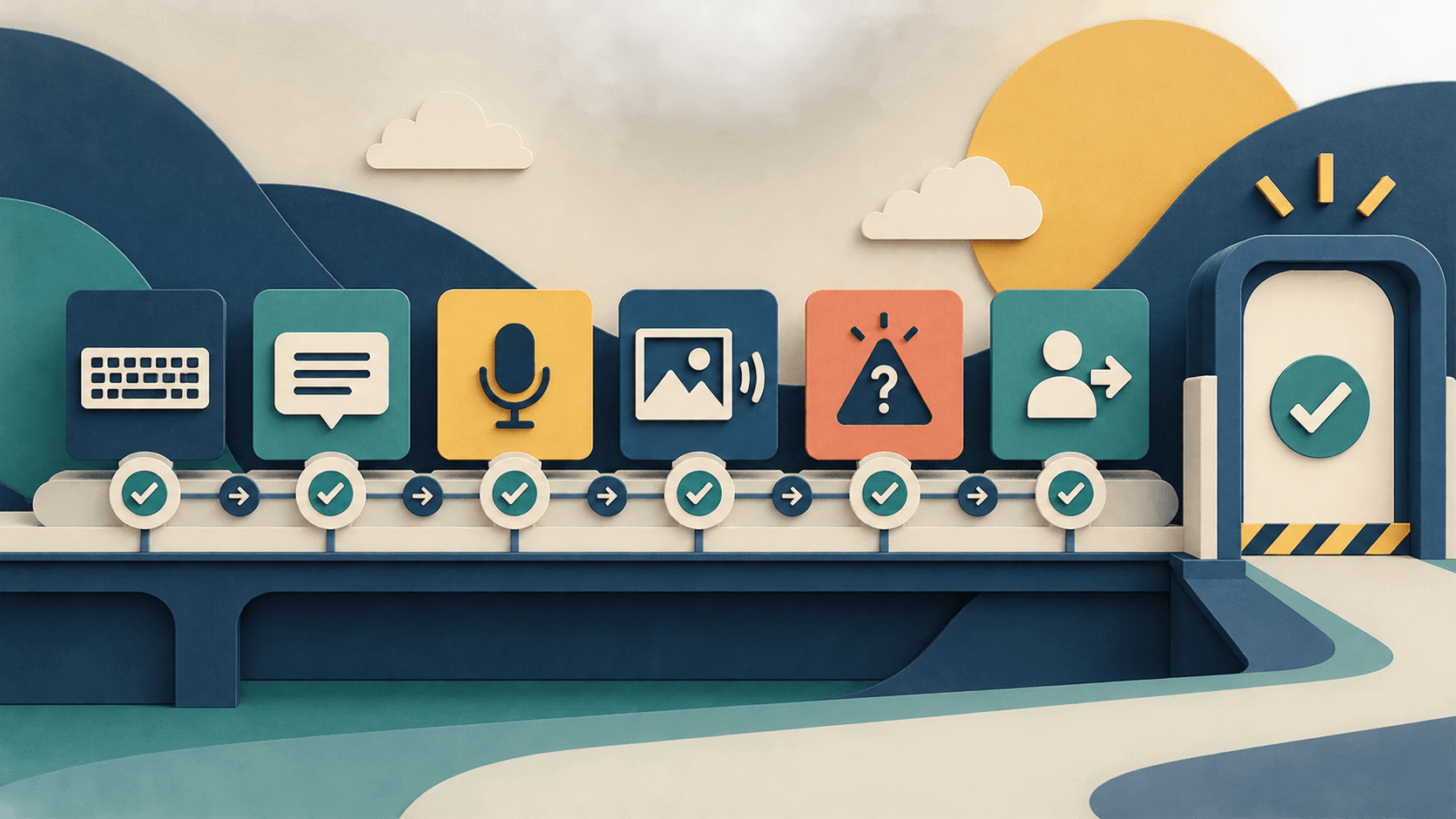
Test AI accessibility as an end-to-end workflow. This checklist covers input, output, uncertainty, errors, privacy, human fallback, and safe stop behavior.
Editorial accountability
Who checked this guide
- Evaluation type
- Research-based verification
- Last materially checked
- Evidence
- 4 listed sources
Hands-on testing is identified explicitly. Research-based coverage uses cited product documentation and other named sources; it does not imply every paid plan was used. Read the full methodology.
Editorial basis
What this guidance is based on
- Editorial basis
- Source-led analysis
- Primary references
- 4
- Products covered
- 4
- Last checked
- 2026-10-02
Important limits
- • This checklist does not replace testing with the affected community, legal advice, or a formal accessibility conformance assessment.
- • Acceptance criteria must be adapted to the product's consequences, users, jurisdictions, devices, assistive technologies, and non-AI fallback.
In this guide
- Start with the job, not the feature
- 1. Recruit representative participants
- 2. Test every input and output mode
- 3. Make AI state perceivable
- 4. Test uncertainty and wrong answers
- 5. Test interruption, recovery, and safe stop
- 6. Verify privacy and bystander boundaries
- 7. Score outcomes, not demo fluency
- Acceptance record
Start with the job, not the feature
Define the exact outcome a user must complete: understand a chart, submit a form, locate information, review generated text, control a voice agent, or receive a visual description. State what the AI may do, what it must never do, and which established accessible or human path remains available.
1. Recruit representative participants
Include people who use different screen readers, magnification, switch controls, voice control, captions, hearing devices, keyboards, cognitive supports, languages, devices, and connectivity conditions. Compensate participants and involve them before the interface and success metrics are fixed. Compliance expertise does not replace lived experience.
2. Test every input and output mode
Confirm that setup, consent, prompts, attachments, camera or microphone activation, streaming state, generated output, citations, controls, errors, history, and deletion work by keyboard and assistive technology. Captions need speaker identity and meaningful timing. Audio needs an equivalent text path. Visual descriptions need controllable detail and a way to ask follow-up questions.
3. Make AI state perceivable
Users must be able to tell when the system is listening, recording, viewing, processing, calling a tool, waiting, finished, uncertain, or failed. Do not rely on color, animation, sound, or vision alone. Announce meaningful changes without flooding a screen reader or repeatedly stealing focus.
4. Test uncertainty and wrong answers
Seed ambiguous, incomplete, adversarial, and out-of-scope inputs. The product should ask for clarification, expose uncertainty, cite evidence where appropriate, and refuse unsafe high-consequence tasks. Measure confident errors and missed hazards separately from ordinary mistakes. A plausible sentence is not a safe fallback.
5. Test interruption, recovery, and safe stop
Interrupt speech, rotate the device, lose the network, deny a permission, revoke an account, background the app, and cancel midway through a tool action. The user should retain context, understand what completed, reverse consequential changes, and reach a non-AI route. Never make a dangerous workflow depend on the model noticing its own failure.
6. Verify privacy and bystander boundaries
Make recording and camera state obvious. Test permission revocation, history controls, deletion, retention, sensitive-field redaction, and account switching. Provide a low-data path where practical. Users need a quick way to stop capture when another person, document, screen, or private place enters the frame.
7. Score outcomes, not demo fluency
Track task completion, time, assistance required, retries, abandonment, severe errors, user confidence, cognitive load, and recovery success by mode and participant group. Preserve negative results. Pass only when critical tasks work without a mouse or a single sensory channel, severe failures have safe handling, and a named owner accepts the residual risk.
Acceptance record
Save the product and model version, device, browser or app, assistive technology, test task, participant context, expected result, actual result, severity, evidence, workaround, owner, due date, retest, and release decision. Re-run the set after model, prompt, interface, tool, or permission changes—not just annual compliance review.
Sources and verification
Product details and claims were checked against the following primary sources.
Frequently asked questions
Is WCAG compliance enough for an AI feature?
No. WCAG is essential for the interface, but teams must also test model errors, uncertainty, streaming state, multimodal equivalence, privacy, tool actions, recovery, and human fallback.
Who should participate in AI accessibility testing?
Recruit compensated users who represent the assistive technologies, disabilities, languages, devices, and environments the product intends to support.
What is the most important AI accessibility metric?
Measure successful completion of a real task with acceptable assistance and safe recovery. Feature presence, generated-output fluency, and aggregate satisfaction cannot replace it.
When should the acceptance test be repeated?
Repeat it after material changes to the model, system prompt, interface, tools, permissions, supported devices, or workflow, and whenever severe failures or user reports reveal a new condition.
Tools mentioned in this article
ChatGPT
The general-purpose AI assistant that started it all
OpenAI's flagship conversational AI model, powering everything from casual chat to complex reasoning, coding, and creative work.
Claude
Anthropic's thoughtful, safety-focused AI with exceptional long-form reasoning
Claude excels at deep analysis, long-form writing, and nuanced reasoning. Built by Anthropic with a focus on safety and helpfulness.
Microsoft Copilot
Workplace AI grounded in Microsoft 365 apps, organizational data, and governed agents
Microsoft Copilot is strongest for organizations already operating in Microsoft 365, but licensing, permission hygiene, content quality, agent usage, and change management determine the return.
Read next