In this guide
Project management is one of the last frontiers for AI adoption in business operations. While sales, marketing, and engineering have embraced AI tools, most project managers are still juggling spreadsheets, Slack threads, and manual status updates. That's changing fast in 2026.
We tested the leading AI-powered project management tools and workflows to find what actually reduces the busywork that eats up a PM's week. Here's what works.
The Quick Verdict
Best for task and timeline automation: AI features built into modern PM tools like Motion, Notion AI, and Asana Intelligence are now genuinely useful for auto-scheduling, dependency detection, and risk flagging.
Best for status reporting: ChatGPT and Claude can turn raw project data into executive-ready status updates, stakeholder emails, and slide decks in minutes. This alone saves 3–5 hours per week for most PMs.
Best for meeting follow-up: AI transcription tools paired with LLMs turn meeting recordings into structured action items, decisions logs, and ticket drafts automatically.
Best for resource planning: AI forecasting tools can predict team capacity issues and deadline risks based on historical velocity data — something most PMs do by gut feel today.
The AI Project Management Stack
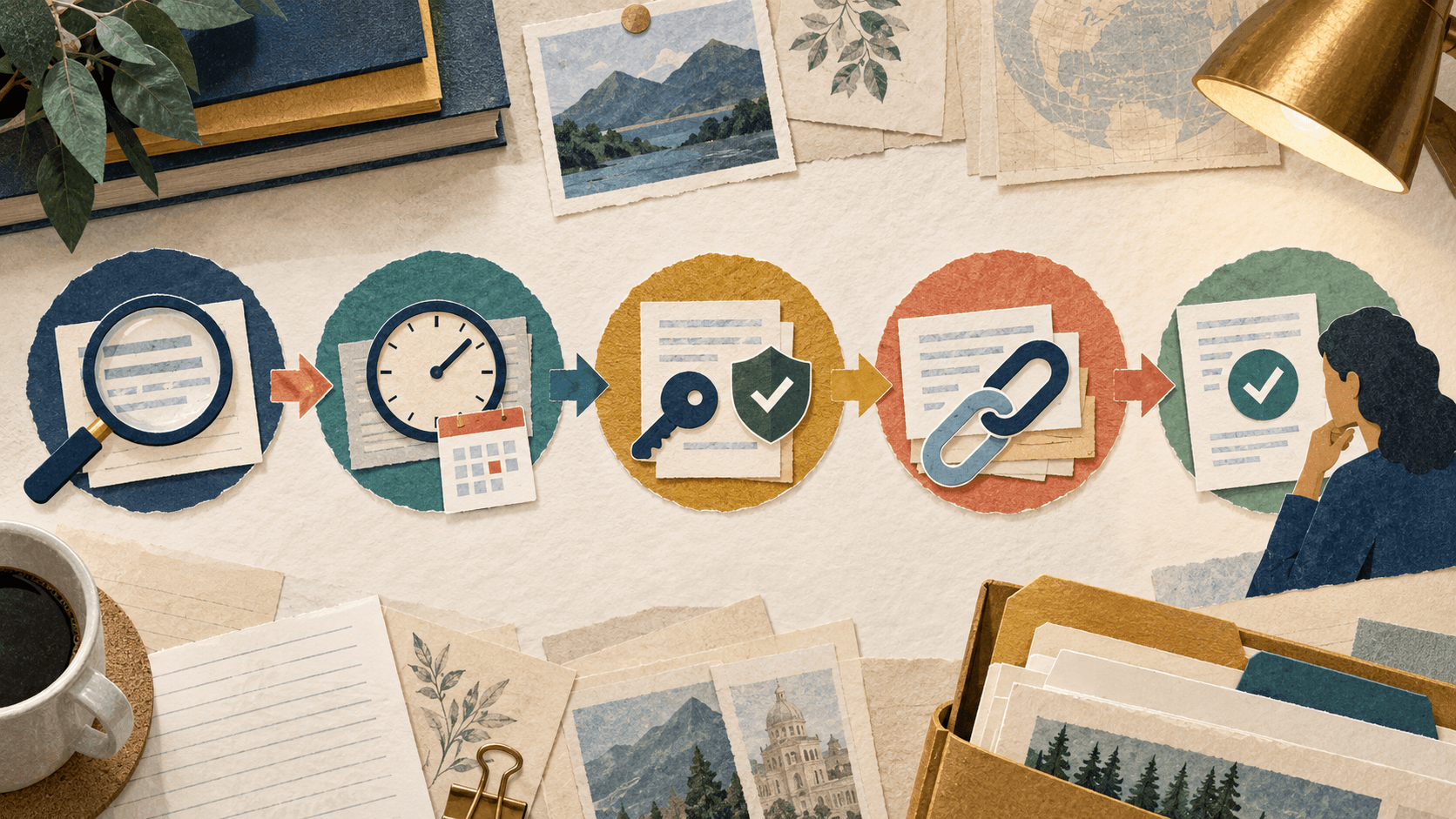
A practical AI-augmented PM workflow in 2026 looks like this:
Planning phase: Claude for project briefs, scope documents, and risk assessments. Feed it your project context and it produces structured documentation faster than any template.
Execution phase: Motion or Asana Intelligence for auto-scheduling and task assignment. These tools learn team velocity and can predict realistic completion dates.
Communication phase: AI meeting assistants (Fireflies, Otter) capture decisions and turn them into action items. Then Claude or ChatGPT converts those notes into stakeholder updates at the right level of detail.
Reporting phase: Instead of manually compiling status reports, feed bullet points into ChatGPT and get polished narrative updates. For recurring reports, save a prompt template and re-use it weekly.
What AI Still Can't Do for Project Management
AI is excellent at processing information, generating documents, and identifying patterns. It is not good at: navigating office politics, understanding unspoken stakeholder concerns, making judgment calls about which project to prioritize when everything is "critical," and building the relationships that make projects actually succeed.
The best PMs in 2026 use AI to eliminate administrative busywork so they can focus on the human work: communication, negotiation, and leadership.
Getting Started
Start with one workflow — status reporting is the easiest win. Create a Claude or ChatGPT prompt template for your weekly update format. Once that's saving you time, add meeting-to-action-items automation, then move into planning and resource forecasting.
Transparency
How this guide was checked
Editorial accountability
Who checked this guide
- Evaluation type
- Editorial guidance
- Last materially checked
- Evidence
- No source list
Hands-on testing is identified explicitly. Research-based coverage uses cited product documentation and other named sources; it does not imply every paid plan was used. Read the full methodology.
Editorial basis
What this guidance is based on
- Editorial basis
- Editorial guidance
- Primary references
- Not listed
- Products covered
- 2
- Last checked
- 2026-07-20
Important limits
- • This page provides editorial guidance rather than a documented hands-on test.
- • Verify pricing, availability, and high-stakes claims with primary sources before acting.
Related product documentation
Official documentation for tools discussed here. These links support further research; they do not establish that every article claim has been independently verified.
Frequently asked questions
Can AI replace a project manager?
No — AI handles the administrative and information-processing parts of project management, but the core skills of communication, stakeholder management, negotiation, and leadership remain human. AI makes good PMs more productive; it doesn't replace them.
What's the easiest AI workflow for a PM to start with?
Automated status reporting. Create a prompt template in ChatGPT or Claude that takes your bullet-point updates and produces a polished stakeholder email. This single workflow typically saves 3-5 hours per week.
Which project management tools have the best AI features?
Motion has the strongest AI scheduling and auto-prioritization. Notion AI is excellent for documentation and knowledge base management. Asana Intelligence is good for reporting and risk detection. ClickUp AI covers a broad range of PM tasks.
Is AI project management software expensive?
Most AI features in PM tools cost $10-30/month per user on top of the base subscription. General-purpose AI tools like ChatGPT ($20/month) and Claude ($20/month) can handle reporting and documentation for any PM regardless of which PM tool their company uses.
Tools mentioned in this article
ChatGPT
The general-purpose AI assistant that started it all
OpenAI's flagship conversational AI model, powering everything from casual chat to complex reasoning, coding, and creative work.
Claude
Anthropic's thoughtful, safety-focused AI with exceptional long-form reasoning
Claude excels at deep analysis, long-form writing, and nuanced reasoning. Built by Anthropic with a focus on safety and helpfulness.
Read next