How to Turn One Good AI Result Into a Reusable Team Workflow
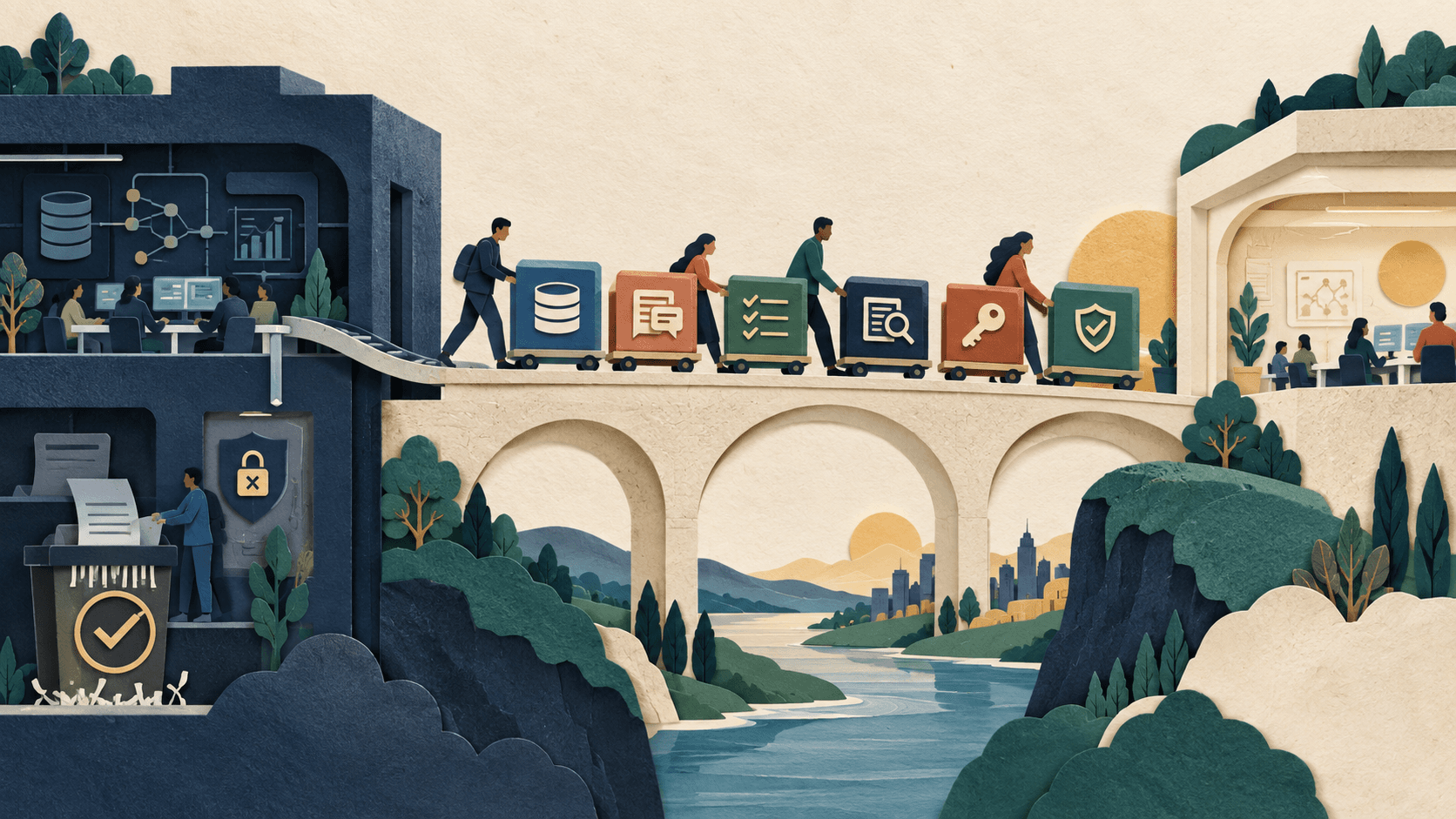
A saved prompt is not an operating procedure. Package the inputs, permissions, success test, owner, budget, and recovery path so someone else can run it safely.
Bottom line
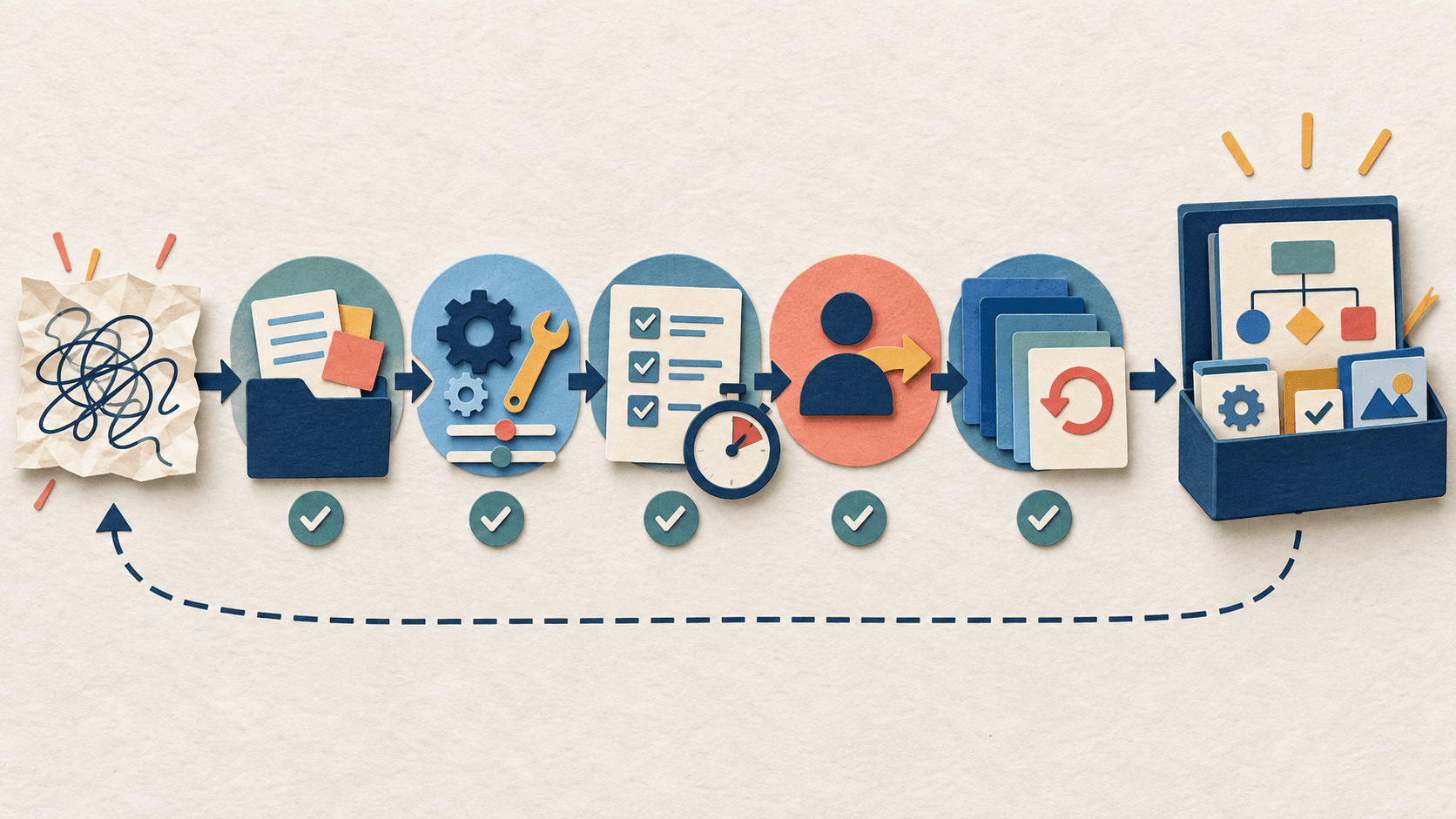
Use this seven-part playbook to turn an AI experiment into a repeatable workflow that survives handoffs, model changes, and failures.
Editorial accountability
Who checked this guide
- Evaluation type
- Research-based verification
- Last materially checked
- Evidence
- 4 listed sources
Hands-on testing is identified explicitly. Research-based coverage uses cited product documentation and other named sources; it does not imply every paid plan was used. Read the full methodology.
Editorial basis
What this guidance is based on
- Editorial basis
- Source-led analysis
- Primary references
- 4
- Products covered
- 1
- Last checked
- 2026-09-29
Important limits
- • The checklist is general guidance and does not replace an organization-specific security, privacy, legal, or records review.
- • Exact controls depend on the model, platform, connected systems, data sensitivity, and consequence of failure.
In this guide
- Short answer
- 1. Freeze one accepted example
- 2. Define the job and its boundary
- 3. Package inputs before polishing instructions
- 4. Scope the environment and tools
- 5. Turn quality into acceptance tests
- 6. Add ownership, cost, and failure handling
- 7. Run the handoff test
- A compact workflow packet
- When not to automate
- Bottom line
Short answer
Do not operationalize an AI task by copying its final prompt. Capture the complete execution packet: purpose, approved inputs, environment, tools and permissions, instructions, acceptance tests, review points, owner, budget, version, and rollback. Then ask a teammate who did not design it to run the workflow from that packet.
1. Freeze one accepted example
Save the exact input set, prompt or instructions, model and settings, connected tools, output, reviewer corrections, elapsed time, and full usage cost from a result the business actually accepted. Remove secrets and sensitive data before turning the example into training material. This becomes the reference case—not proof that every future case will work.
2. Define the job and its boundary
Write one sentence for the outcome and one for what the workflow must never do. “Draft a weekly project update from approved issue records” is testable. “Help with project management” is not. List excluded data, prohibited actions, unsupported cases, and the point where a human must take over.
3. Package inputs before polishing instructions
Define required fields, allowed file types, freshness rules, source ownership, maximum size, and what happens when information is missing or contradictory. Provide a small valid example and several invalid ones. Many apparent prompting failures are input-contract failures wearing a fashionable hat.
4. Scope the environment and tools
Record runtime and package versions, network destinations, connected accounts, data scopes, read and write actions, secrets, approval rules, and timeouts. Start read-only where possible. Use a service or team-owned identity only when policy permits it and a named owner can rotate or revoke access.
5. Turn quality into acceptance tests
Create a checklist a reviewer can answer consistently: Are all required facts present? Does every material claim map to an approved source? Are calculations reproducible? Are prohibited data and actions absent? Is the output in the required structure? Include adversarial cases such as stale records, conflicting sources, prompt injection, missing access, tool timeout, and duplicate triggers.
6. Add ownership, cost, and failure handling
Name the business owner, technical owner, reviewer, and backup. Set a run budget, maximum retries, completion deadline, failure destination, alert threshold, and expiration date. Define safe terminal states: completed and accepted, completed but awaiting review, blocked for missing input, failed without side effects, and rolled back.
7. Run the handoff test
Give the workflow packet to a teammate who did not build it. Do not coach them through the first run. Record every undocumented assumption, permission request, ambiguous instruction, and manual repair. Revise the packet, rerun the reference and edge cases, then publish a version with a change owner and review date.
A compact workflow packet
- Outcome and prohibited actions
- Required inputs and freshness rules
- Model, environment, and tool versions
- Account, scope, and approval map
- Instructions and structured output contract
- Reference case plus edge cases
- Acceptance checklist and human review points
- Run budget, timeout, retry, and schedule
- Owners, alerts, expiration, and kill switch
- Version history and rollback procedure
When not to automate
Keep the workflow manual when inputs are highly variable, the accepted outcome cannot be evaluated consistently, errors are irreversible or high-consequence, required permissions are too broad, volume is too low to repay maintenance, or nobody owns incidents and updates. Repeatability is an operating property, not a button labeled “schedule.”
Bottom line
A reusable AI workflow is a small managed system. Its prompt matters, but its input contract, permissions, acceptance tests, ownership, cost limits, and recovery path determine whether a team can trust and maintain it.
Sources and verification
Product details and claims were checked against the following primary sources.
Frequently asked questions
Is a saved prompt a reusable AI workflow?
No. A reusable workflow also specifies inputs, versions, permissions, tools, acceptance tests, reviewers, owners, budgets, failure states, and rollback.
What is the best first test of workflow documentation?
Ask a teammate who did not build the workflow to run it without coaching. Every question or repair reveals a missing assumption in the handoff packet.
How many examples should an AI workflow include?
Keep at least one accepted reference case plus representative invalid, ambiguous, adversarial, permission-denied, and tool-failure cases. Higher-risk work needs a larger evaluation set.
When should an AI task stay manual?
Keep it manual when success cannot be evaluated consistently, errors are high-consequence or irreversible, permissions are too broad, volume is low, or no owner can maintain and stop it.
Tools mentioned in this article
ChatGPT
The general-purpose AI assistant that started it all
OpenAI's flagship conversational AI model, powering everything from casual chat to complex reasoning, coding, and creative work.
Read next