The decision
Should you choose RunPod?
Shortlist RunPod for containerized AI workloads that need flexible GPU access or autoscaling inference. Validate performance, capacity, persistence, security, and total cost with a representative pilot before moving production traffic.
Best for
Developers comfortable packaging and operating containerized AI workloads; Teams comparing GPU cost per successful job or inference rather than list price alone.
Choose something else if
Nontechnical teams seeking a turnkey end-user AI application; Regulated workloads without a completed region, product, contract, and security review
Evidence
Editorial research pending · 8.6/10
Pricing checked
From $0.27 · Sep 17, 2026
Free access is available, with limits.
No permanent free compute plan is advertised. RunPod uses prepaid or usage-based billing; verify current account funding, credits, spend limits, and refund terms before testing.
We may earn a commission if you sign up through this link, at no additional cost to you. The relationship does not affect our rating or editorial verdict.
In this guide
- Short answer
- RunPod at a glance
- What RunPod actually does
- Pods: control, templates, and availability
- Serverless inference and cold starts
- RunPod pricing and total cost
- Storage, regions, and data movement
- Security, privacy, and compliance
- Reliability and operational fit
- A fair 14-day buyer test
- Pros and cons
- RunPod alternatives
- Final verdict
Short answer
RunPod is a flexible AI infrastructure platform for developers who want on-demand GPU environments, container control, autoscaling inference, persistent storage, public model APIs, or larger clusters without purchasing hardware. It is especially appealing when a team can package its workload and measure infrastructure tradeoffs directly.
Our verdict is a qualified recommendation after a representative workload test. Published GPU rates are only the opening number. Availability, initialization, utilization, storage, failed work, engineering time, security controls, and idle resources determine whether RunPod is actually economical.
Free buyer comparison checklist
Compare this tool before committing.
Use the buyer checklist to compare two tools on the same tasks, including quality, review time and total cost. Get the weekly top 5 AI tools, one practical workflow and one way to reduce AI spending.
RunPod at a glance
| Question | Answer |
|---|---|
| Best for | AI developers, ML engineers, researchers, and MLOps teams |
| Main products | Pods, Serverless, Public Endpoints, and Clusters |
| Secure Cloud entry rate | From $0.27 per GPU-hour at review time |
| Serverless entry rate | From $0.58/hour for a 16 GB Flex worker, metered per second |
| Free tier | No permanent free compute tier advertised |
| Main strength | Flexible GPU access with container control and multiple deployment modes |
| Main limitation | Total cost and reliability depend on workload behavior and operational discipline |
| Review basis | First-party research; no long-term paid production deployment by DiscoverAI |
What RunPod actually does
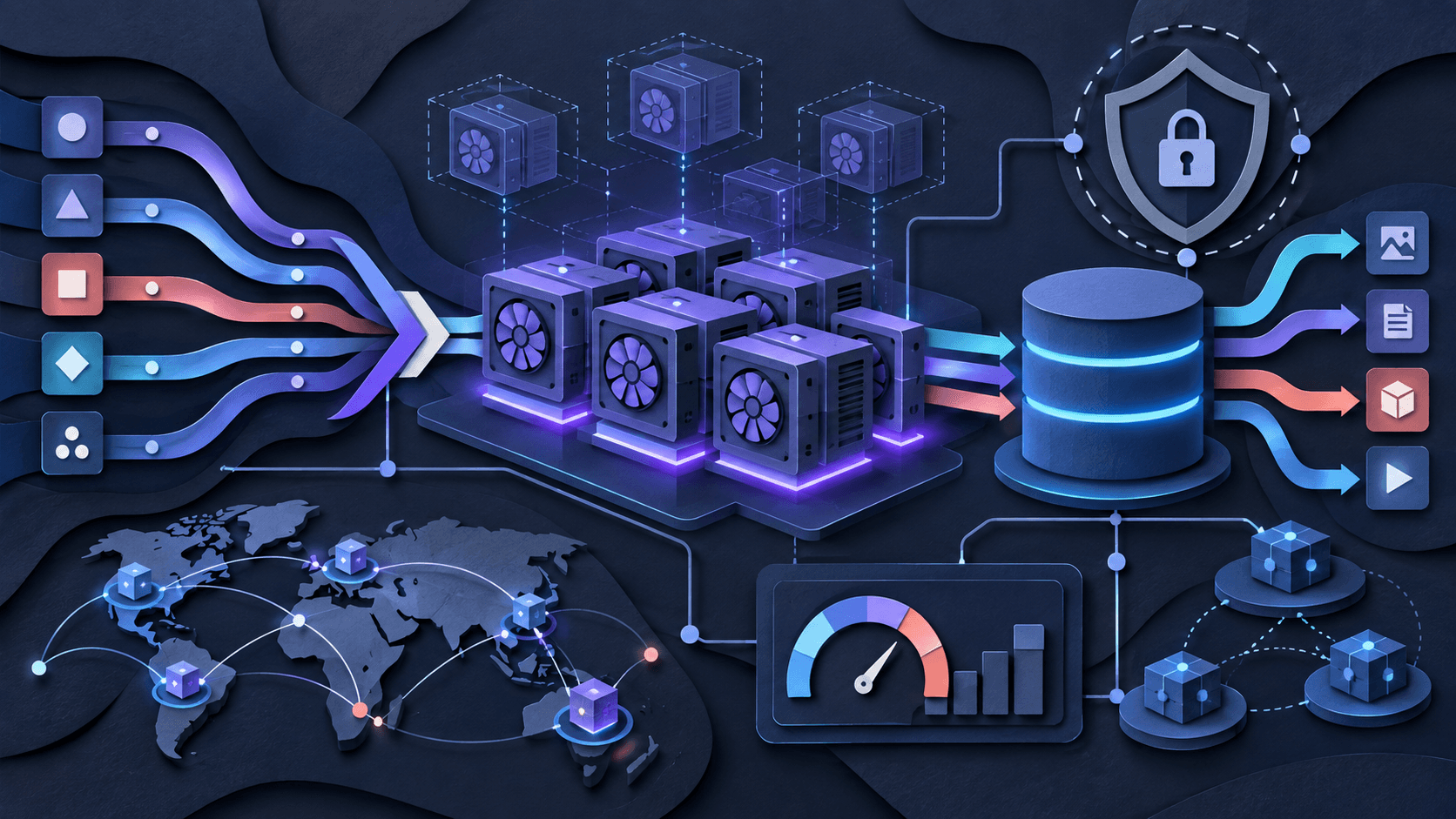
RunPod divides GPU infrastructure into several paths. Pods are dedicated containerized GPU or CPU instances suited to interactive development, training, fine-tuning, batch work, and services that need direct runtime control. Serverless runs a custom worker behind an endpoint and adjusts worker count against request demand. Public Endpoints expose pre-deployed models by API, while cluster products target multi-node and reserved capacity.
That range is useful because one billing model rarely fits an entire AI system. A notebook, nightly fine-tune, bursty image queue, steady low-latency API, and multi-node training job have different needs. The tradeoff is that buyers must choose the right primitive rather than treating “GPU cloud” as a single interchangeable product.
Pods: control, templates, and availability
Pods provide direct control over the GPU, container image, disk, ports, environment, and connection method. Templates can shorten setup for common frameworks and applications, while custom images make an environment reproducible. RunPod advertises per-second billing and a large GPU and regional inventory across Community and Secure Cloud capacity.
Fast provisioning does not guarantee that a particular GPU, region, host profile, or storage pairing will be available every time. Test the exact hardware class and fallback rules. Pin image versions, dependencies, CUDA expectations, and model artifacts; do not let an unversioned community template become production configuration.
Termination behavior deserves special attention. Container disk and persistent volume options have different lifecycles and prices. Treat important data as disposable until you have tested restart, migration, deletion, and recovery. Keep source data and irreplaceable outputs in an independently backed-up system.
Serverless inference and cold starts
RunPod Serverless runs a containerized handler behind an API. Flex workers can scale to zero, while minimum or active workers trade idle spend for lower latency. Endpoint settings include worker limits, queue- or request-based scaling, idle and execution timeouts, GPU preferences, regions, and attached network storage.
RunPod advertises sub-200-millisecond FlashBoot cold starts, but that vendor claim is not equivalent to application time-to-first-result. Image size, model download, storage throughput, initialization code, GPU allocation, queue delay, warm caches, and the model itself all affect latency. Benchmark p50, p95, and p99 response time from a genuinely cold state and during a traffic spike.
Scale-to-zero can reduce idle compute, yet the worker is billed while it starts, executes, and waits through the configured idle timeout. Failed jobs, retries, oversized images, long initialization, excessive concurrency, and generous timeouts can erase a headline rate advantage.
RunPod pricing and total cost
RunPod prices compute by GPU and deployment model. At review time, Secure Cloud Pods started at $0.27 per GPU-hour, while Serverless Flex workers started at $0.58 per hour for a 16 GB GPU class and were metered per second. Representative Secure Cloud rates included $0.74/hour for an RTX 4090, $1.59/hour for an 80 GB A100, and $3.49/hour for an H100 SXM. Storage was listed separately: container and running volume disk at $0.10/GB/month, idle volume disk at $0.20/GB/month, standard network storage at $0.07/GB/month under 1 TB or $0.05 above 1 TB, and high-performance network storage at $0.14/GB/month. GPU availability, regions, active-worker discounts, reservations, storage, and public-endpoint usage change the total. Verified September 17, 2026.
Do not compare vendors only by GPU-hour. Calculate cost per completed training run, accepted media asset, million useful tokens, or latency-compliant request. Include CPU and RAM pairing, storage, initialization, idle time, retries, failed jobs, engineering labor, observability, support, reservations, and any duplicate capacity needed for resilience.
For Pods, verify when billing begins and ends and what continues billing after the instance stops. For Serverless, test Flex versus always-on capacity at real traffic levels. Set spend alerts and the smallest safe worker maximum; a scaling policy is also a spending policy.
Storage, regions, and data movement
RunPod offers container disk, volume disk, standard network storage, high-performance network storage, and an S3-compatible interface. Network volumes can persist across compatible workloads and be shared, but they are tied to infrastructure and location constraints. Storage that exists in one data center is not automatically a global data layer.
Place compute near the data, confirm supported region and product combinations, and measure model-loading and checkpoint performance. Test a data-center move before it becomes an incident. Document what deletion removes, how backups work, who can restore them, and which storage charges remain when compute is idle.
Security, privacy, and compliance
RunPod's current Trust Center lists ISO/IEC 27001:2022, SOC 2 Type II, SOC 3, HIPAA, and GDPR materials, with some documents gated for review. Its DPA says customers must configure workloads for data centers that meet their compliance needs. Certification labels alone do not prove that every product, region, partner, image, or workload configuration meets a buyer's requirement.
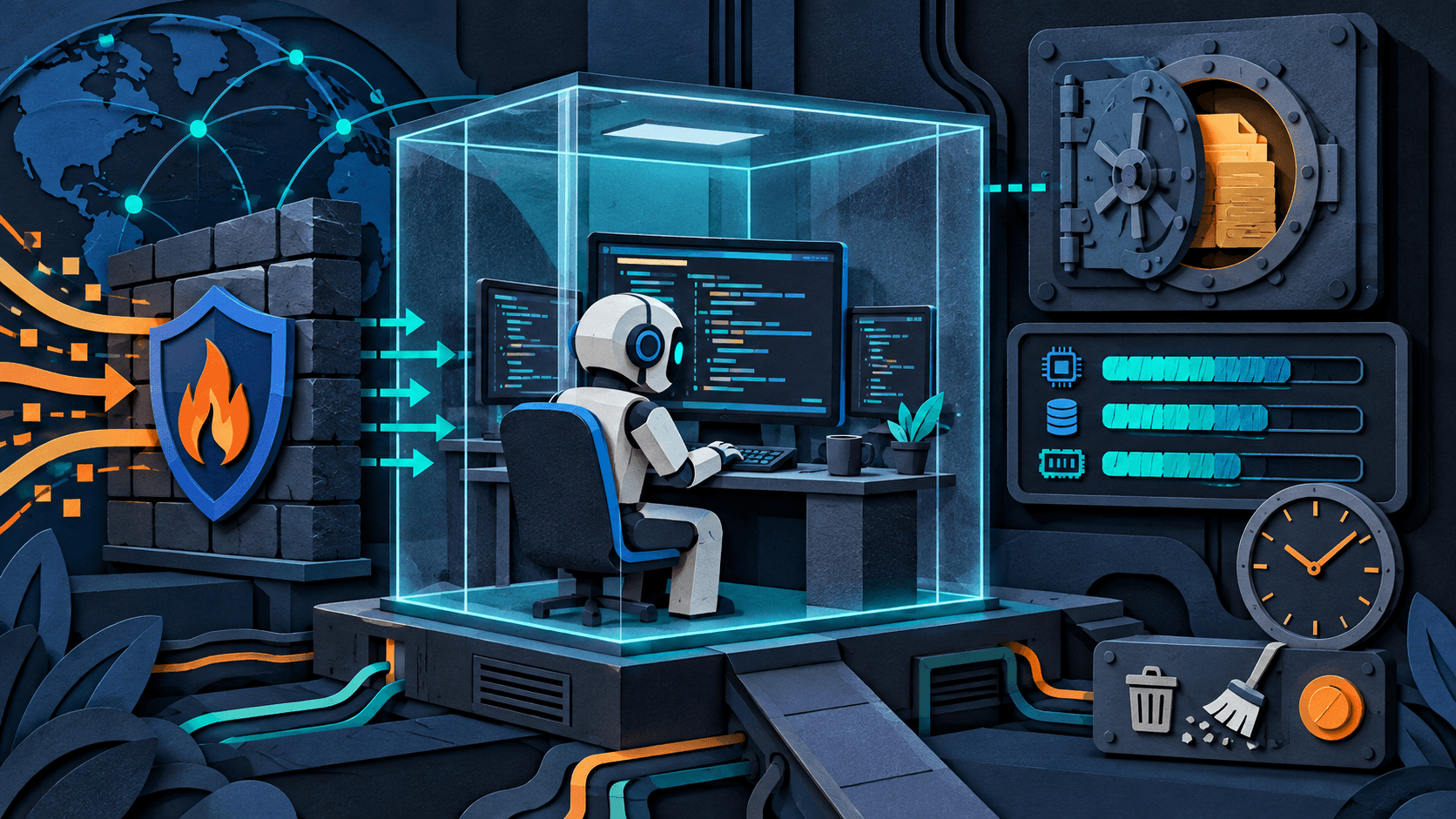
The terms describe a shared-responsibility model: RunPod protects underlying infrastructure, while the customer remains responsible for applications, data, virtual guests, operating systems, patches, software, backups, encryption, and service configuration. That boundary should shape the evaluation.
Use scoped API keys, multifactor authentication, private registries, secret injection rather than baked credentials, hardened images, patched dependencies, least-exposed ports, encrypted data, logs, artifact scanning, and tested key rotation. Review subprocessors, retention, deletion, incident terms, region coverage, support, and contract commitments before placing sensitive or regulated data on the platform.
Reliability and operational fit
A low-cost GPU is expensive when a job silently fails or cannot be reproduced. Test host interruption, worker crash, queue saturation, bad deploy rollback, corrupted output, storage unavailability, region exhaustion, API throttling, and dependency failure. Capture request and job identifiers so a failure can be traced from caller to worker and bill.
Community capacity and Secure Cloud may suit different risk tolerances. Ask what service commitments apply to the exact product and contract rather than assuming an enterprise cluster promise covers an on-demand Pod. For critical workloads, design idempotent jobs, checkpoints, retries with limits, health checks, multiple acceptable GPU types, and a tested fallback path.
A fair 14-day buyer test
Benchmark one real workload for 14 days across the deployment modes you are genuinely considering. Pin the container, CUDA stack, model, data set, region, storage, concurrency, timeouts, and scaling policy. Record provisioning and cold-start time, throughput, tail latency, failed jobs, interruptions, GPU utilization, storage and transfer behavior, recovery time, engineering effort, and the complete cost per successful output. Terminate idle resources deliberately and confirm that required data persists before expanding production traffic.
Run the same test on at least one credible alternative with identical model versions, precision, batch size, inputs, warm-up, concurrency, and success criteria. Separate vendor outage from application error, and separate raw execution time from queueing and initialization.
Pass only if the workload meets quality, latency, reliability, recovery, security, and budget thresholds simultaneously. A cheap demo is not a production result.
Pros and cons
Pros
- Wide range of GPU types and deployment models
- Direct container and runtime control through Pods
- Serverless scale-to-zero fits bursty inference
- Per-second metering can suit short and irregular workloads
- Persistent storage, APIs, templates, and cluster options support broader lifecycles
- Current Trust Center provides formal compliance-review materials
Cons
- GPU list price is not the same as complete workload cost
- Capacity and regional availability can affect repeatability
- Cold-start and scaling claims require workload-specific validation
- Storage lifecycle and location choices can surprise inexperienced users
- Customers own substantial application, data, image, patching, backup, and configuration security
- Teams still need production observability, recovery, deployment, and cost governance
RunPod alternatives
Baseten is a relevant catalog alternative when managed model serving, deployment workflows, and inference operations matter more than direct infrastructure control. Runloop and Daytona target reproducible developer environments and sandboxed execution rather than broad GPU cloud use, but may fit agent or code-execution workloads better.
Also compare Modal, Replicate, Lambda, CoreWeave, Vast.ai, major hyperscalers, and self-hosted hardware using the same benchmark. The right comparison set depends on whether the real job is an interactive GPU box, scheduled training, bursty custom inference, a managed model API, or a reserved cluster.
Final verdict
RunPod earns a qualified recommendation for technical teams that value GPU choice, containers, fast access, and the option to move between direct Pods and autoscaling inference. It can offer strong economics, particularly when resources remain highly utilized or scale cleanly to zero.
The platform does not eliminate infrastructure work. Measure the full job, protect data, pin environments, test failure recovery, verify capacity and regions, set spending bounds, and complete the relevant security review. If the representative workload survives that test at a better total cost, RunPod belongs on the shortlist.
Affiliate disclosure: DiscoverAI may earn a commission if you sign up for RunPod through links in this review, at no additional cost to you. The affiliate relationship did not change the score, evidence standard, limitations, or verdict.
This is a research-based product assessment, not a claim of long-term hands-on production use. Product, pricing, performance, storage, security, compliance, and billing claims were checked against first-party sources on September 17, 2026. Verify current rates, capacity, regions, limits, policies, security documents, and contract terms before purchasing.
Transparency
How this guide was checked
Editorial accountability
Who checked this guide
- Evaluation type
- Hands-on evaluation
- Last materially checked
- Evidence
- 8 listed sources
Hands-on testing is identified explicitly. Research-based coverage uses cited product documentation and other named sources; it does not imply every paid plan was used. Read the full methodology.
Editorial freshness
Pricing and material product claims were checked September 17, 2026.
Review evidence
What this guidance is based on
- Review type
- Research-based product assessment
- Material review date
- September 17, 2026
- Evidence
- Current first-party pricing, Pods, Serverless, endpoint, storage, security, compliance, privacy, and contractual documentation
- Affiliate status
- Tracked partner link; editorial score and verdict remain independent
- Buyer test
- Fourteen-day representative workload benchmark measuring provisioning, cold starts, throughput, tail latency, failures, utilization, persistence, recovery, engineering effort, and total cost
Important limits
- • DiscoverAI did not complete a long-term paid production deployment or independently validate GPU availability, hardware performance, cold-start claims, uptime, support, billing accuracy, isolation, storage durability, security controls, or cluster behavior.
- • Rates, GPUs, regions, storage, worker types, public endpoints, discounts, credits, limits, compliance materials, and contract terms can change quickly and may differ by product, account, capacity, or region.
- • Performance and cost depend heavily on container size, model, precision, batch size, concurrency, initialization, storage, traffic pattern, retry behavior, and operational skill; published figures do not predict a specific workload.
Standardized benchmark coverage
How this review maps to the research benchmark
Citation accuracy
Not applicableThe reviewed workflow does not produce source-grounded research answers, so a citation score would be misleading.
Read protocol v2026.10-v1 →Thematic analysis
Not applicableThe reviewed workflow is not qualitative evidence analysis, so a thematic-analysis score would be misleading.
Read protocol v2026.10-v1 →Eligibility is not a product score. DiscoverAI publishes results only after output collection, blinded adjudication, reproducibility checks, and severe-error review.
Open the optional evaluation worksheet
Reusable trial worksheet
Test RunPod before you commit
Turn this review’s buyer test into evidence. Your entries autosave only in this browser and are never added to shared shortlist links.
Confirm the tool meets every must-have workflow and stakeholder requirement.
Review starting point: Developers comfortable packaging and operating containerized AI workloads; Teams comparing GPU cost per successful job or inference rather than list price alone; Workloads that benefit from switching between dedicated Pods and autoscaling endpoints
Run the same representative work you would use in production; do not score a polished demo.
Review starting point: Run a bounded set of representative tasks with known acceptable outcomes, then compare the result with your current workflow.
Calculate the effective cost per accepted result, including usage, review, corrections, and required add-ons.
Review starting point: RunPod prices compute by GPU and deployment model. At review time, Secure Cloud Pods started at $0.27 per GPU-hour, while Serverless Flex workers started at $0.58 per hour for a 16 GB GPU class and were metered per second. Representative Secure Cloud rates included $0.74/hour for an RTX 4090, $1.59/hour for an 80 GB A100, and $3.49/hour for an H100 SXM.…
Define an acceptance threshold, test known answers and edge cases, and record every correction.
Review starting point: Editorial quality signals: features 4.5/5; AI quality 4.2/5. Validate these signals in your own work.
Verify what data enters the product, who can access it, how long it is retained, and whether it trains models.
Review starting point: Use approved low-risk data first. Check roles, consent, deletion, subprocessors, model-training settings, and the contract—not only the marketing page.
Test the real handoffs, permissions, failure states, and export path your team depends on.
Review starting point: Docker, GitHub, PyTorch, TensorFlow, Jupyter, ComfyUI, vLLM, Hugging Face
Record training, governance, reliability, accessibility, ownership, and change-management risks before rollout.
Review starting point: Headline GPU rates exclude storage, engineering time, and idle-resource mistakes; Capacity, region, and hardware availability can constrain reproducibility; Customers retain substantial responsibility for application, secrets, data, images, patches, backups, and configuration
Loading saved worksheet… · private to this device or your optional account
Community evidence
How verified users put RunPod to work
Structured, editor-moderated experience—not star ratings. This complements our independent review and never changes its score.
No approved community evidence yet. Be the first verified user to contribute.
Community choice
Recommend RunPod
Loading weekly votes…
One vote per verified account per tool, counted for seven days. Return after your vote expires to support again. Community votes influence homepage trends, never editorial ratings. Voting does not subscribe you to emails.
Sources and references
References cited by this article. Check the original source for scope, dates and current terms.
Frequently asked questions
What is RunPod?
RunPod is a GPU cloud and AI infrastructure platform. It offers containerized Pods for development and long-running jobs, autoscaling Serverless endpoints for inference, public model APIs, persistent storage, and cluster options for larger workloads.
How much does RunPod cost?
RunPod prices compute by GPU and deployment model. At review time, Secure Cloud Pods started at $0.27 per GPU-hour, while Serverless Flex workers started at $0.58 per hour for a 16 GB GPU class and were metered per second. Representative Secure Cloud rates included $0.74/hour for an RTX 4090, $1.59/hour for an 80 GB A100, and $3.49/hour for an H100 SXM. Storage was listed separately: container and running volume disk at $0.10/GB/month, idle volume disk at $0.20/GB/month, standard network storage at $0.07/GB/month under 1 TB or $0.05 above 1 TB, and high-performance network storage at $0.14/GB/month. GPU availability, regions, active-worker discounts, reservations, storage, and public-endpoint usage change the total. Verified September 17, 2026.
Does RunPod have a free tier?
RunPod does not advertise a permanent free compute tier. Compute and storage are usage-based, and some resources require account funding. Promotional credits may vary; verify the current billing and refund terms before depositing funds.
Is RunPod suitable for production AI inference?
It can be. Serverless endpoints provide worker limits, scale-to-zero, active workers, timeouts, regional selection, storage attachment, and API access. Production suitability still depends on testing capacity, cold starts, tail latency, failure recovery, observability, data residency, security, support, and the required service commitment for your workload.
Recommended tool
Use RunPod if this workflow fits your team
It combines direct GPU environments, production inference, storage, APIs, and cluster options with granular usage billing.
We may earn a commission if you sign up through this link, at no additional cost to you. The relationship does not affect our rating or editorial verdict.
Tools mentioned in this article
RunPod
Deploy GPU Pods, autoscaling inference, and clusters for AI workloads
RunPod is an AI infrastructure platform for on-demand GPU Pods, autoscaling Serverless endpoints, public model APIs, persistent storage, and reserved clusters.
Baseten
Deploy and serve open or custom AI models
Baseten provides hosted model APIs and dedicated deployments for open, fine-tuned, and custom models, with optimized serving and autoscaling.
Runloop
Run coding agents in isolated, persistent development environments
Runloop provides microVM-isolated Devboxes, blueprints, snapshots, benchmarks, secure credential and MCP gateways, and agent coordination for AI software-engineering workloads.
Daytona
Create isolated programmable computers for coding agents, interpreters, and untrusted workloads
Daytona provides API-controlled container, VM, Windows, and GPU sandboxes with dedicated filesystems, networking, lifecycle controls, snapshots, previews, and protected secrets.
Read next