The decision
Should you choose Cua?
Cua earns a pilot for engineering teams whose agents genuinely need native-computer access or cross-OS evaluation. Start with disposable, non-production machines and read-only tasks. Require an explicit permission policy, isolate identities and credentials, and promote write access only after failure-path results are acceptable.
Best for
Computer-use agents spanning native and web applications; Cross-OS agent training and evaluation.
Choose something else if
Simple workflows with dependable APIs; Production desktops containing broad user credentials
Evidence
Editorial research pending · 8.2/10
Pricing checked
See current vendor pricing · Sep 12, 2026
Free access is available, with limits.
Yes. Core local components are MIT licensed; cloud fleet consumption is usage-priced.
In this guide
Short answer
Cua is worth testing when an agent must operate native desktop applications or move across code, APIs, and graphical interfaces—not merely browse a website. Cross-OS support and local deployment are compelling, but computer control is privileged and nondeterministic. Buyers need deny-by-default tool policies, disposable environments, evidence for every action, and human approval before consequential writes.
Free buyer comparison checklist
Compare this tool before committing.
Use the buyer checklist to compare two tools on the same tasks, including quality, review time and total cost. Get the weekly top 5 AI tools, one practical workflow and one way to reduce AI spending.
Best for
- Computer-use agents spanning native and web applications
- Cross-OS agent training and evaluation
- Teams needing local, cloud, BYOC, or on-premises options
Look elsewhere if
- Simple workflows with dependable APIs
- Production desktops containing broad user credentials
- Autonomous consequential actions without approval
What Cua verifiably does
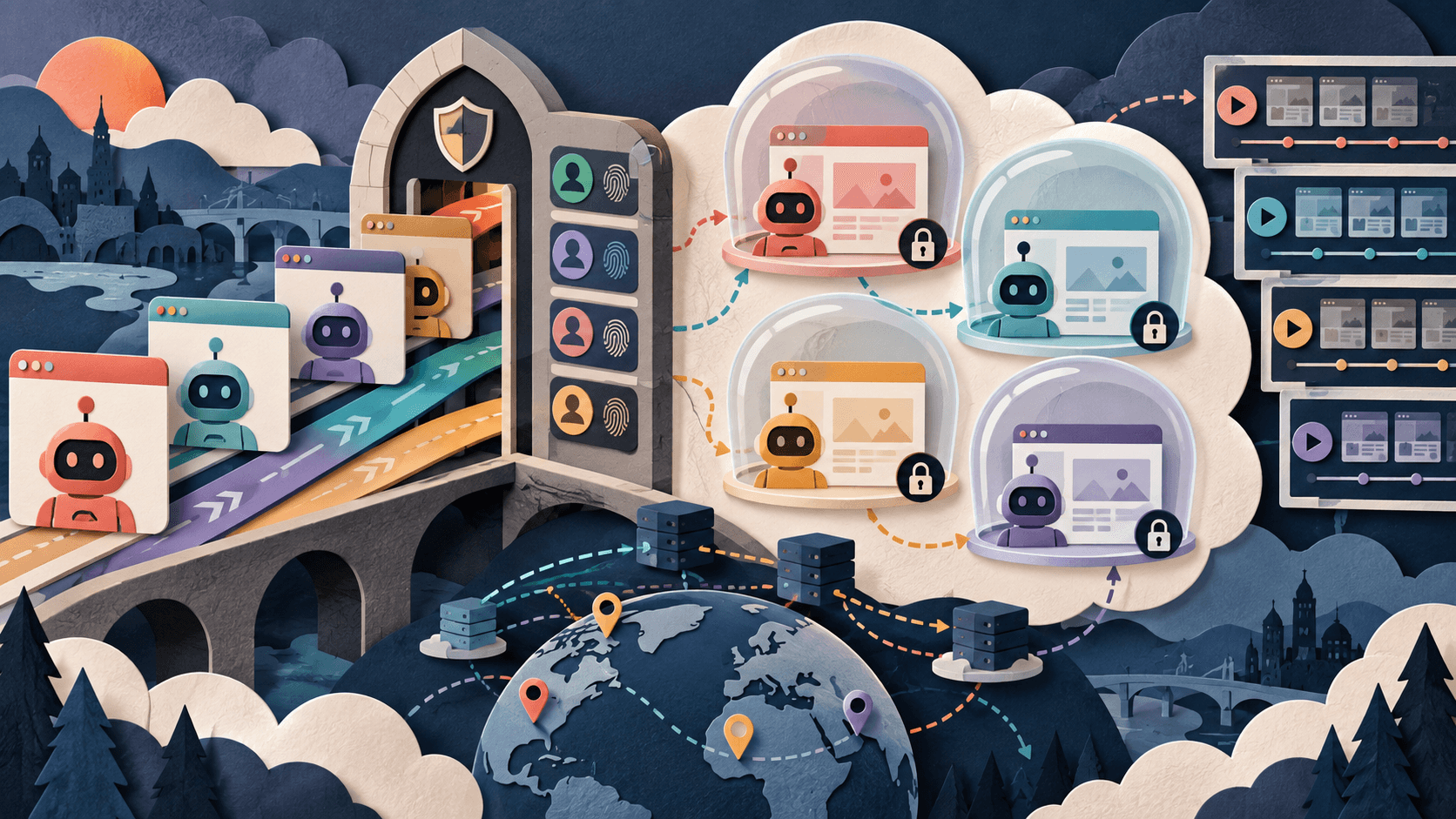
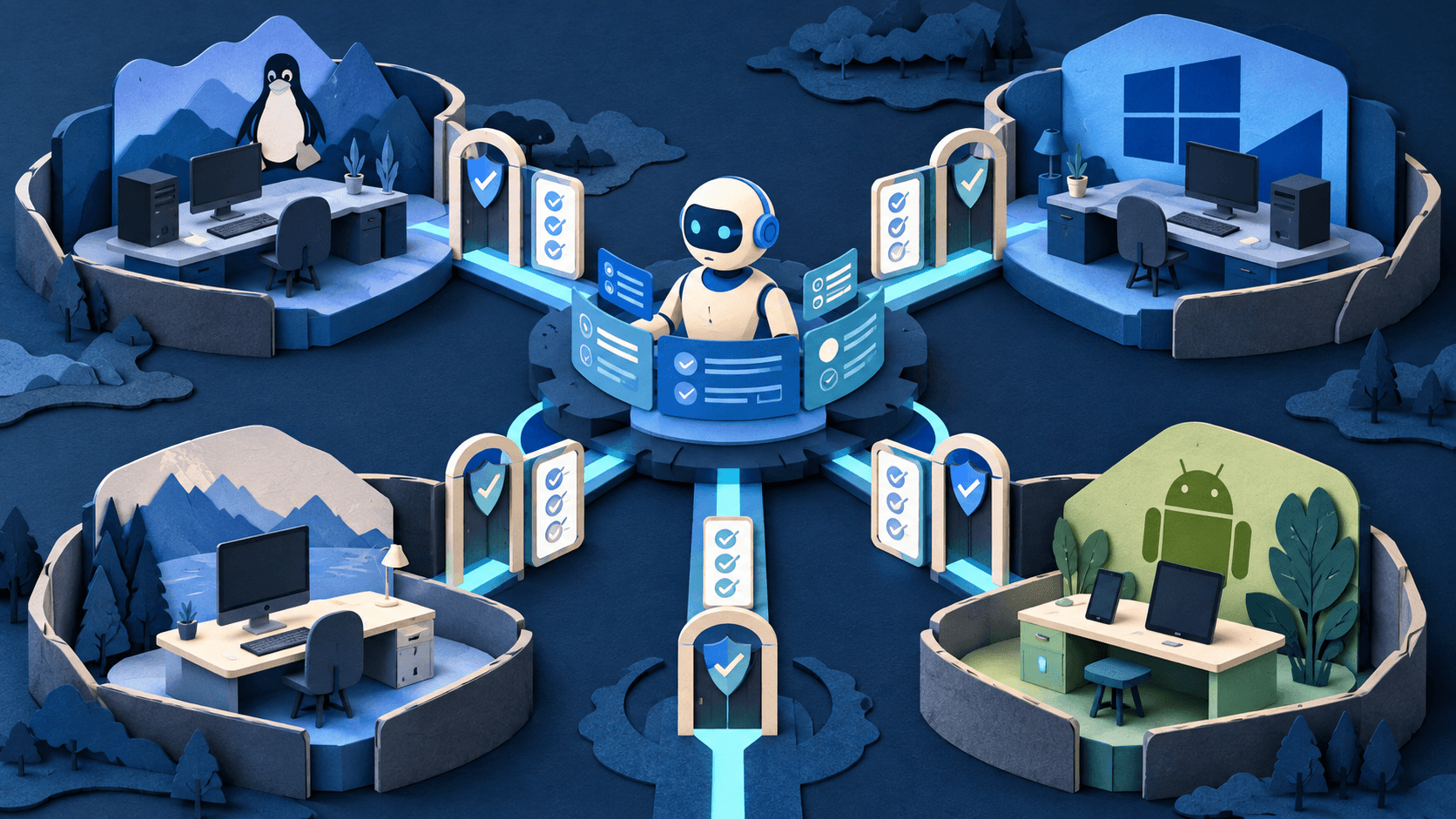
Cua documents sandbox runtimes across Docker, QEMU, Apple Virtualization, and cloud machines; a Driver for background GUI input and observation; fleets for concurrent rollouts; and Cua Bench for agent evaluation. Its interfaces support MCP, CLI, Python, and multiple model or agent harnesses. Current materials describe Linux, Windows, macOS, and Android environments, with BYOC and on-premises paths.
Important limitations
A capable model can still click the wrong target, misread state, leak information through an application, or repeat an irreversible action. Cua Driver's policy engine is restrictive only when a policy is configured; the documentation says an absent policy allows calls. Local operation shifts host permissions, VM isolation, patching, secrets, retention, and incident response to the buyer.
Cua pricing
Cua's open-source Sandbox, Driver, Bench, and Lume components can run locally without a software subscription. Cua Fleet lists $0.044625 per vCPU-hour and $0.0223125 per GB-hour; model inference, storage, operating-system licensing, network traffic, and engineering remain separate. BYOC and on-premises arrangements are available. Reviewed September 12, 2026.
A fair buyer test
Run 250 tasks across two operating systems and five applications, including stale windows, ambiguous controls, hidden dialogs, denied permissions, prompt injection, network failure, duplicate submissions, and destructive actions. Measure verified completion, silent error, intervention, duplicate effects, policy bypass, recovery time, retained artifacts, and fully loaded cost per accepted task.
Final verdict
Cua earns a pilot for engineering teams whose agents genuinely need native-computer access or cross-OS evaluation. Start with disposable, non-production machines and read-only tasks. Require an explicit permission policy, isolate identities and credentials, and promote write access only after failure-path results are acceptable.
This is a research-based product assessment, not a claim of hands-on long-term testing. Product, pricing, privacy, security, and usage claims were checked against the first-party sources below on September 12, 2026. Verify current terms and run the proposed test with approved data before adoption.
Transparency
How this guide was checked
Editorial accountability
Who checked this guide
- Evaluation type
- Hands-on evaluation
- Last materially checked
- Evidence
- 4 listed sources
Hands-on testing is identified explicitly. Research-based coverage uses cited product documentation and other named sources; it does not imply every paid plan was used. Read the full methodology.
Editorial freshness
Pricing and material product claims were checked September 12, 2026.
Review evidence
What this guidance is based on
- Review type
- Research-based product assessment
- Material review date
- September 12, 2026
- Evidence
- Current first-party product, pricing, documentation, privacy, and security material
- Buyer test
- Controlled quality, cost, permissions, privacy, reliability, and failure-path evaluation
Important limits
- • DiscoverAI did not complete the proposed long-term paid deployment for this review.
- • Features, prices, limits, security controls, and provider data paths can change; verify the linked first-party pages before purchase.
Standardized benchmark coverage
How this review maps to the research benchmark
Citation accuracy
Not applicableThe reviewed workflow does not produce source-grounded research answers, so a citation score would be misleading.
Read protocol v2026.10-v1 →Thematic analysis
Not applicableThe reviewed workflow is not qualitative evidence analysis, so a thematic-analysis score would be misleading.
Read protocol v2026.10-v1 →Eligibility is not a product score. DiscoverAI publishes results only after output collection, blinded adjudication, reproducibility checks, and severe-error review.
Open the optional evaluation worksheet
Reusable trial worksheet
Test Cua before you commit
Turn this review’s buyer test into evidence. Your entries autosave only in this browser and are never added to shared shortlist links.
Confirm the tool meets every must-have workflow and stakeholder requirement.
Review starting point: Computer-use agents spanning native and web applications; Cross-OS agent training and evaluation; Teams needing local, cloud, BYOC, or on-premises options
Run the same representative work you would use in production; do not score a polished demo.
Review starting point: Run 250 tasks across two operating systems and five applications, including stale windows, ambiguous controls, hidden dialogs, denied permissions, prompt injection, network failure, duplicate submissions, and destructive actions. Measure verified completion, silent error, intervention, duplicate effects, policy bypass, recovery time, retained artifacts, and fully loaded cost per accepted task.
Calculate the effective cost per accepted result, including usage, review, corrections, and required add-ons.
Review starting point: Cua's open-source Sandbox, Driver, Bench, and Lume components can run locally without a software subscription. Cua Fleet lists $0.044625 per vCPU-hour and $0.0223125 per GB-hour; model inference, storage, operating-system licensing, network traffic, and engineering remain separate. BYOC and on-premises arrangements are available. Reviewed September 12, 2026.
Define an acceptance threshold, test known answers and edge cases, and record every correction.
Review starting point: Editorial quality signals: features 4.3/5; AI quality 4.0/5. Validate these signals in your own work.
Verify what data enters the product, who can access it, how long it is retained, and whether it trains models.
Review starting point: Use approved low-risk data first. Check roles, consent, deletion, subprocessors, model-training settings, and the contract—not only the marketing page.
Test the real handoffs, permissions, failure states, and export path your team depends on.
Review starting point: OpenAI Codex, Claude Code, Gemini, MCP, Python, Terraform
Record training, governance, reliability, accessibility, ownership, and change-management risks before rollout.
Review starting point: GUI automation remains nondeterministic; Safe defaults depend on configuration; Total cost extends beyond compute rates
Loading saved worksheet… · private to this device or your optional account
Community evidence
How verified users put Cua to work
Structured, editor-moderated experience—not star ratings. This complements our independent review and never changes its score.
No approved community evidence yet. Be the first verified user to contribute.
Community choice
Recommend Cua
Loading weekly votes…
One vote per verified account per tool, counted for seven days. Return after your vote expires to support again. Community votes influence homepage trends, never editorial ratings. Voting does not subscribe you to emails.
Sources and references
References cited by this article. Check the original source for scope, dates and current terms.
Frequently asked questions
What is Cua?
Cua is infrastructure that gives AI agents isolated computers and a driver for operating code, tools, APIs, and graphical interfaces.
Is Cua free?
Its core local components are open source; managed Cua Fleet usage is billed by CPU and memory, with other workload costs separate.
Which operating systems does Cua support?
Cua advertises Linux, Windows, macOS, and Android environments, with exact features varying by runtime and deployment.
Does Cua make computer-use agents safe?
No. It supplies isolation and policy controls, but buyers must configure permissions, constrain credentials, verify actions, and require approval for consequential steps.
Recommended tool
Use Cua if this workflow fits your team
Open-core cross-OS computer runtime
Tools mentioned in this article
Cua
Run computer-use agents across Linux, Windows, macOS, and Android
Cua is open-core infrastructure for giving AI agents isolated computers, GUI control, cross-OS fleets, and evaluation environments through SDK, CLI, and MCP interfaces.
Browser Use
Open-source and cloud infrastructure for AI agents that navigate websites
Browser Use helps developers run web agents, remote browsers, profiles, proxies, and reusable skills, but reliability, credential custody, website rules, variable usage costs, and human approval are decisive.
Steel
Run browser agents with managed sessions, proxies, profiles, credentials, replays, and observability
Steel is an open-source browser API and managed cloud runtime for AI agents, offering sessions, browser tools, proxies, CAPTCHA handling, persistent identity, and credential injection.
Daytona
Create isolated programmable computers for coding agents, interpreters, and untrusted workloads
Daytona provides API-controlled container, VM, Windows, and GPU sandboxes with dedicated filesystems, networking, lifecycle controls, snapshots, previews, and protected secrets.
Read next