Redact Sensitive Data Before AI: A Five-Step Check
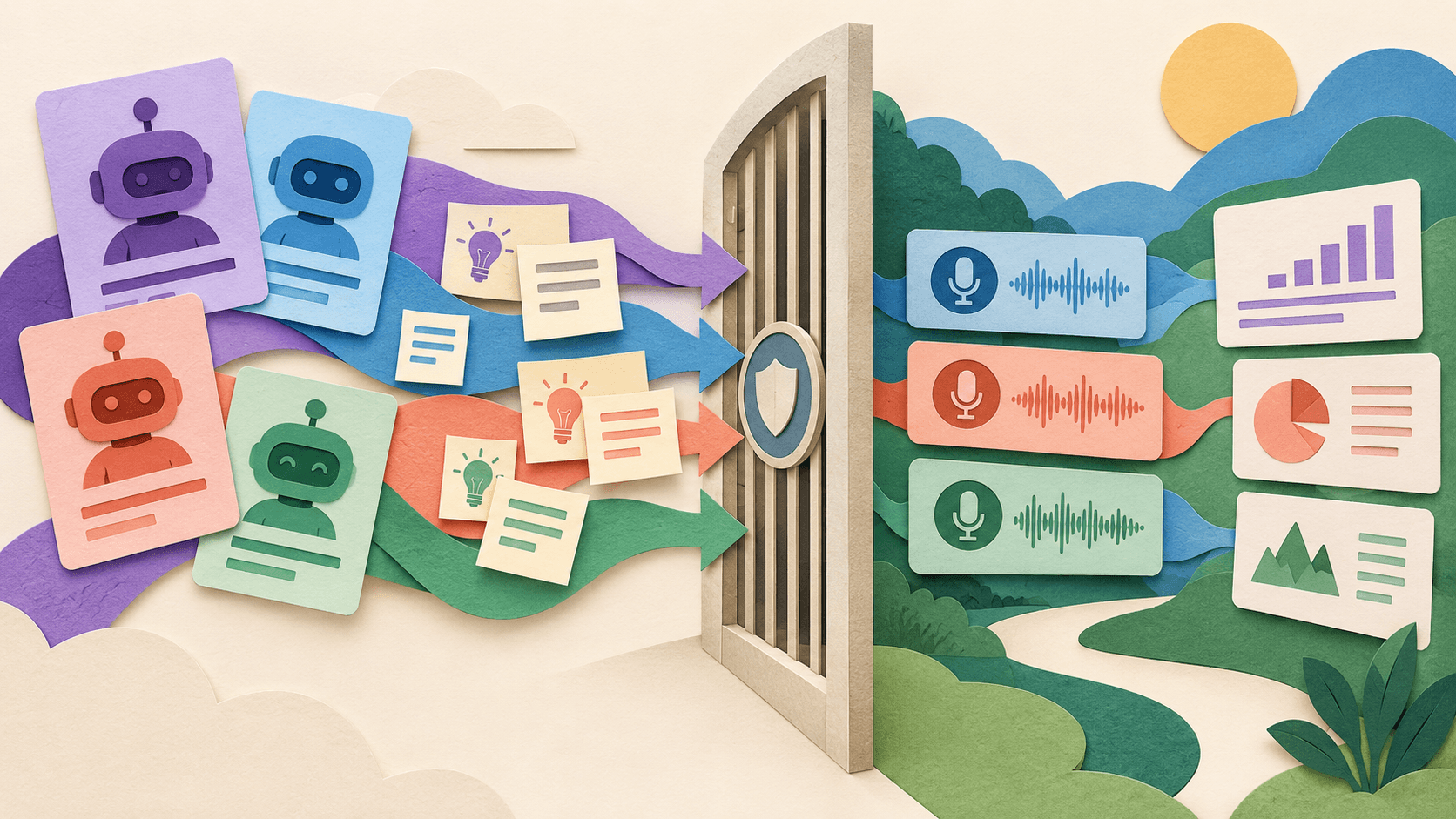
The safest prompt starts with less data: remove what the task does not need, then verify the remaining context cannot identify or expose someone.
Bottom line
A fast, practical pre-upload control for documents, transcripts, tickets, spreadsheets, and notes.
Editorial accountability
Who checked this guide
- Evaluation type
- Research-based verification
- Last materially checked
- Evidence
- 4 listed sources
Hands-on testing is identified explicitly. Research-based coverage uses cited product documentation and other named sources; it does not imply every paid plan was used. Read the full methodology.
Editorial basis
What this guidance is based on
- Editorial basis
- Source-led analysis
- Primary references
- 4
- Products covered
- 3
- Last checked
- 2026-10-03
Important limits
- • Redaction does not automatically make data anonymous or lawful to process.
- • High-risk data needs organizational, legal, privacy, and security review.
The five-step check
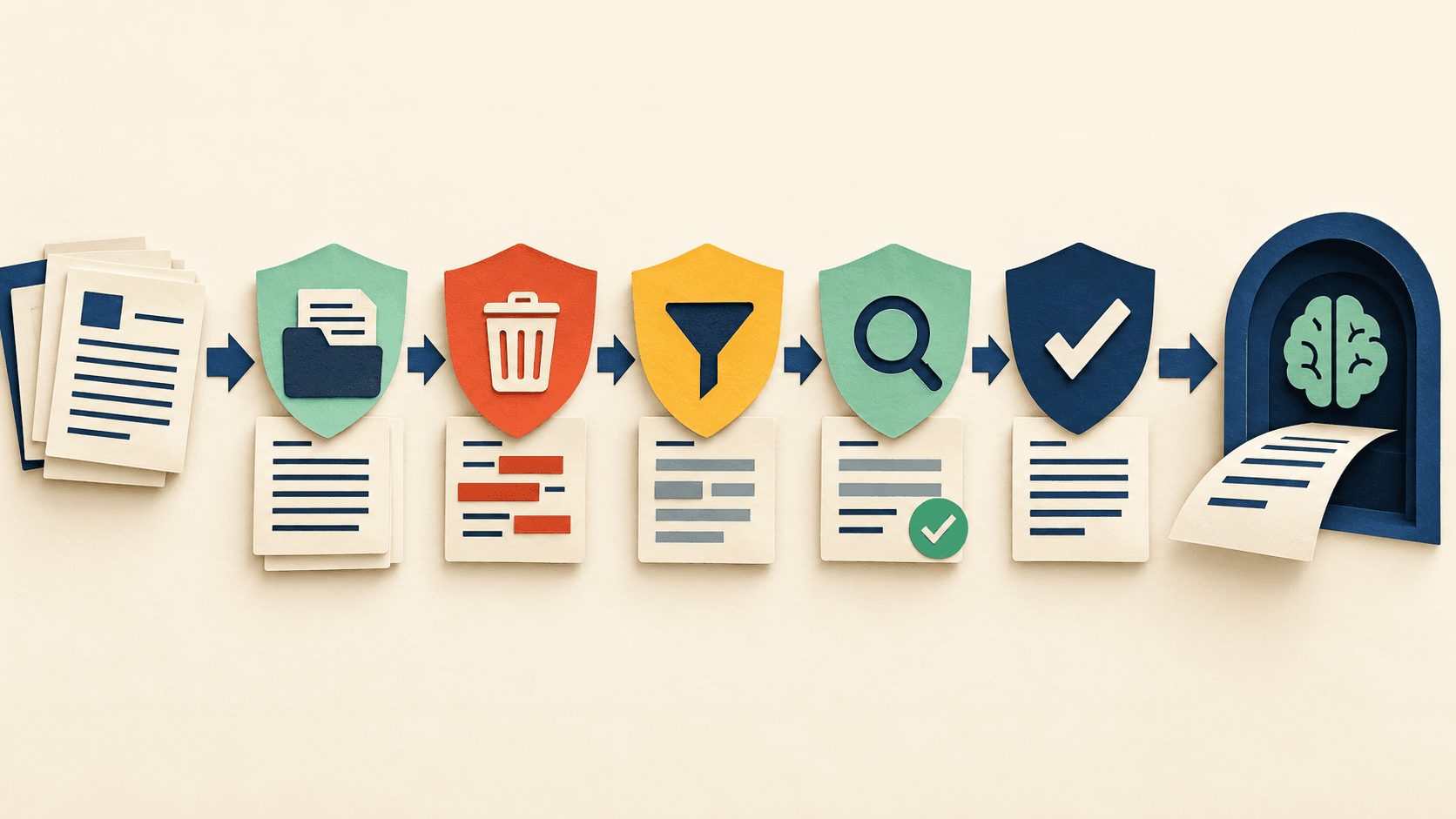
- Inventory: identify people, secrets, contracts, regulated fields, and linked datasets.
- Minimize: remove columns, pages, history, and attachments the task does not require.
- Transform: mask direct identifiers and generalize combinations that could reveal someone.
- Verify: search the working copy, inspect samples, and test whether context can re-identify a person or organization.
- Approve: confirm the tool, account, retention, training, region, sharing, and deletion settings are authorized.
Keep the original outside the AI workflow and store any pseudonym key separately. Do not paste passwords, access tokens, private keys, payment data, or privileged material into a general assistant. When the task needs identity-level context, use an approved controlled environment instead of pretending redaction solved the risk.
Sources and verification
Product details and claims were checked against the following primary sources.
Frequently asked questions
Can AI replace human judgment in pre-upload redaction?
No. AI can accelerate retrieval, organization, and first-pass analysis, but an accountable person must verify evidence, context, permissions, and the final decision.
What should a team measure?
Measure source accuracy, correction time, missed counterevidence, permission behavior, export quality, and cost per accepted deliverable—not output volume.
What data is safe to use?
Only data covered by the participant notice, contract, organizational policy, and vendor terms. Remove unnecessary identifiers and keep the original evidence outside the model workflow.
What is the minimum audit trail?
Keep the source manifest, prompt and model record, output, reviewer corrections, approval decision, and deletion or retention record.
Tools mentioned in this article
ChatGPT
The general-purpose AI assistant that started it all
OpenAI's flagship conversational AI model, powering everything from casual chat to complex reasoning, coding, and creative work.
Claude
Anthropic's thoughtful, safety-focused AI with exceptional long-form reasoning
Claude excels at deep analysis, long-form writing, and nuanced reasoning. Built by Anthropic with a focus on safety and helpfulness.
Read next