
The decision
Should you choose Pieces?
Pieces earns a shortlist for developers whose biggest productivity problem is context recovery rather than code completion. Start local and narrow, prove the recall benefit, then review every cloud and enterprise control before expanding capture.
Best for
Developers juggling several projects and tools; Local-first AI memory experiments.
Choose something else if
Unmanaged capture of confidential environments; Users wanting a lightweight autocomplete tool
Evidence
Editorial research pending · 8.0/10
Pricing checked
See current vendor pricing · 2026-08-26
Free access is available, with limits.
Yes. Pieces advertises its individual desktop experience as a free download; verify which cloud, collaboration, and enterprise capabilities are included.
In this guide
Short answer
Pieces is worth piloting for developers who repeatedly lose decisions, snippets, and problem-solving context across IDEs, browsers, terminals, and collaboration tools. Its local-first long-term memory and model flexibility are distinctive. The buying question is whether recall saves more time than capture review, resource use, privacy configuration, and false retrieval consume.
Best for
- Developers juggling several projects and tools
- Local-first AI memory experiments
- Engineering teams evaluating air-gapped context
Look elsewhere if
- Unmanaged capture of confidential environments
- Users wanting a lightweight autocomplete tool
- Teams unable to audit model and MCP data paths
What Pieces verifiably does
Pieces documents on-device long-term memory, contextual copilot chat, time-based workstream recall, saved materials, IDE integrations, MCP connectivity, optional cloud models, and air-gapped enterprise deployment. Lightweight models handle parts of capture, tagging, filtering, and summarization locally, while enabled cloud features can send selected context outward.
Important limitations
Passive workstream capture may collect secrets, client code, private messages, or unrelated windows unless exclusions and pause controls work reliably. Retrieved context may be incomplete or stale. Local processing still has CPU, memory, disk, and battery costs, and any enabled cloud model, sync, MCP client, or collaboration path changes the data boundary. SOC 2 and vendor architecture statements should be verified for the exact product and deployment scope.
Pricing snapshot
Pieces advertises a free download for individual use. Enterprise and team deployments use sales-led packaging, and optional cloud models or related infrastructure can create costs outside the desktop license. No durable public enterprise dollar price was displayed when reviewed August 26, 2026.
A fair buyer test
Run Pieces on a non-sensitive development project for ten working days. Preconfigure exclusions, then measure successful recalls, false or stale matches, missed decisions, accidental capture, correction time, disk and battery impact, cloud requests, deletion behavior, and minutes saved versus IDE search, Git history, and notes.
Final verdict
Pieces earns a shortlist for developers whose biggest productivity problem is context recovery rather than code completion. Start local and narrow, prove the recall benefit, then review every cloud and enterprise control before expanding capture.
This is a research-based assessment, not a claim of hands-on product testing. Product, pricing, privacy, security, and usage claims were checked against the first-party sources below on August 26, 2026. Verify current terms and run the proposed test with approved data before adoption.
Transparency
How this guide was checked
Editorial accountability
Who checked this guide
- Evaluation type
- Hands-on evaluation
- Last materially checked
- Evidence
- 4 listed sources
Hands-on testing is identified explicitly. Research-based coverage uses cited product documentation and other named sources; it does not imply every paid plan was used. Read the full methodology.
Editorial freshness
Pricing and material product claims were checked August 26, 2026.
Review evidence
What this guidance is based on
- Editorial basis
- Current first-party product, pricing, help, security, privacy, and terms documentation
- Review type
- Research-based product assessment
- Material review date
- August 26, 2026
- Buyer test
- Controlled workflow test with output, correction, cost, permission, and ownership checks
Important limits
- • DiscoverAI did not complete the proposed long-term paid deployment for this research-based review.
- • Features, prices, limits, security controls, privacy terms, and usage rights can change; verify the linked first-party pages before purchase.
Standardized benchmark coverage
How this review maps to the research benchmark
Citation accuracy
Not applicableThe reviewed workflow does not produce source-grounded research answers, so a citation score would be misleading.
Read protocol v2026.10-v1 →Thematic analysis
Not applicableThe reviewed workflow is not qualitative evidence analysis, so a thematic-analysis score would be misleading.
Read protocol v2026.10-v1 →Eligibility is not a product score. DiscoverAI publishes results only after output collection, blinded adjudication, reproducibility checks, and severe-error review.
Open the optional evaluation worksheet
Reusable trial worksheet
Test Pieces before you commit
Turn this review’s buyer test into evidence. Your entries autosave only in this browser and are never added to shared shortlist links.
Confirm the tool meets every must-have workflow and stakeholder requirement.
Review starting point: Developers juggling several projects and tools; Local-first AI memory experiments; Engineering teams evaluating air-gapped context
Run the same representative work you would use in production; do not score a polished demo.
Review starting point: Run Pieces on a non-sensitive development project for ten working days. Preconfigure exclusions, then measure successful recalls, false or stale matches, missed decisions, accidental capture, correction time, disk and battery impact, cloud requests, deletion behavior, and minutes saved versus IDE search, Git history, and notes.
Calculate the effective cost per accepted result, including usage, review, corrections, and required add-ons.
Review starting point: Pieces advertises a free download for individual use. Enterprise and team deployments use sales-led packaging, and optional cloud models or related infrastructure can create costs outside the desktop license. No durable public enterprise dollar price was displayed when reviewed August 26, 2026.
Define an acceptance threshold, test known answers and edge cases, and record every correction.
Review starting point: Editorial quality signals: features 4.1/5; AI quality 4.0/5. Validate these signals in your own work.
Verify what data enters the product, who can access it, how long it is retained, and whether it trains models.
Review starting point: Use approved low-risk data first. Check roles, consent, deletion, subprocessors, model-training settings, and the contract—not only the marketing page.
Test the real handoffs, permissions, failure states, and export path your team depends on.
Review starting point: VS Code, JetBrains, JupyterLab, GitHub Copilot, MCP
Record training, governance, reliability, accessibility, ownership, and change-management risks before rollout.
Review starting point: Passive capture creates privacy risk; Enterprise pricing is not public; Local resource and retrieval quality need testing
Loading saved worksheet… · private to this device or your optional account
Community evidence
How verified users put Pieces to work
Structured, editor-moderated experience—not star ratings. This complements our independent review and never changes its score.
No approved community evidence yet. Be the first verified user to contribute.
Sources and verification
Product details and claims were checked against the following primary sources.
Frequently asked questions
Is Pieces for Developers free?
Pieces advertises a free individual download. Team, enterprise, cloud-model, and deployment costs should be verified separately.
Does Pieces store developer context locally?
Pieces describes a local-first architecture for core memory functions, but optional sync, copilots, cloud models, MCP clients, and team features can send selected data outside the device.
How far back can Pieces remember?
Pieces markets long-term workstream memory spanning months. Actual recall depends on capture settings, device storage, exclusions, and retrieval quality.
Does Pieces train on customer code?
Pieces says it does not train models on customer data. Enterprise buyers should verify that statement, subprocessors, retention, and model-provider terms in the current contract.
Recommended tool
Use Pieces if this workflow fits your team
Local-first memory is a real differentiator
Tools mentioned in this article
Pieces
A local-first AI memory layer for software-development work
Pieces can make months of developer context searchable across IDEs and work tools, but passive capture, model routing, hardware demands, and enterprise governance need a controlled pilot.
screenpipe
An open-source, local-first memory layer for searchable screen and audio history
screenpipe offers unusually controllable local capture, search, MCP, and automation, but continuous recording creates serious consent, exclusion, storage, security, and review obligations.
GitHub Copilot
The AI pair programmer that lives inside your editor
GitHub Copilot is the most widely adopted AI coding assistant, deeply integrated into VS Code, JetBrains, and GitHub itself.
Cursor
The AI-first code editor that feels like the future of programming
Cursor is a VS Code fork rebuilt from the ground up around AI. It understands your entire codebase and can make multi-file changes with natural language commands.
Read next
Recommended for you
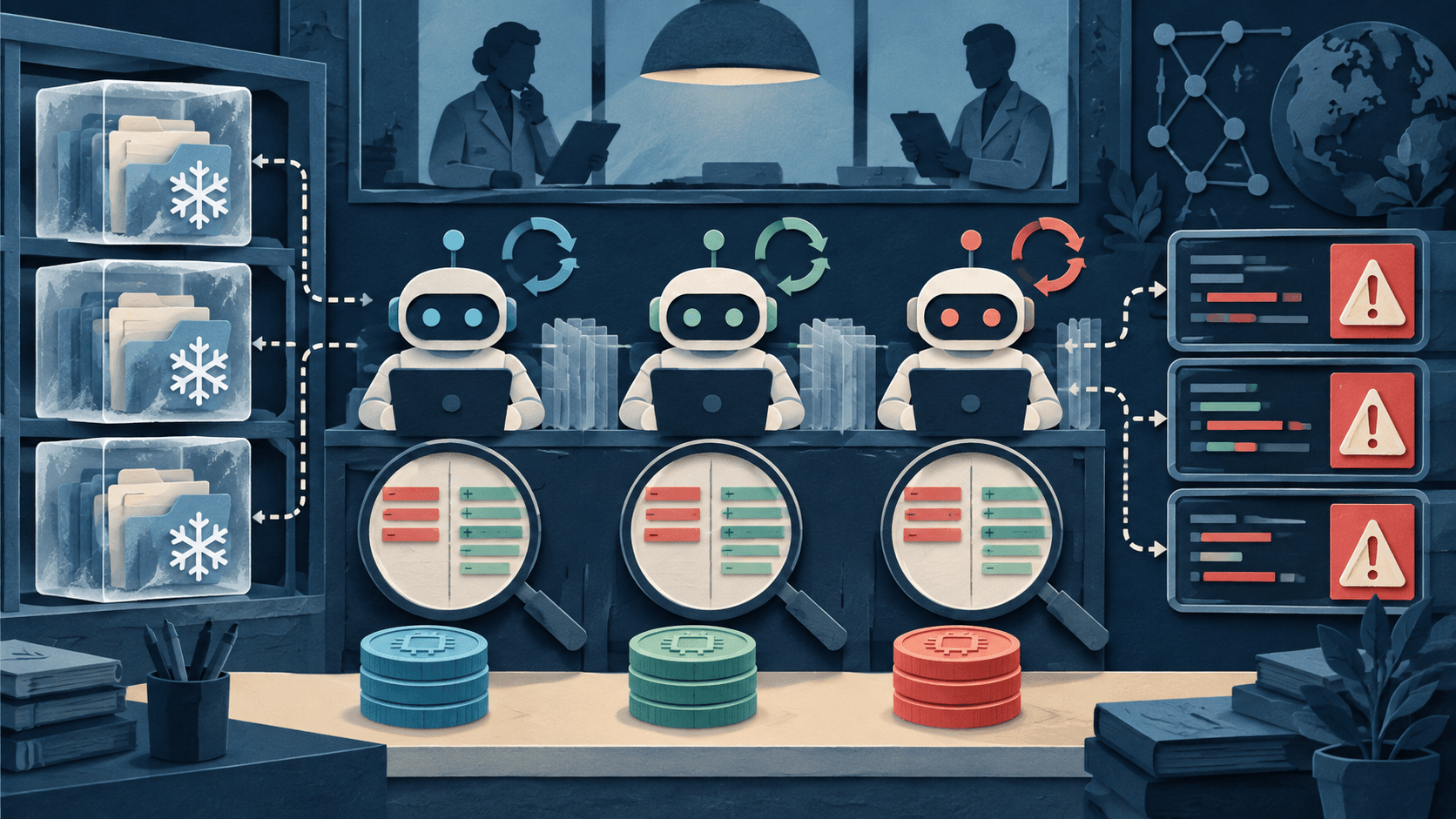
DiscoverAI Coding-Agent Repository Benchmark: Methodology
A preregistered repository-level protocol for future results—published before any product receives a score.
This page defines DiscoverAI's coding-agent benchmark before results are collected. The protocol uses frozen repository snapshots, five task classes, identical permissions, repeated runs, blinded diff review where possible, and separate reporting for accepted output and severe failures. It does not currently rank Cursor, Claude Code, Codex, GitHub Copilot, or any model.
Read guide
How to Evaluate an AI Coding Agent: A Five-Task Test
CodeRabbit's $143M Round Shows AI Code Review Is Becoming Its Own Market
Meta Muse Code and Spark 1.2: What Coding Teams Should Test