AI Coding-Agent Security: Repository Permissions That Work
The goal is the smallest permission envelope that completes an accepted task and leaves an auditable trail.
Bottom line
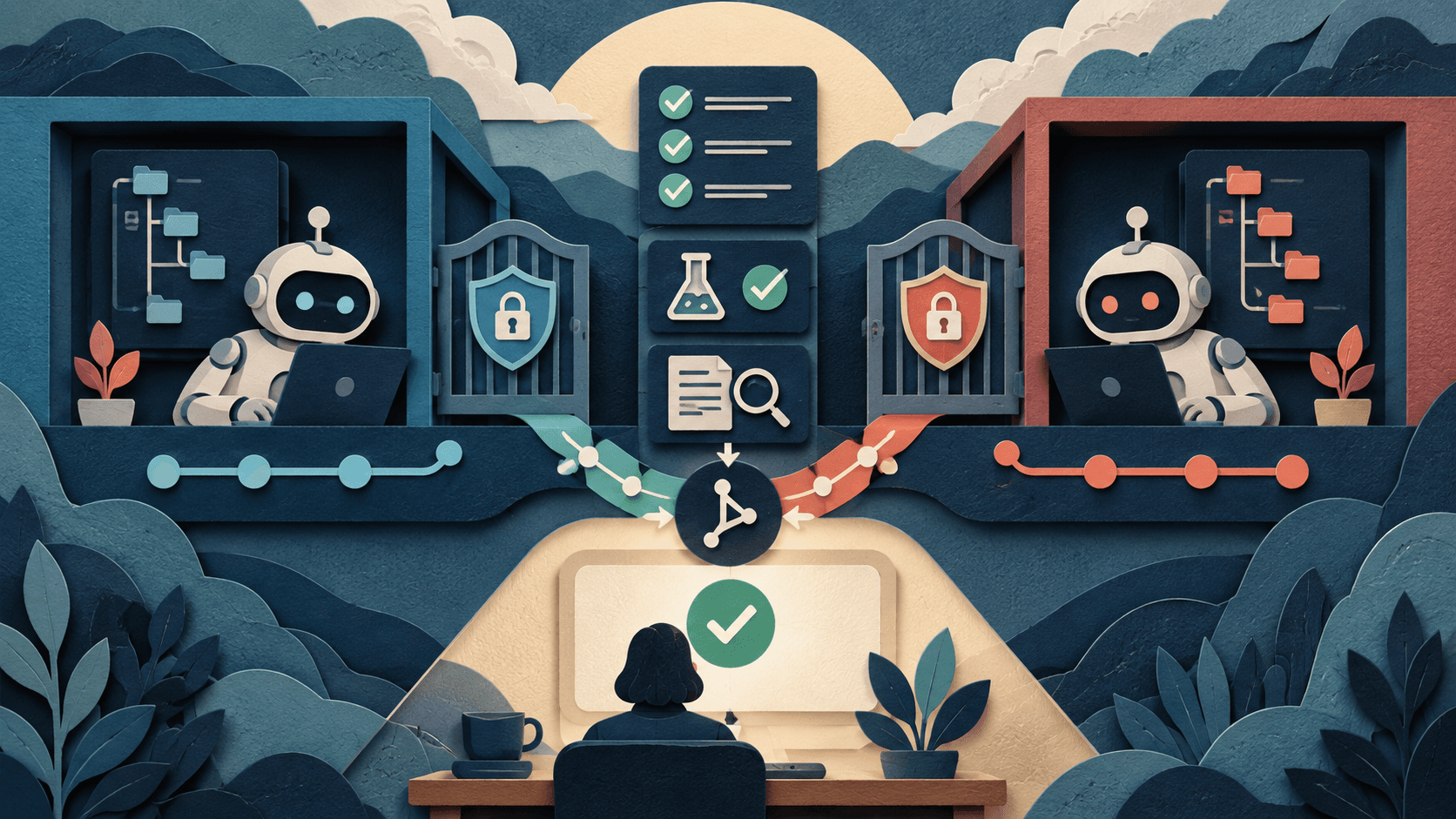
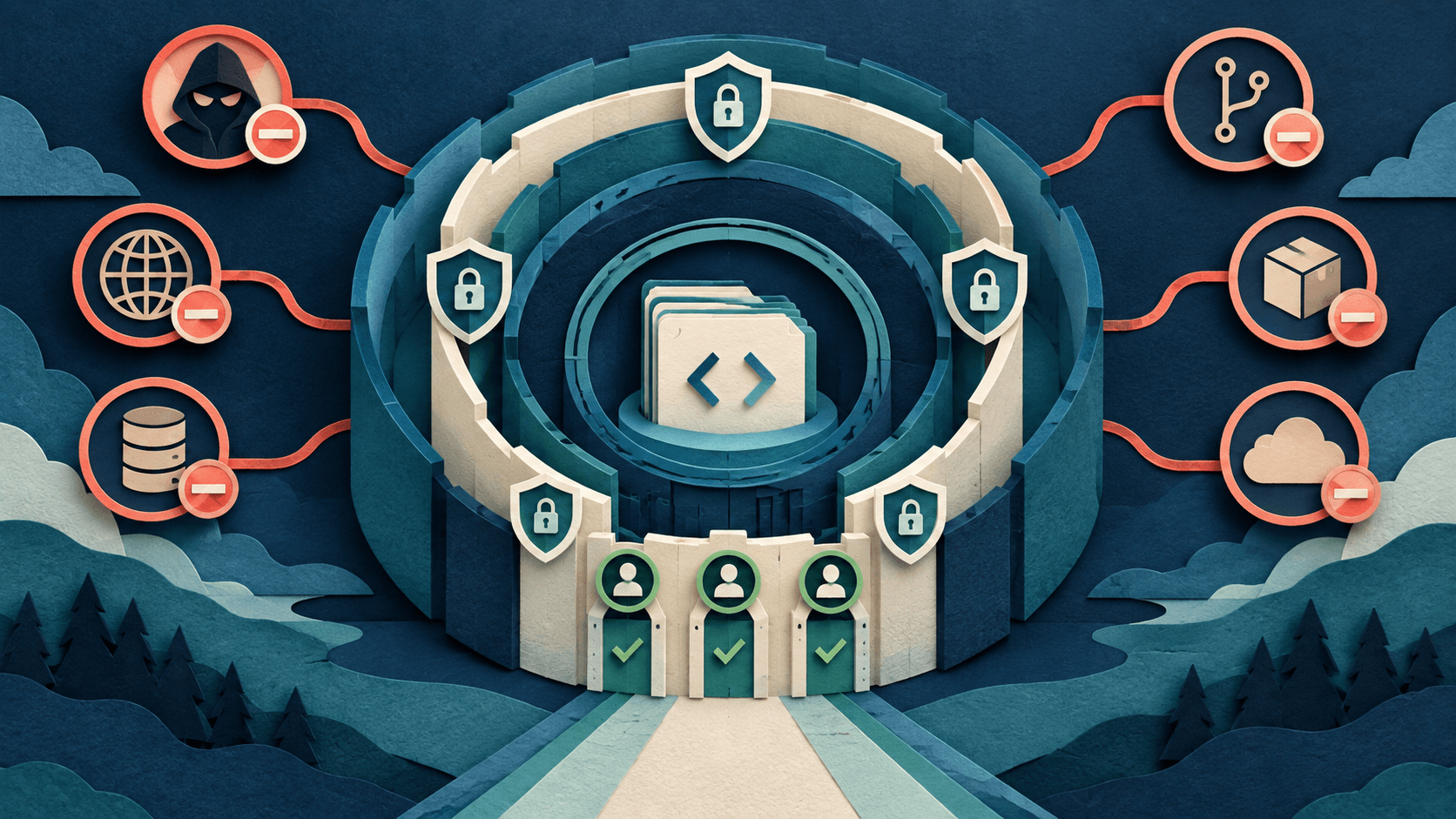
Give coding agents read access only to required repositories and docs, write access only in an isolated branch, and network access only to allowlisted destinations. Keep production secrets, deploys, database writes, infrastructure changes, package publishing, and destructive commands behind separate credentials and explicit approval. Log prompts, calls, approvals, commands, diffs, tests, and external actions.
Editorial accountability
Who checked this guide
- Evaluation type
- Research-based verification
- Last materially checked
- Evidence
- 4 listed sources
Hands-on testing is identified explicitly. Research-based coverage uses cited product documentation and other named sources; it does not imply every paid plan was used. Read the full methodology.
Editorial basis
What this guidance is based on
- Editorial basis
- Source-led analysis
- Primary references
- 4
- Products covered
- 3
- Last checked
- 2026-09-26
Important limits
- • Features, prices, limits, and model availability can change.
- • Vendor claims are not independent proof of outcomes.
In this guide
Short answer
Give coding agents read access only to required repositories and docs, write access only in an isolated branch, and network access only to allowlisted destinations. Keep production secrets, deploys, database writes, infrastructure changes, package publishing, and destructive commands behind separate credentials and explicit approval. Log prompts, calls, approvals, commands, diffs, tests, and external actions.
Free AI governance buyer checklist
Know what the tool can read, write, retain, and trigger.
Get a checklist for access, evidence, security, ownership, and rollback—plus one decision-ready briefing a week.
Permission matrix
Define permissions by resource and action: source, configuration, secrets, shell, network, packages, Git, CI, artifacts, databases, cloud, issues, and deployments. Choose deny, read, bounded write, approval, or automated write. Avoid one broad token spanning systems.
Safe default
Use a disposable workspace, non-production branch, read-only issues, no secrets, restricted environment, sandboxed shell, denied network by default, allowlisted registries and docs, no force push, no protected-branch write, and no deploy credentials.
Injection and dependencies
Files, issues, package metadata, docs, web pages, and command output can contain hostile instructions. Treat them as untrusted data. Pin dependencies where practical, inspect lifecycle scripts, block arbitrary downloads, and approve new packages.
Logs and response
Retain requests, plans, calls, approvals, denials, commands, network destinations, changed files, diffs, tests, versions, and identity. Review unusual credential, network, or protected-file behavior. Preserve a kill switch and token revocation.
Graduate access
Start in observation mode, then isolated writes, selected commands, and later bounded external actions. Promotion requires accepted output and zero unresolved severe events over a defined sample. Production stays a separate controlled path.
Sources and verification
Product details and claims were checked against the following primary sources.
Frequently asked questions
Should an agent have production access?
Not by default. Keep production behind separate deployment, approval, identity, and audit controls.
What is the safest starting permission?
Read-only access to a disposable repository copy with no secrets and denied outbound network.
Can repository text contain prompt injection?
Yes. Issues, comments, docs, logs, and fetched content are untrusted input.
What should teams log?
Log requests, plans, calls, approvals, commands, network access, diffs, tests, identities, versions, and actions.
Recommended tool
Use Cursor if this workflow fits your team
It has one of the clearest workflow fits in its category and is easier to recommend than tools that only look impressive in demos.
Tools mentioned in this article
Cursor
The AI-first code editor that feels like the future of programming
Cursor is a VS Code fork rebuilt from the ground up around AI. It understands your entire codebase and can make multi-file changes with natural language commands.
Claude
Anthropic's thoughtful, safety-focused AI with exceptional long-form reasoning
Claude excels at deep analysis, long-form writing, and nuanced reasoning. Built by Anthropic with a focus on safety and helpfulness.
GitHub Copilot
The AI pair programmer that lives inside your editor
GitHub Copilot is the most widely adopted AI coding assistant, deeply integrated into VS Code, JetBrains, and GitHub itself.
Read next