In this guide
The Short Answer
AI agents are the most significant shift in business AI since ChatGPT launched. But the gap between what's technically possible and what's reliable enough for your business is still real. Our analysis of the current landscape, informed by the 2026 World AI Conference (WAIC) demonstrations and real-world deployments, leads to this assessment:
What's ready now: Single-purpose agents for well-defined tasks — appointment scheduling, customer service triage, email sorting and response drafting, data entry, and calendar management — are production-ready for small businesses. Tools like ChatGPT's scheduled tasks, Claude's tool use capabilities, and specialized agents from Zapier and Make can reliably handle bounded, rule-based workflows.
What's emerging but not mature: Multi-step autonomous agents that operate across multiple applications with minimal oversight are available but require significant setup and monitoring. The "AI employee" that independently runs your customer support, manages your social media, and handles your bookkeeping without human review is a demo-floor fantasy, not a business reality.
What's still years away: Fully autonomous business operations where an AI agent makes strategic decisions, handles edge cases gracefully, and requires no human oversight. The technology is advancing rapidly, but the reliability threshold for handing over business-critical processes hasn't been crossed.
Your practical starting point: identify 2-3 repetitive, well-defined tasks that consume employee time without requiring complex judgment. Deploy single-purpose agents for those, measure the results, and expand from there. The businesses winning with AI agents in 2026 aren't replacing their staff — they're freeing their staff from the tasks that shouldn't require a human in the first place.
Free workflow pilot checklist
Test the workflow before you buy the tool.
Get the buyer checklist, including task, owner, approval, fallback, and time-saved fields—plus one useful briefing a week.
What Changed: WAIC 2026 and the Agent Pivot
The 2026 World AI Conference (July 17-20, Shanghai) made one thing unmistakably clear: the AI industry has collectively pivoted from building better chatbots to building autonomous agents. The shorthand from conference speakers — AI is moving "from talking to doing" (从"会说话"到"能干活") — captured the mood precisely.
Key developments showcased at WAIC 2026:
- OS-level agents: Phone operating systems now include AI agents that can navigate apps, fill forms, and complete multi-app workflows. An AI agent that books a restaurant reservation by searching OpenTable, checking your calendar for conflicts, and sending a confirmation text is no longer a demo — it's shipping.
- Enterprise agent platforms: Major cloud providers and SaaS platforms launched agent orchestration tools that let businesses chain AI actions across their existing software stack — CRM, email, project management, accounting.
- The "One-Person Company" (OPC) model: A notable trend among young entrepreneurs showcased at WAIC: solo founders using a constellation of AI agents to handle marketing, customer service, operations, and administration, effectively running what would have required a 5-10 person team just two years ago.
- Wearable agents: AI agents integrated into smart glasses, watches, and earbuds that provide contextual assistance throughout the day — real-time translation during meetings, meeting note transcription with action item extraction, and proactive reminders based on location and calendar.
The underlying technology shift: large language models are no longer just text generators — they're reasoning engines that can plan multi-step actions, use tools (APIs, databases, applications), and recover from errors. This "agentic AI" architecture — LLM as the brain, tools as the hands — is what separates 2024-2025 chatbots from 2026 agents.
What AI Agents Can Actually Do Today (July 2026)
Separating real capabilities from vendor hype is essential. Here's an honest inventory:
Customer service triage: AI agents can read incoming customer emails or chat messages, categorize them, draft responses for common inquiries, escalate complex issues to human staff, and track resolution status. Small businesses using AI customer service agents report handling 40-60% of initial inquiries without human involvement while maintaining customer satisfaction comparable to human-only support for routine issues.
Appointment and calendar management: Agents can negotiate meeting times across multiple calendars, send invitations, handle rescheduling, and manage booking for services like consultations, classes, and appointments. The technology works well for simple scheduling but struggles with the nuance of priority-based calendar management ("this meeting is important but not urgent; that one can move").
Email triage and response: AI can sort incoming email by urgency and category, draft responses for routine messages, flag emails requiring human attention with context summaries, and follow up on unanswered messages. Small businesses report saving 5-10 hours per week on email management with well-configured agents.
Data entry and processing: Agents can extract information from emails, PDFs, and forms, enter it into CRMs, spreadsheets, or databases, and flag inconsistencies or missing information. This is one of the most reliably useful agent applications for small businesses.
Social media management: Agents can draft posts, schedule content, and respond to comments within defined parameters. However, the line between "helpful automation" and "sounding like a robot" is thin — most businesses find agents useful for drafting and scheduling but keep a human in the loop for engagement and community management.
What agents can't reliably do yet: Make strategic decisions requiring business judgment, handle novel situations that fall outside their defined parameters, maintain nuanced brand voice in unscripted interactions, or operate safely without some form of human oversight for business-critical processes.
The Practical Framework: Which Tasks Should You Agent-ify?
Not every task benefits from an AI agent. Use this framework to evaluate:
Good candidates for AI agents:
- Repetitive and high-volume (many similar instances)
- Well-defined rules and decision criteria
- Low cost of error (a mistake is annoying, not catastrophic)
- Current human time cost is measurable
- The task is a bottleneck or time drain for skilled staff
Bad candidates for AI agents:
- High-stakes decisions with legal, financial, or safety consequences
- Tasks requiring deep contextual understanding of your specific business or relationships
- Creative or strategic work where the value is in the human perspective
- Customer interactions where personal relationships are the competitive advantage
- Novel or one-off situations where there's no pattern for the agent to follow
The ROI test: Before deploying any agent, answer: "If the agent makes a mistake on this task, what happens and how would we catch it?" If the answer is "we wouldn't catch it and the consequences would be serious," that task isn't ready for an AI agent regardless of how much time it would save.
How to Start With AI Agents: A 30-Day Plan
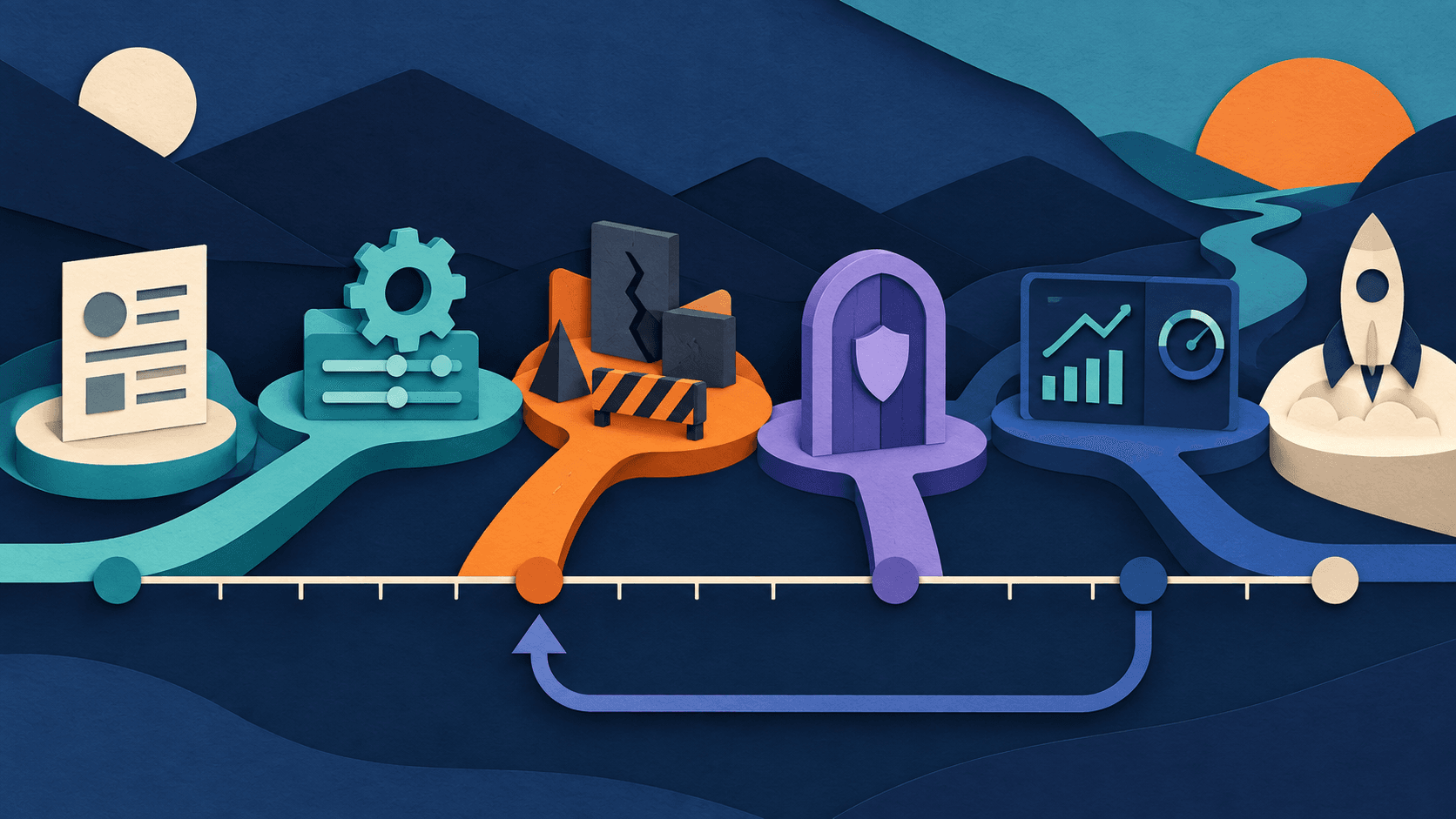
Week 1 — Audit: List every repetitive task your team does. Categorize by volume, time cost, and error risk. Identify 2-3 low-risk, high-volume tasks.
Week 2 — Test: Set up an AI agent for one task. Use existing tools (ChatGPT's scheduled tasks, Claude with tool use, Zapier AI agents, or Make scenarios). Run parallel to your current process — agent handles the task, human reviews the output, you compare results.
Week 3 — Measure: Track: time saved, error rate, escalation rate (how often the agent needed human help), and team satisfaction. If the agent handles 70%+ of instances correctly with acceptable errors on the rest, it's ready for wider deployment.
Week 4 — Expand or abandon: If results are positive, expand the agent's scope or add a second task. If results are disappointing, abandon or reconfigure. Not every task is right for an agent, and forcing it wastes more time than it saves.
Transparency
How this guide was checked
Editorial accountability
Who checked this guide
- Evaluation type
- Research-based verification
- Last materially checked
- Evidence
- 4 listed sources
Hands-on testing is identified explicitly. Research-based coverage uses cited product documentation and other named sources; it does not imply every paid plan was used. Read the full methodology.
Editorial basis
What this guidance is based on
- Editorial basis
- Source-led analysis
- Primary references
- 4
- Products covered
- 3
- Last checked
- 2026-07-26
Important limits
- • Features, availability, and pricing can change after publication; confirm consequential details with the provider.
Sources and references
References cited by this article. Check the original source for scope, dates and current terms.
Frequently asked questions
What's the difference between an AI chatbot and an AI agent?
A chatbot responds to your prompts and generates text — you ask, it answers, the interaction ends. An AI agent receives a goal, plans the steps to achieve it, takes actions across multiple tools or applications, and continues working until the task is complete or it needs human input. Think of a chatbot as a very smart colleague you consult, and an agent as a very junior employee you delegate to. The chatbot helps you think; the agent helps you do. This distinction is why 2026 is being called the year of agents — the technology has crossed the threshold from generating text about a task to actually performing the task.
Are AI agents safe to use with customer data?
AI agents access and process data — customer emails, calendar details, CRM records — which raises legitimate privacy concerns. The safety depends on: (1) the agent platform's data handling practices (does it store, train on, or share your data?), (2) the permissions you grant the agent (can it read everything in your email, or only specific folders?), and (3) your industry's regulatory requirements (healthcare, legal, and financial services have specific data-handling rules AI agents may complicate). Before deploying any agent, review the platform's data policy, grant the minimum necessary permissions, and ensure you're not violating any industry regulations or customer agreements. For sensitive data, consider agents that process data locally or within your existing cloud infrastructure rather than sending it to external AI providers.
How much do AI agents cost for a small business?
Costs range from free to several hundred dollars per month depending on complexity. Entry-level: ChatGPT Plus ($20/month) includes basic scheduled tasks and can be configured for simple agent-like behavior. Mid-range: Zapier AI agents and Make scenarios ($20-80/month) provide multi-app automation with AI decision-making. Advanced: dedicated agent platforms ($50-300/month) offer sophisticated multi-step agents with monitoring, error handling, and team collaboration features. Most small businesses can start with tools they already have — ChatGPT Plus or a Zapier subscription — before evaluating dedicated agent platforms. The bigger cost consideration is staff time for setup and monitoring, which typically exceeds the software subscription cost in the first 2-3 months.
Will AI agents replace my employees?
For the vast majority of small businesses in 2026, AI agents are augmenting employees, not replacing them. The businesses getting the most value from agents are using them to eliminate the parts of jobs that employees dislike — repetitive data entry, email triage, scheduling back-and-forth — freeing people for higher-value work that requires judgment, creativity, and human connection. The "One-Person Company" model showcased at WAIC 2026 is real but primarily applies to digital-native businesses (SaaS, content, consulting) started from scratch with AI agents in mind. For existing small businesses with established teams, the more practical path is gradual augmentation: deploy agents for specific tasks, let employees focus on what humans do best, and let natural attrition or role evolution handle any staffing changes over time.
Tools mentioned in this article
ChatGPT
The general-purpose AI assistant that started it all
OpenAI's flagship conversational AI model, powering everything from casual chat to complex reasoning, coding, and creative work.
Claude
Anthropic's thoughtful, safety-focused AI with exceptional long-form reasoning
Claude excels at deep analysis, long-form writing, and nuanced reasoning. Built by Anthropic with a focus on safety and helpfulness.
Read next