In this guide
Short answer
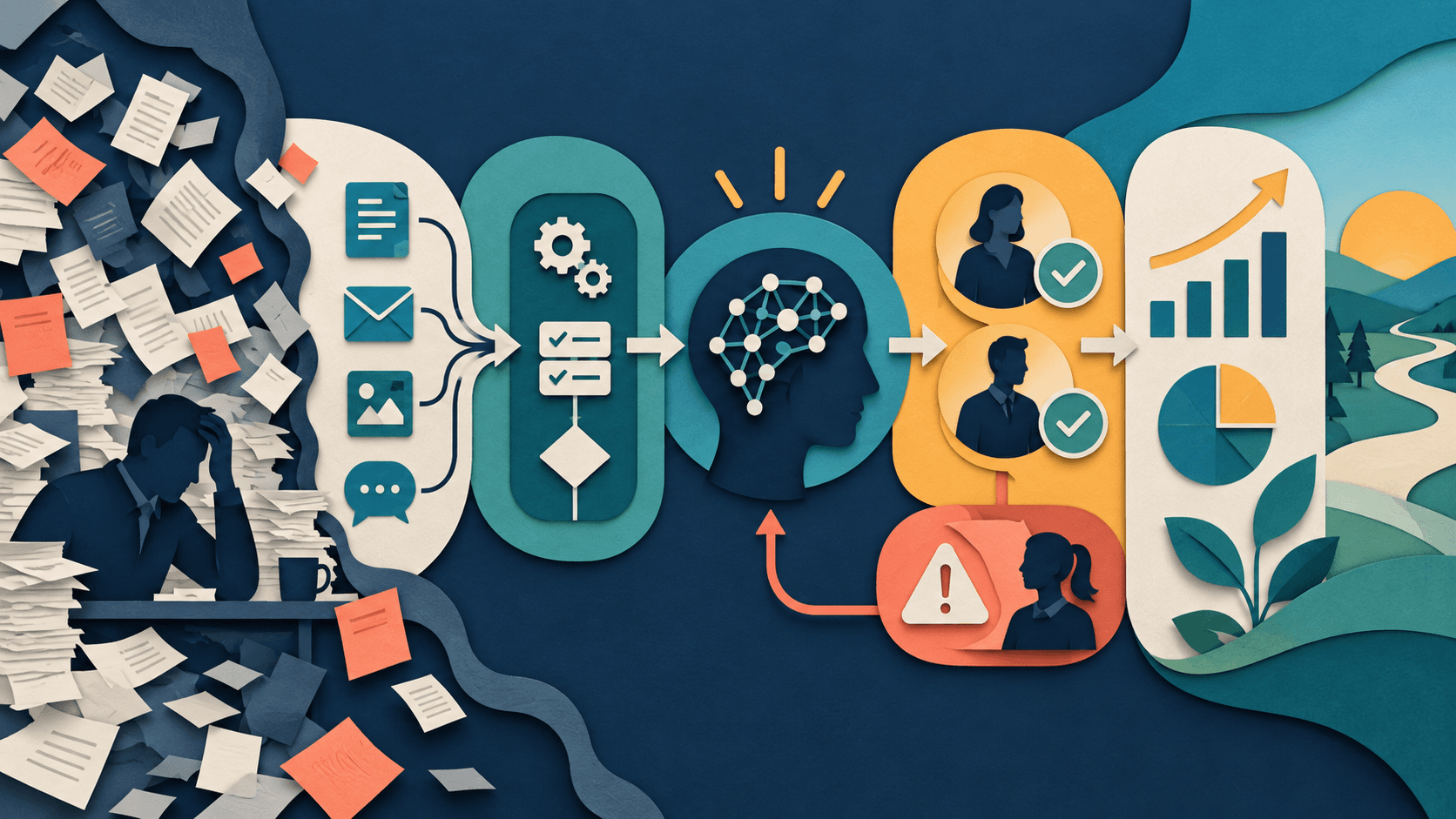
Document the workflow as trigger, inputs, deterministic rules, judgment steps, system actions, handoffs, exceptions, approval points, and a final outcome. Add AI only to the judgment steps where probabilistic interpretation creates enough value to justify review and failure handling.
Free workflow pilot checklist
Test the workflow before you buy the tool.
Get the buyer checklist, including task, owner, approval, fallback, and time-saved fields—plus one useful briefing a week.
Start with the current state
Observe real work rather than the official procedure. Sample normal, incomplete, duplicated, urgent, and sensitive cases; record wait time, rework, systems, and who resolves ambiguity.
Separate rules from judgment
Use ordinary automation for exact transformations and known routing. Use AI for classification, extraction from messy inputs, summarization, or drafting—then constrain the schema and confidence path.
Design the failure path first
Specify what happens on low confidence, malformed output, unavailable models, duplicate actions, revoked access, and human disagreement. A workflow is not production-ready when success is its only designed state.
What readers should do
Run 50 historical cases through the mapped design without taking live actions. Compare the proposed output with the actual approved outcome, measure review time and error severity, then decide whether AI reduces total work.
Claims were checked against the linked primary sources on September 18, 2026. Company-reported results, forecasts, and beta expectations are attributed evidence—not independent guarantees.
Transparency
How this guide was checked
Editorial accountability
Who checked this guide
- Evaluation type
- Research-based verification
- Last materially checked
- Evidence
- 4 listed sources
Hands-on testing is identified explicitly. Research-based coverage uses cited product documentation and other named sources; it does not imply every paid plan was used. Read the full methodology.
Editorial basis
What this guidance is based on
- Editorial basis
- Source-led analysis
- Primary references
- 4
- Products covered
- 3
- Last checked
- 2026-09-18
Important limits
- • Announcements and internal measurements may not generalize to other organizations.
- • Availability, policy, pricing, and product behavior can change.
Sources and references
References cited by this article. Check the original source for scope, dates and current terms.
Frequently asked questions
What should be mapped before adding AI?
Triggers, inputs, rules, judgment, systems, owners, handoffs, exceptions, approvals, and the outcome measure.
Which steps should use AI?
Only ambiguous language or pattern tasks where value exceeds review and failure costs.
Should deterministic steps use an LLM?
Usually no. Exact rules are generally cheaper and more reliable in ordinary automation.
How many cases should a pilot use?
Start with at least 50 representative historical cases, including failures and edge cases.
Recommended tool
Use ChatGPT if this workflow fits your team
It has one of the clearest workflow fits in its category and is easier to recommend than tools that only look impressive in demos.
Tools mentioned in this article
ChatGPT
The general-purpose AI assistant that started it all
OpenAI's flagship conversational AI model, powering everything from casual chat to complex reasoning, coding, and creative work.
Claude
Anthropic's thoughtful, safety-focused AI with exceptional long-form reasoning
Claude excels at deep analysis, long-form writing, and nuanced reasoning. Built by Anthropic with a focus on safety and helpfulness.
Zapier AI
A practical AI tool for productivity workflows
Zapier AI helps professionals improve productivity workflows with AI-assisted drafting, automation, analysis, or production features.
Read next
Recommended for you
Where Can Small Businesses Discover Reliable AI Tools?
Use independent evaluations to build a shortlist, first-party documentation to verify current terms, and a controlled pilot to prove the tool works in your business.
A practical guide to finding reliable AI tools for a small business, checking pricing and privacy claims, and testing one workflow before subscribing.
Read guide
AI Implementation for Small Business: Launch Your First Workflow in 30 Days
How to Automate Business Tasks With Zapier and AI in 2026
Build an AI Agent Permission Matrix Before You Connect Real Systems