Build an AI Agent Permission Matrix Before You Connect Real Systems
An agent should not inherit every permission its installer has; define the smallest access needed for each task and consequence.
Bottom line
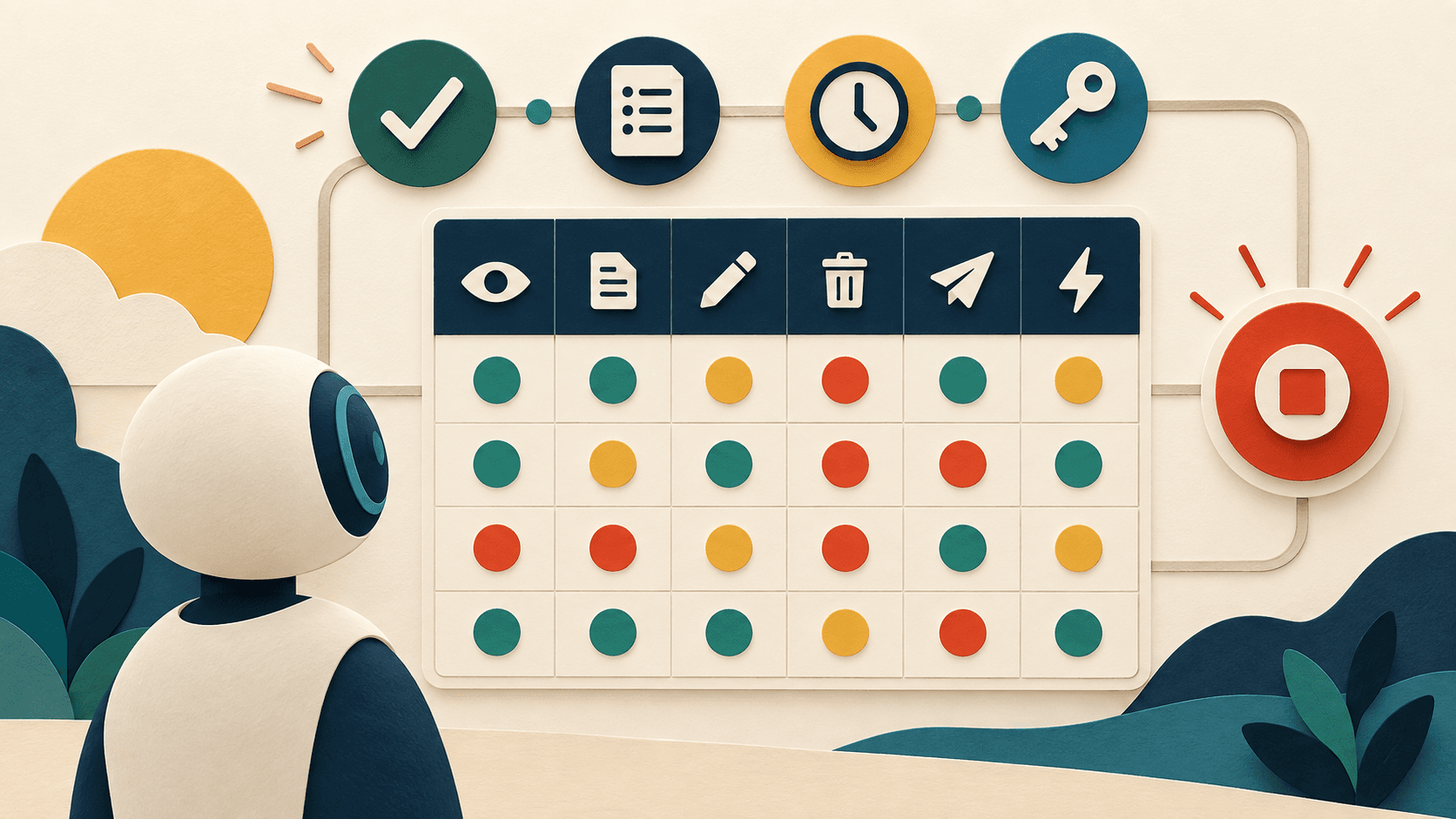
Create one row for every agent-to-system connection and columns for data scope, read, create, update, delete, send, trigger, retention, approval, logging, owner, credential, expiry, and emergency revocation. Default every cell to denied, grant the narrowest task-specific access, separate drafting from execution, and test each allowed and forbidden path before production.
Editorial accountability
Who checked this guide
- Evaluation type
- Research-based verification
- Last materially checked
- Evidence
- 4 listed sources
Hands-on testing is identified explicitly. Research-based coverage uses cited product documentation and other named sources; it does not imply every paid plan was used. Read the full methodology.
Editorial basis
What this guidance is based on
- Editorial basis
- Source-led analysis
- Primary references
- 4
- Products covered
- 3
- Last checked
- 2026-09-23
Important limits
- • Vendor tests and launch claims may not generalize to other users or workloads.
- • Availability, policy, pricing, and product behavior can change.
In this guide
Short answer
Create one row for every agent-to-system connection and columns for data scope, read, create, update, delete, send, trigger, retention, approval, logging, owner, credential, expiry, and emergency revocation. Default every cell to denied, grant the narrowest task-specific access, separate drafting from execution, and test each allowed and forbidden path before production.
Free AI governance buyer checklist
Know what the tool can read, write, retain, and trigger.
Get a checklist for access, evidence, security, ownership, and rollback—plus one decision-ready briefing a week.
Inventory actions, not just apps
'Connected to CRM' is too vague. Separate contacts, notes, opportunities, exports, bulk updates, email sends, webhooks, and administration. Record whether the agent can act on one record, a filtered set, or the entire workspace, and whether it can chain one permission into another system.
Match approval to consequence
Low-risk retrieval can be automatic when access is correct. External communication, financial changes, deletion, access grants, legal commitments, regulated decisions, and bulk mutations usually need deterministic checks or human approval. Define who approves, what evidence they see, and when approval expires.
Make revocation and evidence real
Use a distinct service identity where possible, short-lived credentials, scoped tokens, complete action logs, stable request IDs, rate limits, and a kill switch independent of the model. Test terminated users, expired tokens, revoked documents, prompt injection, duplicate triggers, and unavailable approvers.
What readers should do
Start with the highest-consequence agent. Export its tool list, create one row per action, mark every permission denied, and add only what one defined workflow requires. Have the system owner and security owner approve the matrix, run positive and negative tests, schedule a 30-day access review, and rehearse revocation before launch.
Claims were checked against the linked sources on September 23, 2026. Company announcements, demonstrations, and benchmark results are attributed evidence, not independent guarantees.
Sources and verification
Product details and claims were checked against the following primary sources.
Frequently asked questions
What is an AI agent permission matrix?
It is a record of every system and action an agent may access, the data scope, approval level, logging, credential, owner, expiry, and revocation path.
Should an AI agent use a human administrator account?
Avoid it where possible. A dedicated, scoped service identity makes least privilege, logging, rotation, and revocation easier to enforce.
Which agent actions need human approval?
Require approval based on consequence, especially for external sends, deletion, money, access changes, legal commitments, regulated decisions, and bulk writes.
How often should AI agent permissions be reviewed?
Review before launch, after workflow or connector changes, after incidents, when owners change, and on a recurring risk-based schedule.
Recommended tool
Use ChatGPT if this workflow fits your team
It has one of the clearest workflow fits in its category and is easier to recommend than tools that only look impressive in demos.
Tools mentioned in this article
ChatGPT
The general-purpose AI assistant that started it all
OpenAI's flagship conversational AI model, powering everything from casual chat to complex reasoning, coding, and creative work.
Claude
Anthropic's thoughtful, safety-focused AI with exceptional long-form reasoning
Claude excels at deep analysis, long-form writing, and nuanced reasoning. Built by Anthropic with a focus on safety and helpfulness.
Zapier AI
A practical AI tool for productivity workflows
Zapier AI helps professionals improve productivity workflows with AI-assisted drafting, automation, analysis, or production features.
Read next
Recommended for you
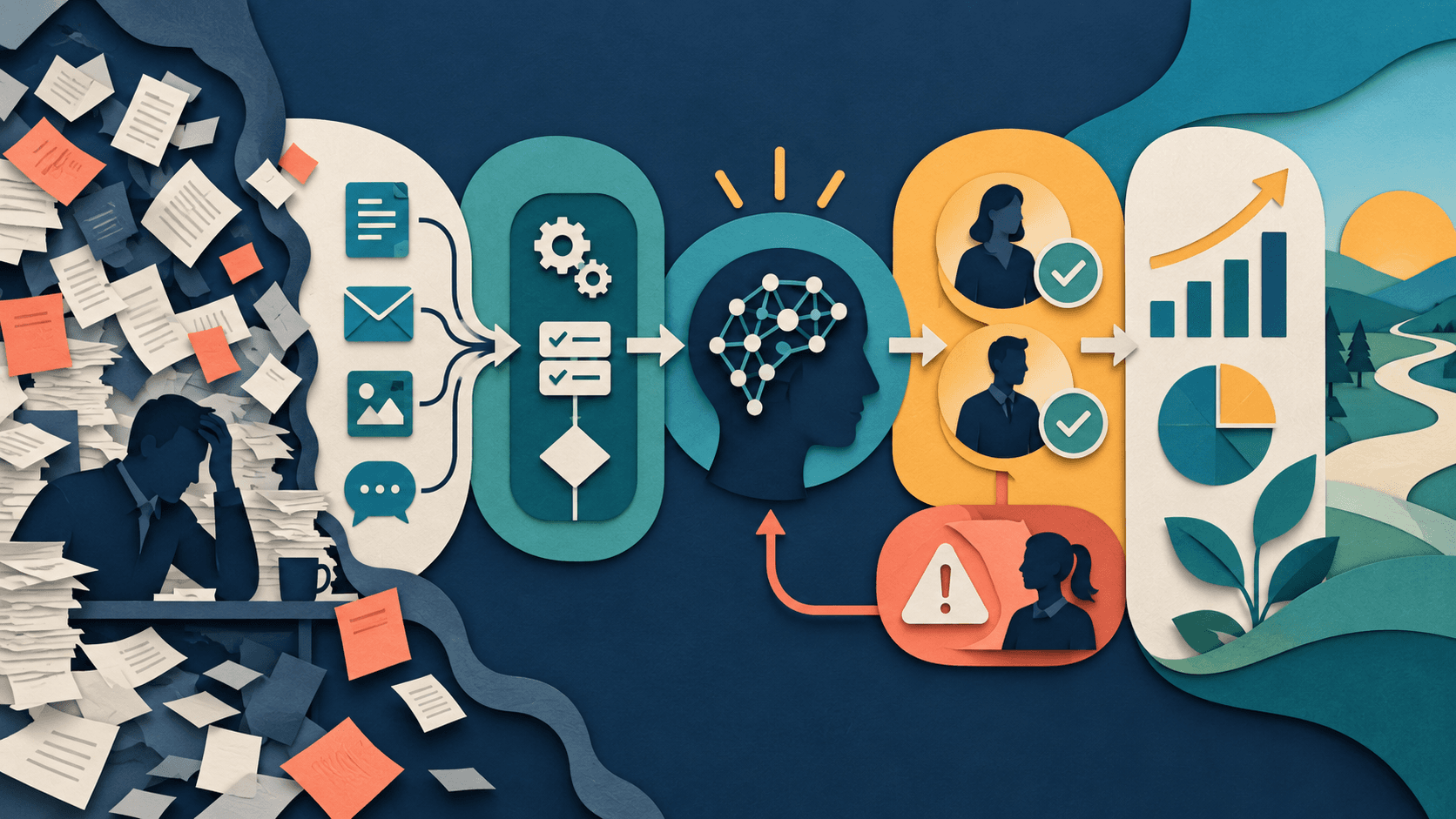
How to Map a Workflow Before Adding AI
The safest AI integration starts on paper: make the work, owners, exceptions, and success measure visible before selecting a model.
Document the workflow as trigger, inputs, deterministic rules, judgment steps, system actions, handoffs, exceptions, approval points, and a final outcome. Add AI only to the judgment steps where probabilistic interpretation creates enough value to justify review and failure handling.
Read guide
AI Implementation for Small Business: Launch Your First Workflow in 30 Days
How to Automate Business Tasks With Zapier and AI in 2026
Best AI Tools Under $50 a Month for Small Business in 2026