In this guide
*This is a research-based guide, not a claim that every named product was tested in every business environment. Prices, limits, discounts, and features were checked against the linked first-party pages on September 15, 2026 and can change.*
Free workflow pilot checklist
Test the workflow before you buy the tool.
Get the buyer checklist, including task, owner, approval, fallback, and time-saved fields—plus one useful briefing a week.
The short answer
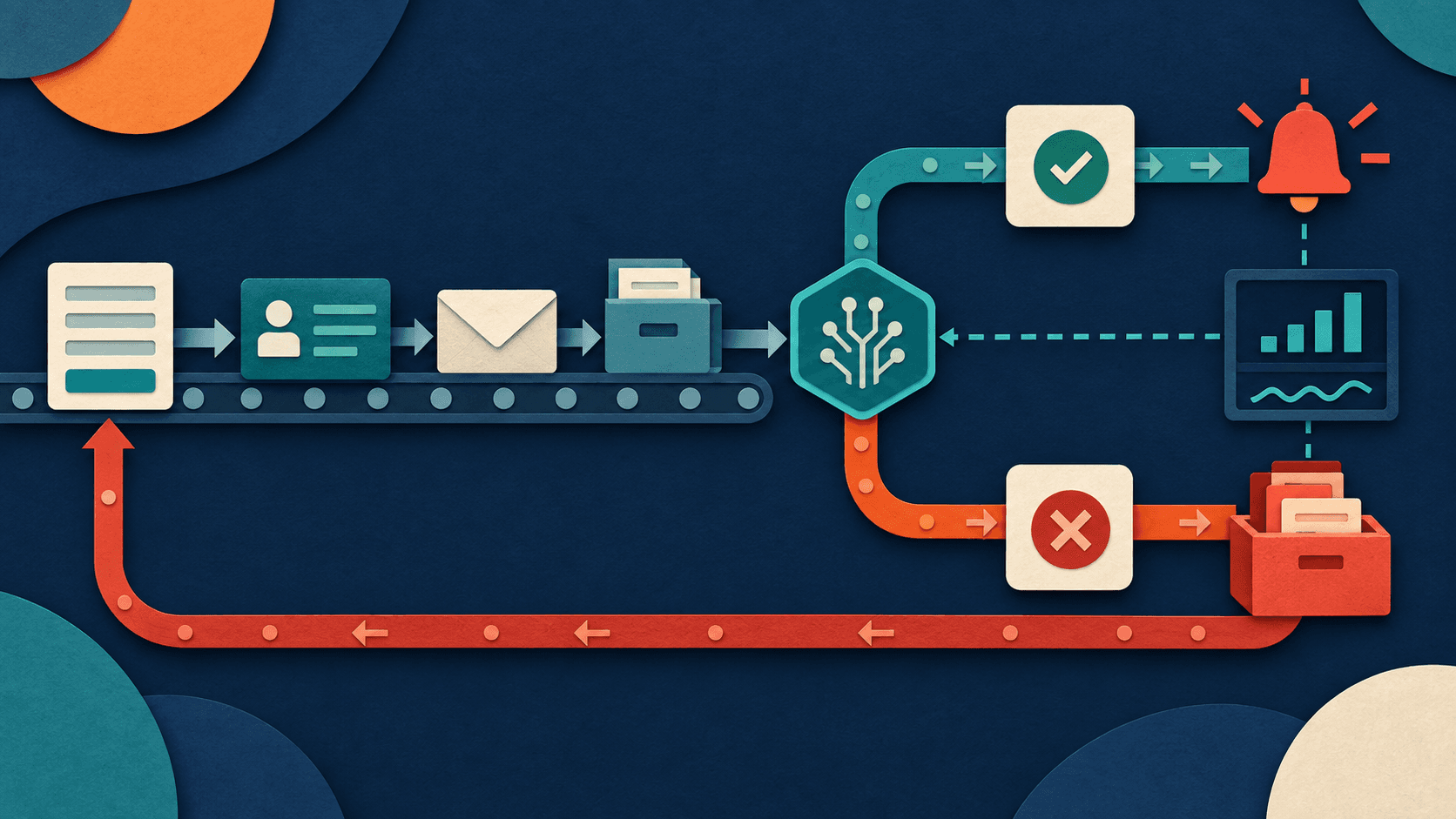
Start with a frequent, rules-based handoff such as routing a website lead, creating a CRM record, drafting a follow-up, or saving an invoice attachment. Map the trigger, required fields, deterministic actions, AI step, approval gate, exception path, and success record before opening Zapier. Use AI for classification or drafting—not for steps that a fixed rule can perform more reliably.
| Workflow layer | Example | Control |
|---|---|---|
| Trigger | Form submitted | Validate source and consent |
| Deterministic step | Create CRM contact | Deduplicate by stable ID |
| AI step | Classify intent, draft reply | Constrain output and confidence |
| Human gate | Approve external message | Show source data and changes |
| Recovery | Alert owner, queue retry | Never fail silently |
Choose the first automation
Good first candidates happen several times a week, follow a recognizable pattern, have clean inputs, and are reversible. Avoid payroll, account deletion, refunds, legal notices, hiring decisions, medical information, or large financial transfers. Estimate manual minutes, monthly volume, error cost, and systems touched before building.
Build the Zap
Connect the least-privileged accounts available. Test the trigger with representative records, map every field explicitly, add filters before paid actions, and use stable identifiers for deduplication. If an AI step returns structured data, validate the schema and route low-confidence or malformed results to review. Put external messages, record changes, and money movement behind approval until evidence supports narrower automation.
Price the complete workflow
Zapier plan prices are not the whole cost. Model successful and failed tasks, premium applications, AI or agent usage, model charges, retries, storage, reviewer time, and maintenance. A five-step workflow executed 1,000 times is not economically equivalent to a single-step Zap. Confirm which steps count as tasks under the current plan.
A practical buyer test
Shadow the automation for one week without allowing irreversible actions. Compare its decisions with the human process, seed duplicates and missing fields, disconnect an app, exceed an API rate limit, and insert adversarial text into a document. Launch gradually with alerts and a named owner after recovery behavior is proven.
Risks and boundaries
AI steps are nondeterministic, and connected automation expands the blast radius of a mistake. Limit scopes, keep secrets out of prompts, validate outputs, log decisions, cap spending, and provide a manual queue. Never assume a successful Zap run means the business outcome was correct.
The verdict
The right AI purchase is the smallest dependable system that improves a measured business outcome. Start with one owner, one workflow, representative inputs, a review gate, and a stop condition. Expand only after the pilot reduces total work—including checking and correction—without creating unacceptable privacy, accuracy, security, or customer-trust risk.
Continue with the small-business AI readiness guide, the 30-day implementation workflow, or the AI tools under $50 budget guide.
Transparency
How this guide was checked
Editorial accountability
Who checked this guide
- Evaluation type
- Research-based verification
- Last materially checked
- Evidence
- 4 listed sources
Hands-on testing is identified explicitly. Research-based coverage uses cited product documentation and other named sources; it does not imply every paid plan was used. Read the full methodology.
Editorial basis
What this guidance is based on
- Editorial basis
- Source-led analysis
- Primary references
- 4
- Products covered
- 3
- Last checked
- 2026-09-15
Important limits
- • Features, availability, and pricing can change after publication; confirm consequential details with the provider.
Sources and references
References cited by this article. Check the original source for scope, dates and current terms.
Frequently asked questions
What business tasks can Zapier automate?
Common candidates include lead routing, CRM updates, file organization, notifications, meeting follow-up, invoice intake, and draft communications.
Do I need AI in every Zap?
No. Use ordinary rules whenever the logic is known. Add AI only for interpretation, classification, extraction, or drafting that fixed logic cannot handle well.
How much does Zapier automation cost?
Cost depends on plan, task volume, premium apps, AI usage, retries, and maintenance. Model the complete multi-step workflow against accepted outcomes.
Should Zapier send AI-written emails automatically?
Begin with human approval. Remove the gate only for narrow, low-risk messages after representative testing shows acceptable accuracy and tone.
Recommended tool
Use Zapier AI if this workflow fits your team
It gives this category a focused option when a general chatbot starts feeling too broad or too manual.
Tools mentioned in this article
Zapier AI
A practical AI tool for productivity workflows
Zapier AI helps professionals improve productivity workflows with AI-assisted drafting, automation, analysis, or production features.
ChatGPT
The general-purpose AI assistant that started it all
OpenAI's flagship conversational AI model, powering everything from casual chat to complex reasoning, coding, and creative work.
Claude
Anthropic's thoughtful, safety-focused AI with exceptional long-form reasoning
Claude excels at deep analysis, long-form writing, and nuanced reasoning. Built by Anthropic with a focus on safety and helpfulness.
Read next