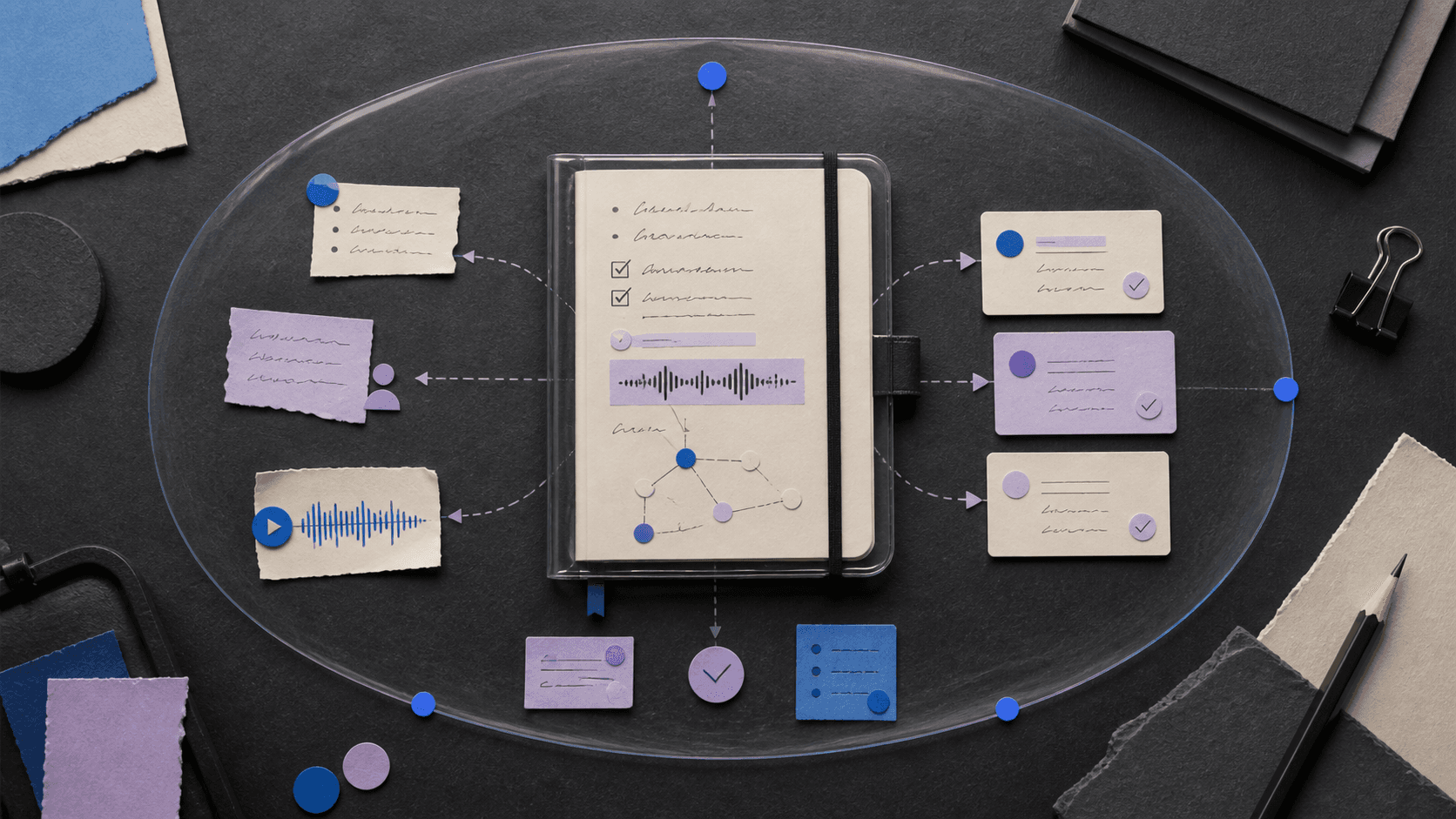
Tana Review 2026: AI Meetings, Notes, Pricing, and Privacy
A research-based Tana review covering capabilities, pricing, privacy, limitations, and a fair buyer test.

Bottom line
Tana can connect meetings, notes, tasks, and agents in one structured workspace, but its two-product transition, AI-credit economics, consent, and still-maturing compliance posture require careful evaluation.
The decision
Should you choose Tana?
Tana earns a shortlist for teams that genuinely want meetings to produce structured work, not just summaries. Delay a broad rollout until the exact product, credit budget, compliance scope, action permissions, and migration path are contractually clear.
Best for
Meeting-heavy product and operations teams; Connected-notes users who value structure.
Choose something else if
Silent or unapproved recording; Buyers needing settled product migration terms
Evidence
Editorial research pending · 8.0/10
Pricing checked
From $20 · 2026-08-24
Free access is available, with limits.
Yes. The new Tana Free plan lists five hosted meetings and 50 AI queries; Tana Outliner has a separate free-plan boundary.
In this guide
Short answer
Tana is worth piloting for meeting-heavy teams that want decisions, tasks, knowledge, and follow-up to remain connected after a call. Its structured graph and agents are more ambitious than a conventional meeting recorder. The main buying risk is operational: the vendor currently distinguishes the new Tana meeting product from Tana Outliner, while pricing, AI credits, compliance scope, and migration details are still evolving.
Best for
- Meeting-heavy product and operations teams
- Connected-notes users who value structure
- Teams willing to design agent guardrails
Look elsewhere if
- Silent or unapproved recording
- Buyers needing settled product migration terms
- High-stakes autonomous actions
What Tana verifiably does
Tana documents hosted meetings, botless capture for Zoom, Teams, and Google Meet, transcripts and summaries, structured notes, agents, skills, custom types, integrations, and MCP. The new meeting product can use discussion and shared-screen context to draft documents or update connected work systems. Tana Outliner remains a separate connected-notes product with its own plans and help center.
Important limitations
Meeting capture still requires appropriate participant notice and consent. Transcripts, speaker identification, summaries, tasks, and agent actions can be wrong. AI usage is credit-limited, integrations expand the data path, and the public security overview said SOC 2 Type 2 certification for the new product was still in progress for Q3 2026 when reviewed. Buyers must verify current certification scope rather than infer it from roadmap language.
Pricing snapshot
The new Tana product lists Free at $0, Pro at an early-bird $20 per user/month, Max at an early-bird $80, and Business at custom annual pricing. Tana Outliner has separate Free, Plus, and Pro plans. Verify which product and credit allowance you are buying. Reviewed August 24, 2026.
A fair buyer test
Run ten approved meetings across planning, customer, and decision workflows. Compare transcript corrections, missed decisions, incorrect owners, agent-action reversals, follow-up time, AI-credit use, integration permissions, exports, and participant comfort against your current notes and task system.
Final verdict
Tana earns a shortlist for teams that genuinely want meetings to produce structured work, not just summaries. Delay a broad rollout until the exact product, credit budget, compliance scope, action permissions, and migration path are contractually clear.
This is a research-based assessment, not a claim of hands-on product testing. Product, pricing, privacy, security, and usage claims were checked against the first-party sources below on August 24, 2026. Verify current terms and run the proposed test with approved data before adoption.
Transparency
How this guide was checked
Editorial accountability
Who checked this guide
- Evaluation type
- Hands-on evaluation
- Last materially checked
- Evidence
- 5 listed sources
Hands-on testing is identified explicitly. Research-based coverage uses cited product documentation and other named sources; it does not imply every paid plan was used. Read the full methodology.
Editorial freshness
Pricing and material product claims were checked August 24, 2026.
Review evidence
What this guidance is based on
- Editorial basis
- Current first-party product, pricing, help, security, privacy, and terms documentation
- Review type
- Research-based product assessment
- Material review date
- August 24, 2026
- Buyer test
- Controlled workflow test with output, correction, cost, permission, and ownership checks
Important limits
- • DiscoverAI did not complete the proposed long-term paid deployment for this research-based review.
- • Features, prices, limits, security controls, privacy terms, and usage rights can change; verify the linked first-party pages before purchase.
Standardized benchmark coverage
How this review maps to the research benchmark
Citation accuracy
Not applicableThe reviewed workflow does not produce source-grounded research answers, so a citation score would be misleading.
Read protocol v2026.10-v1 →Thematic analysis
Not applicableThe reviewed workflow is not qualitative evidence analysis, so a thematic-analysis score would be misleading.
Read protocol v2026.10-v1 →Eligibility is not a product score. DiscoverAI publishes results only after output collection, blinded adjudication, reproducibility checks, and severe-error review.
Open the optional evaluation worksheet
Reusable trial worksheet
Test Tana before you commit
Turn this review’s buyer test into evidence. Your entries autosave only in this browser and are never added to shared shortlist links.
Confirm the tool meets every must-have workflow and stakeholder requirement.
Review starting point: Meeting-heavy product and operations teams; Connected-notes users who value structure; Teams willing to design agent guardrails
Run the same representative work you would use in production; do not score a polished demo.
Review starting point: Run ten approved meetings across planning, customer, and decision workflows. Compare transcript corrections, missed decisions, incorrect owners, agent-action reversals, follow-up time, AI-credit use, integration permissions, exports, and participant comfort against your current notes and task system.
Calculate the effective cost per accepted result, including usage, review, corrections, and required add-ons.
Review starting point: The new Tana product lists Free at $0, Pro at an early-bird $20 per user/month, Max at an early-bird $80, and Business at custom annual pricing. Tana Outliner has separate Free, Plus, and Pro plans. Verify which product and credit allowance you are buying. Reviewed August 24, 2026.
Define an acceptance threshold, test known answers and edge cases, and record every correction.
Review starting point: Editorial quality signals: features 4.2/5; AI quality 4.0/5. Validate these signals in your own work.
Verify what data enters the product, who can access it, how long it is retained, and whether it trains models.
Review starting point: Use approved low-risk data first. Check roles, consent, deletion, subprocessors, model-training settings, and the contract—not only the marketing page.
Test the real handoffs, permissions, failure states, and export path your team depends on.
Review starting point: Zoom, Microsoft Teams, Google Meet, Jira, Linear, GitHub, HubSpot, MCP
Record training, governance, reliability, accessibility, ownership, and change-management risks before rollout.
Review starting point: Two-product positioning can confuse buyers; AI usage is credit-limited; Compliance claims require current scope verification
Loading saved worksheet… · private to this device or your optional account
Community evidence
How verified users put Tana to work
Structured, editor-moderated experience—not star ratings. This complements our independent review and never changes its score.
No approved community evidence yet. Be the first verified user to contribute.
Sources and verification
Product details and claims were checked against the following primary sources.
Frequently asked questions
Is Tana free?
Yes. The new Tana product lists a free plan with limited hosted meetings and AI queries; Tana Outliner has a separate plan structure.
How much does Tana cost?
The new product currently lists early-bird Pro at $20 per user/month and Max at $80, while Business is custom. Verify current pricing and credit limits.
Does Tana record meetings without a bot?
Tana advertises botless capture for Zoom, Teams, and Google Meet, plus meetings hosted inside Tana. Participants should still be notified and consent obtained where required.
Does Tana train AI on customer content?
Tana says its AI vendors do not use customer content for model training and describes contractual restrictions, but buyers should verify the current privacy policy, subprocessors, and contract.
Recommended tool
Use Tana if this workflow fits your team
Connects meetings to structured work
Tools mentioned in this article
Tana
An AI-native meeting and knowledge workspace that turns conversation into structured work
Tana can connect meetings, notes, tasks, and agents in one structured workspace, but its two-product transition, AI-credit economics, consent, and still-maturing compliance posture require careful evaluation.
Granola
Granola is a bot-free AI notepad that captures device audio, combines a transcript with a user's notes, and produces searchable meeting summaries
Granola is a bot-free AI notepad that captures device audio, combines a transcript with a user's notes, and produces searchable meeting summaries.
Fireflies.ai
An AI meeting assistant for transcription, summaries, search, action items, analytics, and follow-up
Fireflies can turn meetings into searchable follow-up, but consent, transcript accuracy, storage, AI credits, retention, and plan-specific governance determine whether it belongs in every call.
Notion AI
Workspace AI for search, meeting notes, research, and governed agents
Notion AI is a strong shortlist for teams whose maintained documents, projects, and knowledge already live in Notion. Business-plan cost, allowances, credits, permissions, and source quality determine its value.
Read next