screenpipe Review 2026: Local AI Memory, Pricing, and Privacy
A research-based screenpipe review covering capabilities, pricing, privacy, limitations, and a fair buyer test.
Bottom line
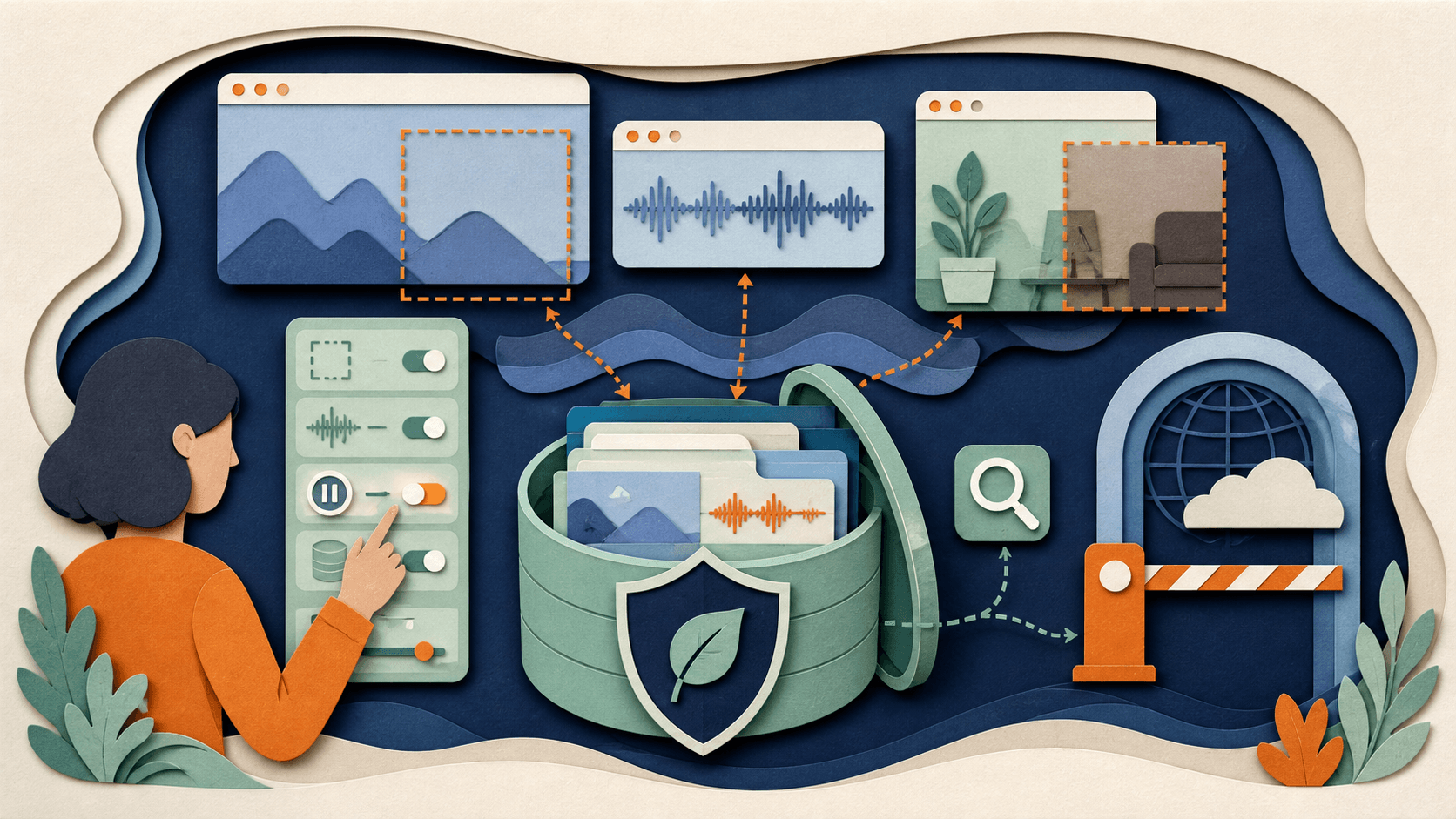
screenpipe offers unusually controllable local capture, search, MCP, and automation, but continuous recording creates serious consent, exclusion, storage, security, and review obligations.
The decision
Should you choose screenpipe?
screenpipe earns a shortlist for technical, privacy-conscious users willing to own configuration and auditing. It is a poor fit for unmanaged corporate deployment or anyone unwilling to map exactly what is captured, retained, searchable, and sent outward.
Best for
Technical users wanting local activity recall; Open-source and local-model workflows.
Choose something else if
Unmanaged workplace surveillance; Devices containing unfilterable sensitive data
Evidence
Editorial research pending · 8.0/10
Pricing checked
From $400 · 2026-08-24
Free access is available, with limits.
The project is open source, but packaged desktop access and associated services have their own commercial terms; verify the current license boundary.
In this guide
Short answer
screenpipe is worth evaluating for technical users who want searchable memory across screen activity and meetings while keeping capture and storage local by default. Its open-source code, REST API, MCP server, filters, and local-model options provide unusual control. Those controls do not make continuous capture inherently safe: exclusions, consent, device security, retention, and every optional cloud path must be configured deliberately.
Best for
- Technical users wanting local activity recall
- Open-source and local-model workflows
- Builders using REST or MCP
Look elsewhere if
- Unmanaged workplace surveillance
- Devices containing unfilterable sensitive data
- Users wanting zero-configuration privacy
What screenpipe verifiably does
screenpipe documents continuous screen and audio capture on macOS, Windows, and Linux; local search; OCR and accessibility text; meeting intelligence; app and window filters; pipes for scheduled automation; a localhost REST API; MCP access; many app connections; local models; and optional cloud services. Connection credentials are stored locally where a secure store is available.
Important limitations
Continuous capture can record passwords, health information, client material, private messages, copyrighted media, and people who have not consented. OCR, accessibility extraction, transcription, and semantic recall can be incomplete. Choosing a cloud model, transcription provider, sync/archive, LAN access, or connected application changes the local-only claim and introduces new permission and retention risks.
Pricing snapshot
Official comparison documentation listed a $400 lifetime desktop price when reviewed. Local or cloud model costs, transcription, storage/sync, and team or enterprise arrangements can change total cost. Verify the checkout and exact included services before purchase. Reviewed August 24, 2026.
A fair buyer test
Use a separate device profile for one approved week. Exclude password managers, banking, personal messages, and sensitive client apps before capture. Measure recall precision, missed context, storage growth, CPU impact, redaction misses, deletion, pause reliability, model data paths, and whether MCP or pipes expose more context than intended.
Final verdict
screenpipe earns a shortlist for technical, privacy-conscious users willing to own configuration and auditing. It is a poor fit for unmanaged corporate deployment or anyone unwilling to map exactly what is captured, retained, searchable, and sent outward.
This is a research-based assessment, not a claim of hands-on product testing. Product, pricing, privacy, security, and usage claims were checked against the first-party sources below on August 24, 2026. Verify current terms and run the proposed test with approved data before adoption.
Transparency
How this guide was checked
Editorial accountability
Who checked this guide
- Evaluation type
- Hands-on evaluation
- Last materially checked
- Evidence
- 5 listed sources
Hands-on testing is identified explicitly. Research-based coverage uses cited product documentation and other named sources; it does not imply every paid plan was used. Read the full methodology.
Editorial freshness
Pricing and material product claims were checked August 24, 2026.
Review evidence
What this guidance is based on
- Editorial basis
- Current first-party product, pricing, help, security, privacy, and terms documentation
- Review type
- Research-based product assessment
- Material review date
- August 24, 2026
- Buyer test
- Controlled workflow test with output, correction, cost, permission, and ownership checks
Important limits
- • DiscoverAI did not complete the proposed long-term paid deployment for this research-based review.
- • Features, prices, limits, security controls, privacy terms, and usage rights can change; verify the linked first-party pages before purchase.
Standardized benchmark coverage
How this review maps to the research benchmark
Citation accuracy
Not applicableThe reviewed workflow does not produce source-grounded research answers, so a citation score would be misleading.
Read protocol v2026.10-v1 →Thematic analysis
Not applicableThe reviewed workflow is not qualitative evidence analysis, so a thematic-analysis score would be misleading.
Read protocol v2026.10-v1 →Eligibility is not a product score. DiscoverAI publishes results only after output collection, blinded adjudication, reproducibility checks, and severe-error review.
Open the optional evaluation worksheet
Reusable trial worksheet
Test screenpipe before you commit
Turn this review’s buyer test into evidence. Your entries autosave only in this browser and are never added to shared shortlist links.
Confirm the tool meets every must-have workflow and stakeholder requirement.
Review starting point: Technical users wanting local activity recall; Open-source and local-model workflows; Builders using REST or MCP
Run the same representative work you would use in production; do not score a polished demo.
Review starting point: Use a separate device profile for one approved week. Exclude password managers, banking, personal messages, and sensitive client apps before capture. Measure recall precision, missed context, storage growth, CPU impact, redaction misses, deletion, pause reliability, model data paths, and whether MCP or pipes expose more context than intended.
Calculate the effective cost per accepted result, including usage, review, corrections, and required add-ons.
Review starting point: Official comparison documentation listed a $400 lifetime desktop price when reviewed. Local or cloud model costs, transcription, storage/sync, and team or enterprise arrangements can change total cost. Verify the checkout and exact included services before purchase. Reviewed August 24, 2026.
Define an acceptance threshold, test known answers and edge cases, and record every correction.
Review starting point: Editorial quality signals: features 4.2/5; AI quality 4.0/5. Validate these signals in your own work.
Verify what data enters the product, who can access it, how long it is retained, and whether it trains models.
Review starting point: Use approved low-risk data first. Check roles, consent, deletion, subprocessors, model-training settings, and the contract—not only the marketing page.
Test the real handoffs, permissions, failure states, and export path your team depends on.
Review starting point: Claude, ChatGPT, Codex, Ollama, Obsidian, Notion, n8n
Record training, governance, reliability, accessibility, ownership, and change-management risks before rollout.
Review starting point: Continuous recording creates high privacy risk; Optional cloud paths alter the data boundary; Technical setup and maintenance are substantial
Loading saved worksheet… · private to this device or your optional account
Community evidence
How verified users put screenpipe to work
Structured, editor-moderated experience—not star ratings. This complements our independent review and never changes its score.
No approved community evidence yet. Be the first verified user to contribute.
Sources and verification
Product details and claims were checked against the following primary sources.
Frequently asked questions
Is screenpipe free?
The code is open source, while the packaged desktop product and optional services have commercial terms. Verify the current license and checkout before adoption.
Does screenpipe keep data local?
Local capture and storage are the default, but cloud models, transcription, sync, archive, connections, or LAN access change the data path.
What does screenpipe record?
It can capture screen content, accessibility text, OCR, input-related events where available, and audio transcripts, subject to configured filters and permissions.
Can screenpipe connect to AI assistants?
Yes. It documents MCP and API connections for compatible assistants, but those connections can expose sensitive history and should be tightly scoped.
Recommended tool
Use screenpipe if this workflow fits your team
Local-first and open-source architecture
Tools mentioned in this article
screenpipe
An open-source, local-first memory layer for searchable screen and audio history
screenpipe offers unusually controllable local capture, search, MCP, and automation, but continuous recording creates serious consent, exclusion, storage, security, and review obligations.
Granola
Granola is a bot-free AI notepad that captures device audio, combines a transcript with a user's notes, and produces searchable meeting summaries
Granola is a bot-free AI notepad that captures device audio, combines a transcript with a user's notes, and produces searchable meeting summaries.
Recall.ai
APIs and SDKs for recording, transcribing, and streaming meeting data
Recall.ai removes much of the conferencing-integration burden for meeting products, but consent, bot reliability, transcription, storage, regional isolation, and total per-hour cost remain the buyer's responsibility.
Mem
A practical AI tool for productivity workflows
Mem helps professionals improve productivity workflows with AI-assisted drafting, automation, analysis, or production features.
Read next