The decision
Should you choose Make?
Shortlist Make when visual control and complex branching matter. Pilot one consequential workflow with replay, alerting, approval, and a monthly usage ceiling before scaling.
Best for
Teams that need visible multi-app workflows; Operators comfortable testing edge cases.
Choose something else if
Unowned mission-critical workflows; Teams unwilling to monitor consumption
Evidence
Verified research · rating withheld
Pricing checked
See current vendor pricing · Sep 30, 2026
Free access is available, with limits.
Yes; capacity, scheduling, feature, and AI limits apply.
In this guide
Short answer
Make is worth shortlisting when a team needs multi-step automation with visible branching, transformations, webhooks, and app connections. It is less suitable when nobody will own failures or when usage cannot be forecast.
Free buyer comparison checklist
Compare this tool before committing.
Use the buyer checklist to compare two tools on the same tasks, including quality, review time and total cost. Get the weekly top 5 AI tools, one practical workflow and one way to reduce AI spending.
Where Make can help
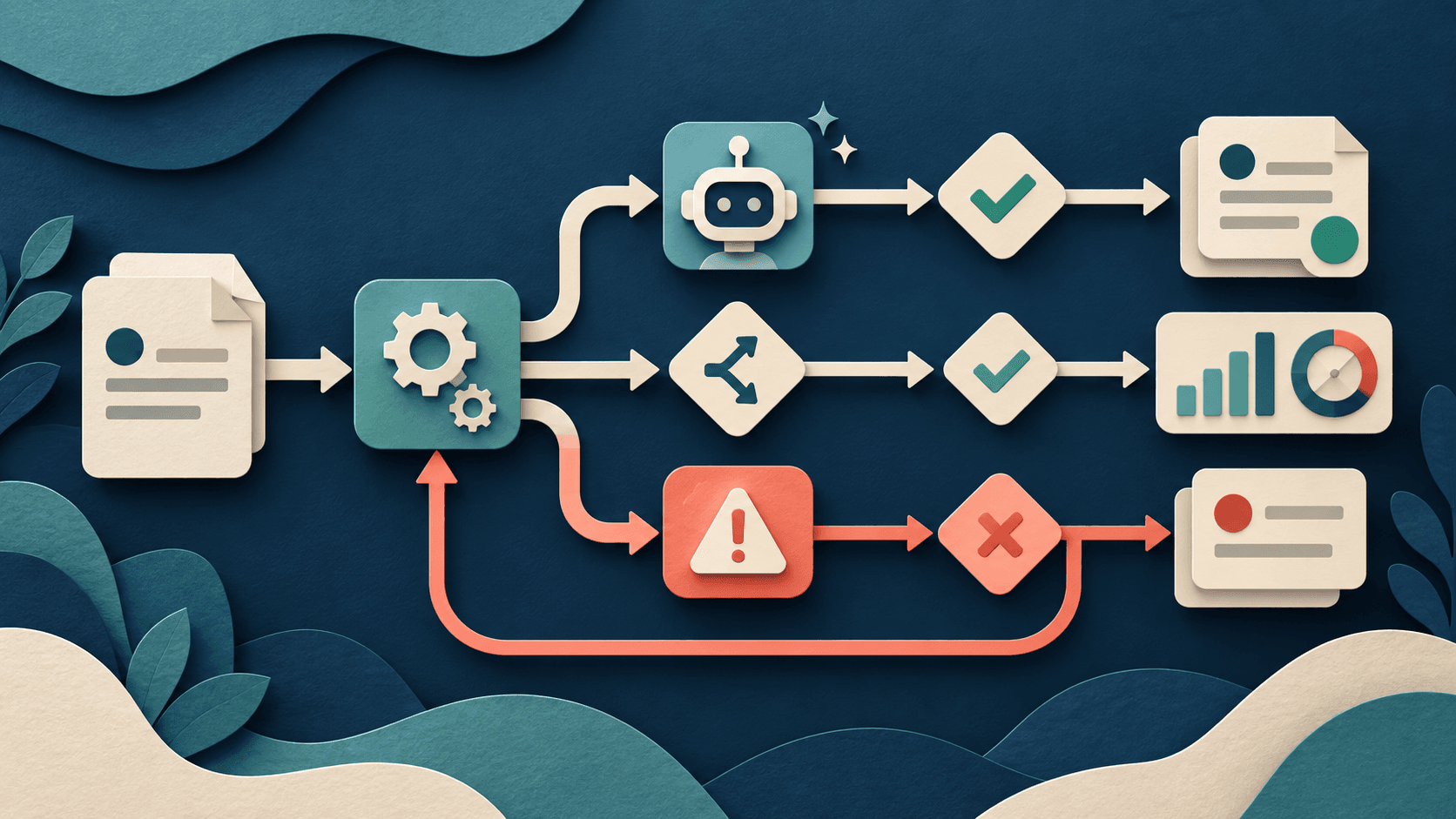
Scenarios make execution paths inspectable. Routers, filters, iterators, data stores, app modules, webhooks, and AI steps can support work that would otherwise require custom integration code. Deterministic modules should handle known rules; agents belong only where bounded judgment adds value.
Costs and operational boundaries
The visible subscription is only the starting point. Count usage, connected services, implementation, review, failure handling, administration, and the cost of accepted outcomes. Verify current plan details directly before purchase.
Risks and limitations
A successful test run is not an operating system. Loops, bundles, polling, retries, large payloads, and agent calls can increase consumption. Credentials, personal data, irreversible actions, prompt injection, duplicate writes, rate limits, schema changes, and silent partial failures all need explicit controls.
A fair buyer test
Automate one real weekly process for 30 days. Seed malformed records, duplicates, expired credentials, rate limits, model refusal, and downstream downtime. Measure completed outcomes, operations per outcome, false actions, replay success, correction time, alerts, monthly cost, and owner time.
Verdict
Choose Make when its visual control reduces build and maintenance work across several systems. Choose a simpler connector for short linear tasks, or code when testing, versioning, latency, and infrastructure control dominate.
Transparency
How this guide was checked
Editorial accountability
Who checked this guide
- Evaluation type
- Hands-on evaluation
- Last materially checked
- Evidence
- 4 listed sources
Hands-on testing is identified explicitly. Research-based coverage uses cited product documentation and other named sources; it does not imply every paid plan was used. Read the full methodology.
Editorial freshness
Pricing and material product claims were checked September 30, 2026.
Review evidence
What this guidance is based on
- Evaluation type
- Research-based product assessment
- Material review date
- September 30, 2026
- Evidence
- Current first-party sources
Important limits
- • No long-term production deployment or controlled cross-platform benchmark.
- • Plans, usage accounting, AI features, connectors, and policies can change.
Standardized benchmark coverage
How this review maps to the research benchmark
Citation accuracy
Not applicableThe reviewed workflow does not produce source-grounded research answers, so a citation score would be misleading.
Read protocol v2026.10-v1 →Thematic analysis
Not applicableThe reviewed workflow is not qualitative evidence analysis, so a thematic-analysis score would be misleading.
Read protocol v2026.10-v1 →Eligibility is not a product score. DiscoverAI publishes results only after output collection, blinded adjudication, reproducibility checks, and severe-error review.
Open the optional evaluation worksheet
Reusable trial worksheet
Test Make before you commit
Turn this review’s buyer test into evidence. Your entries autosave only in this browser and are never added to shared shortlist links.
Confirm the tool meets every must-have workflow and stakeholder requirement.
Review starting point: Teams that need visible multi-app workflows; Operators comfortable testing edge cases; Organizations that can monitor usage and failures
Run the same representative work you would use in production; do not score a polished demo.
Review starting point: Automate one real weekly process for 30 days. Seed malformed records, duplicates, expired credentials, rate limits, model refusal, and downstream downtime. Measure completed outcomes, operations per outcome, false actions, replay success, correction time, alerts, monthly cost, and owner time.
Calculate the effective cost per accepted result, including usage, review, corrections, and required add-ons.
Review starting point: Make offers a free plan and paid tiers with differing usage, scheduling, team, and administration limits. AI and agent work can add model or credit consumption; verify the live calculator and contract for the exact workload.
Define an acceptance threshold, test known answers and edge cases, and record every correction.
Review starting point: Editorial quality signals: features 0.0/5. Validate these signals in your own work.
Verify what data enters the product, who can access it, how long it is retained, and whether it trains models.
Review starting point: Use approved low-risk data first. Check roles, consent, deletion, subprocessors, model-training settings, and the contract—not only the marketing page.
Test the real handoffs, permissions, failure states, and export path your team depends on.
Review starting point: CRM, Email, Databases, Spreadsheets, Commerce, AI providers
Record training, governance, reliability, accessibility, ownership, and change-management risks before rollout.
Review starting point: Usage can multiply inside loops and retries; Complex scenarios require operational ownership; Agent behavior needs tighter controls than ordinary routing
Loading saved worksheet… · private to this device or your optional account
Community evidence
How verified users put Make to work
Structured, editor-moderated experience—not star ratings. This complements our independent review and never changes its score.
No approved community evidence yet. Be the first verified user to contribute.
Community choice
Recommend Make
Loading weekly votes…
One vote per verified account per tool, counted for seven days. Return after your vote expires to support again. Community votes influence homepage trends, never editorial ratings. Voting does not subscribe you to emails.
Sources and references
References cited by this article. Check the original source for scope, dates and current terms.
Frequently asked questions
Is Make free?
Make offers a free tier, but its capacity and scheduling limits make it best for learning and bounded workflows rather than assuming production scale.
How does Make charge?
Plans bundle usage and features; individual modules, iterations, retries, and AI steps can affect total consumption. Model the actual scenario before buying.
Are Make AI Agents the same as deterministic automation?
No. An agent can choose actions from context, while a conventional scenario follows explicit paths. Use narrower permissions and stronger approval rules for agents.
What should a Make pilot measure?
Measure successful outcomes, operations per outcome, failure and replay rate, correction time, latency, model spend, and hours of maintenance.
Recommended tool
Use Make if this workflow fits your team
Its visual scenarios expose routing and transformations that are difficult to govern in opaque automations.
Tools mentioned in this article
Make
Visual workflow automation with app integrations, data tools, and AI agents
Make gives small teams unusually visible automation logic, but operation counts, error recovery, agent autonomy, and maintenance determine whether a scenario remains economical.
n8n
A flexible workflow-automation platform for AI agents, APIs, data, code, and human approvals
n8n offers unusually deep automation and deployment control, but workflow ownership, execution economics, credentials, failures, and self-hosting operations determine its real value.
Gumloop
A visual platform for AI workflows, agents, triggers, scraping, and connected business automation
Gumloop builds visual AI workflows and agents for defined business processes; compare it on accepted outcomes, failure recovery, reviewer time, and total credits.
Read next