Are Free AI Tools Good Enough? When to Stay Free or Upgrade
Free AI is usually enough to discover a workflow and handle occasional low-risk tasks; paid plans matter when a specific limit becomes operational.
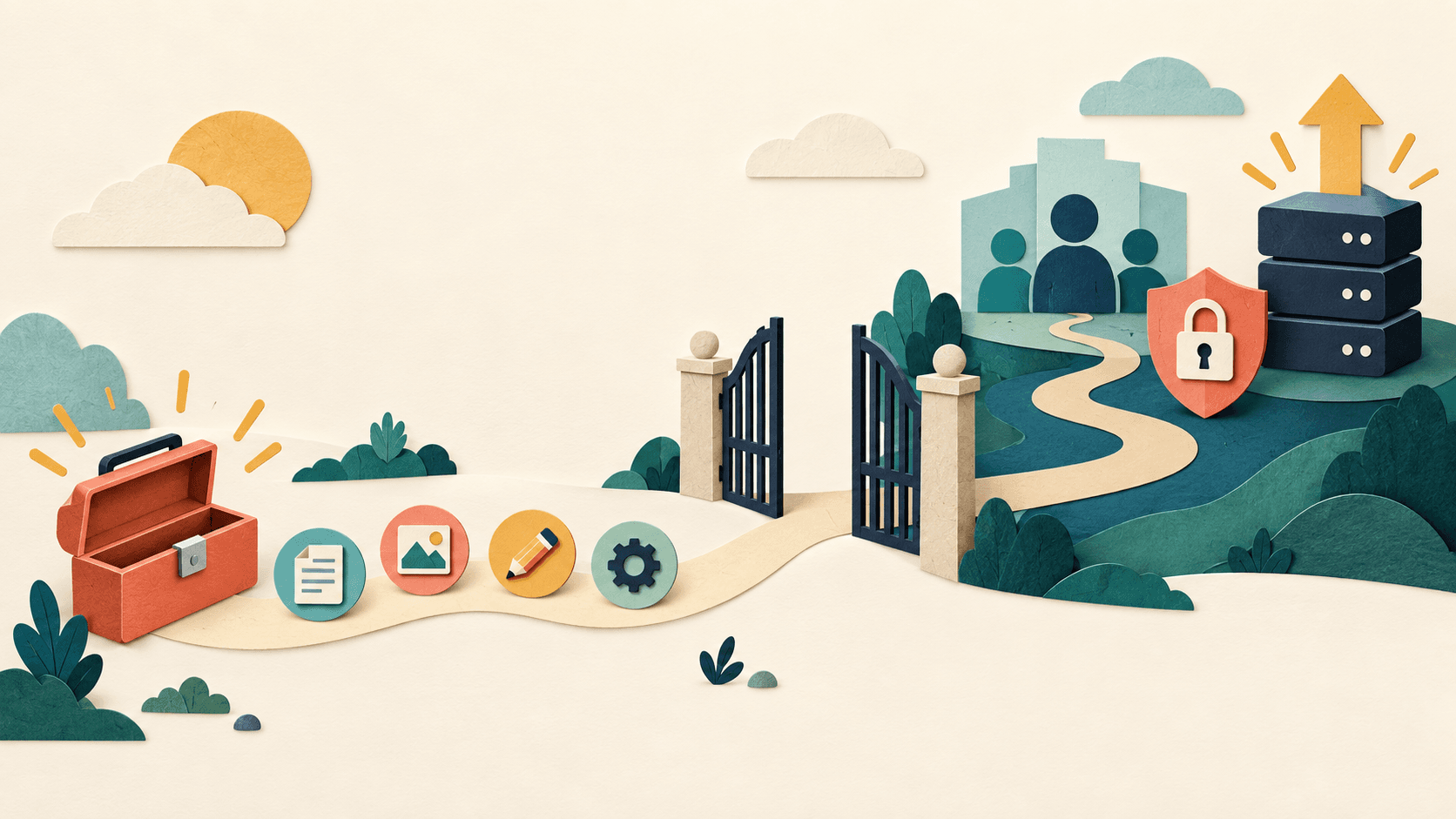
Bottom line
Free AI tools are good enough for low-risk learning and occasional work, but not automatically for shared, sensitive, high-volume, or business-critical workflows.
Editorial accountability
Who checked this guide
- Evaluation type
- Research-based verification
- Last materially checked
- Evidence
- 4 listed sources
Hands-on testing is identified explicitly. Research-based coverage uses cited product documentation and other named sources; it does not imply every paid plan was used. Read the full methodology.
Editorial basis
What this guidance is based on
- Editorial basis
- Source-led analysis
- Primary references
- 4
- Products covered
- 4
- Last checked
- 2026-09-09
Important limits
- • Features, availability, and pricing can change after publication; confirm consequential details with the provider.
In this guide
*This research-based guide uses current public plan documentation. Free features, models, quotas, availability, and data terms change often and can vary by region or demand. Verify the current product before relying on a limit.*
The short answer
Free AI tools are good enough for learning, occasional low-risk tasks, and proving whether a workflow deserves investment. They are often not enough for shared team administration, predictable high-volume use, sensitive business data, advanced integrations, contractual controls, or a process that must work on schedule.
Stay free while you are still discovering what the tool should do. Upgrade only when you can name the constraint: usage limits interrupt a valuable task, the paid model materially wins on your test set, collaboration removes handoffs, or governance features are required. “More AI” is not a buying reason.
What free AI can do well
Free general assistants can help brainstorm, rewrite non-sensitive text, explain concepts, structure public information, create checklists, and test prompts. Free specialist tools can be even better when the job is narrow: NotebookLM for synthesis over supplied sources, Canva Free for basic visual production, or free meeting and transcription allowances for occasional calls.
The right free tool depends on the task. ChatGPT Free is a broad discovery environment. Claude Free is strong for thoughtful writing and document work. NotebookLM is useful when answers should stay connected to an approved source set. Canva Free suits template-led visual work. Every option still requires fact-checking and appropriate data handling.
Where free plans usually stop being enough
Free access can have variable message, model, file, export, storage, media, or speed limits. Those limits matter only when they disrupt work. More important for organizations, consumer free plans often lack centralized billing, account lifecycle management, shared workspaces, role controls, analytics, audit features, enterprise support, and negotiated contractual terms.
A free plan is a poor foundation when a missed output affects customers, deadlines, fundraising, or operations. It may also be the wrong place for confidential information even if the model output is excellent. Read the data controls for the exact product and plan; do not infer business protections from the vendor's general reputation.
Free versus paid decision table
| Situation | Free is probably enough | Consider paid |
|---|---|---|
| Learning and prompt practice | Yes | No |
| Occasional public-information task | Usually | If limits repeatedly interrupt it |
| One person's weekly drafting | Often | If quality or capacity creates measured value |
| Shared team workflow | For a pilot | For administration and collaboration |
| Confidential or regulated data | Not by default | Only an approved plan and contract |
| Customer-facing critical process | Prototype only | Governed plan with fallback and support |
| API automation | Small included test, if offered | When unit economics and controls are proven |
A fair free-versus-paid test
Choose ten real tasks, including routine, difficult, and edge cases. Run the same inputs through the free plan and one paid candidate. Score instruction following, factual corrections, completion time, interruptions, output acceptance, and reviewer effort.
Then isolate the paid advantage. If the paid plan saves three minutes only because it responds faster, decide whether speed is worth the fee. If it provides a shared workspace and approved data defaults that the team genuinely needs, governance may be the decisive value even when output quality is similar.
Do not compare a carefully prompted paid result with a casual free attempt. Use the same sources, instructions, and review criteria.
When the paid option wins, confirm that it also passes the [30-day subscription test](/articles/is-an-ai-tool-worth-the-subscription) before committing to annual billing.
How to use free AI safely
Use individual accounts rather than shared passwords. Enable available privacy controls. Keep credentials, personal records, contracts, unpublished financials, protected health data, donor or customer lists, and sensitive case information out of unapproved tools. Verify claims against original sources and assign a human owner to anything published or acted upon.
For teams, document which free tools are allowed and what data is prohibited. Unmanaged “shadow AI” can create more risk than a modest governed subscription.
The verdict
Free AI is good enough to answer the first question: can this workflow create value? It is not always sufficient to operate that workflow reliably or govern it across a team.
Stay free until friction is frequent and measurable. Pay for the precise capability that removes it, then review the subscription after 30 days.
- Step 1
Start free
Test one low-risk workflow
- Step 2
Find the limit
Usage, quality, privacy, or team access
- Step 3
Price the gap
Measure what the constraint costs
- Step 4
Upgrade selectively
Pay only for the needed capability
Takeaway: A free tool is enough for a bounded pilot; pay when limits block reliable work, collaboration, governance, or privacy requirements.
Sources and verification
Product details and claims were checked against the following primary sources.
Frequently asked questions
Are free AI tools as good as paid ones?
They can produce similar results on many occasional tasks, but paid plans may offer higher limits, better models, collaboration, administration, integrations, support, or stronger business data terms.
What is the best free AI tool?
There is no universal winner. ChatGPT is broad, Claude suits writing, NotebookLM supports source-grounded synthesis, and Canva suits visual creation. Choose by one real task.
Can a business use free AI tools?
Yes for approved low-risk pilots, but consumer plans may lack team administration and contractual controls. Do not enter sensitive business or personal data without approving the exact plan.
When should I upgrade from a free AI plan?
Upgrade when a repeated limit blocks a valuable workflow or when paid-only quality, capacity, collaboration, privacy, administration, integration, or support is genuinely required.
Tools mentioned in this article
ChatGPT
The general-purpose AI assistant that started it all
OpenAI's flagship conversational AI model, powering everything from casual chat to complex reasoning, coding, and creative work.
Claude
Anthropic's thoughtful, safety-focused AI with exceptional long-form reasoning
Claude excels at deep analysis, long-form writing, and nuanced reasoning. Built by Anthropic with a focus on safety and helpfulness.
NotebookLM
A source-grounded Google research workspace for asking questions and generating overviews from a controlled source set
NotebookLM is a strong research companion when you already have a defined source library, but citations, source completeness, privacy, and plan limits still require human review.
Canva AI
A practical AI tool for design workflows
Canva AI helps professionals improve design workflows with AI-assisted drafting, automation, analysis, or production features.
Read next
Recommended for you
Best Free AI Tool for Small Teams in 2026: Start With ChatGPT
ChatGPT Free is the broadest low-friction pilot for drafting, analysis, research, files, and everyday questions—but it is not a shared team workspace.
ChatGPT Free is our best free AI starting point for small teams testing broad use cases. Learn its limits and when Claude, NotebookLM, Canva, or Fathom is better.
Read guide
AI Social Media Tools in 2026: Best Stack for Content, Scheduling, and Analytics
AI Tools for Nonprofits in 2026: Build a Practical Mission-First Stack
Best AI Tools Under $50 a Month for Small Business in 2026