AI Image Generation: Tools, Workflow, Rights, and Review
Everything you need to know about AI image generation: tools, techniques, copyright, and best practices.
Bottom line
From choosing the right tool to writing effective prompts and navigating copyright, this is your complete guide to AI image generation.
Editorial accountability
Who checked this guide
- Evaluation type
- Research-based verification
- Last materially checked
- Evidence
- 2 listed sources
Hands-on testing is identified explicitly. Research-based coverage uses cited product documentation and other named sources; it does not imply every paid plan was used. Read the full methodology.
Editorial basis
What this guidance is based on
- Editorial basis
- Source-led analysis
- Primary references
- 2
- Products covered
- 1
- Last checked
- 2026-08-04
Important limits
- • Features, availability, and pricing can change after publication; confirm consequential details with the provider.
AI image generation has moved from novelty to necessity for designers, marketers, and content creators. But the landscape is overwhelming — Midjourney, DALL-E, Stable Diffusion, Adobe Firefly, and dozens more.
This guide covers everything you need to know: which tool to use for what, how to write effective prompts, the copyright landscape, and how professionals integrate AI images into their workflow.
The Tools at a Glance
Midjourney produces the most aesthetically beautiful images. It's the first choice for artistic quality and creative direction.
DALL-E 3 (via ChatGPT) offers the best natural language understanding — describe what you want in plain English and it gets it right.
Adobe Firefly is the safest choice commercially, trained on licensed content with IP indemnification.
Stable Diffusion offers the most control and customization, but requires technical expertise to run effectively.
Prompting 101
Great AI images start with great prompts. The best prompts follow a structure: subject + style + details + composition + parameters. For example: "A modern minimalist office space with warm lighting, photorealistic style, shot on 85mm lens, natural window light —ar 16:9"
The Copyright Question
Rights depend on jurisdiction, the amount of human authorship, the source material, the provider's current terms, and the intended use. Do not treat commercial-use permission as a guarantee that a particular output is clear of third-party rights. For consequential work, retain prompts and edits, review current terms, run similarity checks where appropriate, and obtain legal advice for your situation.
Sources and verification
Product details and claims were checked against the following primary sources.
Frequently asked questions
Can I use an AI-generated image commercially?
A provider may permit commercial use under its terms, but that does not resolve every copyright, trademark, publicity-right, or contractual risk in a specific output. Review the current terms and obtain advice for consequential uses.
What should I save from an AI image workflow?
Retain the source brief, prompts, reference-image permissions, generated candidates, human edits, model and plan used, and the provider terms in effect when the work was created.
Tools mentioned in this article
Midjourney
The gold standard for AI image generation with unmatched artistic quality
Midjourney produces the most aesthetically stunning AI-generated images. It's the tool of choice for designers, artists, and creative professionals.
Read next
Recommended for you
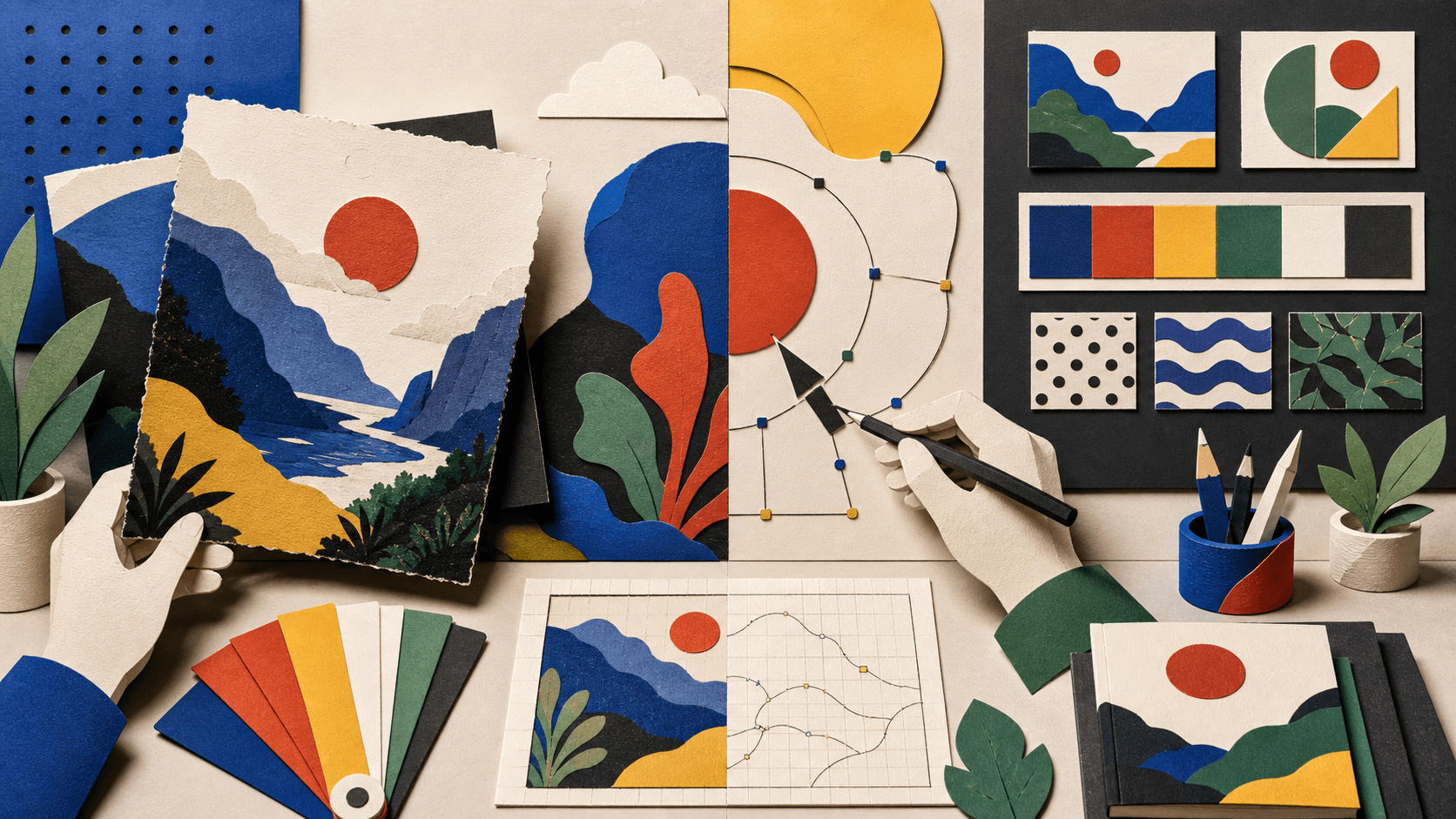
Recraft Review 2026: AI Images, Vectors, and Brand Styles
A research-based Recraft review covering features, pricing, privacy, limitations, alternatives, and a practical buyer test.
Recraft brings raster and vector generation, editing, style control, mockups, background tools, and an API into one design workspace, with unusually important ownership and privacy differences between free and paid plans.
Read guide
Lovart Review 2026: Is the AI Design Agent Worth It?
Krea AI Review 2026: Creative Suite for Images, Video, and Realtime Generation
Figma AI Review 2026: AI Design Features, Tested for UI/UX and Marketing Teams