In this guide
Start with the result you can check
Before asking AI to automate a spreadsheet, write down what the finished table should contain. A working-looking script can still delete a useful row, merge two different customers or send information somewhere the task never required.
This is an editorial test method, not a tested Gemini script. The example data is fictional. You can use the method with code from an assistant or a colleague; the checks concern what the code does.
Free workflow pilot checklist
Test the workflow before you buy the tool.
Use our buyer checklist to plan a task, assign a reviewer and track time saved. You’ll also receive the weekly AI briefing.
Prepare a small, awkward input
Download the test packet. It includes four rows: two with the same record ID, one with a blank email and one with a name that has extra spaces. Your task is to produce a new review table while keeping the original unchanged.
Set these rules before generating code: trim outer spaces in names; keep the first occurrence of each exact record ID; flag later duplicate IDs; preserve missing emails as blank; do not send messages. Duplicate names are not duplicate records unless the ID also matches.
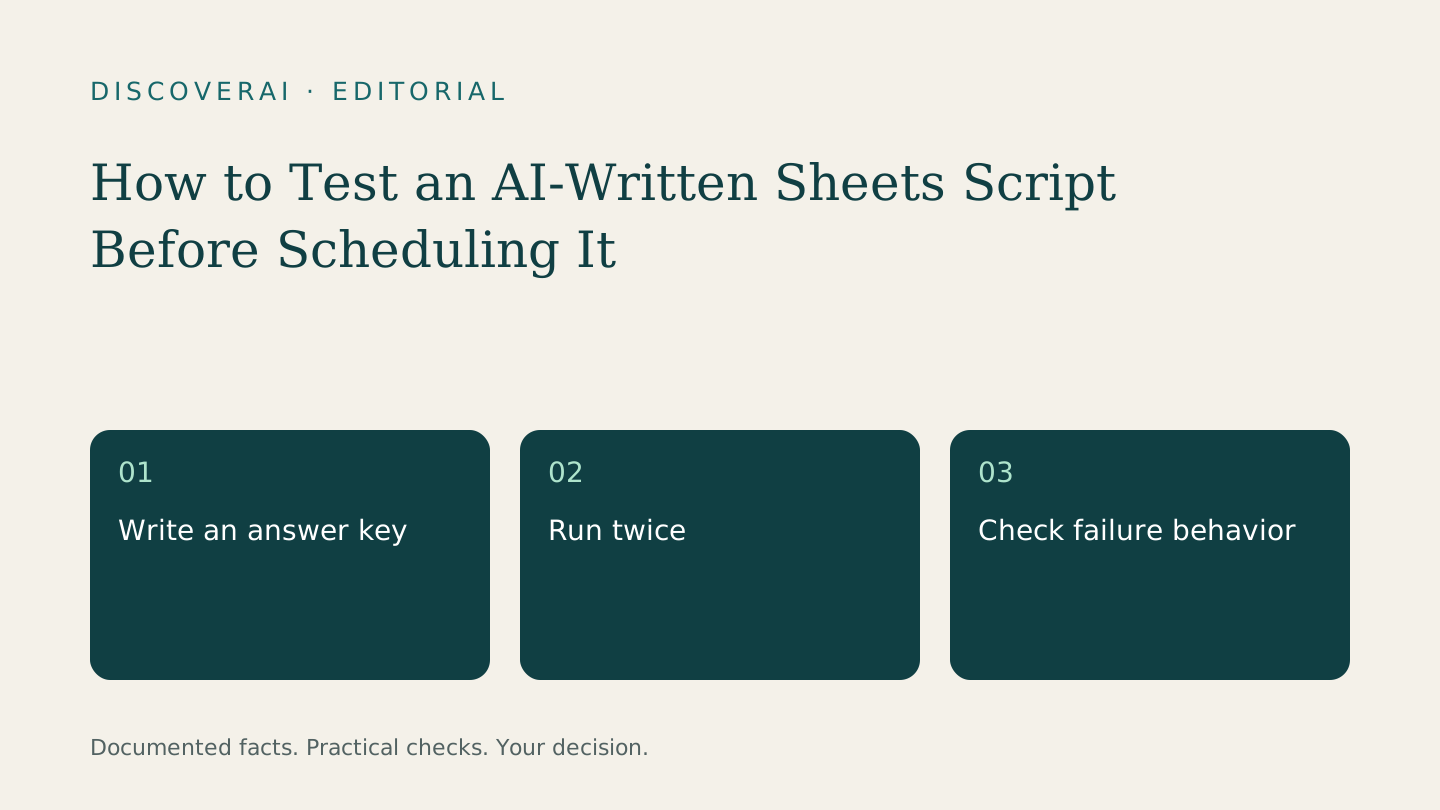
The expected accepted rows are A01, A02 and A03. The second A01 belongs in a separate duplicate report. A02 still has a blank email. These simple expectations make a silent mistake visible.
Give the assistant a bounded request
Use this starting prompt with the fictional packet:
Propose a Google Apps Script that reads the Input sheet and writes separate Review and Duplicates sheets. Preserve Input. Trim only leading and trailing spaces in names. Keep the first exact record ID and flag later occurrences. Leave missing emails blank. Do not use email, external services or automatic triggers. Explain every changed range and how repeated runs avoid appending duplicates. Show the code for human review before execution.
The prompt is a specification, not a security boundary. Have someone able to read the code inspect it. Search for actions outside the requested task, and ask for an explanation of unfamiliar services before authorizing access.
Check permissions and run on a copy
Google's authorization documentation explains that scripts request access based on the services they use. Some document-bound scripts can limit access with the documented current-document annotation, but it is not a universal sandbox. An installable trigger runs as its creator.
Use a disposable spreadsheet and review the requested permissions. A task limited to table cleanup should not require sending mail. Do not approve a broad request simply because the assistant says it is normal.
Compare the output to the answer key, then run the script again. The second run should produce the same intended records, not append another copy. Change the order of the duplicate rows and confirm that the documented first-occurrence rule still explains the outcome.
Test failure before adding a schedule
Rename the Input sheet temporarily. The script should stop clearly rather than write a plausible empty report. Restore it, then test a missing ID and a malformed row. Decide which errors stop processing and which belong in a review list. Do not let the assistant silently choose business rules for you.
Keep the approved script version, input sample and expected output together. Name the owner who can disable the schedule or repair the process. Only add an automatic trigger after the manual checks pass and the owner understands the execution identity.
Use the trial scorecard to record correction time and failures. The goal is a repeatable result with a known recovery path, not merely a successful first run. For the release context, see our Gemini in Apps Script news analysis.
Transparency
How this guide was checked
About this article
How this article was prepared
- Evaluation type
- Source-based research
- Last reviewed
- Evidence
- 2 listed sources
We label hands-on testing separately. Research-based articles draw on product documentation and other cited sources, rather than direct use of every plan. Read the full methodology.
Editorial basis
Sources and testing
- Editorial basis
- Source-based research
- Primary references
- 2
- Products covered
- 0
- Last checked
- 2026-11-17
Important limits
- • Features, availability and prices can change. Check the provider’s current terms before buying.
Sources and references
References cited by this article. Check the original source for scope, dates and current terms.
Frequently asked questions
Is the supplied example a tested script?
No. It is a fictional input packet, answer key and proposed test method.
Why run the script twice?
A repeat run can expose duplicate output or unintended cumulative changes.
Read next